Dynamics 365 SOAP Logger
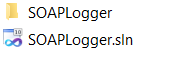
The SOAP Logger is a tool that is located in the CRM SDK at: SDK\SampleCode\CS\Client\SOAPLogger You will see the files: Open the solution…
Read article →Practical guides, tutorials, and insights on AI, agents, Microsoft technologies, enterprise applications, and communication.
The SOAP Logger is a tool that is located in the CRM SDK at: SDK\SampleCode\CS\Client\SOAPLogger You will see the files: Open the solution…
Read article →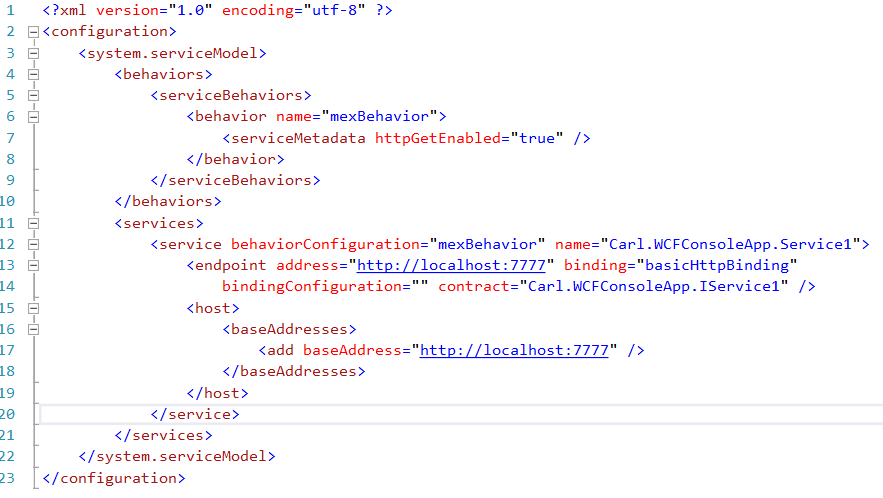
In this post we will take a look at using tcp bindings in a WCF service. We will follow on from a…
Read article →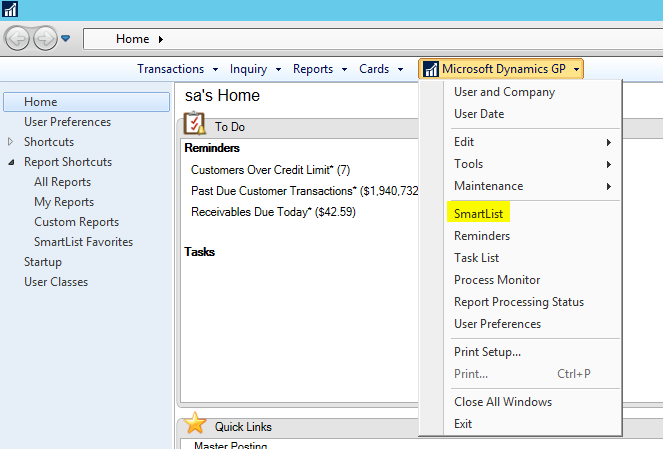
SmartLists in Dynamics GP are a way to view data through the Dynamics GP user interface. To view the list of SmartLists,…
Read article →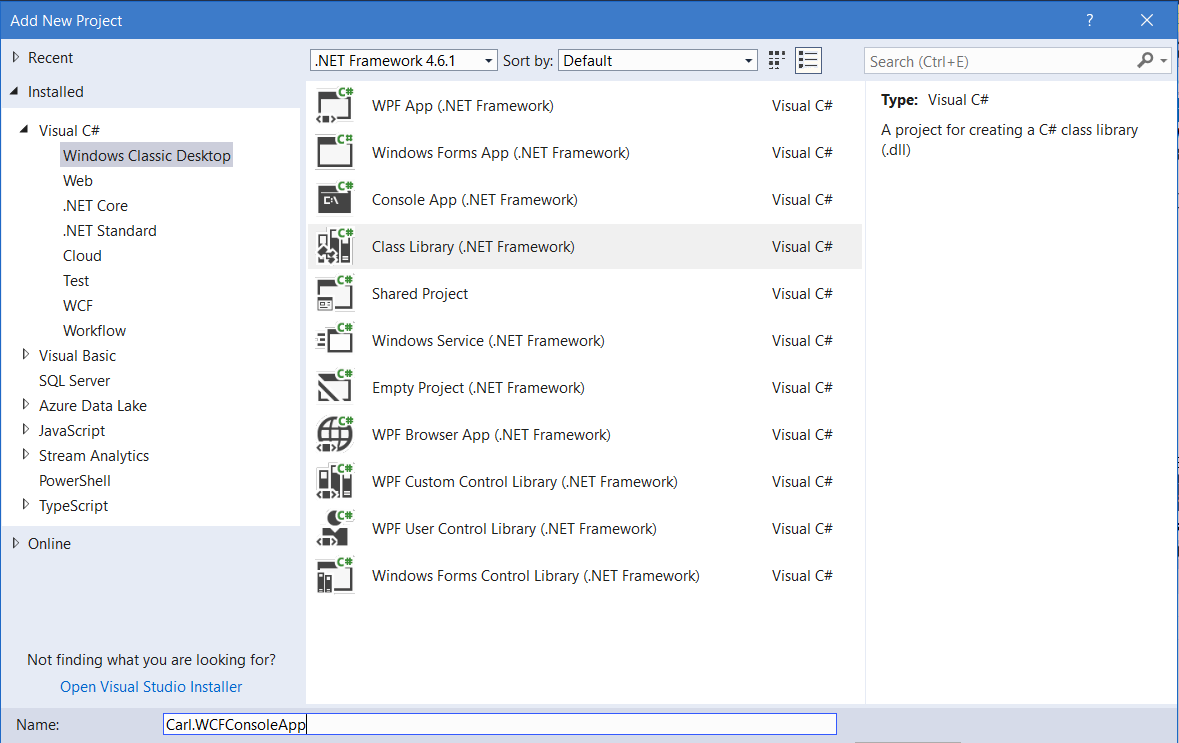
WCF Services can be self-hosted in a Windows console app. Here we will go through how to do this. First, create a…
Read article →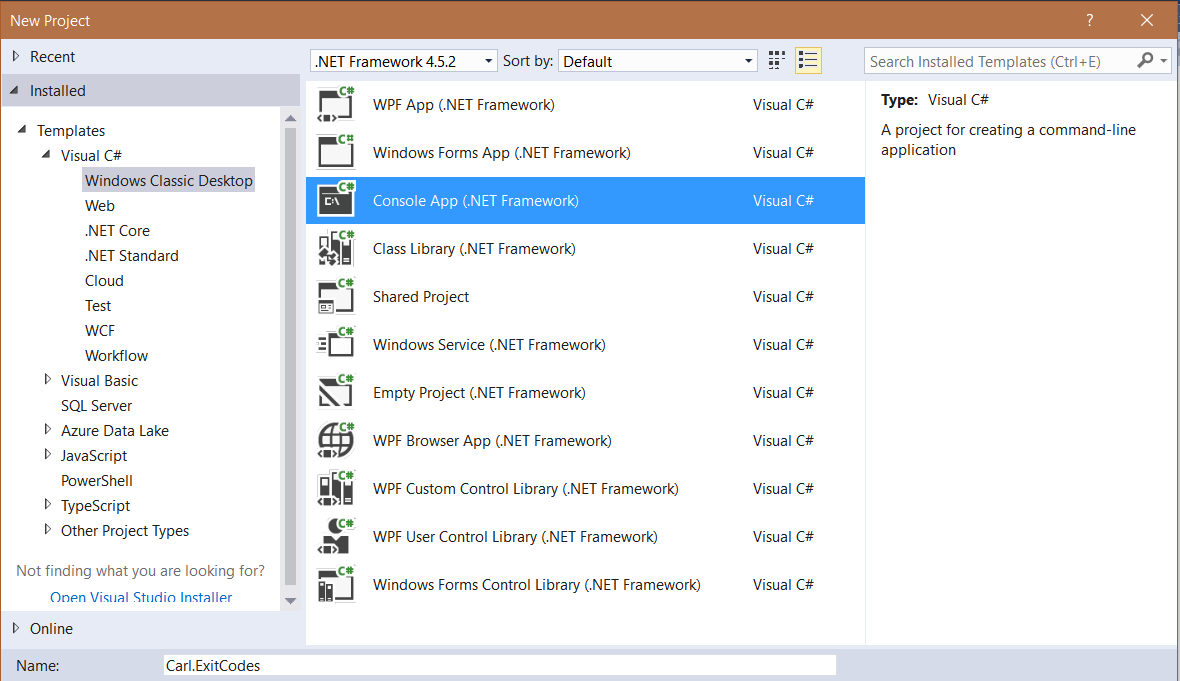
Console apps can return exit codes to provide a way to show the app has successfully run. Here we will go through…
Read article →
A batch file in Windows is a way to automate Windows tasks. Batch files contain the extension .bat. To create a batch…
Read article →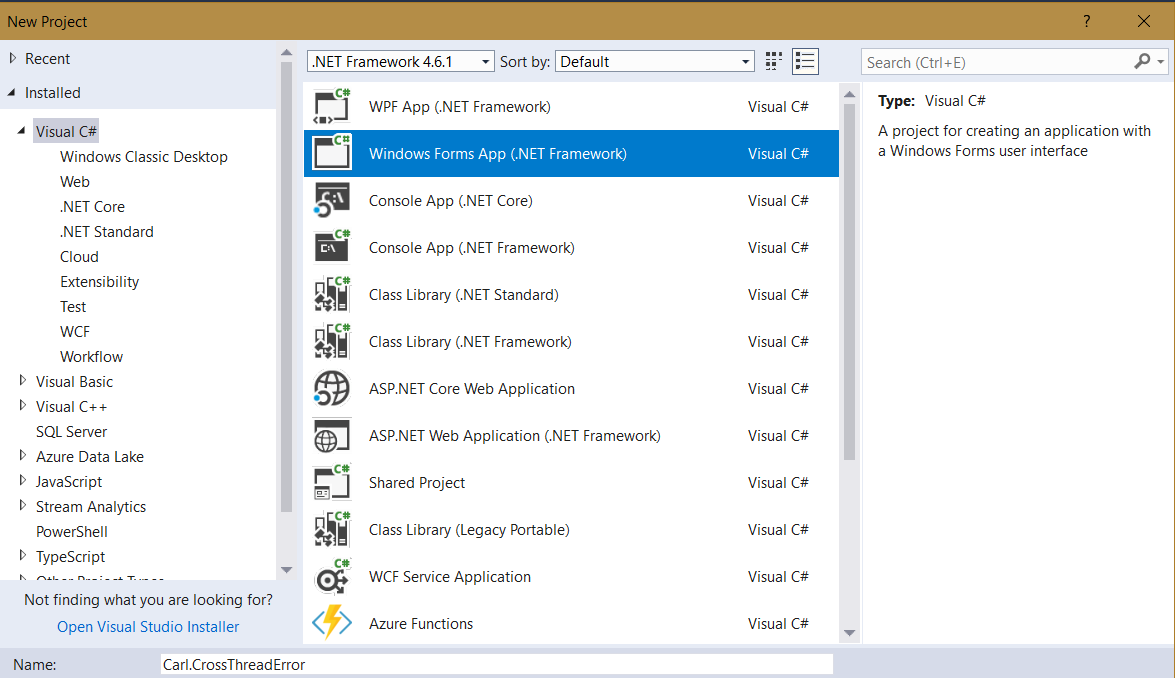
This error occurs when trying to perform operations on a windows control when using threading. Here we will go through the error…
Read article →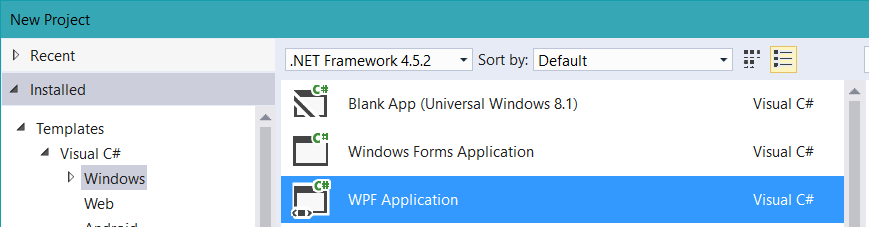
Here is a simple example to get started with Windows Presentation Foundation (WPF) and Extensible Markup Language (XAML). First, create a new…
Read article →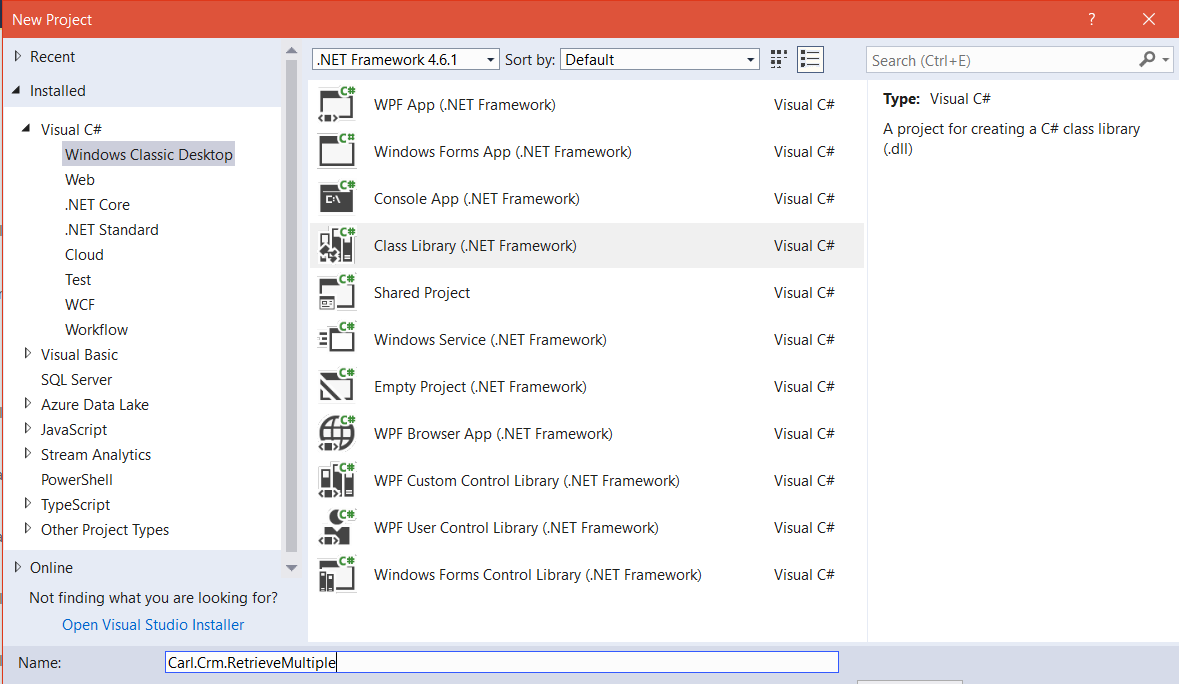
In Dynamics 365, we have the ability to register a plugin when a retrieve multiple request is executed on an entity. Here…
Read article →
To create a basic Dynamics GP SSRS report, do the following. First, browse out to your SSRS website and go to the…
Read article →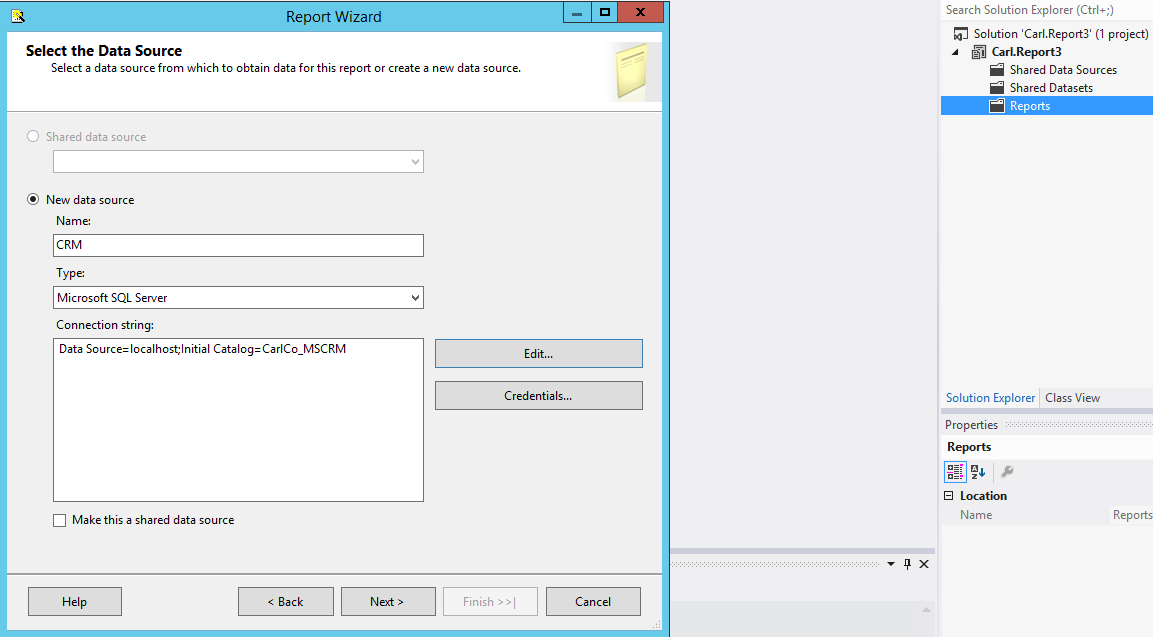
Visual Studio SSRS reports can be used to connect to the Dynamics CRM on premise SQL database. We will go through an…
Read article →
In order to edit SSRS reports in Visual Studio, you will need SQL Server Data Tools installed. First, go to the Microsoft…
Read article →