Adding a Submenu to a USD Hosted Control
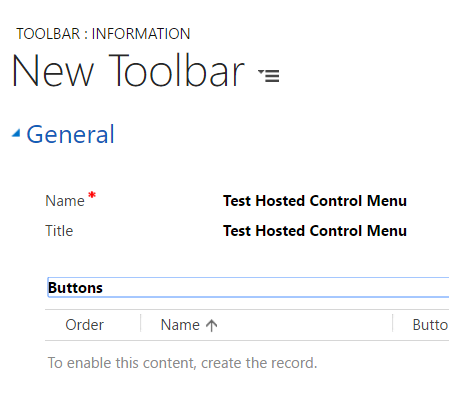
Adding a submenu to a USD hosted control is simple. To do this, first create a menu. Go to the USD configuration and…
Read article →Practical guides, tutorials, and insights on AI, agents, Microsoft technologies, enterprise applications, and communication.
Adding a submenu to a USD hosted control is simple. To do this, first create a menu. Go to the USD configuration and…
Read article →
In my previous post I discussed created custom hosted controls in USD. Now I will discuss creating custom actions for those controls. When…
Read article →
USD has the flexibility to create custom hosted controls. Here are the steps to do this. Download and install the Unified Service…
Read article →
When USD is installed, by default it installs the client in the location: C:\Program Files\Microsoft Dynamics CRM USD\USD Here you will see…
Read article →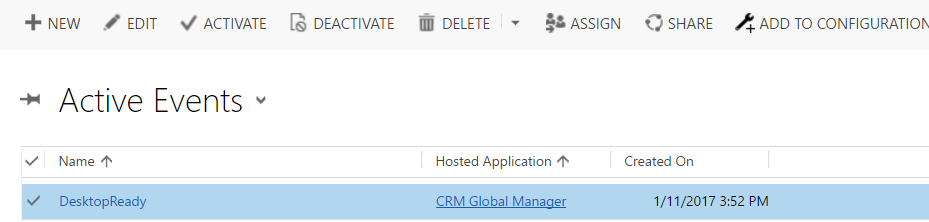
Global Manager is a hosted control that is core to USD. When USD is started, the global manager reads all the configuration…
Read article →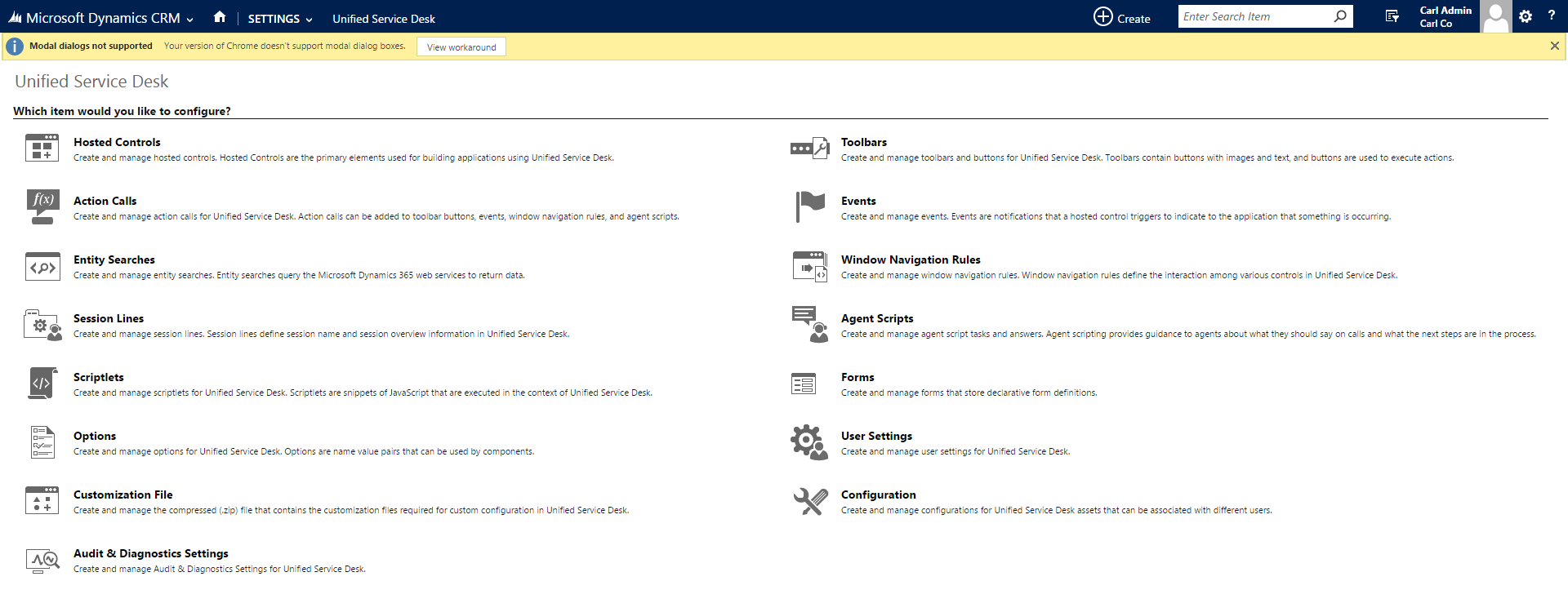
Once USD has been installed (see my earlier post) the next step is to configure it. In Dynamics CRM, you can access…
Read article →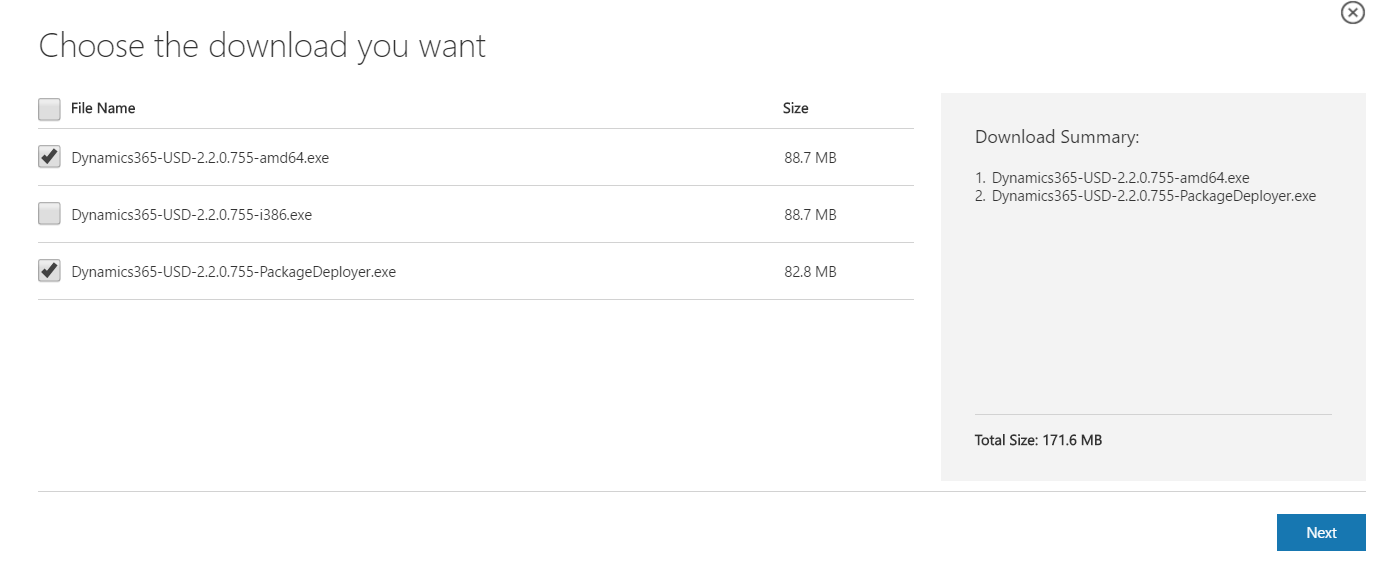
The following are steps to install the Unified Service Desk (USD). Go to the Microsoft website to download the USD files: https://www.microsoft.com/en-us/download/details.aspx?id=50355 Select…
Read article →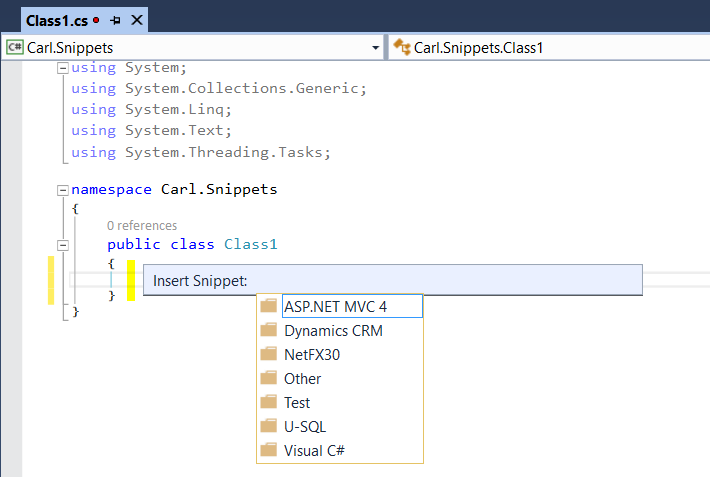
In Visual Studio, code snippets are available to help with development. To use code snippets, open a Visual Studio project. Type CTRL-K…
Read article →
One way a generic SQL error can occur is when dealing with ConditionOperator in QueryExpression. Consider the following code to get all users who’s first…
Read article →
In Dynamics 365, once we have the IOrganizationService object, we can retrieve the user id, organization id and the business unit id: CrmServiceClient conn =…
Read article →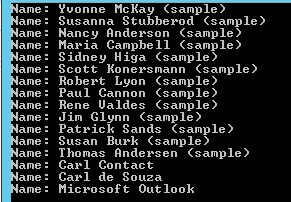
To create a console app that connects to Dynamics CRM 2015, we will use the CrmServiceClient. Create a new Visual Studio project and…
Read article →
To finding the Dynamics CRM OData and Web API URLs for your organization, go to Dynamics CRM and select Settings->Customizations: From there,…
Read article →