
Dynamics CRM Quick Find Entities
Dynamics CRM has quick find functionality, where you can enter text in the search box and it will search specific entity records…
Read article →Practical guides, tutorials, and insights on AI, agents, Microsoft technologies, enterprise applications, and communication.
Dynamics CRM has quick find functionality, where you can enter text in the search box and it will search specific entity records…
Read article →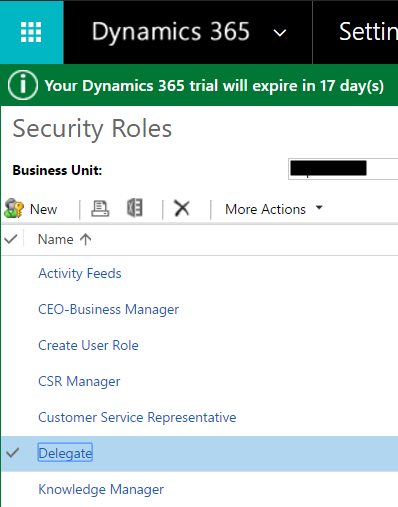
Security roles can be copied in Dynamics 365. To do this, go to Settings->Security and select a role to copy: Select More…
Read article →
PowerShell is an interactive shell and a scripting language for Windows environments. It has several uses including for automation and configuration. It…
Read article →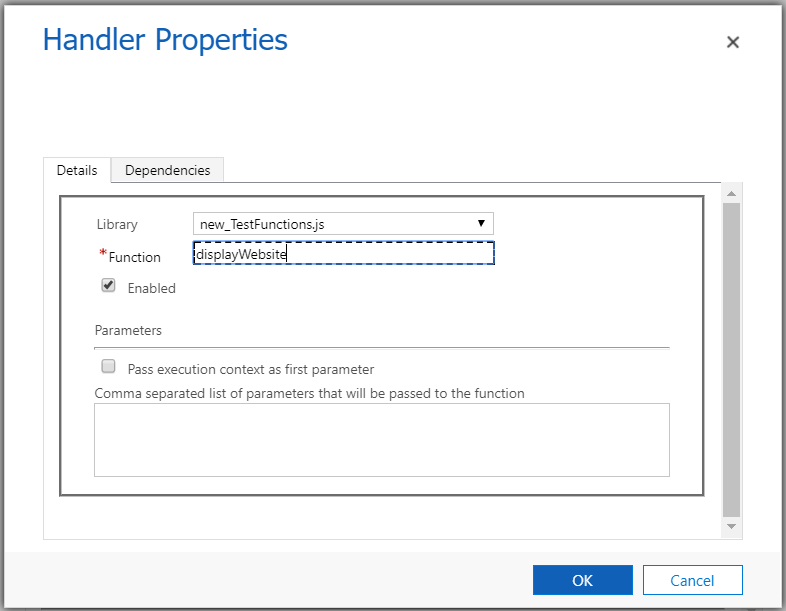
In our Dynamics 365 forms, there are measures we can take to ensure fields that are being used by JavaScript are not…
Read article →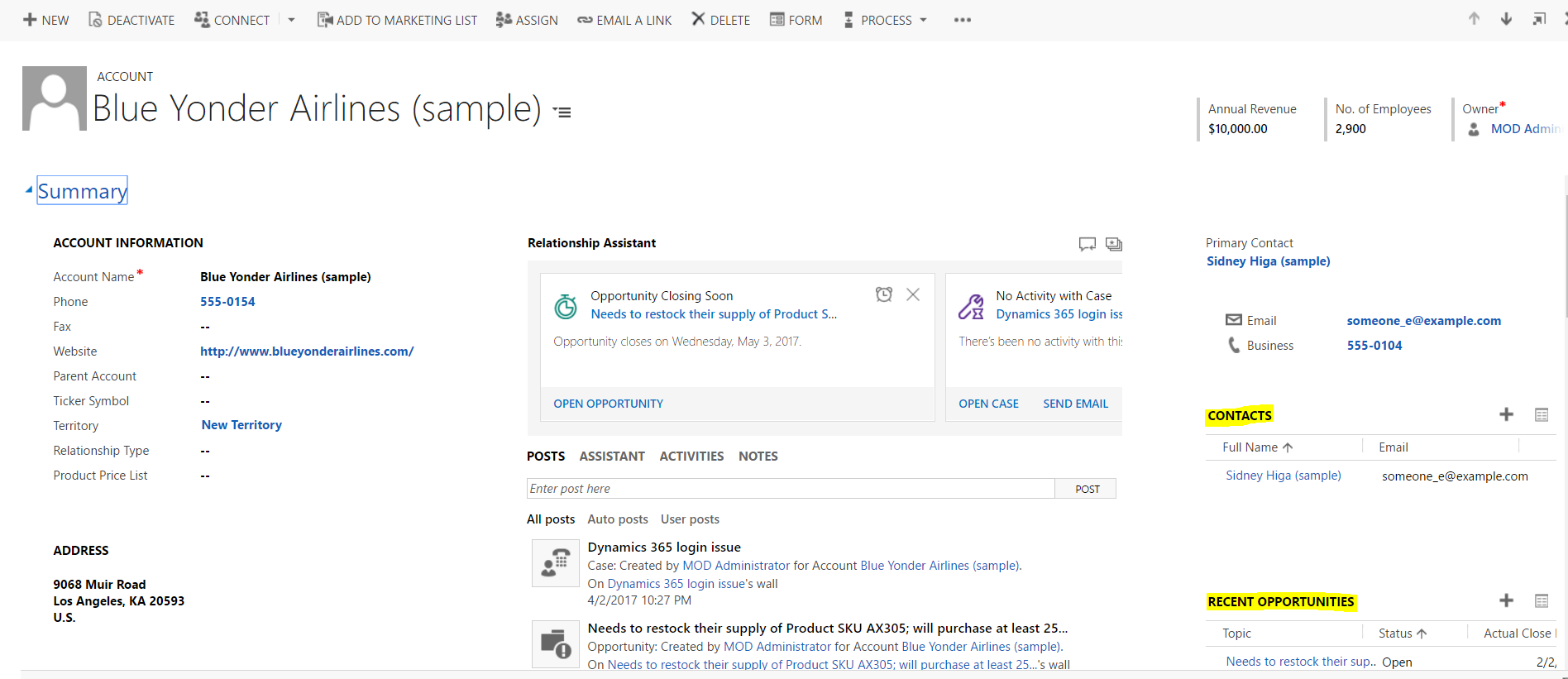
Subgrids are grids on a form that display records from another entity. We will go through an example of adding subgrids to a…
Read article →
In the Dynamics CRM SDK, there is the capability to use PowerShell to connect to CRM. To do this, in the SDK\Bin folder, there…
Read article →
Using JavaScript, we can send queries to Dynamics CRM to retrieve data. We will go through an example of how to do…
Read article →
To get the Dynamics 365 user name and user id in JavaScript, create a function and attach and publish: function GetUser() {…
Read article →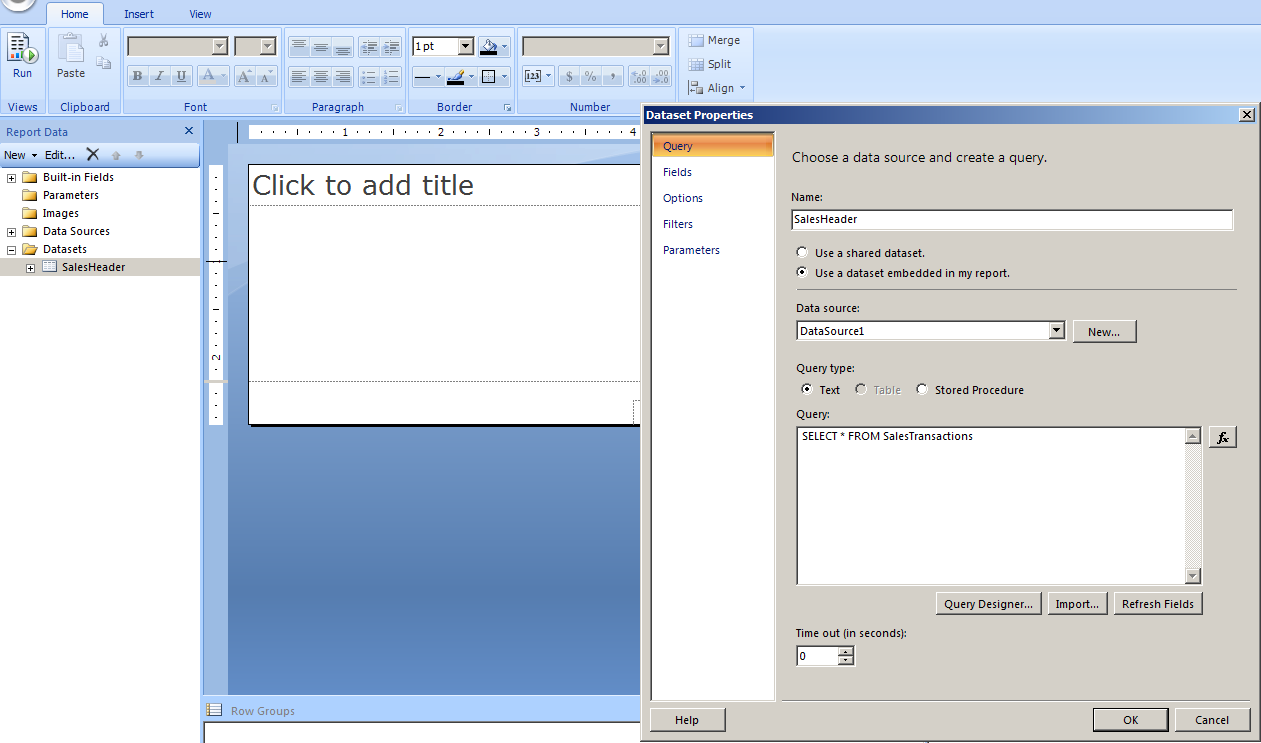
There are instances when you will need to use a subreport in SSRS. Here I will build a report with a subreport, using…
Read article →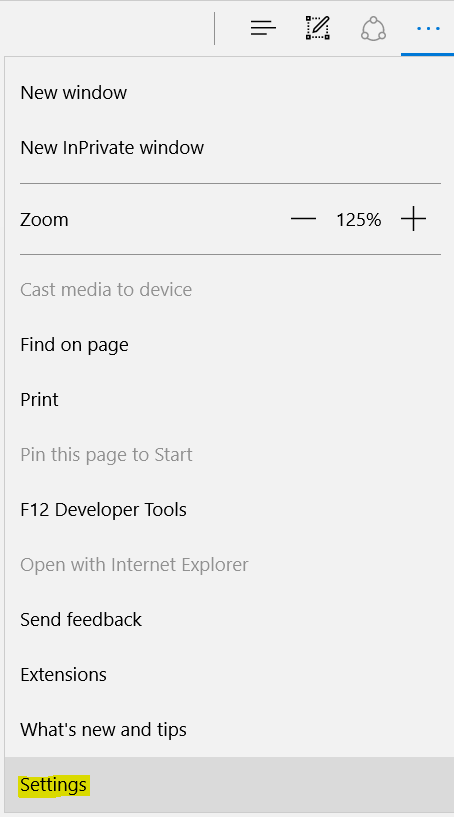
In Internet Explorer and Edge browser, you may need to clear your cache. Through the User Interface, you may do this the…
Read article →
Visual Studio Web Essentials is a VS extension by Mads Kristensen that assists with the development of CSS, HTML, JavaScript, TypeScript and CoffeeScript. To…
Read article →In a Dynamics 365 web resource such as an HTML page, you may need to access Xrm properties, such as Xrm.Page.context.getClientUrl(). Adding this…
Read article →