In our Dynamics 365 forms, there are measures we can take to ensure fields that are being used by JavaScript are not removed from forms.
For example, let’s say we have a function to display the Website URL entered by the user:
function displayWebsite()
{
 try {
 alert("The website entered is: " + Xrm.Page.getAttribute("websiteurl").getValue(););
 }
 catch (e) {
 alert(e.message);
 }
}
Let’s add this displayWebsite function to the form OnLoad event:
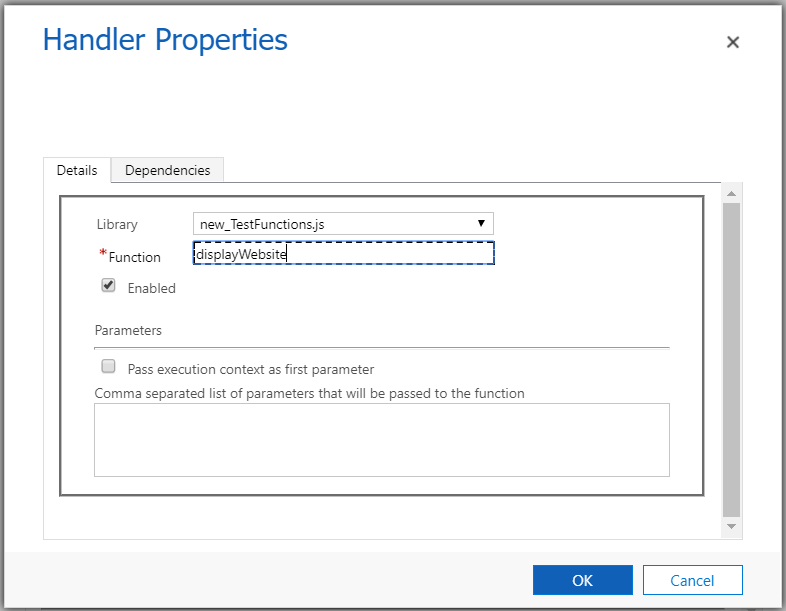
Now, select an account. You will see the pop-up:

Now what happens if we remove the website field from the form. We run into the error:

To prevent this from happening, we can go to Form Properties and select the Non-Event Dependencies, and add the website field:
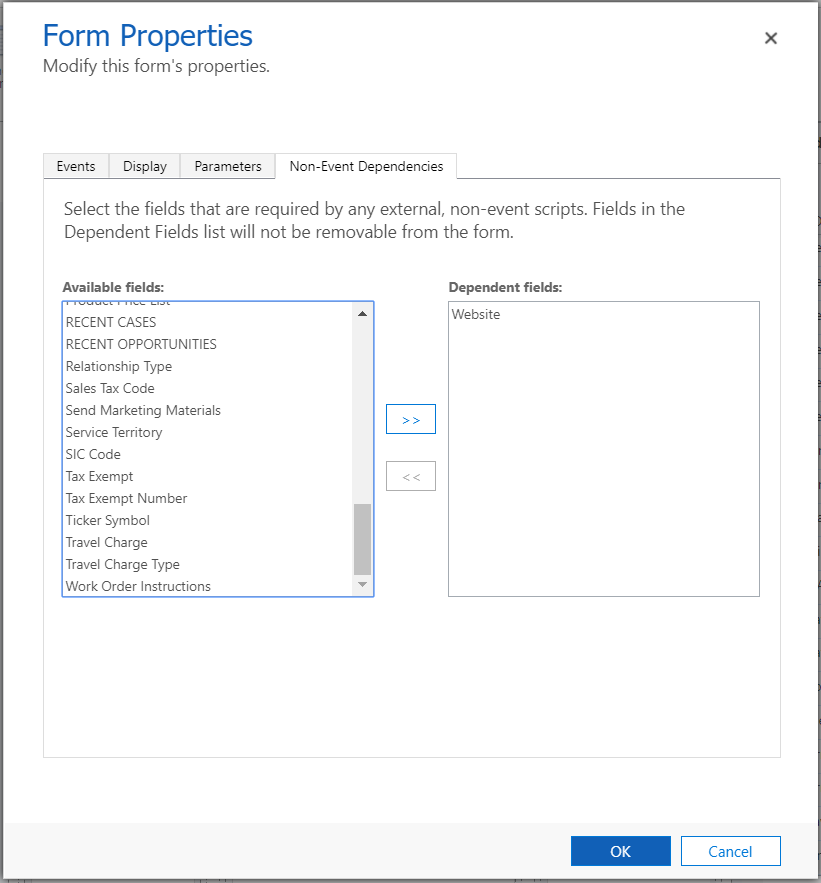
Now we will see a lock symbol next to the website field:
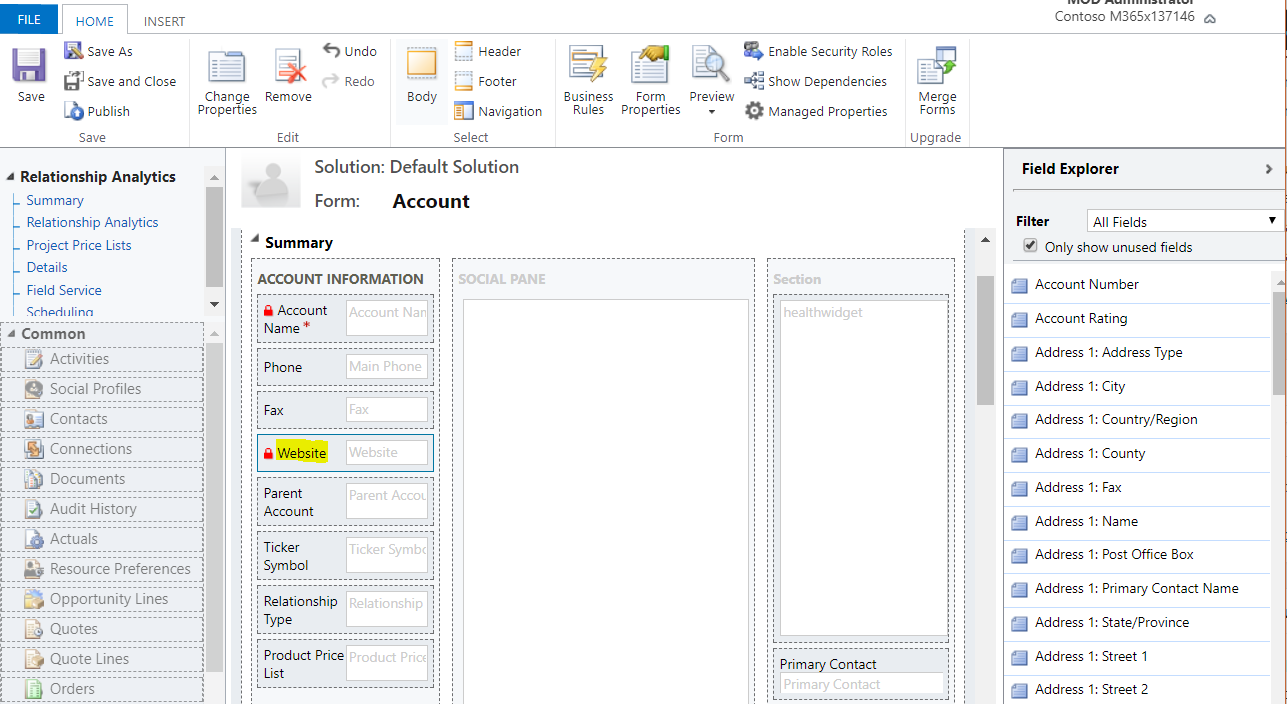
The field has been locked as can be seen in the field properties:
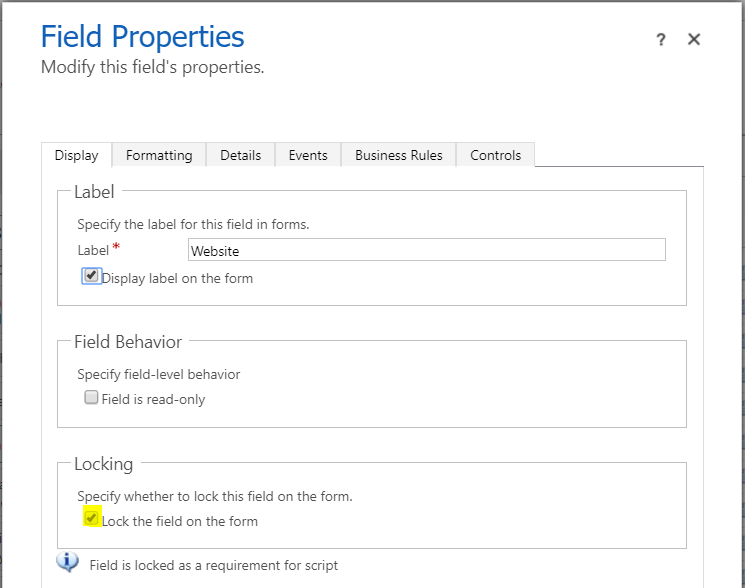
If we try to remove the field, we get the message:
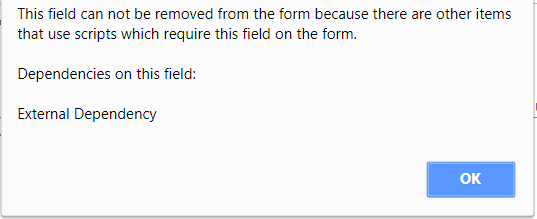
To change the field properties back, you can remove the field from the form dependencies and uncheck the lock field property.

Explore AI, agents & Microsoft technology.
I share practical ideas, tutorials, and videos about AI, AI agents, Microsoft technologies, and the Power Platform.
Subscribe on YouTube →