Visual Studio SSRS reports can be used to connect to the Dynamics CRM on premise SQL database. We will go through an example of how to do this.
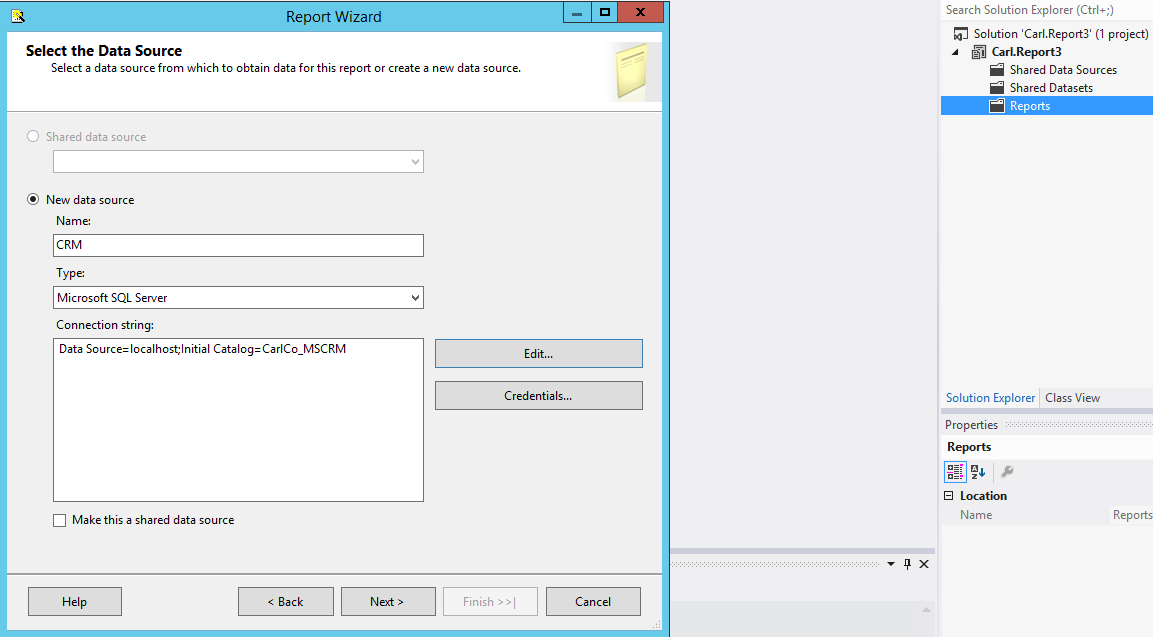
First, create a new Visual Studio project. Add a new report using the report wizard. Set the type to Microsoft SQL Server and the connection string to the CRM organization database:
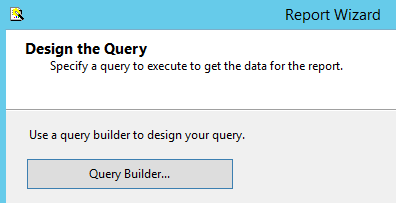
Select query builder:
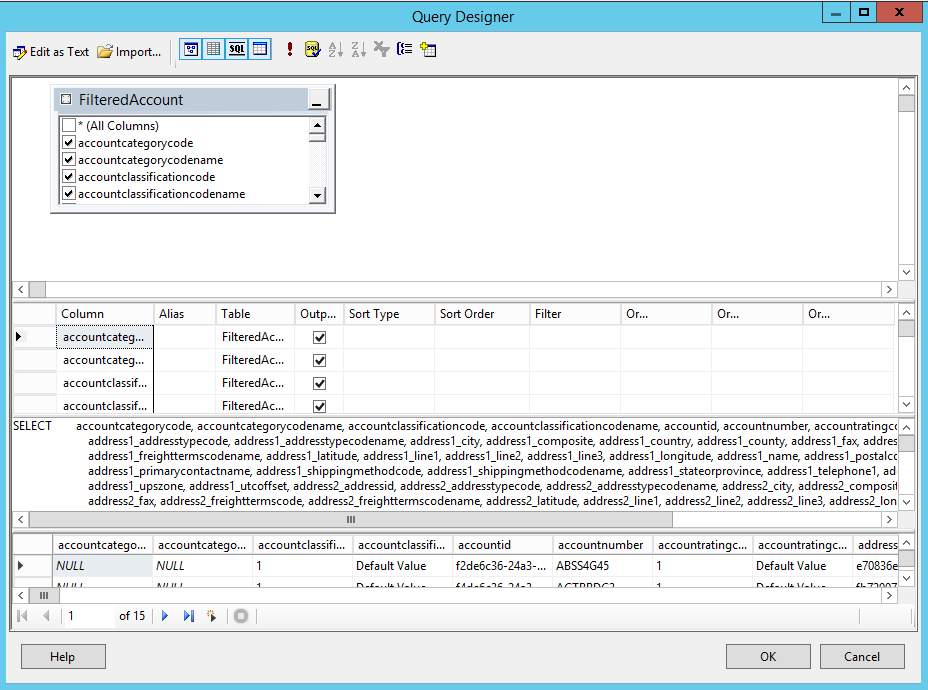
Enter a query, e.g. SELECT * FROM filteredaccount
We will query the filtered views in CRM to build the report:
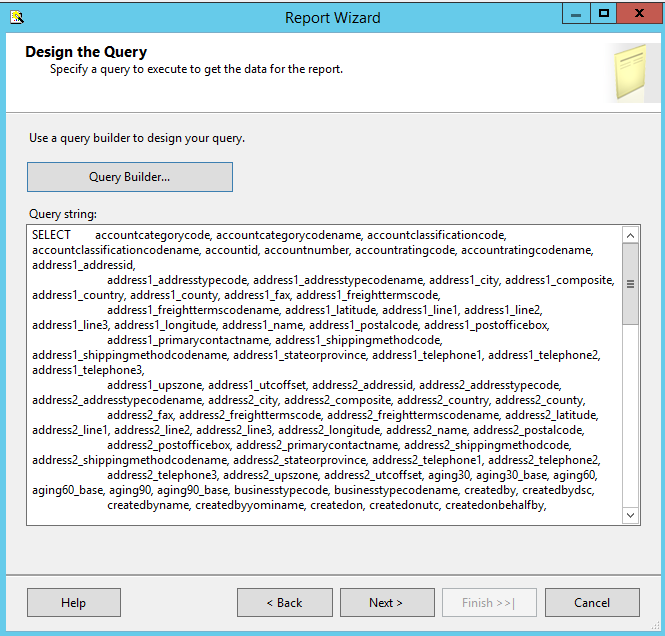
Click Next:
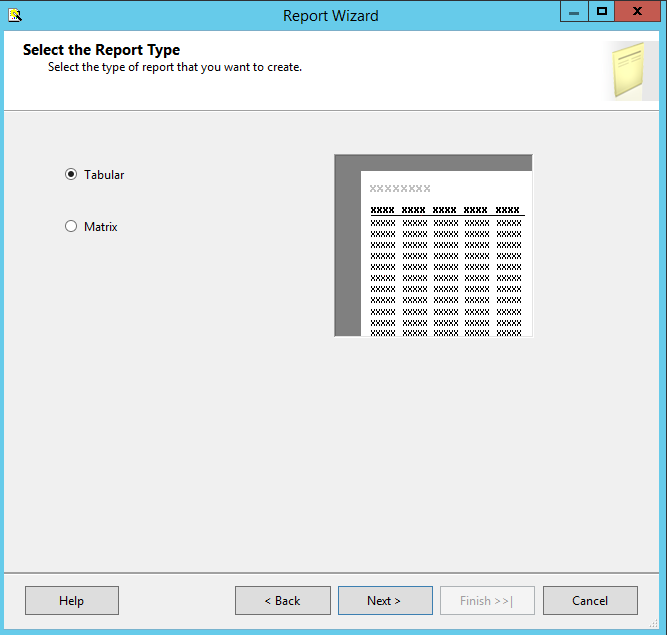
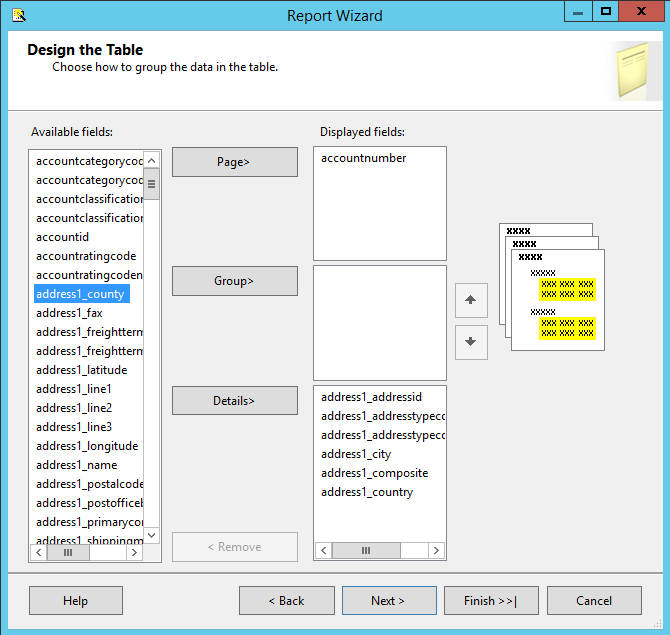
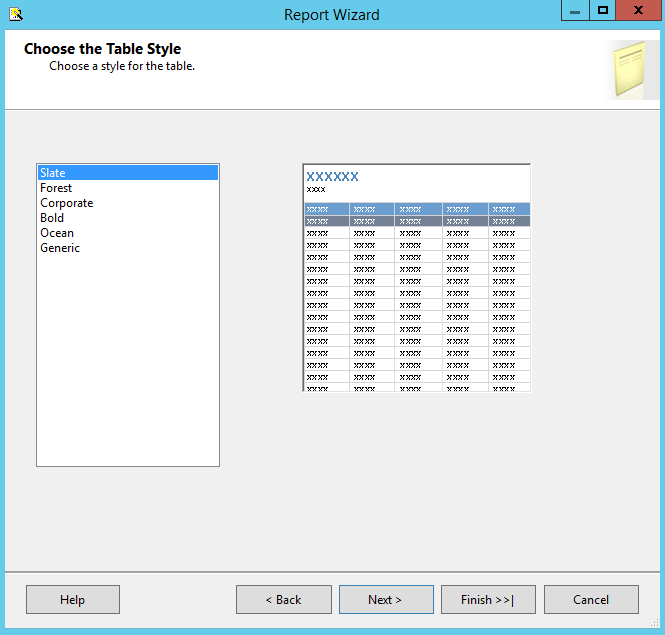
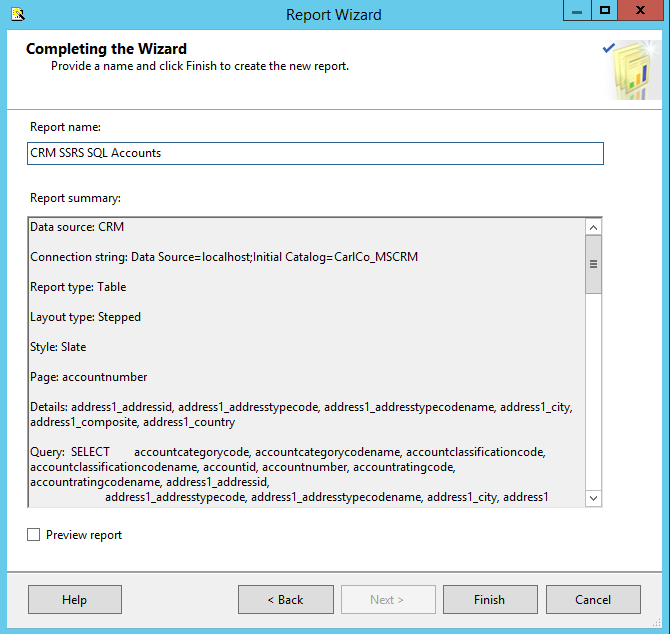
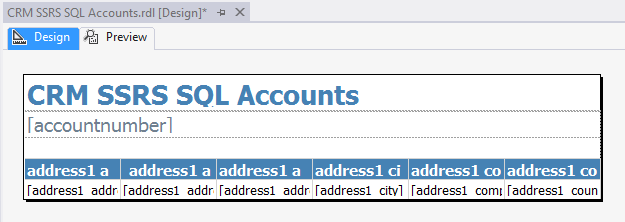
The report is created. Build the solution.
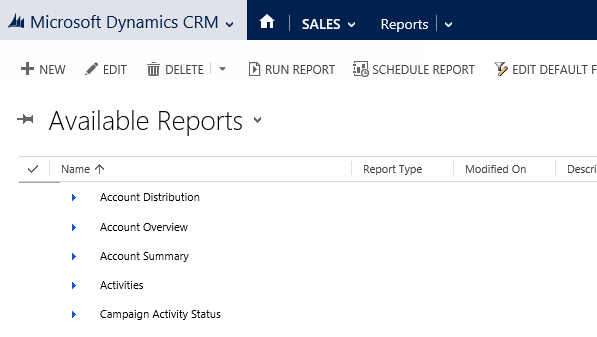
In CRM, in reports, click New:
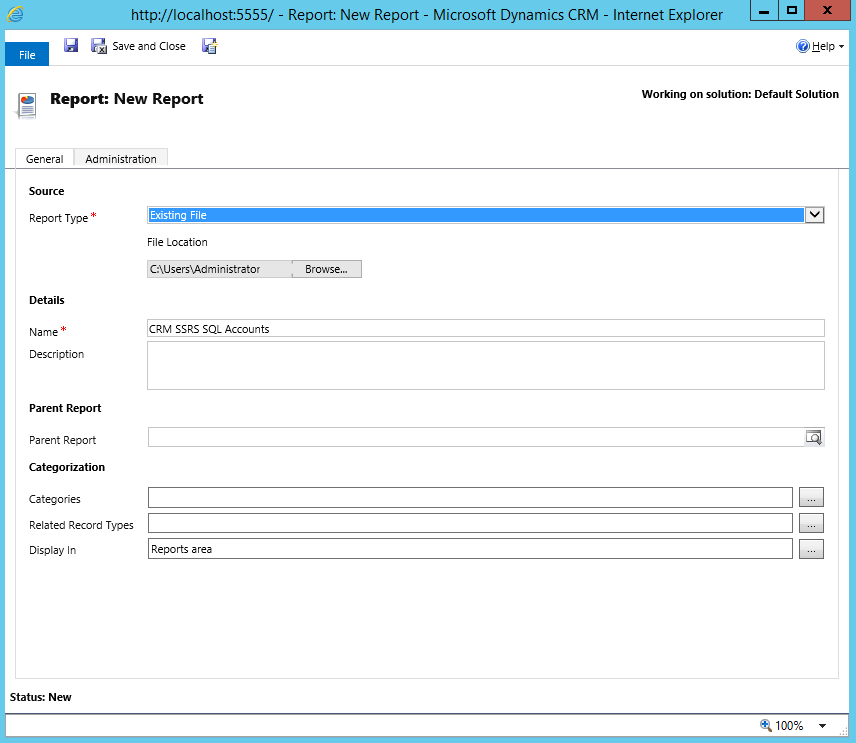
Select Existing File and browse to the RDL created in the project above:
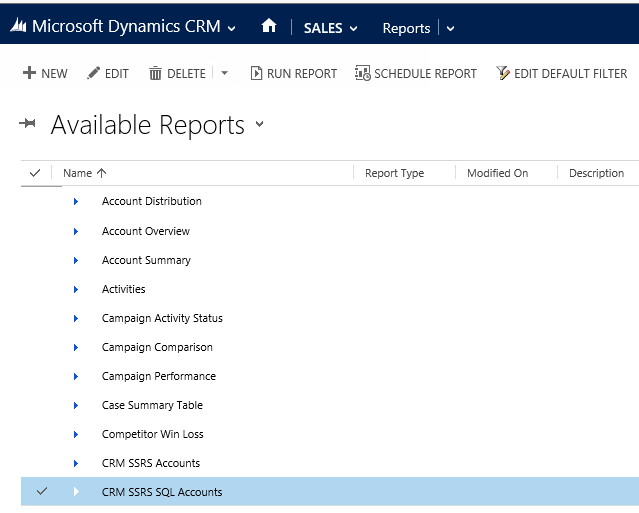
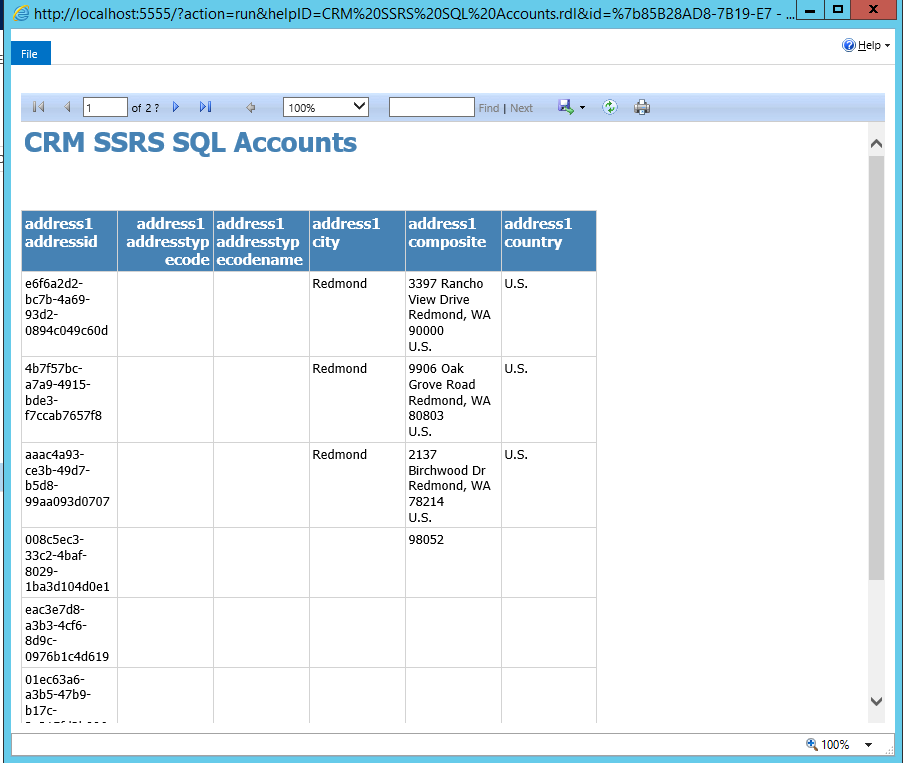
The report is created:
Run report:

Explore AI, agents & Microsoft technology.
I share practical ideas, tutorials, and videos about AI, AI agents, Microsoft technologies, and the Power Platform.
Subscribe on YouTube →