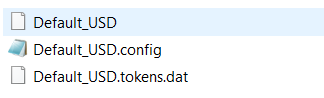
Unified Service Desk – Client Folders
After installing the Unified Service Desk client, there are several folders in the system. AppData\Roaming\Microsoft\USD This directory holds the USD configuration information…
Read article →Practical guides, tutorials, and insights on AI, agents, Microsoft technologies, enterprise applications, and communication.
After installing the Unified Service Desk client, there are several folders in the system. AppData\Roaming\Microsoft\USD This directory holds the USD configuration information…
Read article →
In this post we will discuss how Dynamics 365 and Power BI deals with data security. For example, you may have Dynamics…
Read article →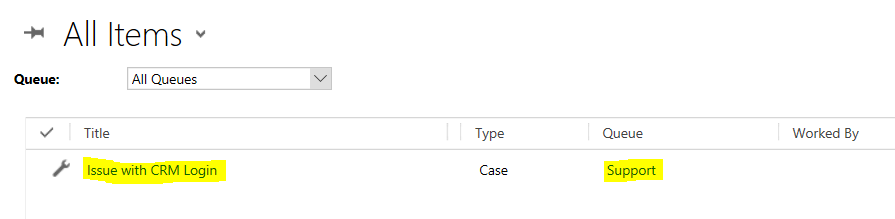
In Unified Service Desk, there are some actions that assist with queues. The first is LookupQueueItem. Let’s say we have a case…
Read article →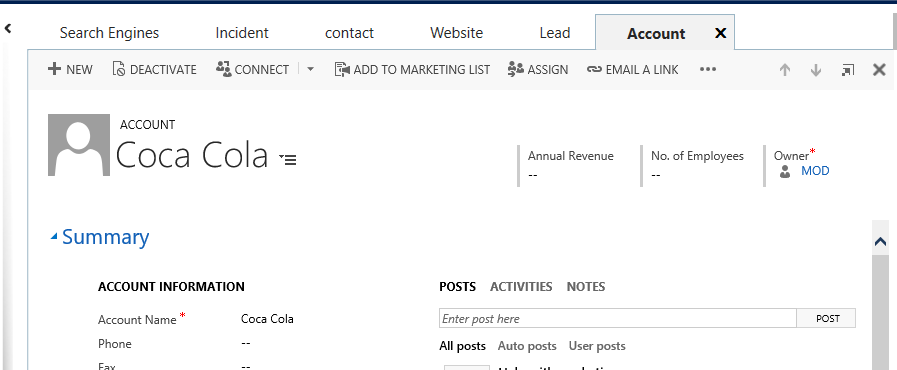
In Unified Service Desk, there is an action to create an entity record and delete an entity record. For example, we have…
Read article →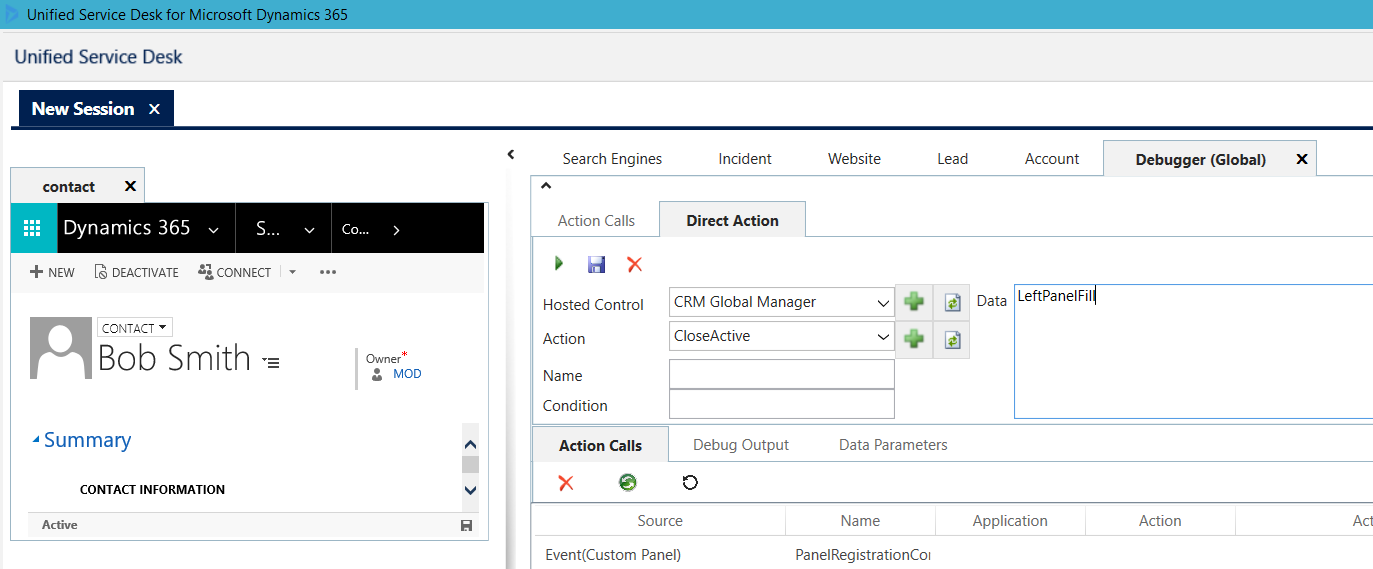
In Unified Service Desk, CloseActive closes the active hosted control in the tab specified. For example, if we have a tab contact open…
Read article →
To call a JavaScript function when an HTML page loads, use the code below: [sourcecode language=”JavaScript”] <!DOCTYPE html> <html> <head> <script> function…
Read article →Below is a list of Unified Service Desk entities and lookups, if you need to find them in Advanced Find or migrate…
Read article →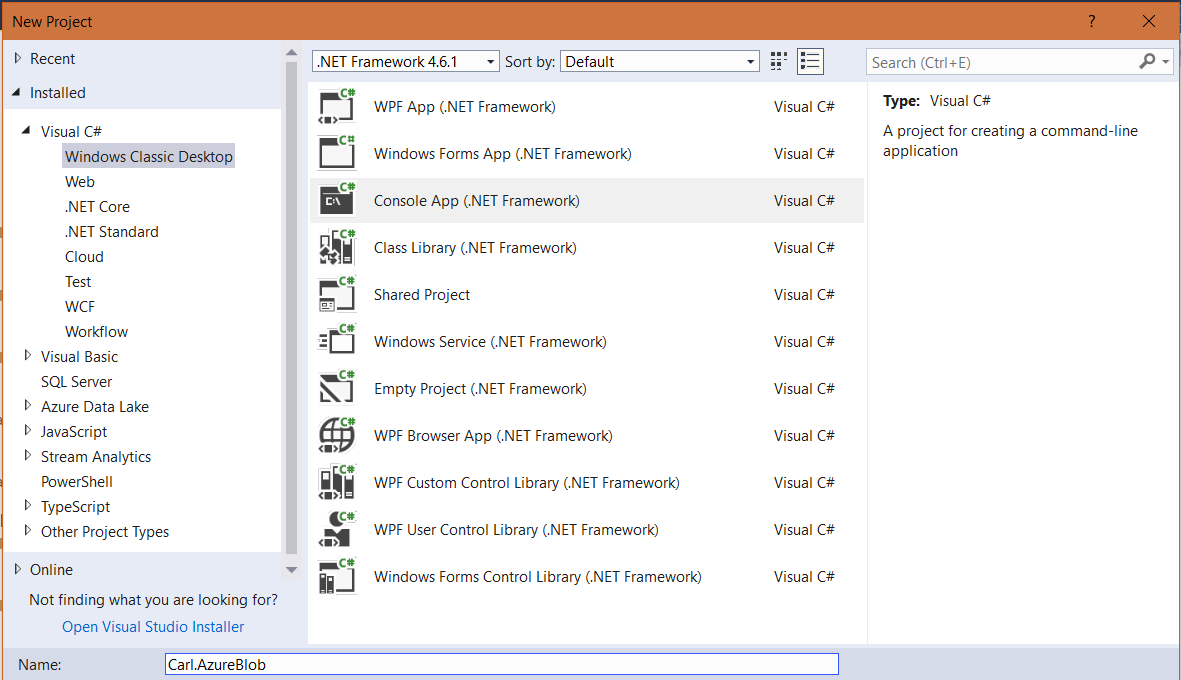
Azure blobs can be interacted with through Visual Studio. Here we will go through an example of interacting with a blob in…
Read article →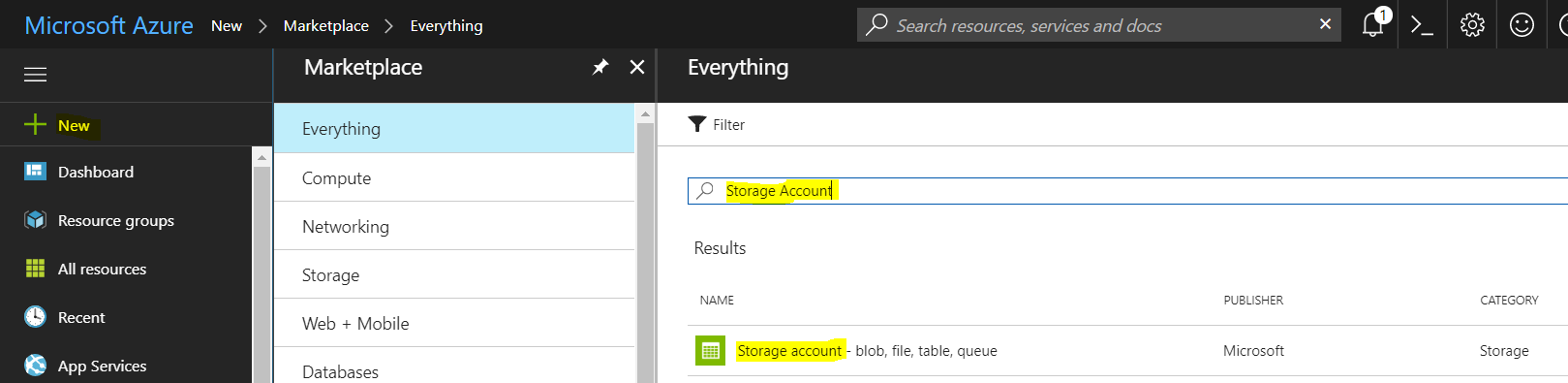
Azure Storage Accounts are unique namespaces where you can store different forms of Azure data. There are 2 different types of storage…
Read article →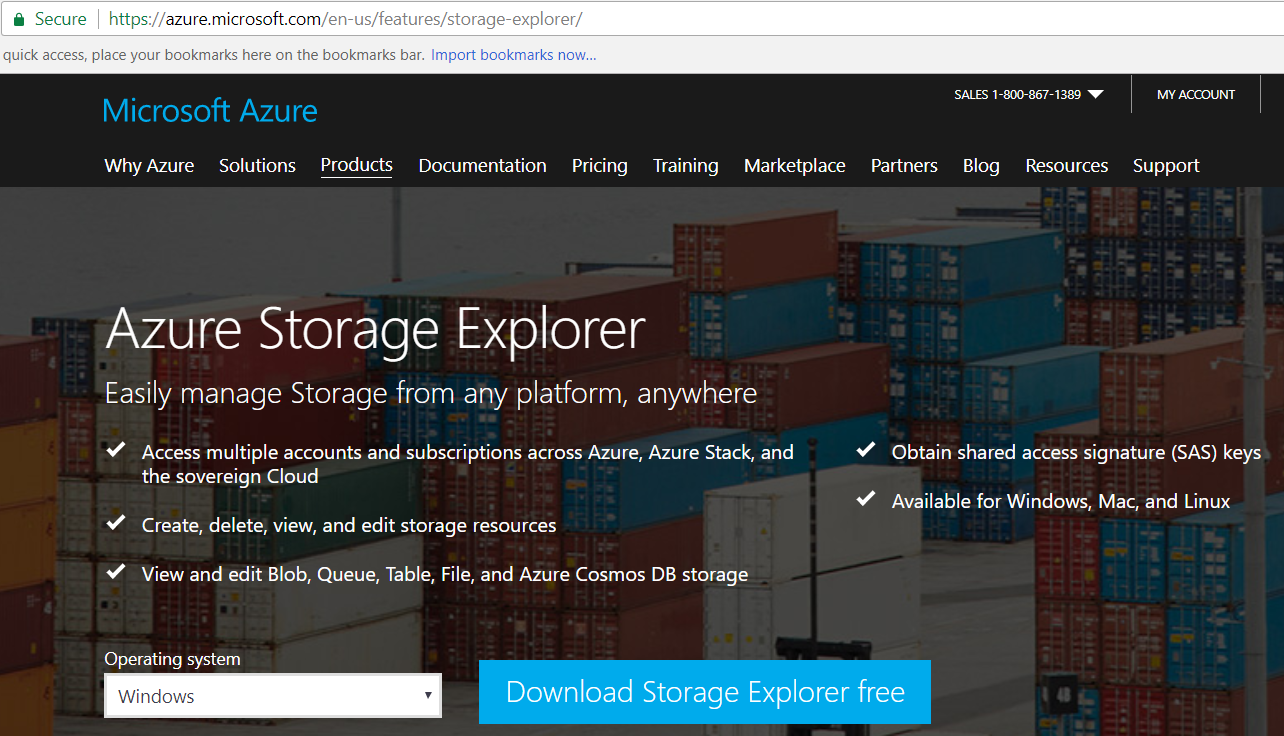
Azure Storage Explorer is an app that allows you to view storage resources such as blobs, tables, queues and files in different…
Read article →
An Azure Function is an “event driven, compute-on-demand experience…with capabilities to implement code triggered by events occurring in Azure or third party…
Read article →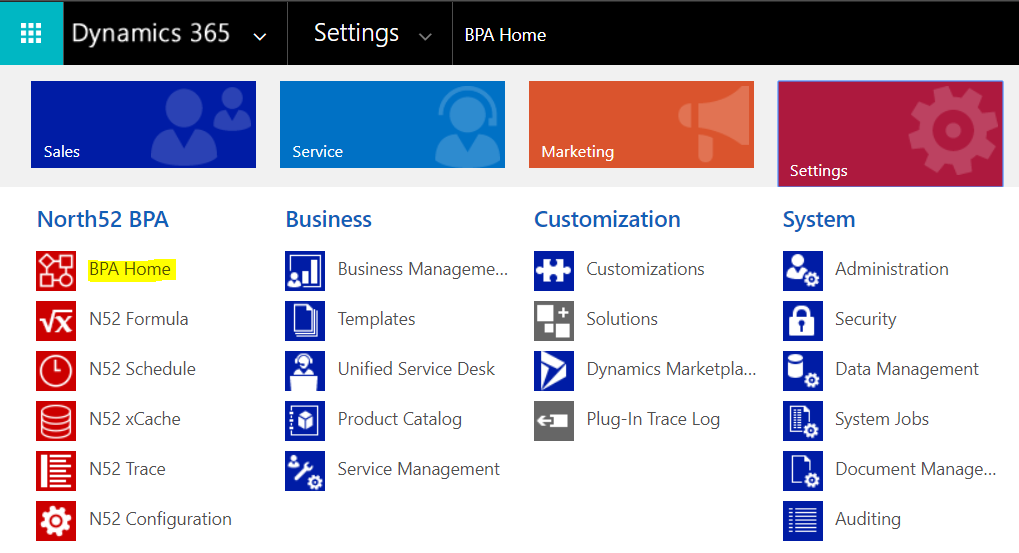
North52 Process Genies are useful for extending Dynamics 365 processes such as workflows, dialogs and actions. In Dynamics 365, select Settings->BPA Home:…
Read article →