Azure Storage Explorer is an app that allows you to view storage resources such as blobs, tables, queues and files in different Azure storage.
To install it, first go to storageexplorer.com to download the app and click to download:
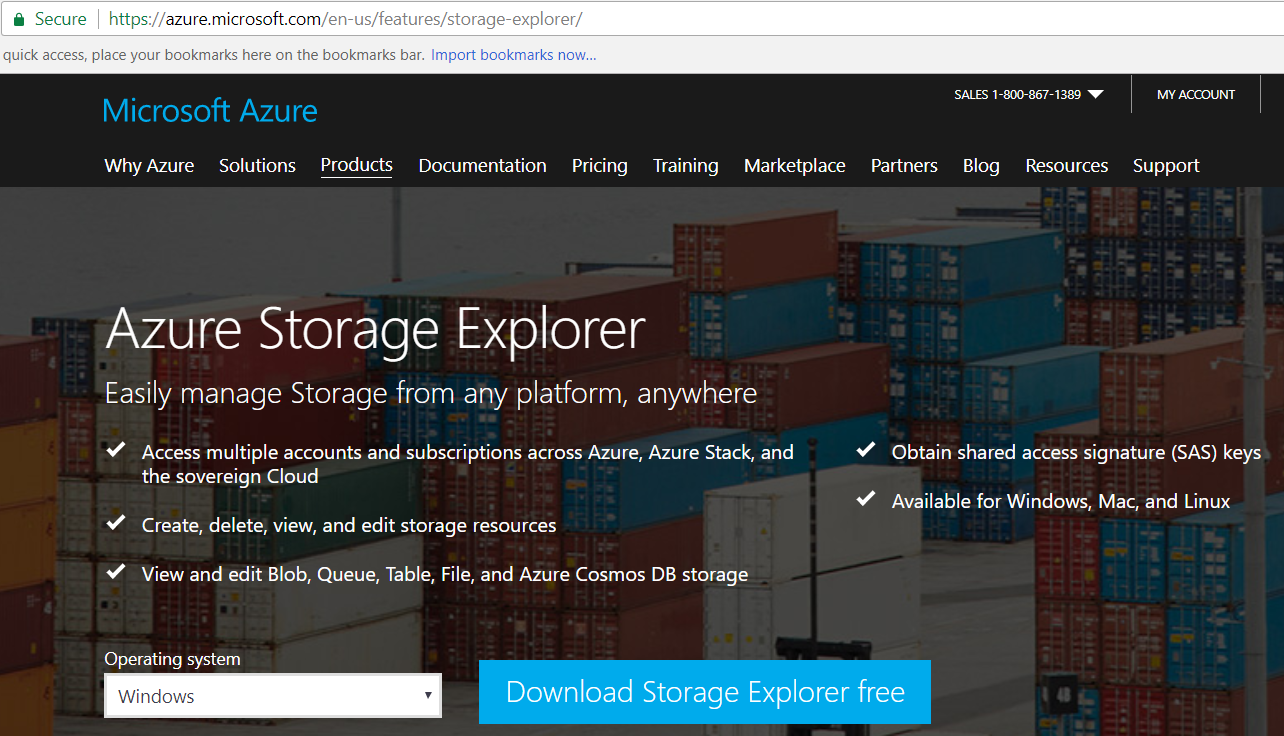
This will download. Run the file:

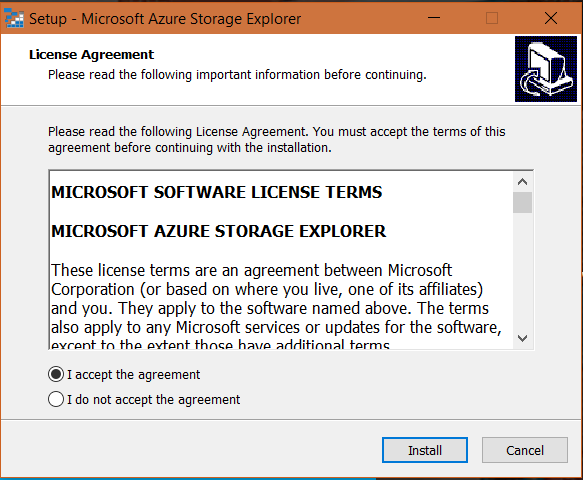
Accept the terms and click Install:
Click Next:
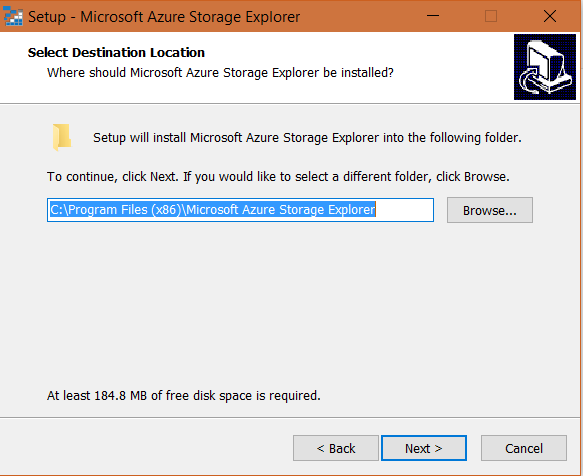
Click Next:
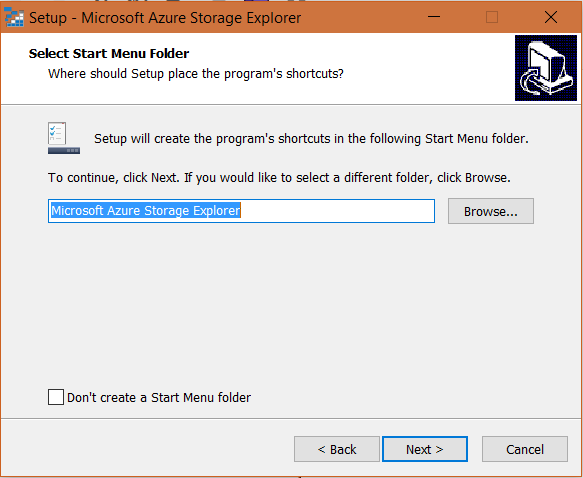
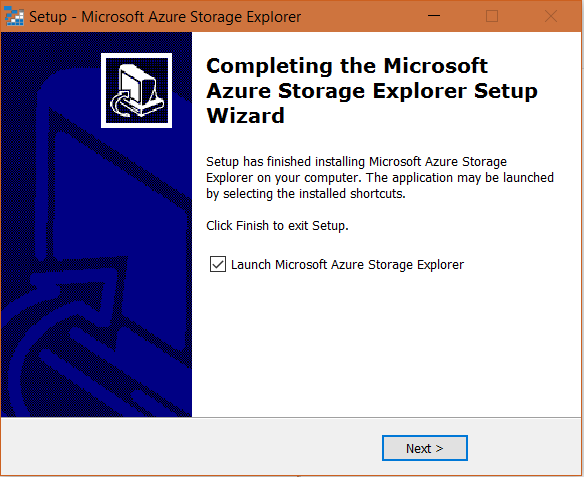
Click Next to launch the explorer:
This will open below. Click Connect to Azure Storage:
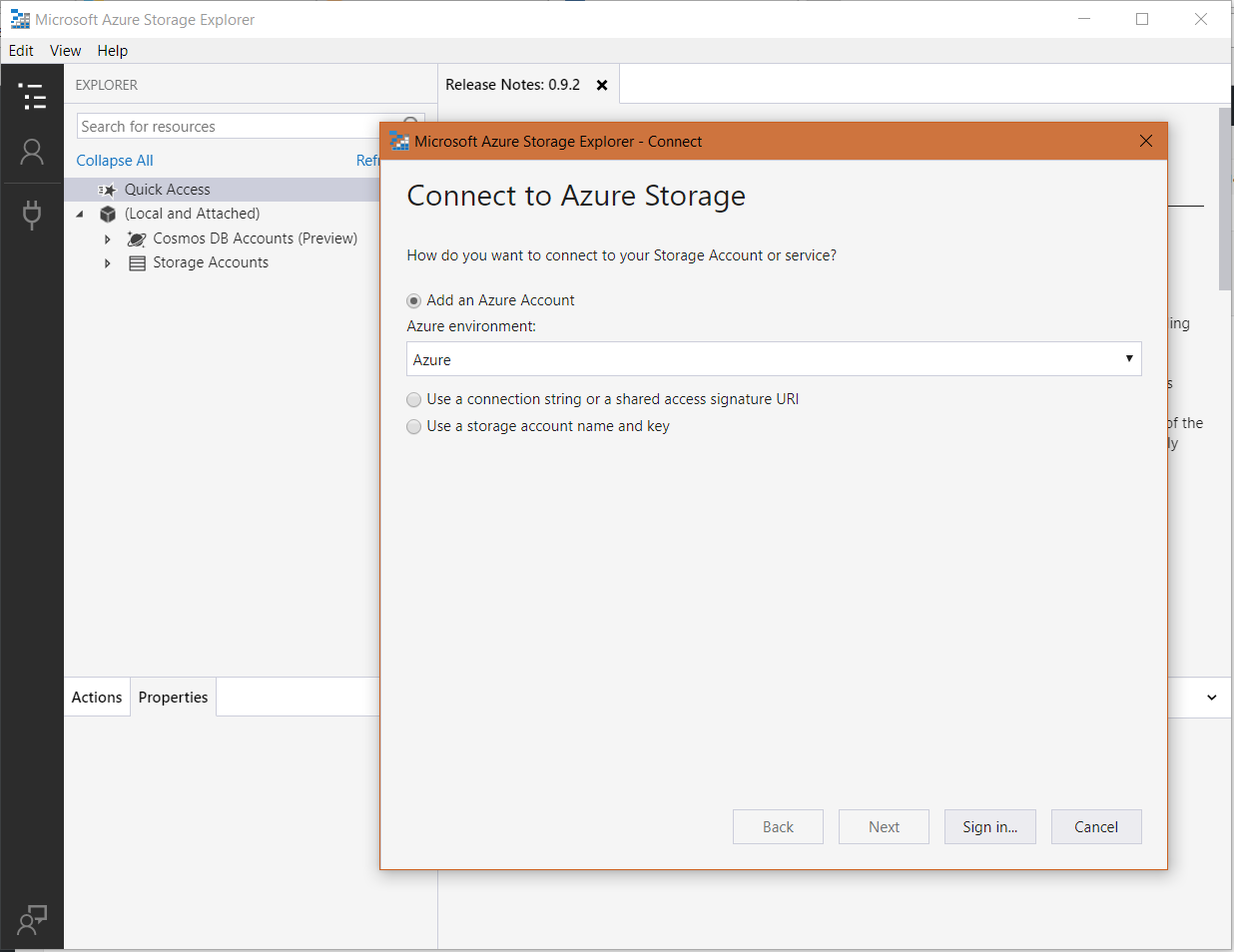
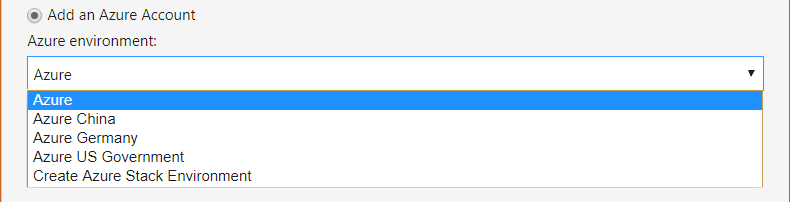
Note the options:
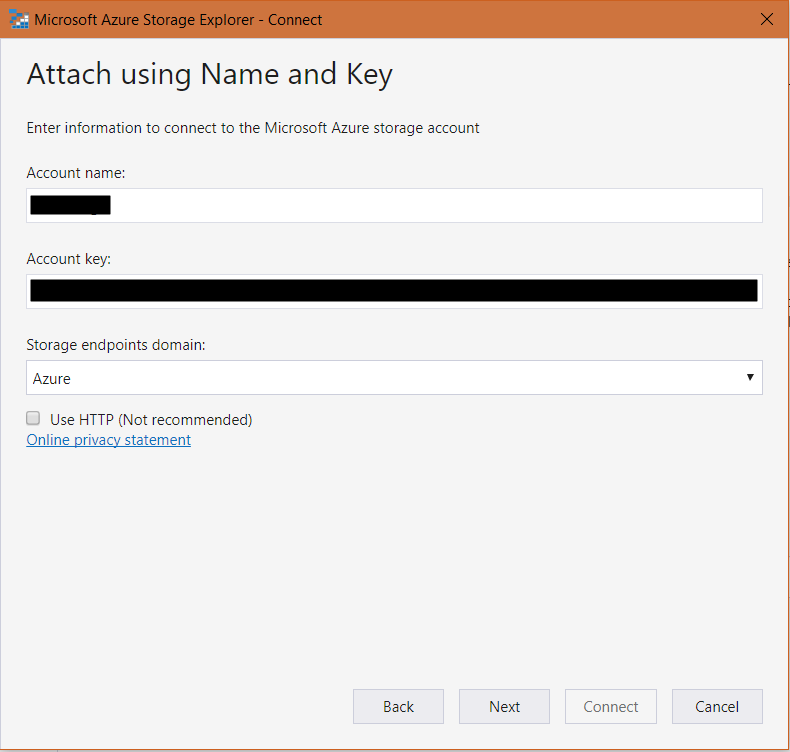
We will connect using a Storage Account name and key:
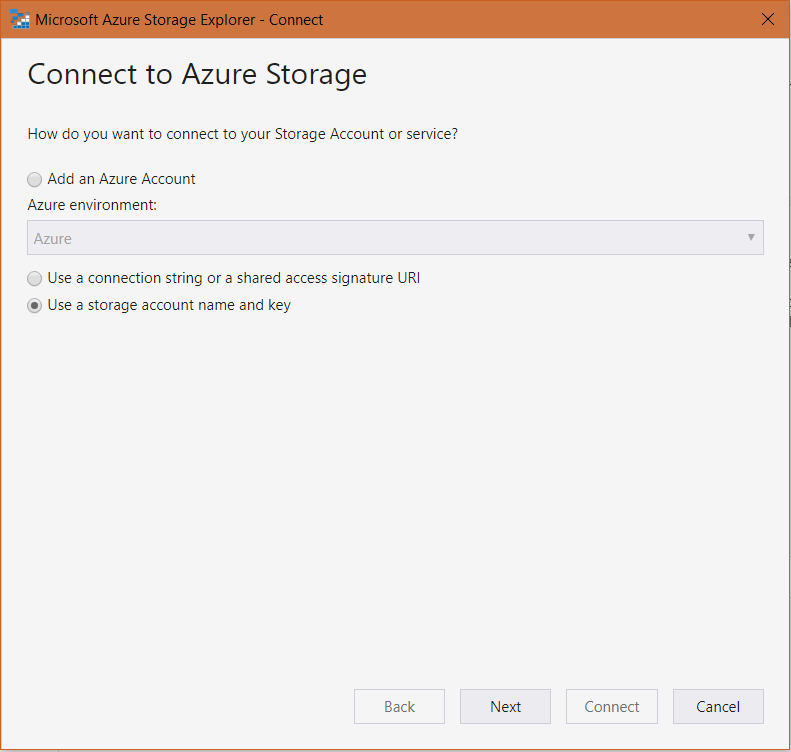
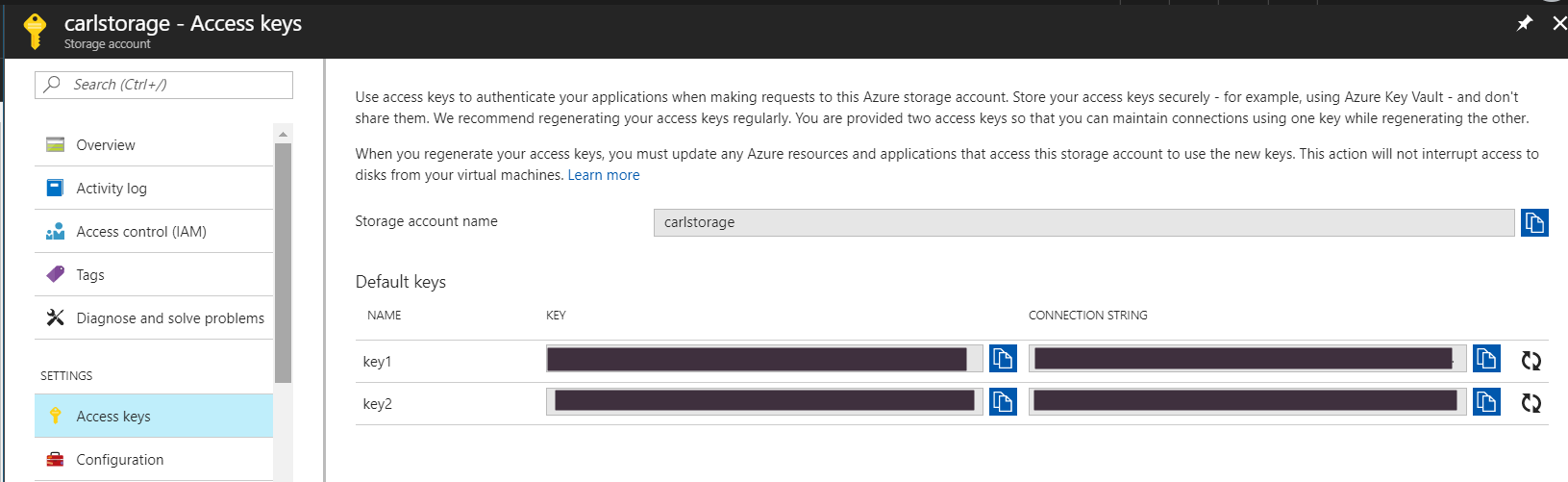
Enter your connection information, which you can look up in Azure in your storage account keys:
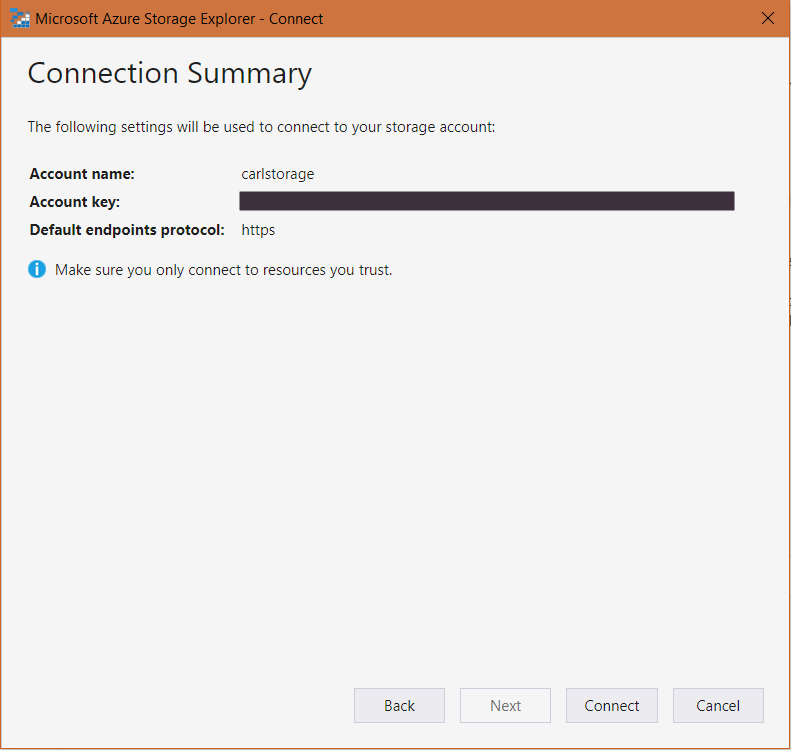
Click Connect:
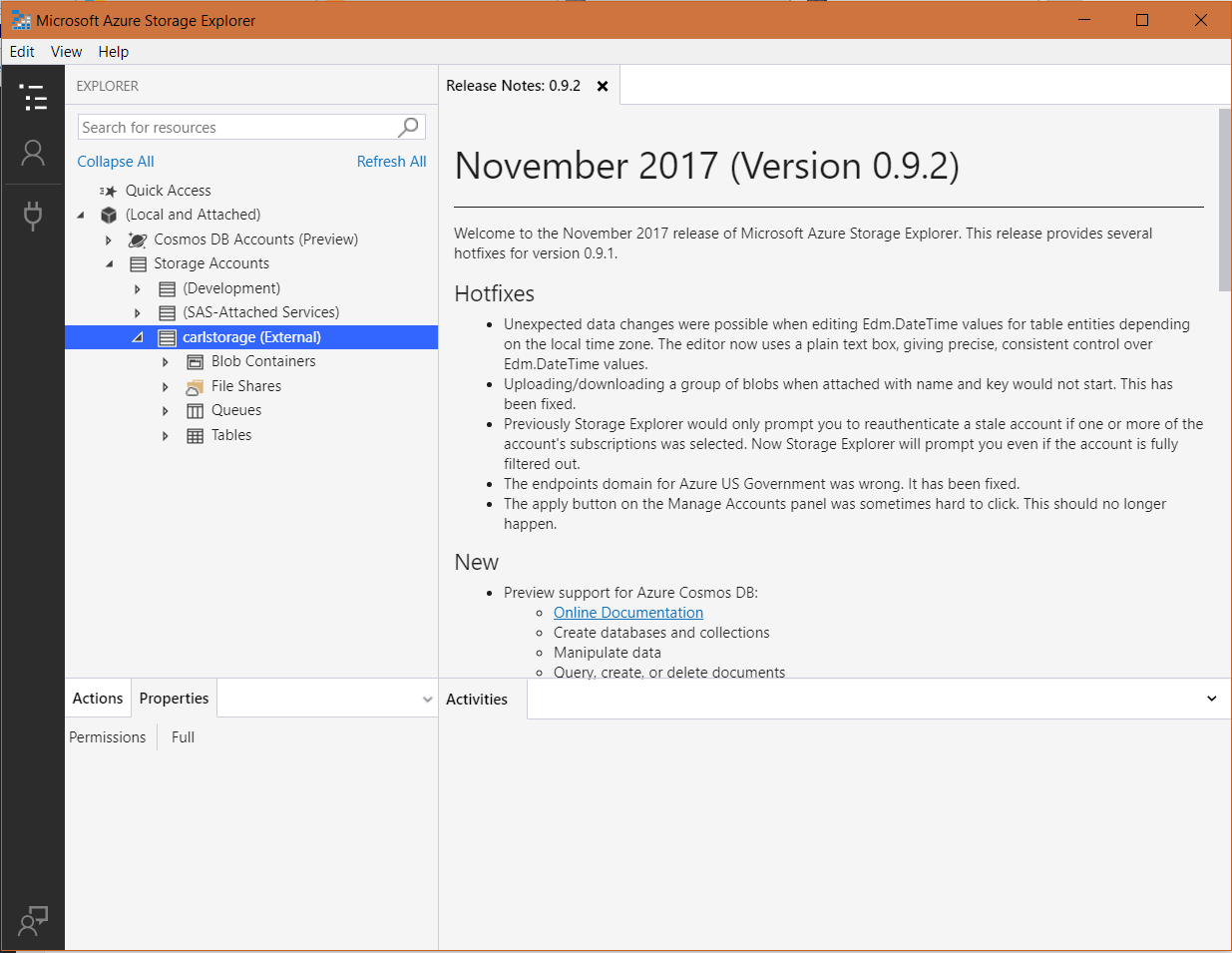
You will now be connected to the storage account:

Explore AI, agents & Microsoft technology.
I share practical ideas, tutorials, and videos about AI, AI agents, Microsoft technologies, and the Power Platform.
Subscribe on YouTube →