North52 Process Genies are useful for extending Dynamics 365 processes such as workflows, dialogs and actions.
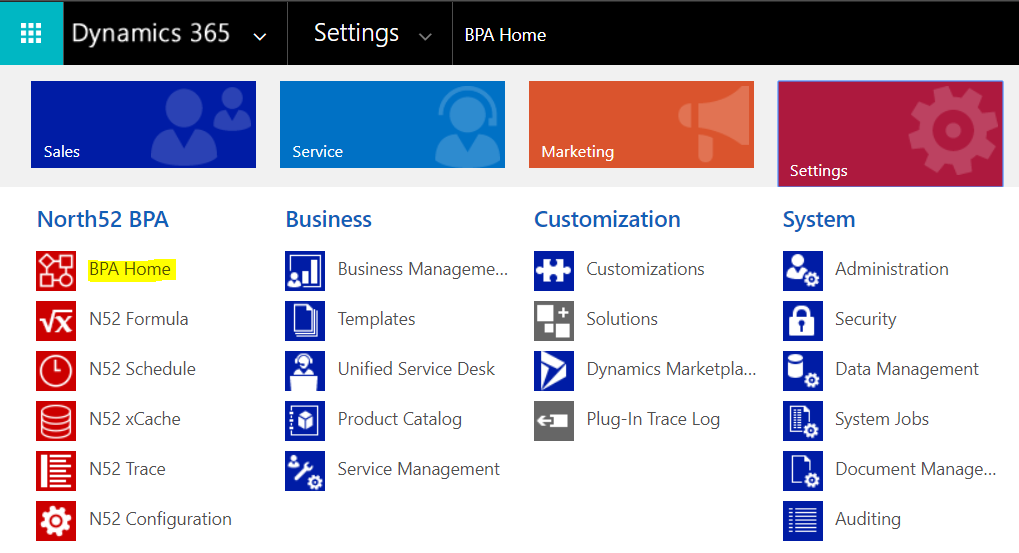
In Dynamics 365, select Settings->BPA Home:
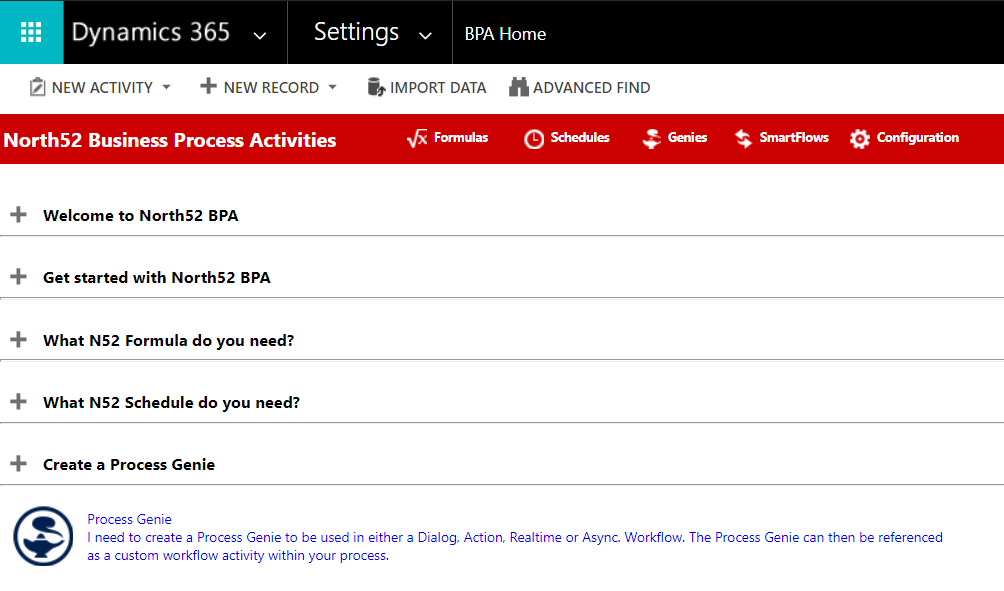
Select Process Genie:
Let’s say we want to build a process that will update every account with the number of opportunities they have. The opportunity count will be stored in a new custom field on the account record.
To do this, select Account and click Create:
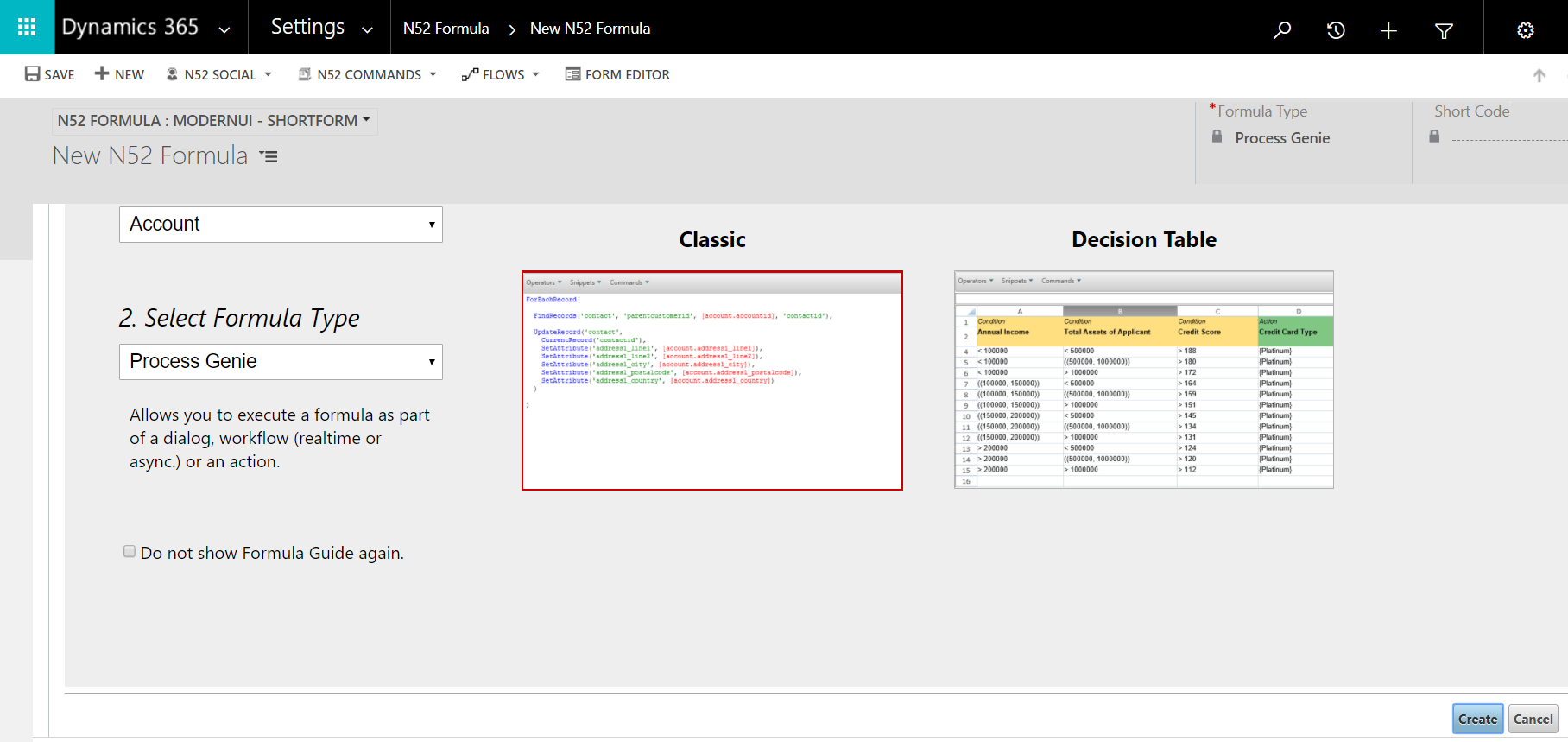
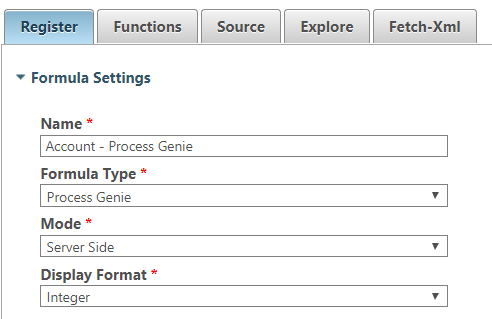
This opens the North52 formula window:
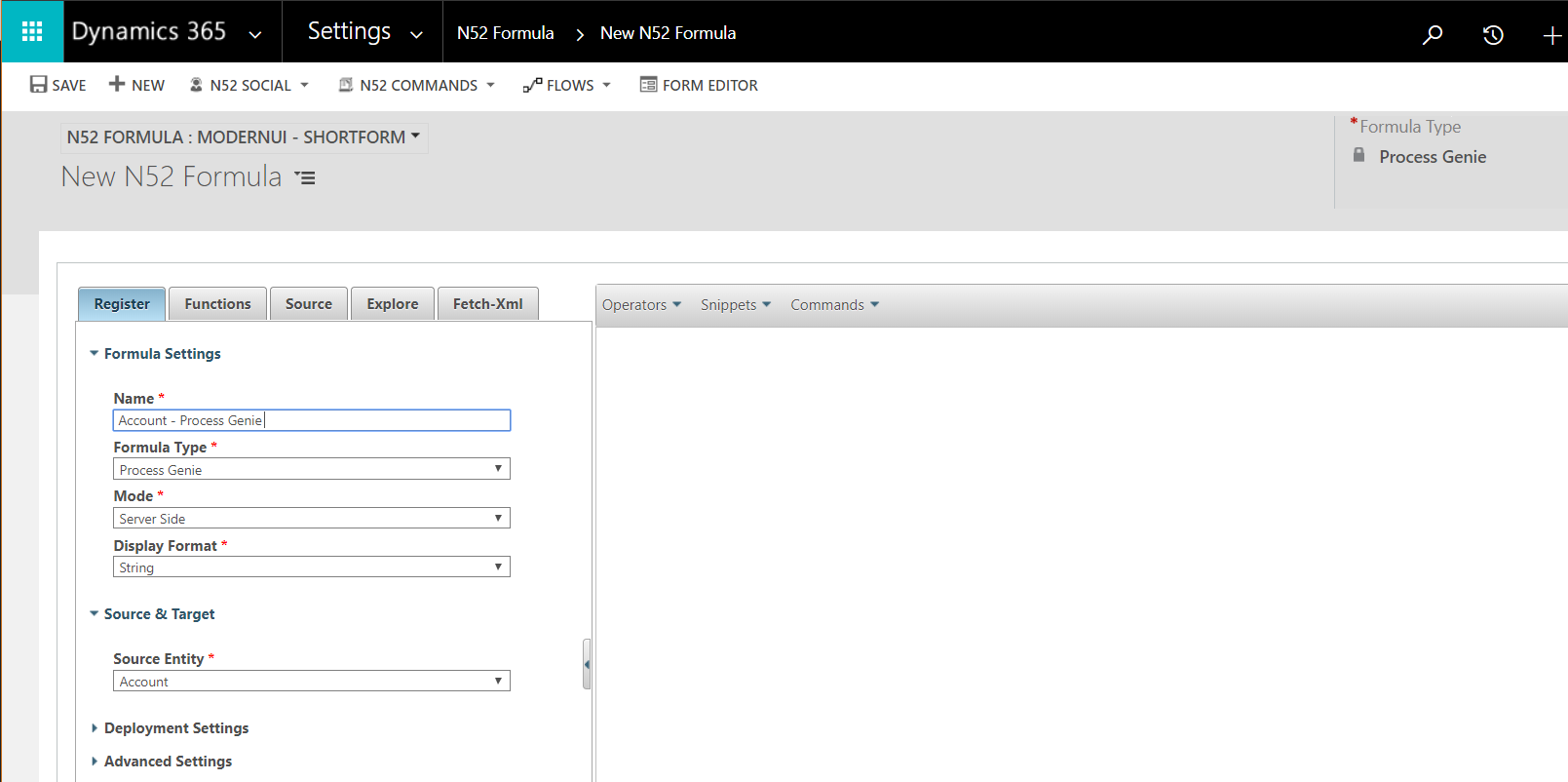
We will change our display format to integer:
Now, we will want to add code to loop through all the account records. North52 has different formulas to help with looping.
In this case, we will use ForEachRecord:
ForEachRecord('entitycollection', 'action1', 'action2')We can also create a snippet through the UI:
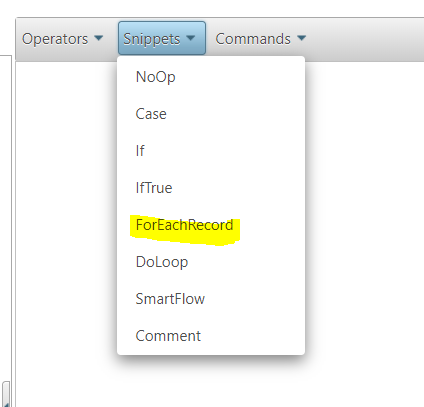
Which provides the template:
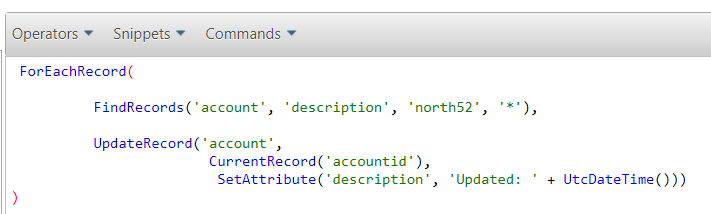
For our code, we will find all accounts called TEST and update the custom field Number of Opportunities field to 0. Note the 2nd parameter contains an EntityCollection:
ForEachRecord(
     FindRecords('account', 'name', 'TEST', '*', '50', true),
     UpdateRecord('account',
     CurrentRecord('accountid'),SetAttribute('new_numberofopportunities', 0))
)
Save the code. Note the Short Code created:

Now, we will create a new workflow to call our Process Genie:
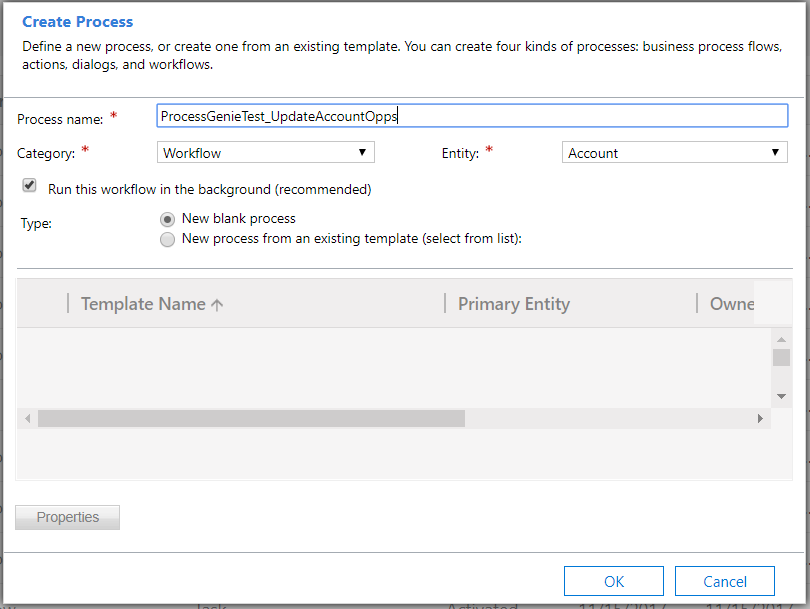
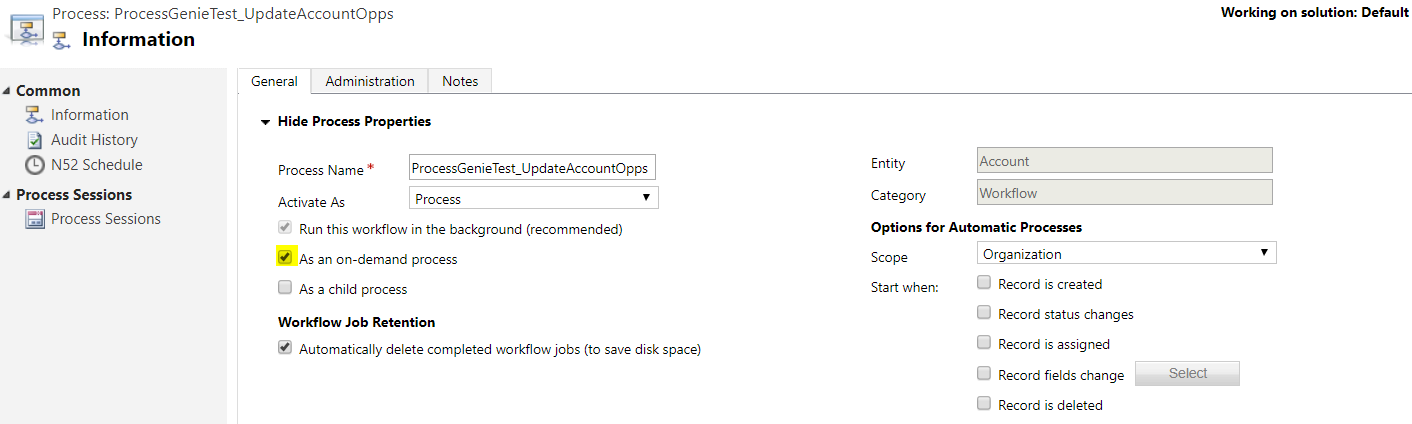
We will run this as an on-demand process:
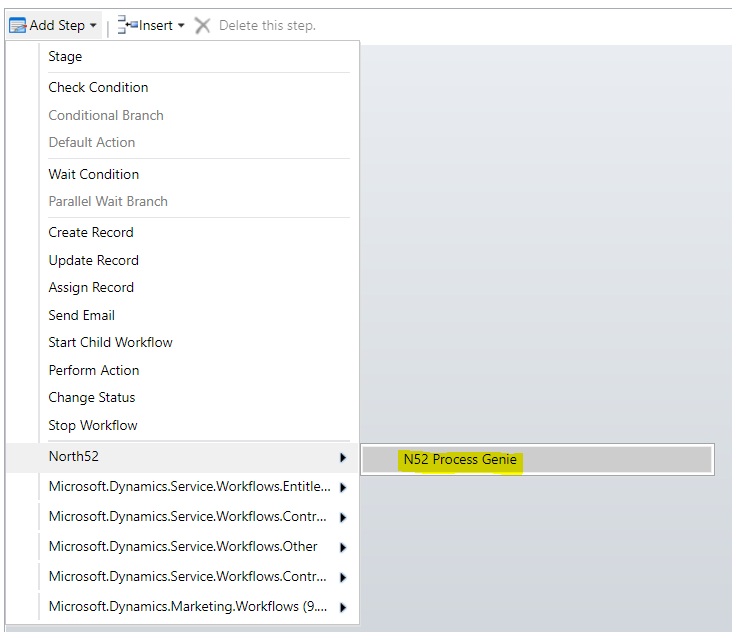
Add step and select Process Genie:
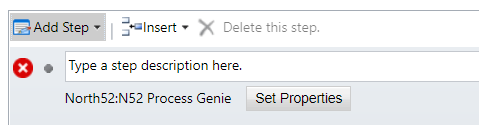
Set properties:
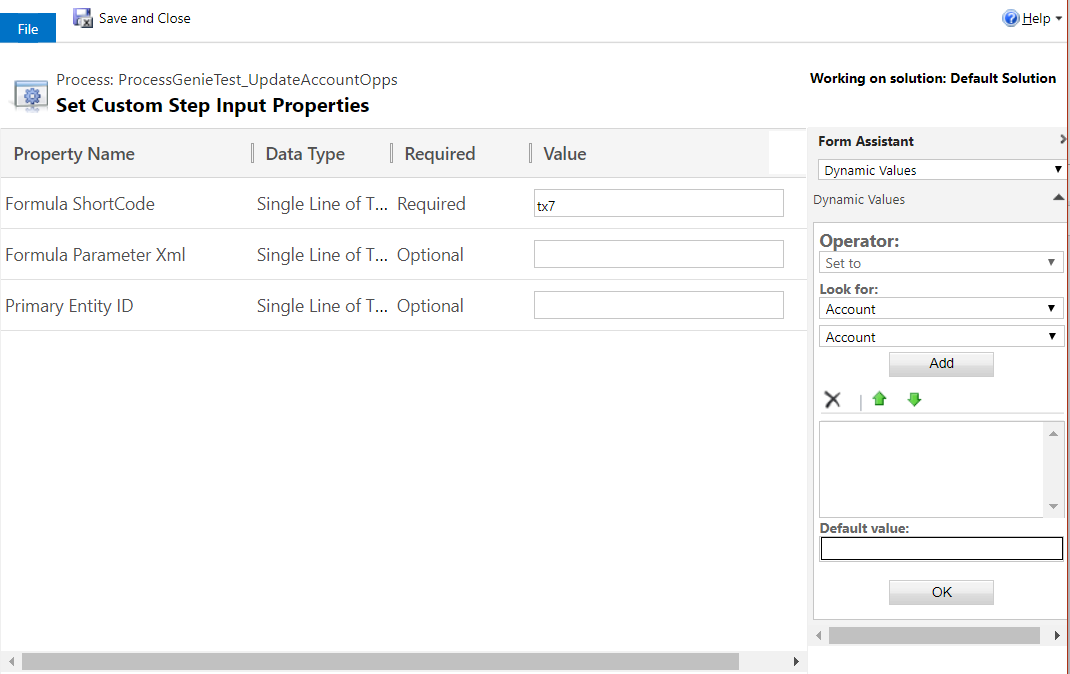
Enter the Short Code from above:
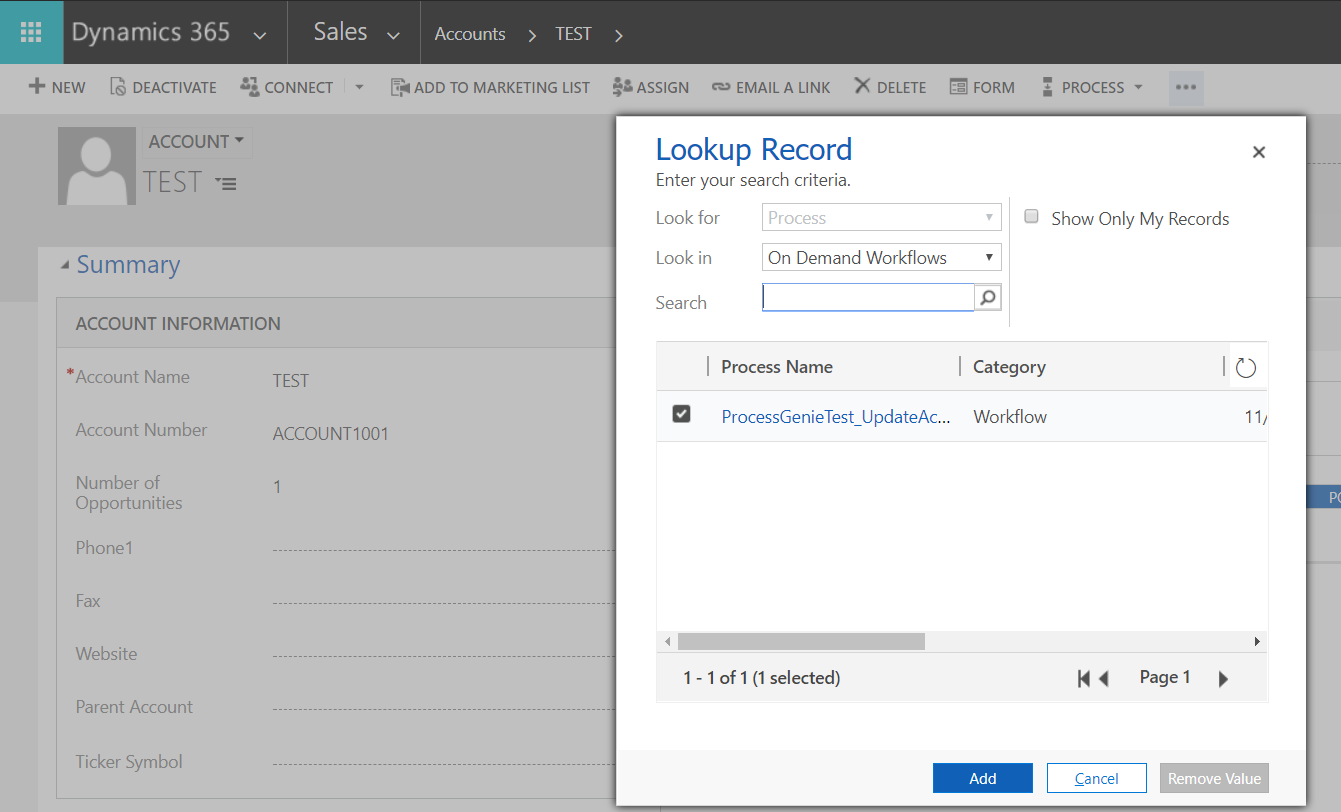
Now we will run the workflow on demand.
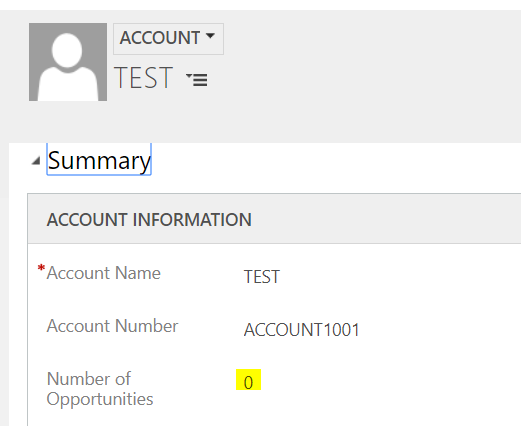
Refresh the record. We can see on running the code accounts have been updated:

Explore AI, agents & Microsoft technology.
I share practical ideas, tutorials, and videos about AI, AI agents, Microsoft technologies, and the Power Platform.
Subscribe on YouTube →