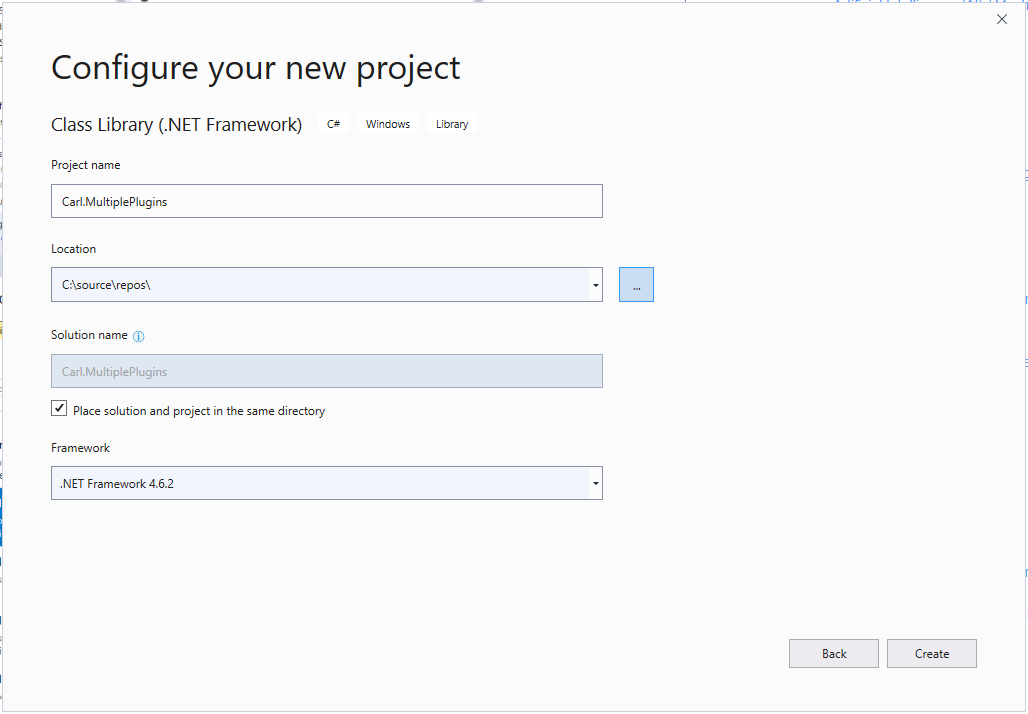
Coding Multiple Plugins in One Assembly in Dynamics 365
In this post we will look at how to code 2 plugins in one assembly. This might be useful if you want…
Read article →Practical guides, tutorials, and insights on AI, agents, Microsoft technologies, enterprise applications, and communication.
In this post we will look at how to code 2 plugins in one assembly. This might be useful if you want…
Read article →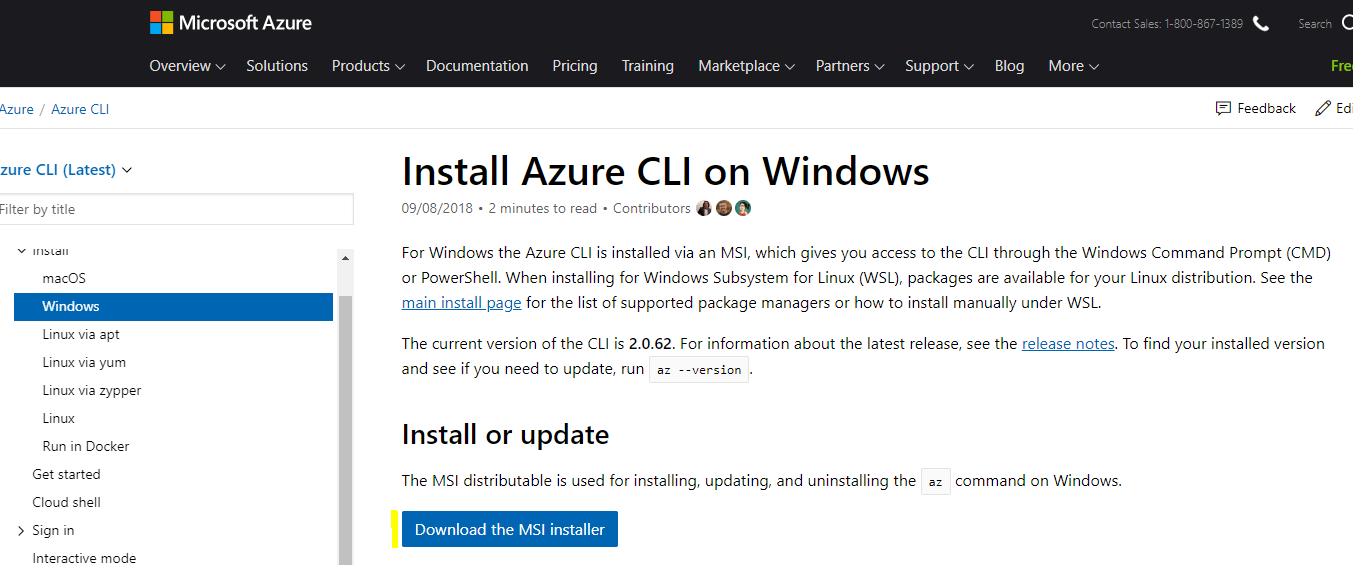
Azure CLI is a command line interface (CLI) for managing resources in Azure. It can be accessed from within Azure in a…
Read article →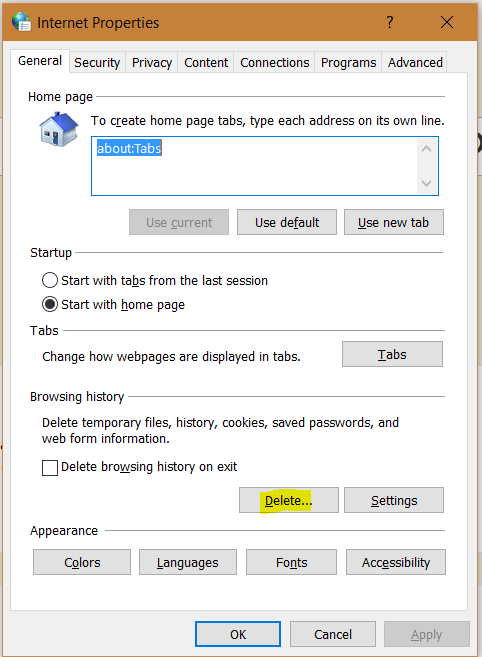
In Unified Service Desk, users may encounter errors when using USD, such as pages not loading, custom JavaScript not running etc. These…
Read article →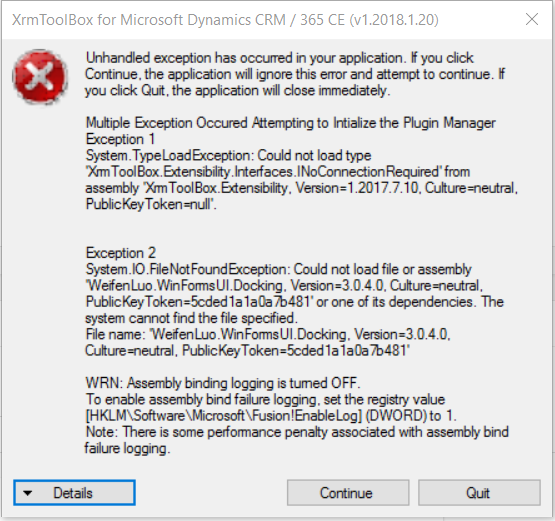
When opening the XrmToolBox, you may come across errors such as: System.TypeLoadException: Could not load type XrmToolBox.Extensibility.Interaces.INoConnectionRequired System.IO.FileNotFoundException: Could not load file…
Read article →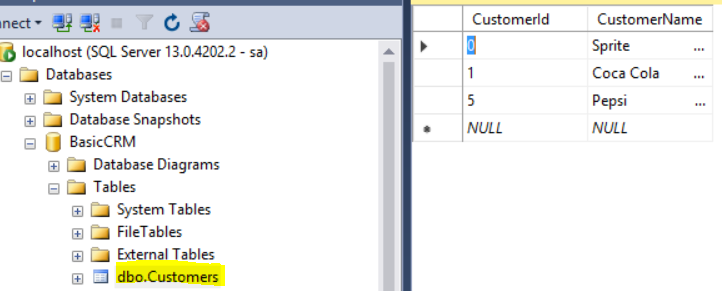
In this post, we will go through how to use WCF to create a REST service, also using the Entity Framework to…
Read article →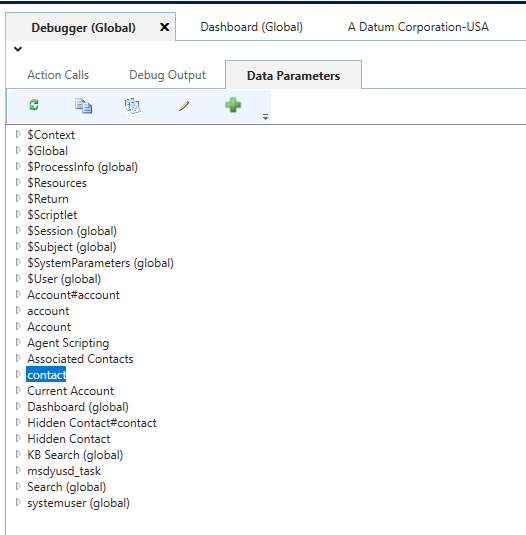
In Unified Service Desk, you may want to clear out Data Parameters as an action. Let’s say in your debugger, you have…
Read article →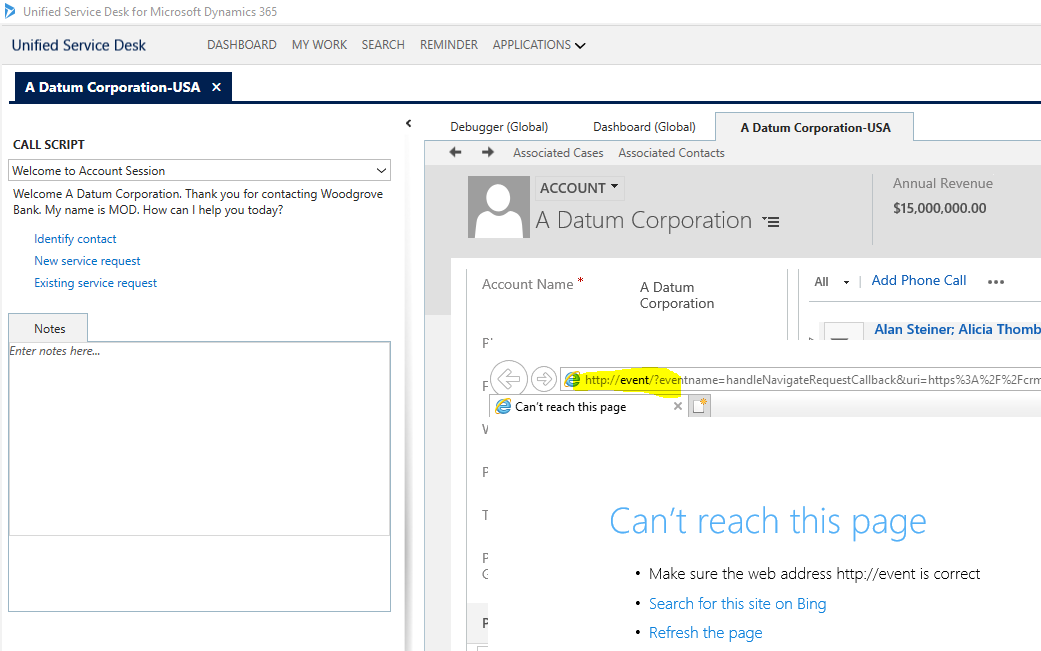
In Unified Service Desk, when clicking on links, you may encounter an issue where an Internet Explorer window is opened outside of…
Read article →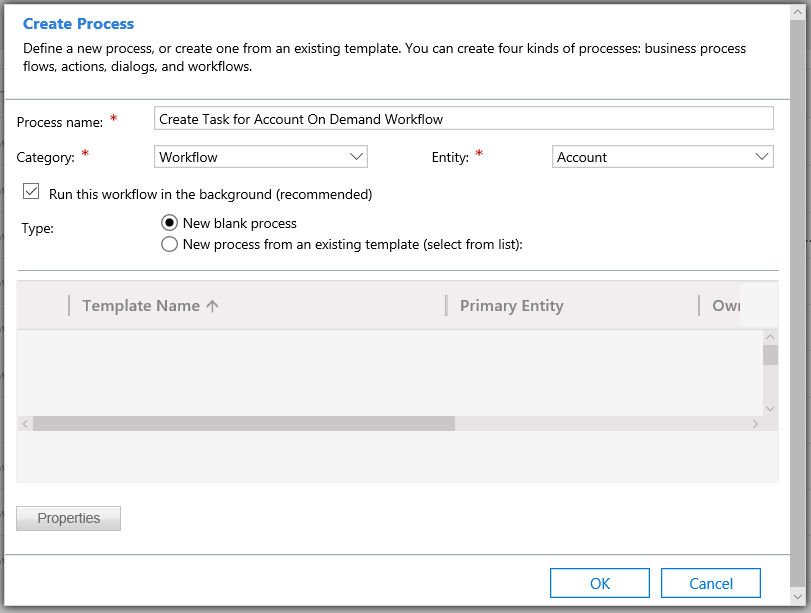
In Dynamics 365, you may want to call a workflow directly from JavaScript. This can be achieved using the WebAPI. Let’s say…
Read article →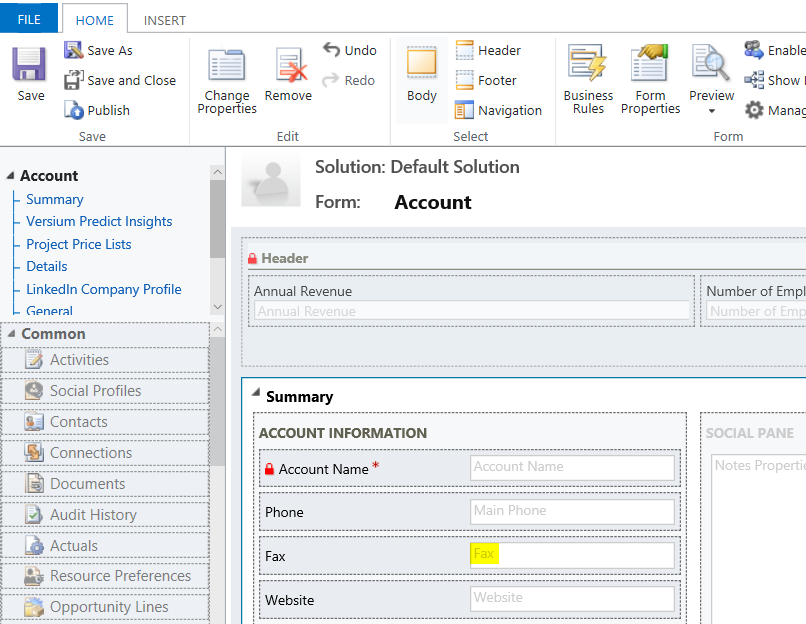
To check if a Dynamics 365 field is empty, you can use: if(Xrm.Page.getAttribute("fieldname").getValue() == null) For example, if you wanted to check…
Read article →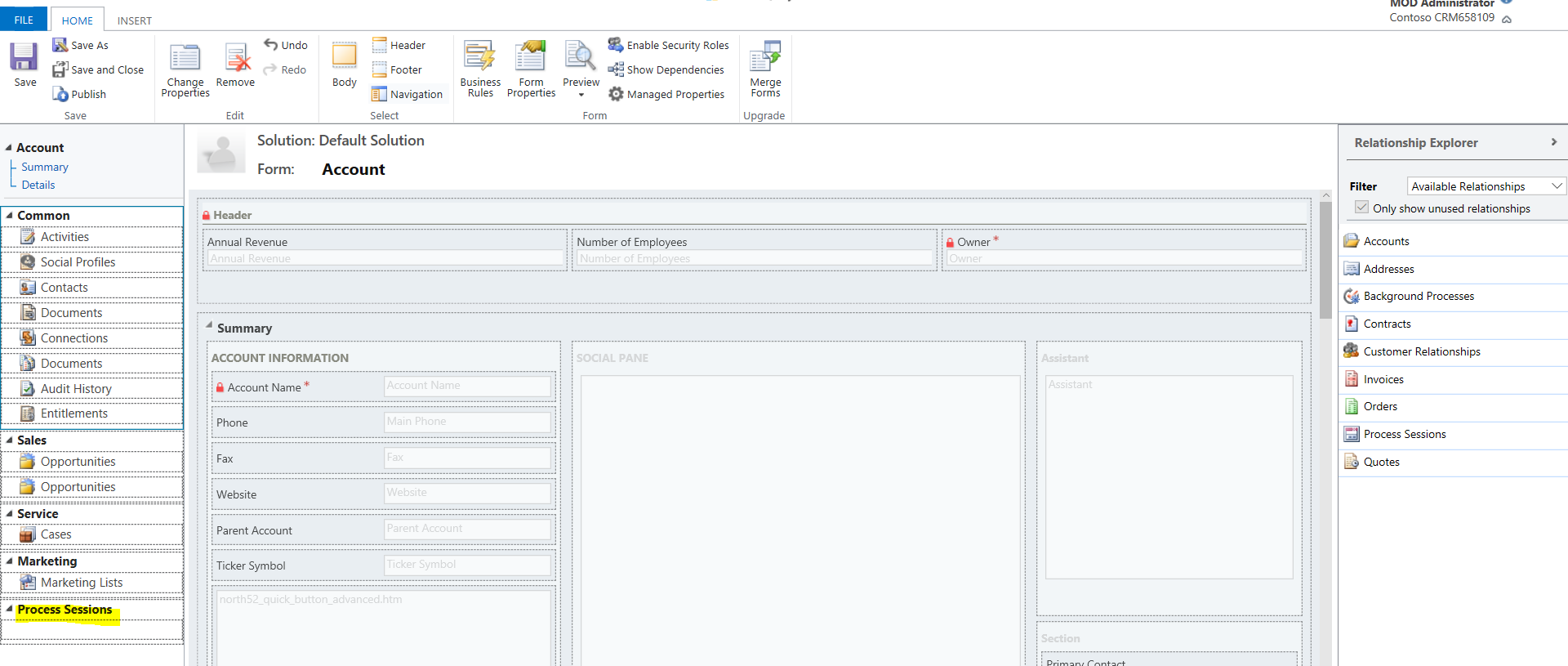
In Dynamics 365, you can view a history of processes on each record form. However, this may not be available on a…
Read article →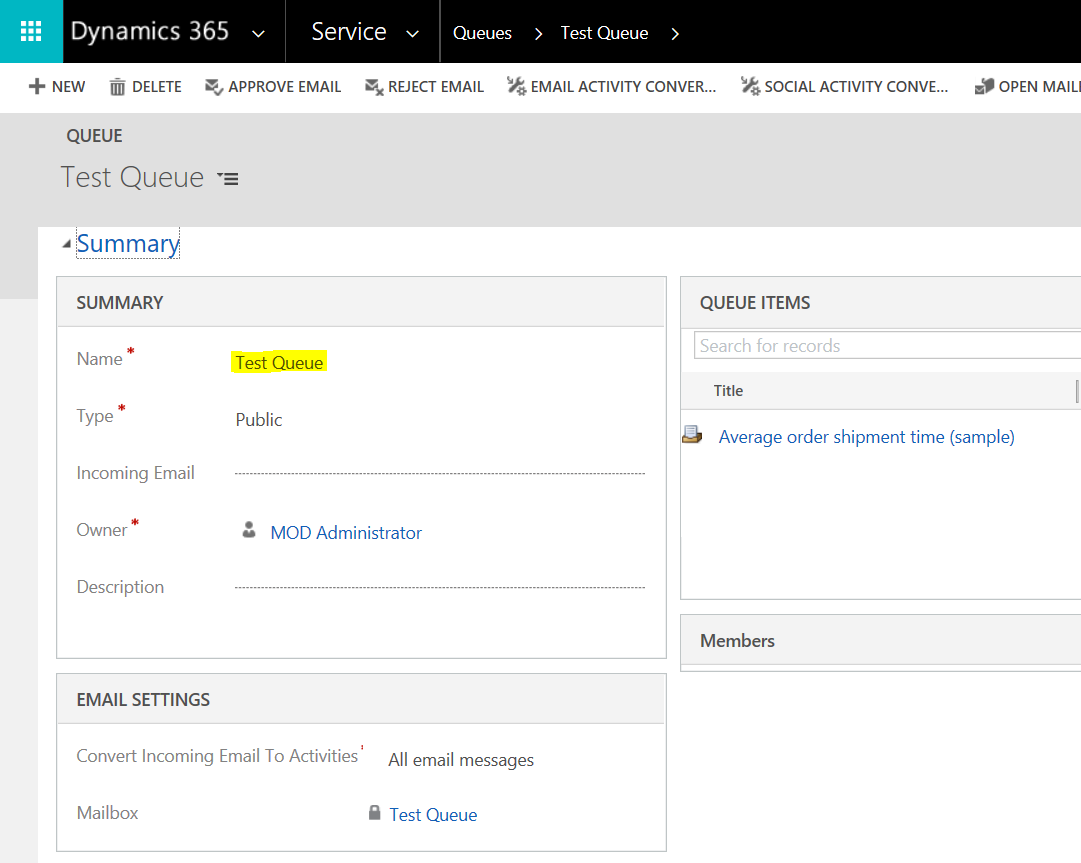
In Dynamics 365, we can use queues to process records such as cases. In this post, we will look at the life…
Read article →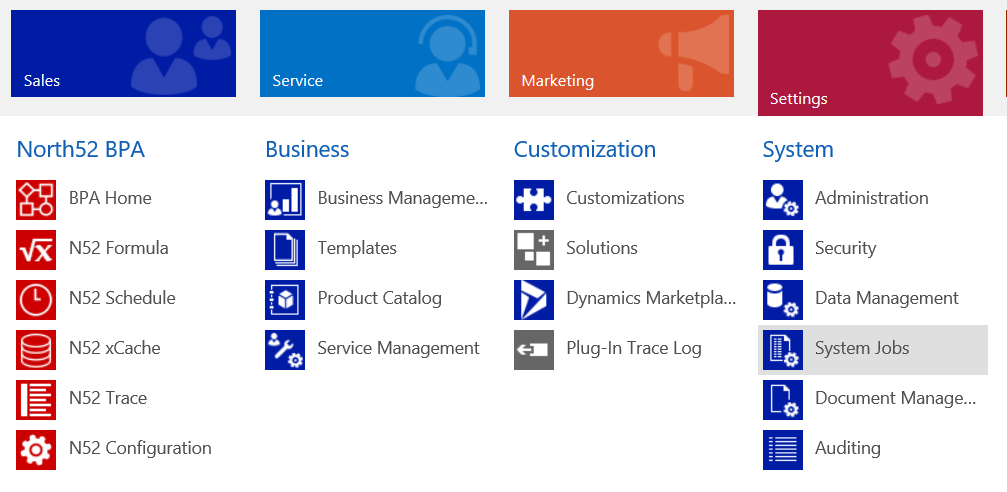
In Dynamics 365, once you have created a workflow, you can view the workflows that have run against records. Let’s say we…
Read article →