Dynamics 365 – Plugin Quick Code
The following is a code snippet to get a plugin up and running quickly. In NuGet, add: Microsoft.CrmSdk.CoreAssemblies [sourcecode language=”CSharp”] using System; using…
Read article →Practical guides, tutorials, and insights on AI, agents, Microsoft technologies, enterprise applications, and communication.
The following is a code snippet to get a plugin up and running quickly. In NuGet, add: Microsoft.CrmSdk.CoreAssemblies [sourcecode language=”CSharp”] using System; using…
Read article →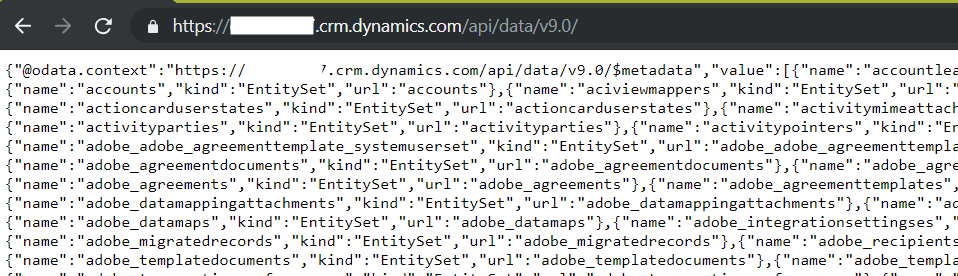
The Dynamics 365 WebApi can be accessed through a web browser. This can be useful if you are writing code and want…
Read article →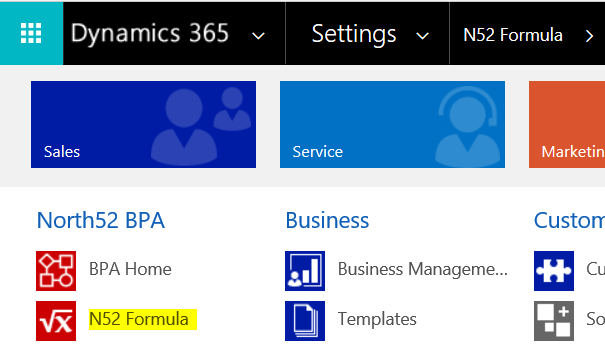
North52 has a Quick Button App that allows you to add buttons to Dynamics 365 forms. In this post we will go…
Read article →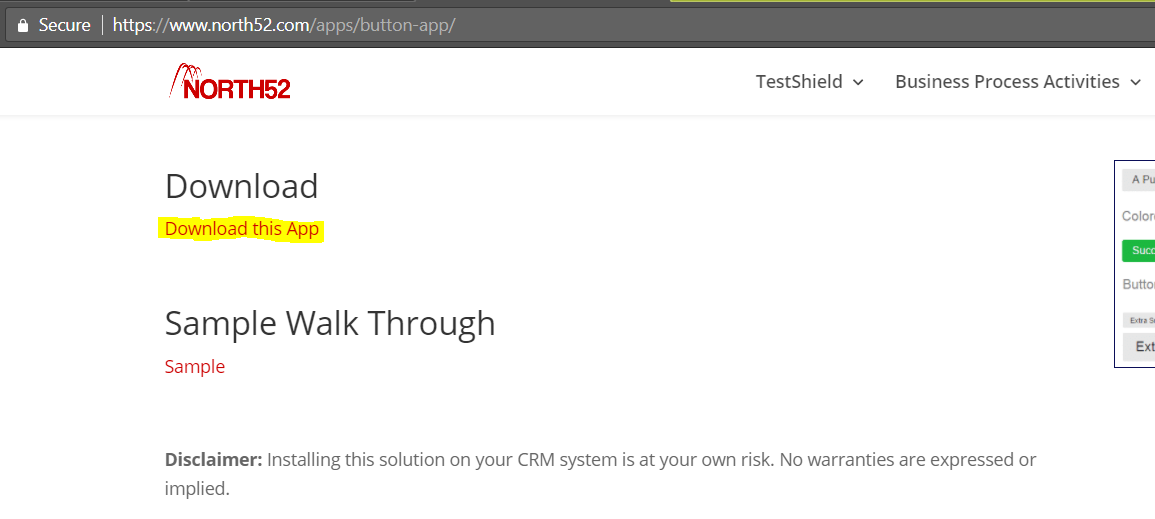
The North52 Quick Button App allows you to buttons to Dynamics 365 forms, which can then be used to trigger North52 formulas.…
Read article →
To find out which speech synthesizers are installed on your windows machine, run the code below. This will tell you the name, gender…
Read article →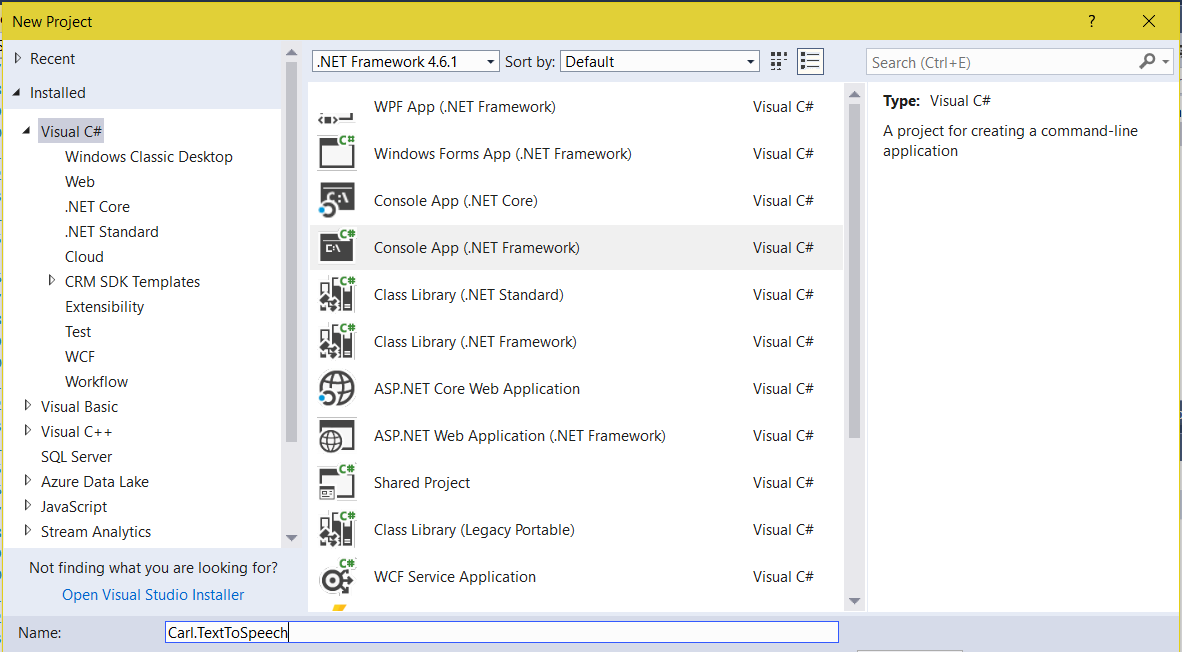
In this post, we will use the Speech Synthesizer in the System.Speech.Synthesis namespace to convert text to speech. Create a new console…
Read article →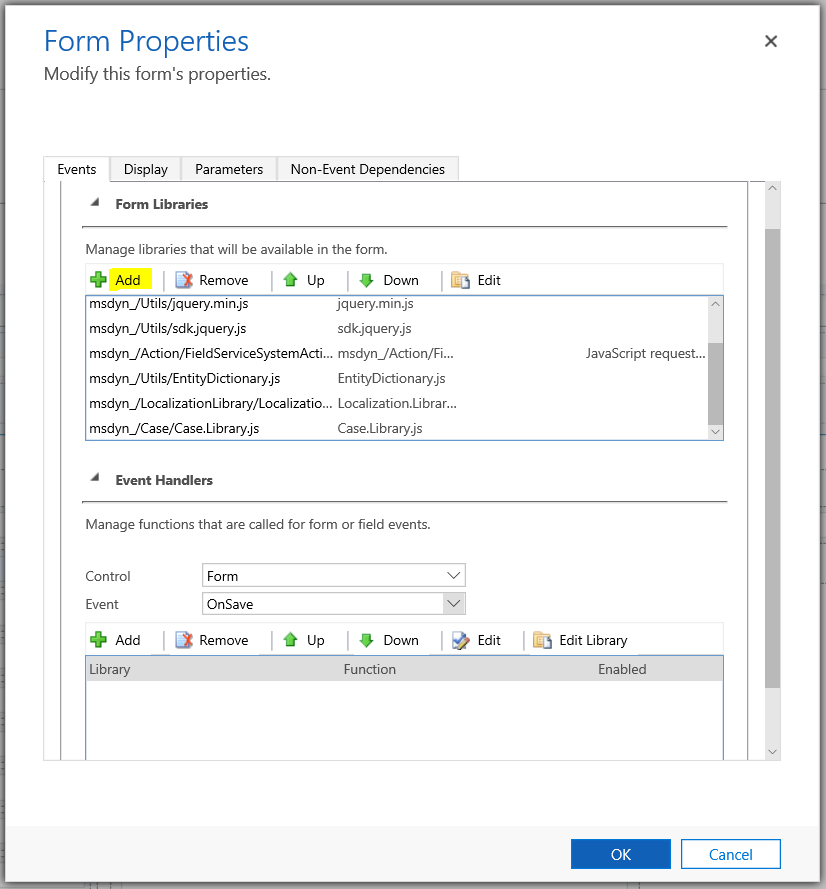
In this post we will call an action from JavaScript. In a previous post, we created an action that takes 2 email…
Read article →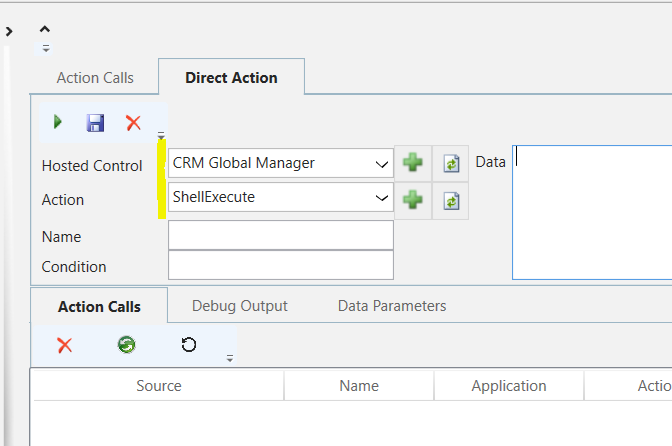
In Unified Service Desk, there is an action called ShellExecute that allows execution of an application. For example, if we open USD…
Read article →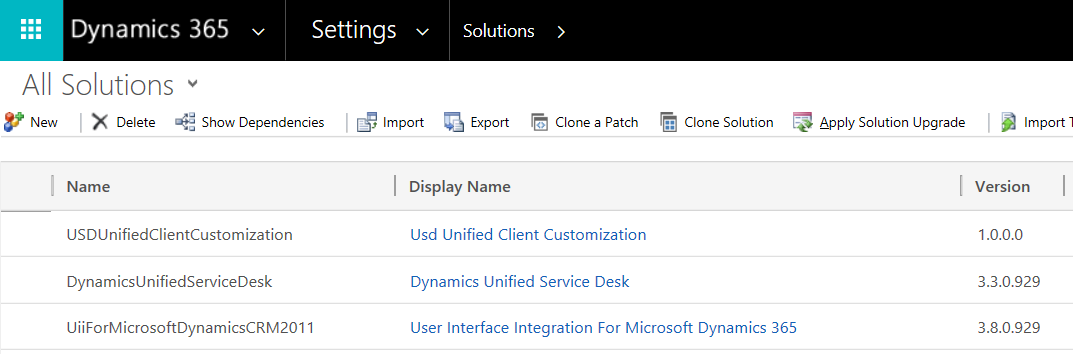
To uninstall the Unified Service Desk solutions, do the following. In Dynamics 365, go to Settings->Solutions and delete: DynamicsUnifiedServiceDesk – Dynamics Unified…
Read article →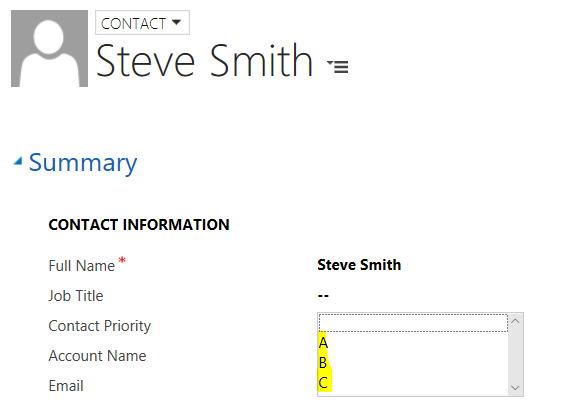
In this post, we will use the WebAPI with JavaScript to get the metadata for a local option set. Let’s say we…
Read article →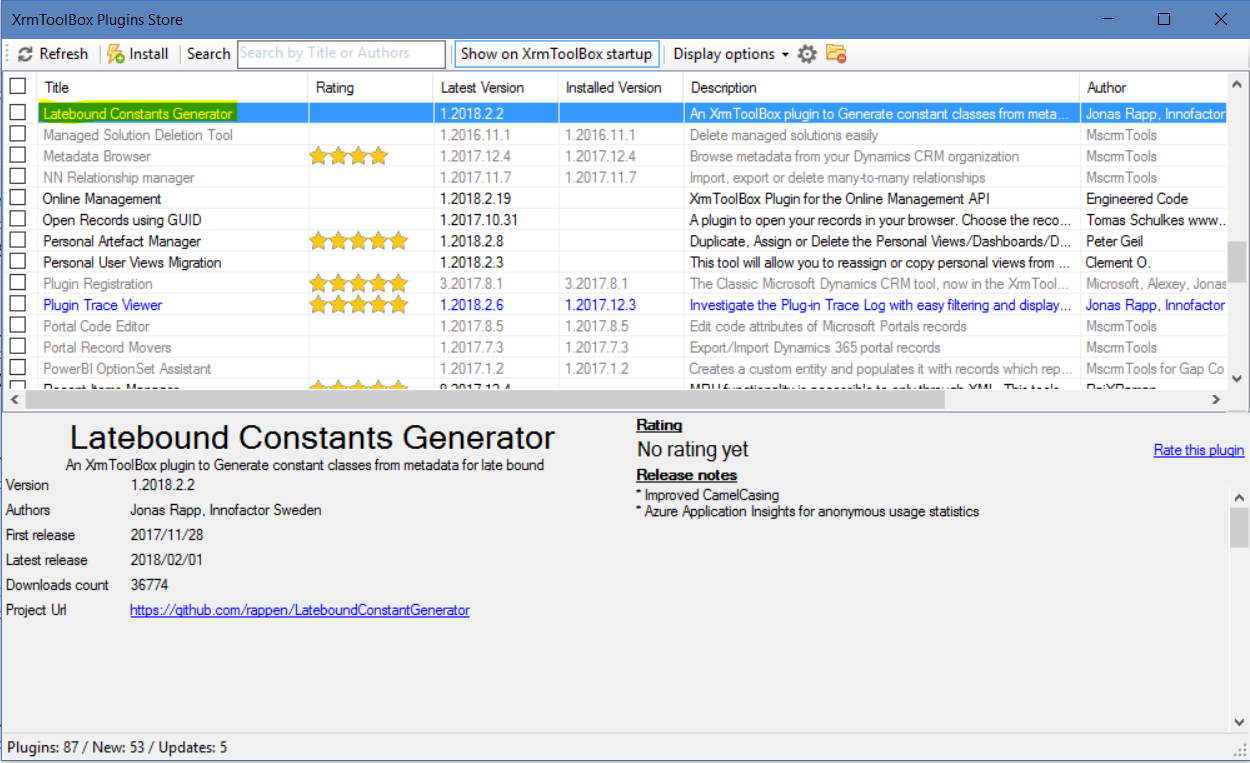
The Latebound Constants Generator is a tool by Jonas Rapp to generate constant classes for late bound Dynamics 365 development. To use it,…
Read article →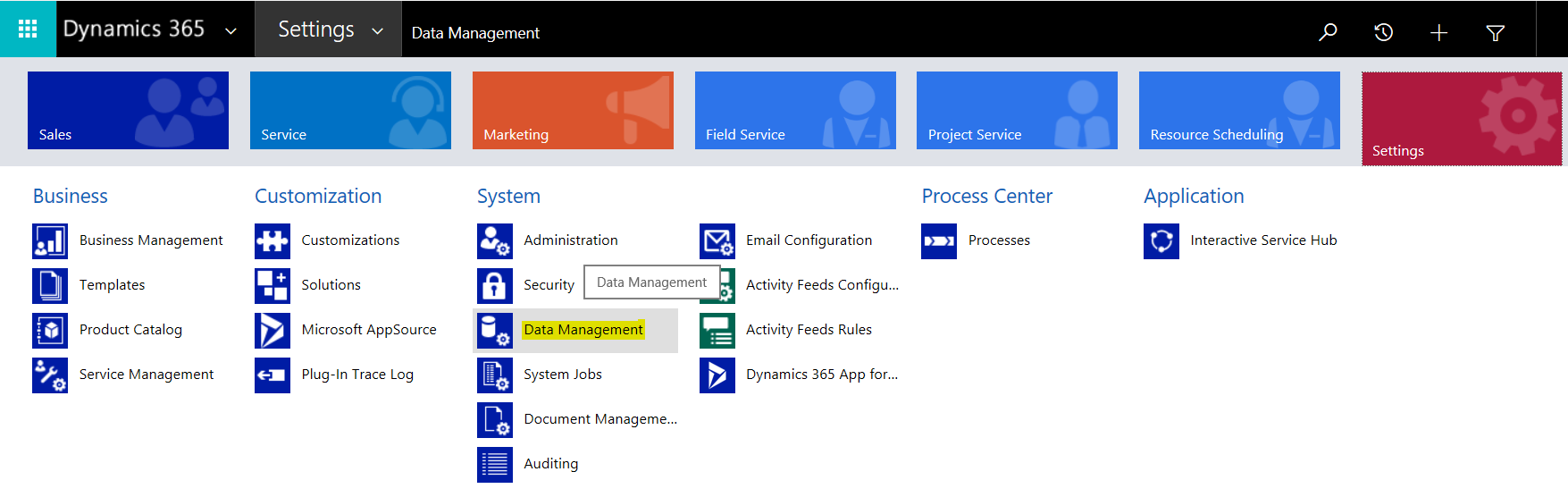
To install sample data in Dynamics 365, go to Settings->Data Management: Select Sample Data: Click Install Sample Data: You will see the…
Read article →