Dynamics 365 OneNote Integration

To set up Dynamics 365 OneNote integration, go through the following steps: First, turn on Enable Server-Based SharePoint Integration. Next, select Settings->Document Management->OneNote Integration: Turn on OneNote integration for the entities you would like: Open a lead and select the OneNote tab: This will create an Untitled document: Select the link. This will open a new OneNote online document: Right click to rename the document. Add any notes. The document … Continue reading Dynamics 365 OneNote Integration

Dynamics 365 SharePoint Integration

Dynamics 365 has built in SharePoint integration. Here we will go through setting this up. Go to Settings->Document Management: Select SharePoint Sites: You may see sites listed. Click on the links to confirm they work: If not, select New and add your SharePoint URL: Next, select Enable Server-Based SharePoint Integration: Click Next: Select the type of SharePoint and click Next: You may see the message: Next, the wizard will connect … Continue reading Dynamics 365 SharePoint Integration

Dynamics 365 Web Resources

Web resources are different types of files that can be uploaded to Dynamics 365. You can add web resources to solutions. In clicking to add a new web resource, you will see the window below: Note the different types of web resources available: Webpage (HTML) – used to create user interface elements.  Read more Style Sheet (CSS) – read more Script (JScript) – read more Data (XML) – used to cache … Continue reading Dynamics 365 Web Resources

Logging a Unified Service Desk Hosted Control with TraceLogger

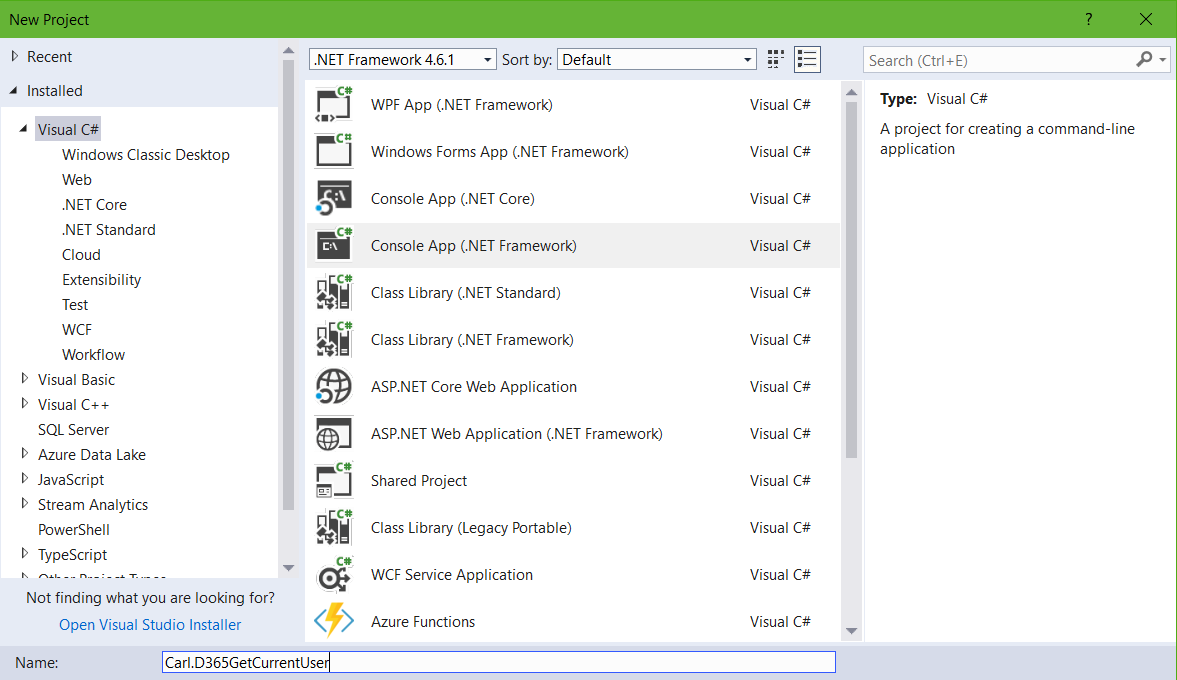
Unified Service Desk comes with different kinds of logging. You can see this logging in the UnifiedServiceDesk.exe.config file under switches: You can also implement logging in your custom hosted controls. Here we will go through how to set this up. First, create a new custom hosted control: Open the USDControl.xaml.cs. You will see a template for adding custom logging. We will add some test lines of code to write to … Continue reading Logging a Unified Service Desk Hosted Control with TraceLogger

Azure ML Titanic Example – Part 3 – Deploy

Adding to the previous 2 posts, we will now deploy our model as a web service. To start, make a copy of the original model. This will allow us to continue refining our model while users can use the original model through the web service. To save a copy, open the model and select Save As: Give the model a name: Now, with the new model open, select Setup Web … Continue reading Azure ML Titanic Example – Part 3 – Deploy

PowerApps – Useful links, blogs and resources

Below is some useful PowerApps resources. PowerApps Community at Microsoft PowerApps Guided Learning at Microsoft Webinars PowerApps Documentation at Microsoft – Find Apps, Create Apps, Administer Apps PowerApps Blog at Microsoft Developing Business Applications with Microsoft PowerApps, CDS, and Flow at EdX  

Introduction to Yammer

Yammer is a portal from Microsoft that allows people to communicate in an organization. To log into Yammer, go to https://www.yammer.com/: You can also access Yammer from the Office 365 menu: Logging in, you will see the home page, with posts from different Yammer users in your organization: Select + to create new groups in Yammer: These groups can be internal and external:   You can also send private messages to … Continue reading Introduction to Yammer

Dynamics 365 Managed Properties of Forms

In Dynamics 365, after forms are deployed as part of a managed solution, there are certain managed properties that can be updated. Here we will look at how this works. Go to a form under Customizations and select Managed Properties: This will open the Set Managed Properties window: Note the properties. Now, if we go to a managed solution, we see the message that we can edit components if the … Continue reading Dynamics 365 Managed Properties of Forms