Goals and Targets in Power BI

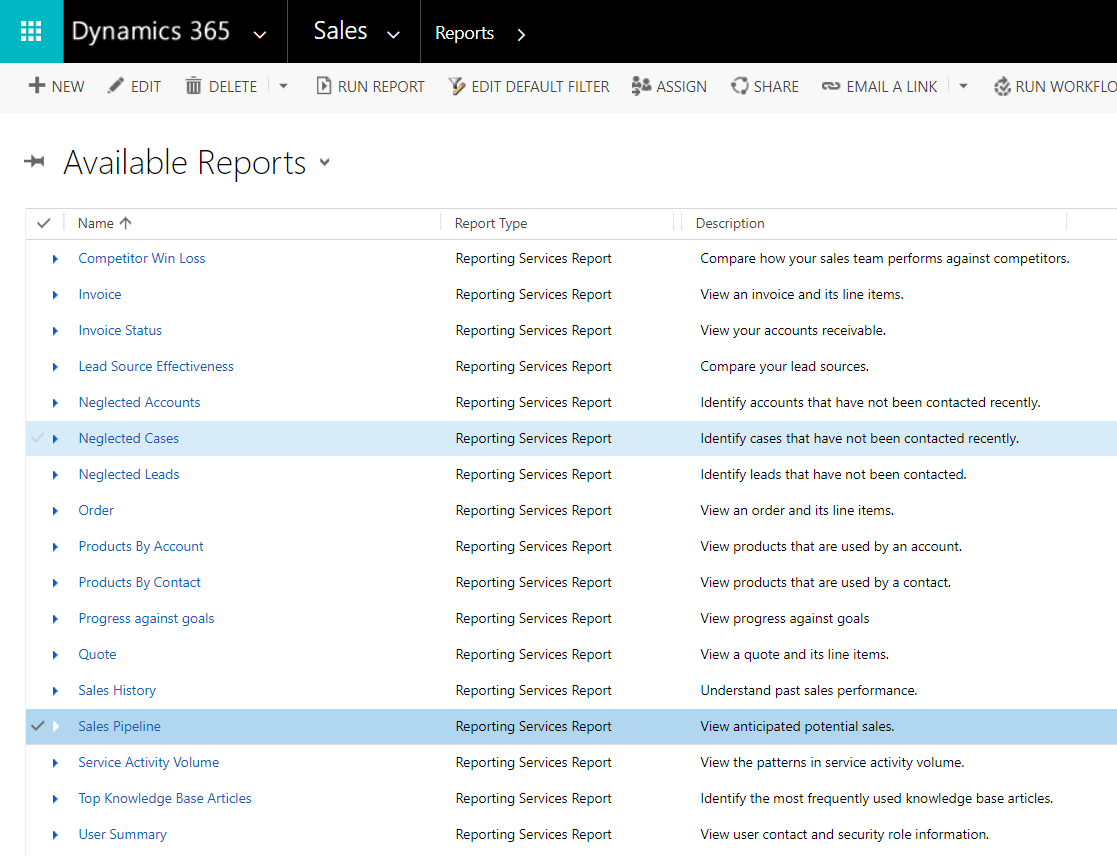
In Power BI, a common requirement is to display progress towards meeting a goal. For example, if you want to track monthly progress of salespeople vs their targets. To do this, first create a new Power BI report. In our example, we have 2 tables: Goals – which holds the targets for each salesperson Sales – which holds sales transaction records We will keep this simple and not use dates. … Continue reading Goals and Targets in Power BI

Dynamics 365 Server Side Sync Setup

Server Side Sync is a way to synchronize email and other supported entities between an email server and Dynamics 365. Here we will go through setting up server side sync. To set up Server Side Sync, go to Settings->Email Configuration:   Select Email Server Profiles: Here you will see email server profiles. Select New to create a new profile. You can enter select: Exchange Server (Hybrid) Exchange Online POP3/SMTP Server … Continue reading Dynamics 365 Server Side Sync Setup

Adding a Visual Studio Website Solution to Visual Studio Team Services

In this post we will add an existing website project to Visual Studio Team Services. First, create a project in VSTS. Log into https://visualstudio.microsoft.com/team-services/: Select New Project: Enter the project details, and select the version control type: Git Team Foundation Version Control Select the Work Item Process: Agile CMMI Scrum Click Create. Now, open the project you created earlier in Visual Studio. We have a project that is a website: … Continue reading Adding a Visual Studio Website Solution to Visual Studio Team Services

Restrict Access to Dynamics 365 Instances

You may have a scenario where you do not want to give access to a Dynamics 365 instance to certain users. One way to do this is to use security groups in Office 365. To do this, create a security group and add administrators and members. Then, in the Dynamics 365 Administration Center, select to edit your instance: Scroll down to Security Group: Select the security group you want to … Continue reading Restrict Access to Dynamics 365 Instances

Office 365 Security Groups

Security Groups are a way to control access to Office 365 functionality. Security Groups are a part of Groups within Office 365. To create and view groups, go to the Admin portal at: https://portal.office.com/adminportal Then select Groups: You will see a list of the groups, and note you can filter on security groups: You can create a security group by select +Add a group: Click Add: You can then select the … Continue reading Office 365 Security Groups

Dynamics 365 Developer Extensions

The Dynamics 365 Developer Extensions is a 3rd party add-on for Visual Studio. Note at the time of writing, the extensions support Visual Studio 2012, 2013, 2015, with support for Visual Studio 2017 in progress. You can read more about the addon here: https://marketplace.visualstudio.com/items?itemName=JLattimer.DynamicsCRMDeveloperExtensions To install, download and run the vsix: You will now see these new options when creating a new project:  

SharePoint – Create New List

To create a new list in SharePoint, go to your team site and select New->List: Enter a name and description for the list: You can now access your list: Click New to add a new item, and save the item: The item will then appear in your list:  

Dynamics 365 Teams

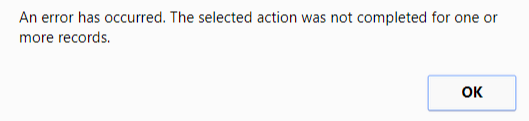
Teams are a way in Dynamics 365 to group users to provide additional functionality. To set up teams, go to Settings->Security and select Teams: Whenever a business unit is created, a default team is also created: Teams generated from a business unit cannot be deleted. If you try to delete the team you will get the message: You also cannot add or remove team membership for these teams, or you … Continue reading Dynamics 365 Teams

Dynamics 365 IFrame OnReadyStateComplete

The OnReadyStateComplete event is an event in Dynamics 365 that tells you when an iframe has completely loaded. This is useful if you are referencing controls within the iframe through code. To use it, go to a form and create a new iframe:     Add the code to a function: function IFrameLoaded() { alert(“The iframe has finished loading”); } And add the function to the event:   Select an … Continue reading Dynamics 365 IFrame OnReadyStateComplete