There are different subscriptions associated with Dynamics 365. Note this pricing changes often. This is more of a guide on how to manage your subscriptions in the Office 365 portal. Pricing can be found on Microsoft’s website at: https://www.microsoft.com/en-us/dynamics365/pricing
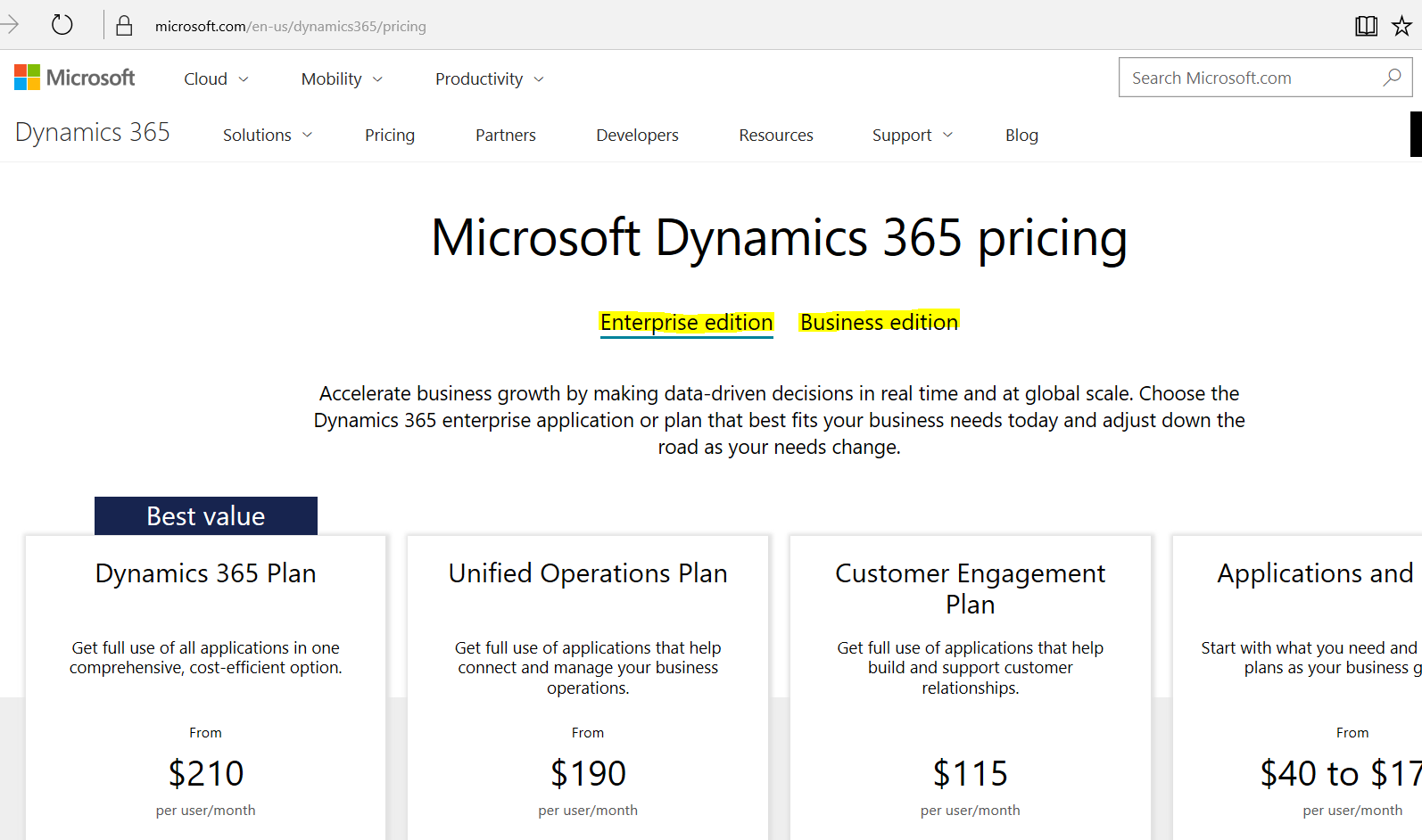
On the website, you will see 2 different tabs for Enterprise Edition and Business Edition. The Enterprise Edition looks like below:
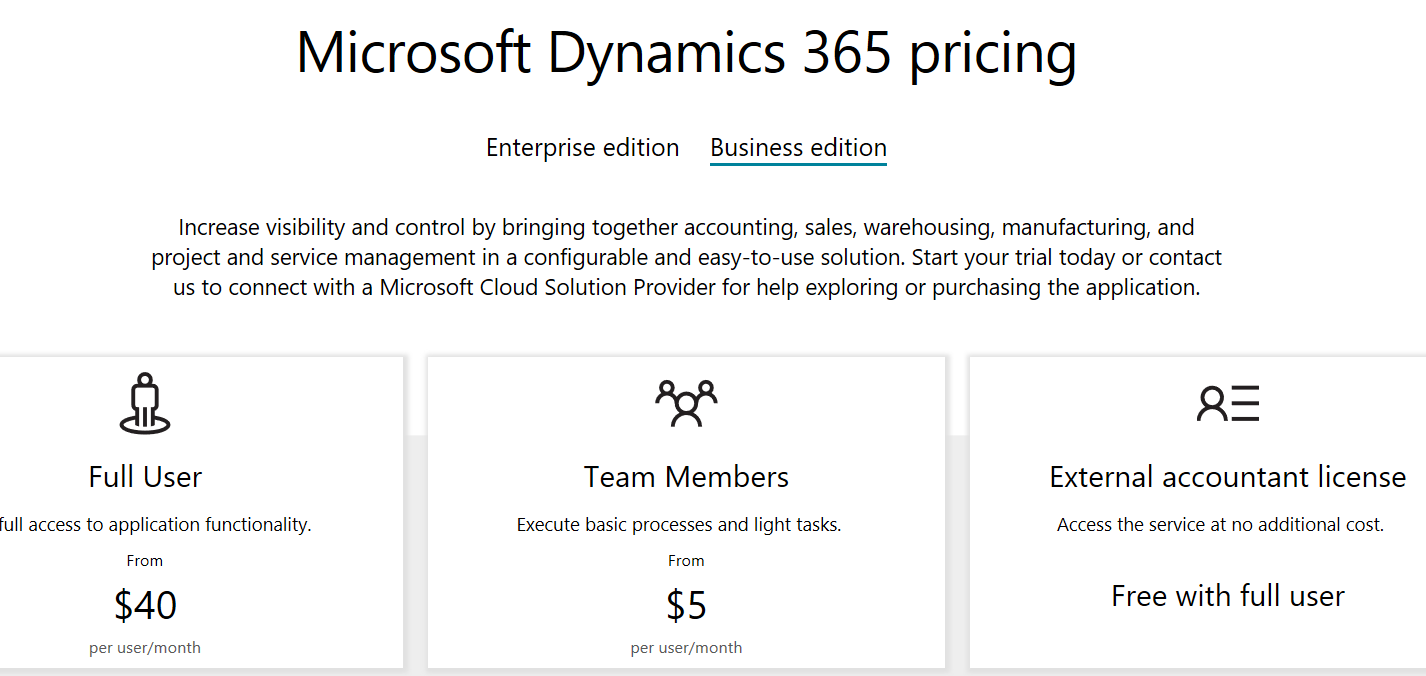
The Business edition consists of:
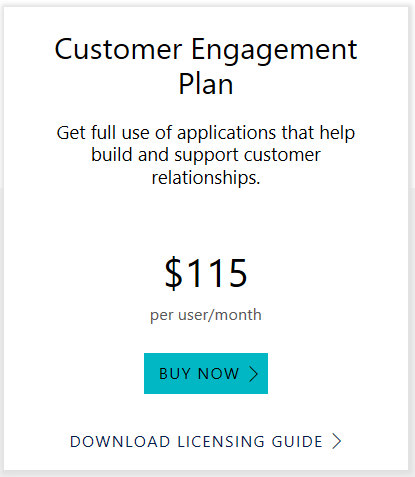
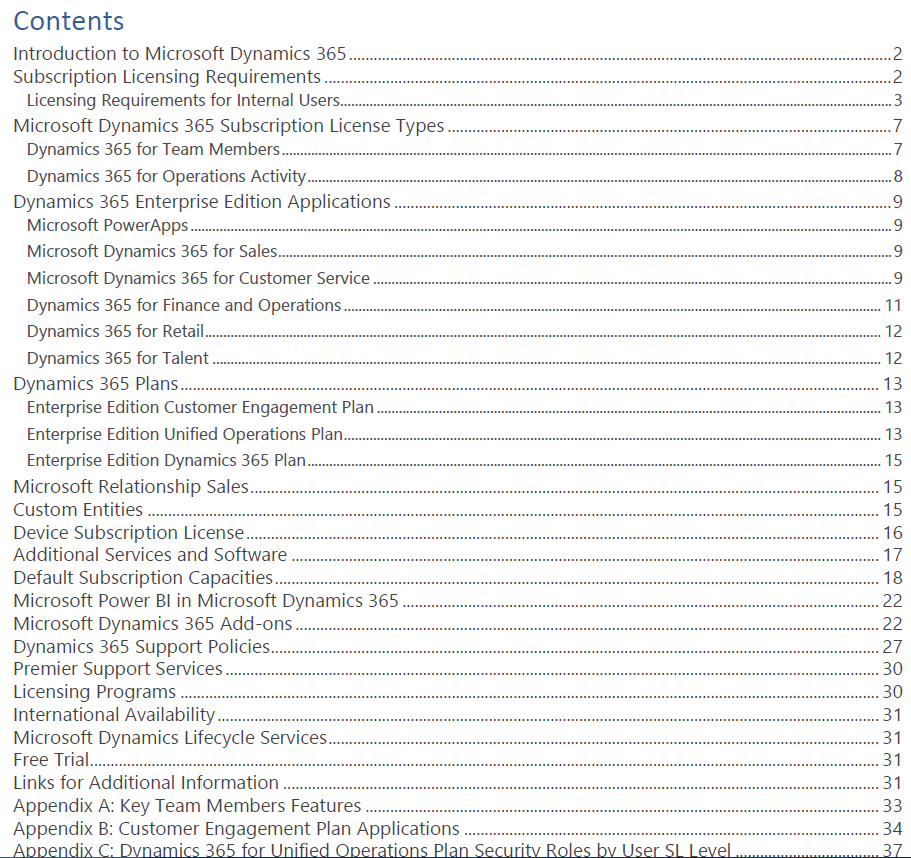
In the Enterprise edition, under each plan, you can download a PDF licensing guide that contains details on the plan:
The PDF looks like:
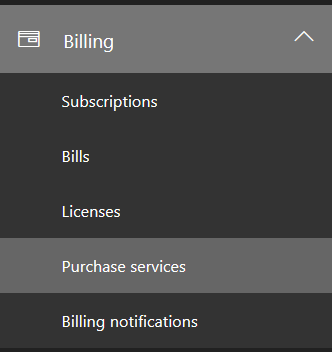
You can manage your subscriptions in the Office 365 Admin Portal. Log in to the portal and select Billing->Purchase Services.
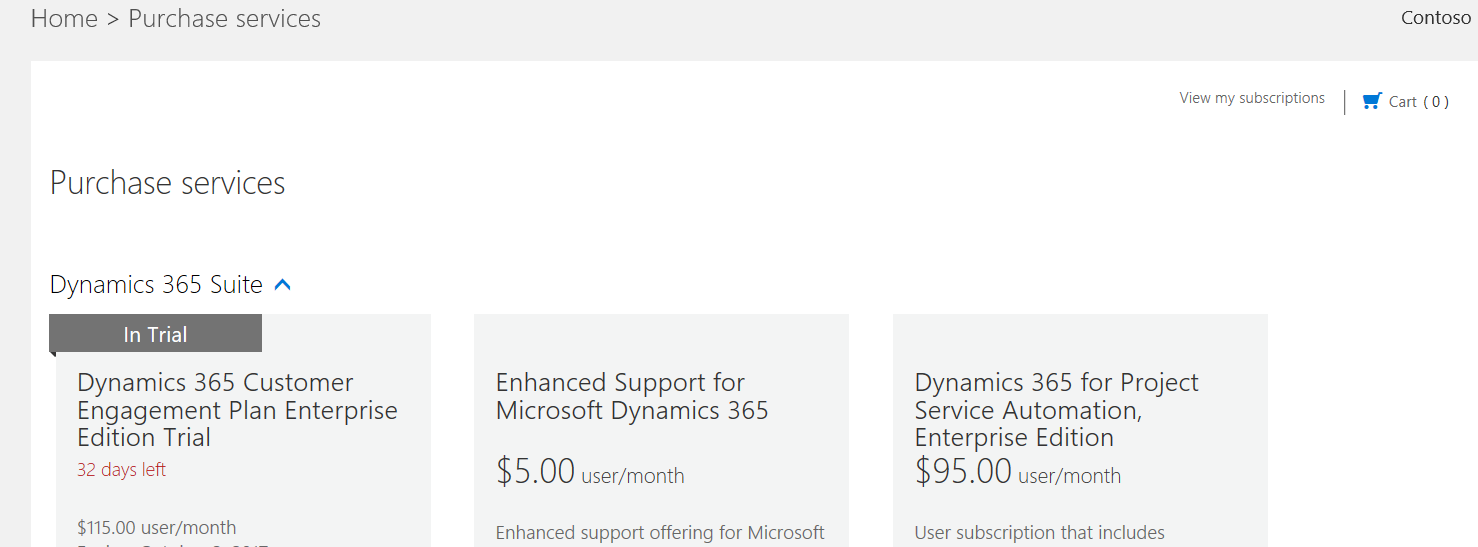
Here you will see your current subscriptions and ones available to add:
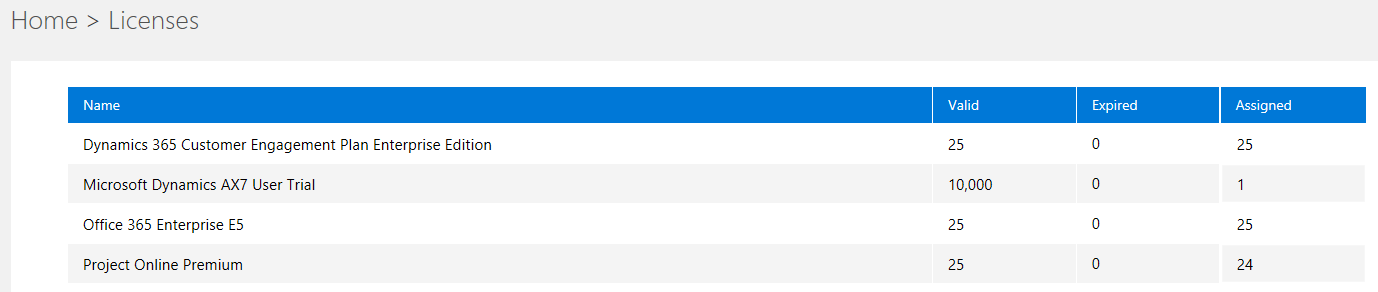
You can also see the current licenses you have:

Explore AI, agents & Microsoft technology.
I share practical ideas, tutorials, and videos about AI, AI agents, Microsoft technologies, and the Power Platform.
Subscribe on YouTube →