
Dynamics 365 Teams
Teams are a way in Dynamics 365 to group users to provide additional functionality. To set up teams, go to Settings->Security and…
Read article →Teams are a way in Dynamics 365 to group users to provide additional functionality. To set up teams, go to Settings->Security and…
Read article →
The OnReadyStateComplete event is an event in Dynamics 365 that tells you when an iframe has completely loaded. This is useful if…
Read article →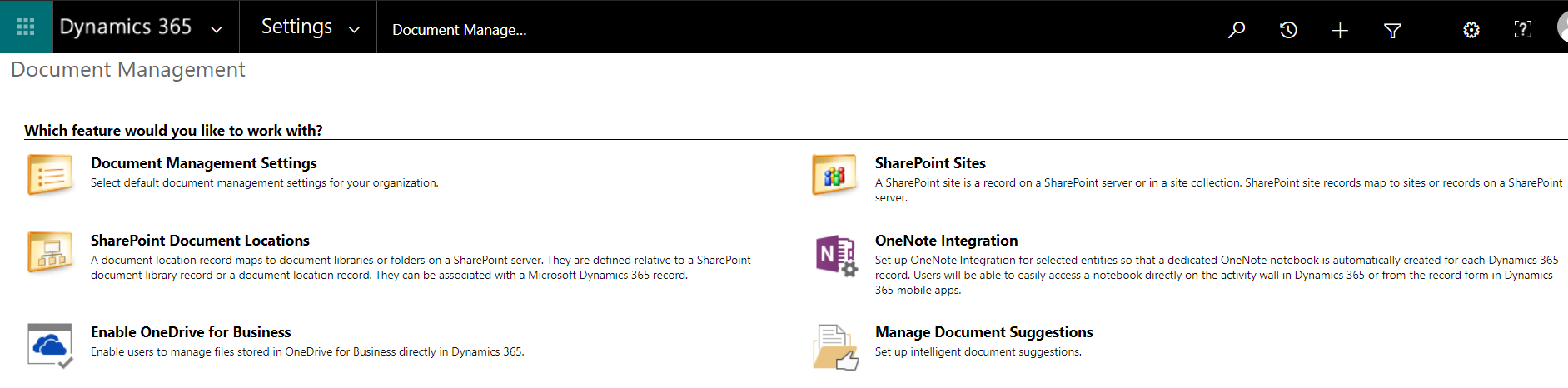
To set up Dynamics 365 OneNote integration, go through the following steps: First, turn on Enable Server-Based SharePoint Integration. Next, select Settings->Document…
Read article →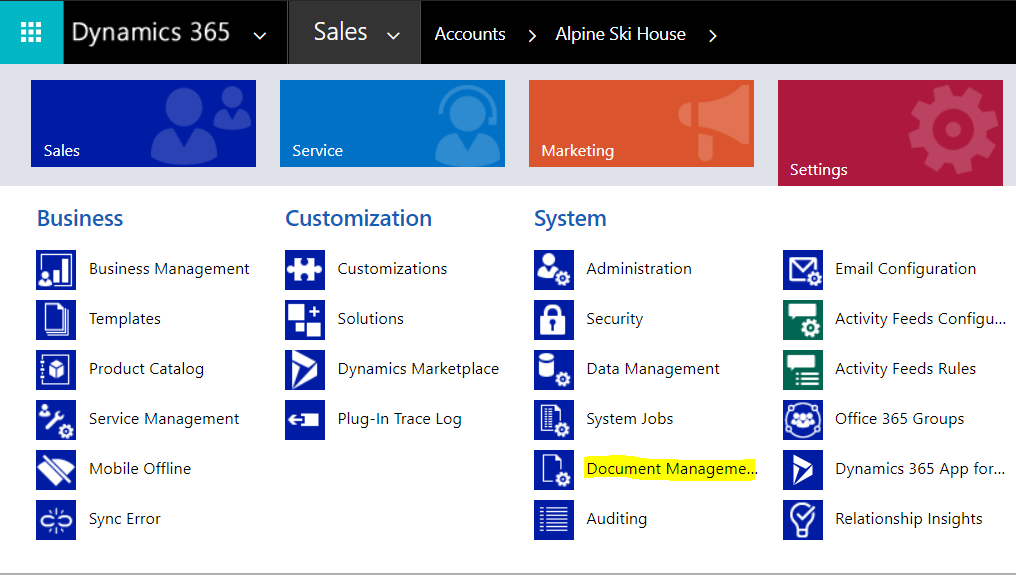
Dynamics 365 has built in SharePoint integration. Here we will go through setting this up. Go to Settings->Document Management: Select SharePoint Sites:…
Read article →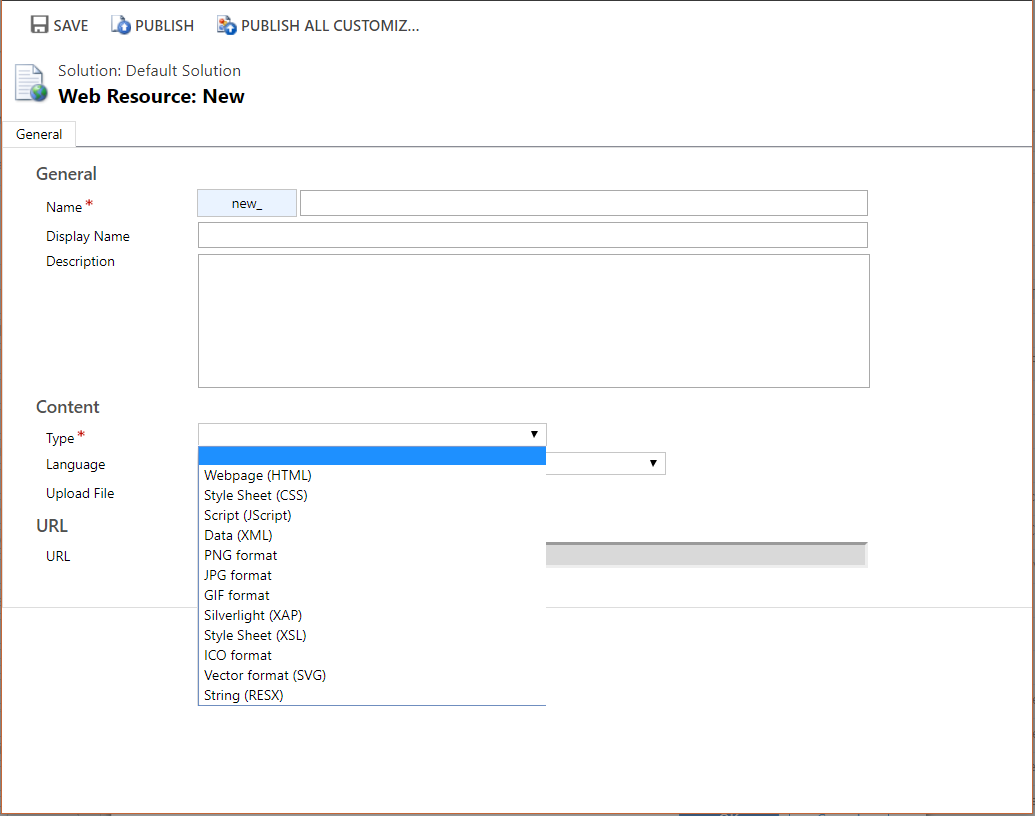
Web resources are different types of files that can be uploaded to Dynamics 365. You can add web resources to solutions. In…
Read article →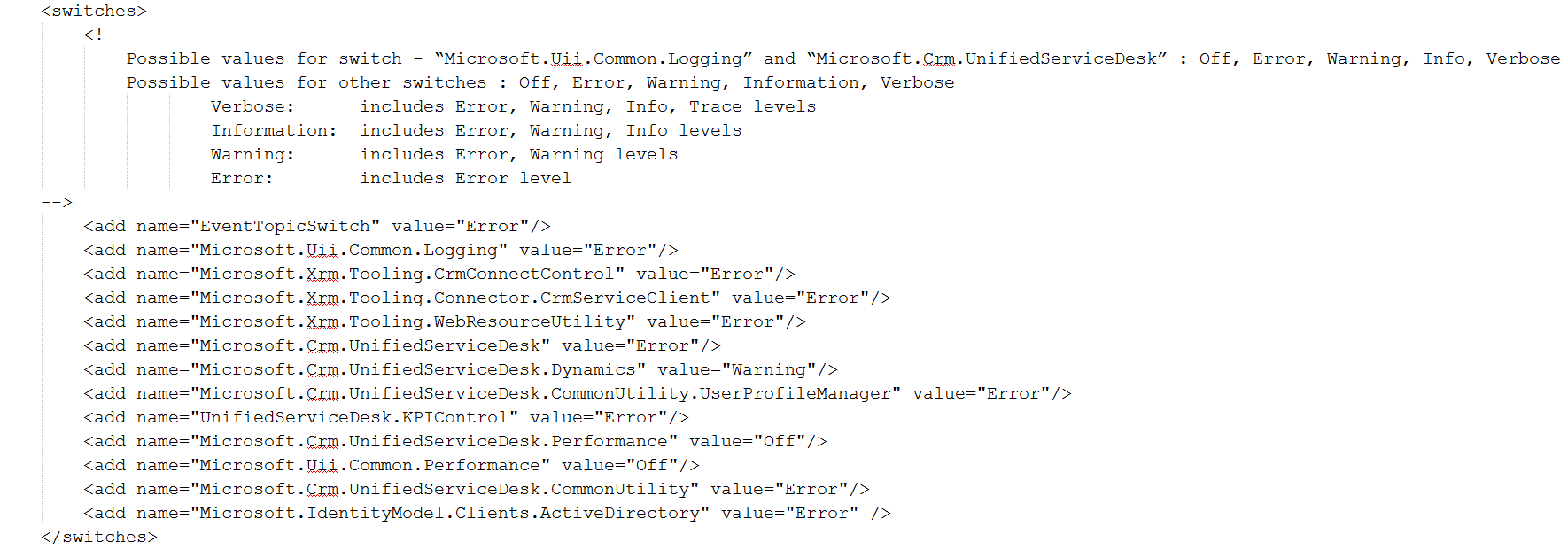
Unified Service Desk comes with different kinds of logging. You can see this logging in the UnifiedServiceDesk.exe.config file under switches: You can…
Read article →
Adding to the previous 2 posts, we will now deploy our model as a web service. To start, make a copy of…
Read article →Below is some useful PowerApps resources. PowerApps Community at Microsoft PowerApps Guided Learning at Microsoft Webinars PowerApps Documentation at Microsoft – Find…
Read article →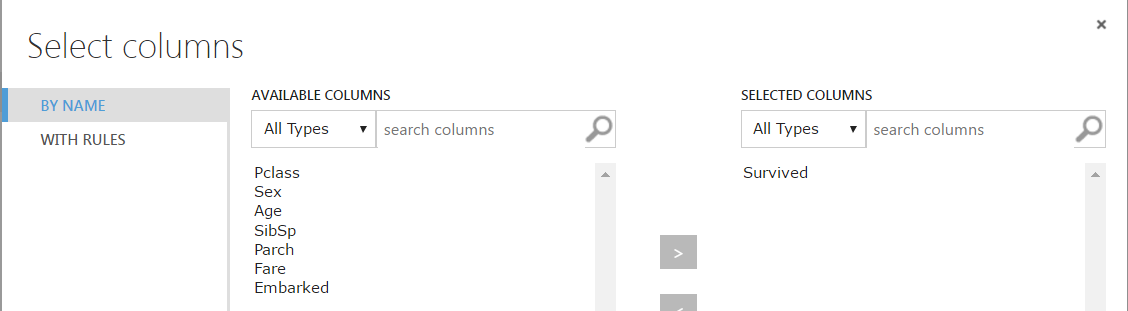
In the previous post we showed how to set up our data so it is ready for building our Azure ML model.…
Read article →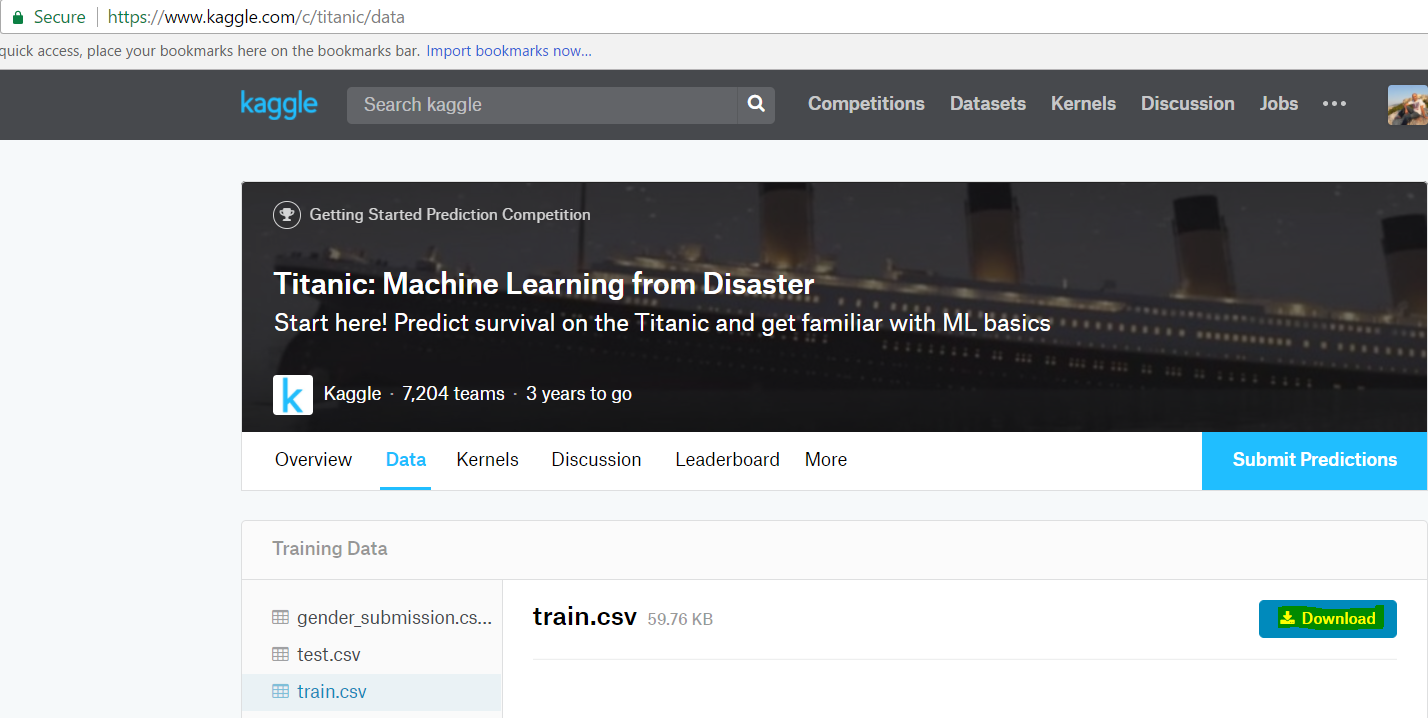
Microsoft has made available a tutorial to learn Azure ML by using data from the Titanic. With the data, we can work…
Read article →