Security Groups are a way to control access to Office 365 functionality.
Security Groups are a part of Groups within Office 365. To create and view groups, go to the Admin portal at: https://portal.office.com/adminportal
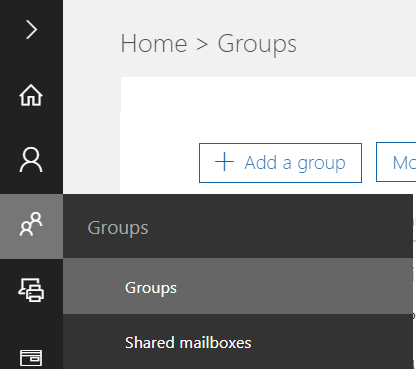
Then select Groups:
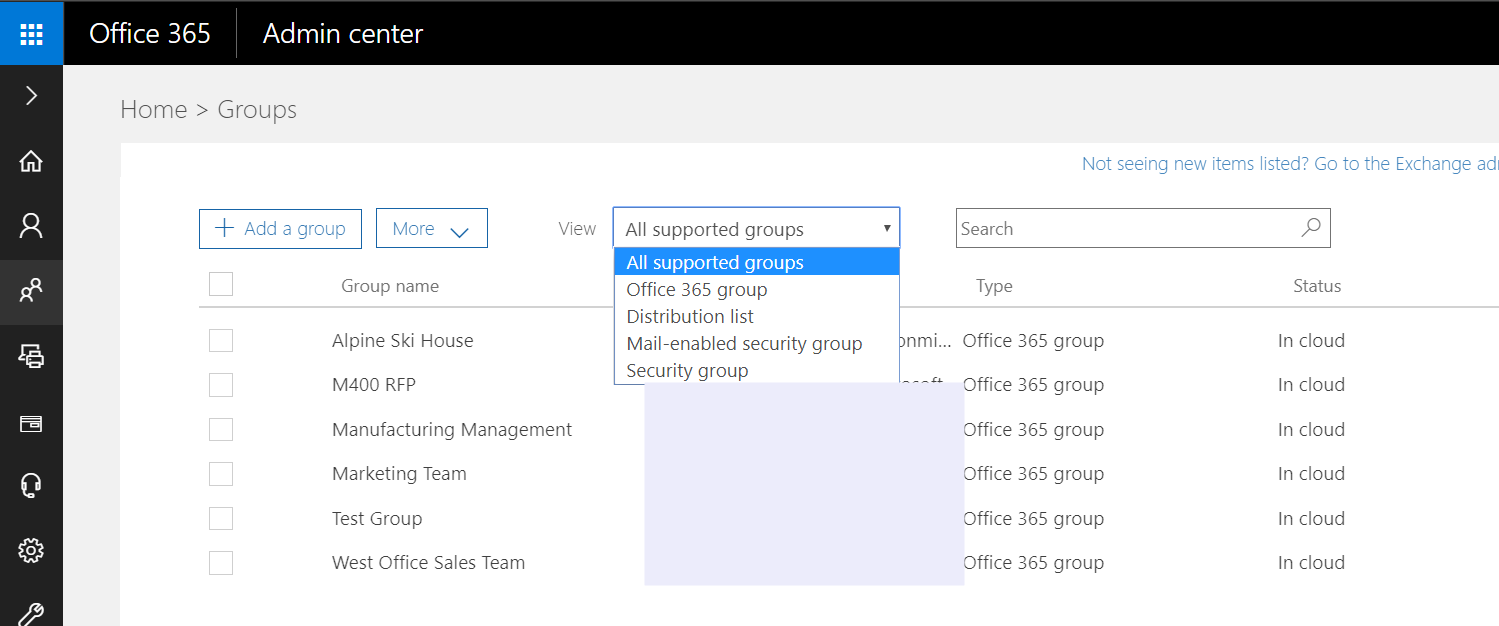
You will see a list of the groups, and note you can filter on security groups:
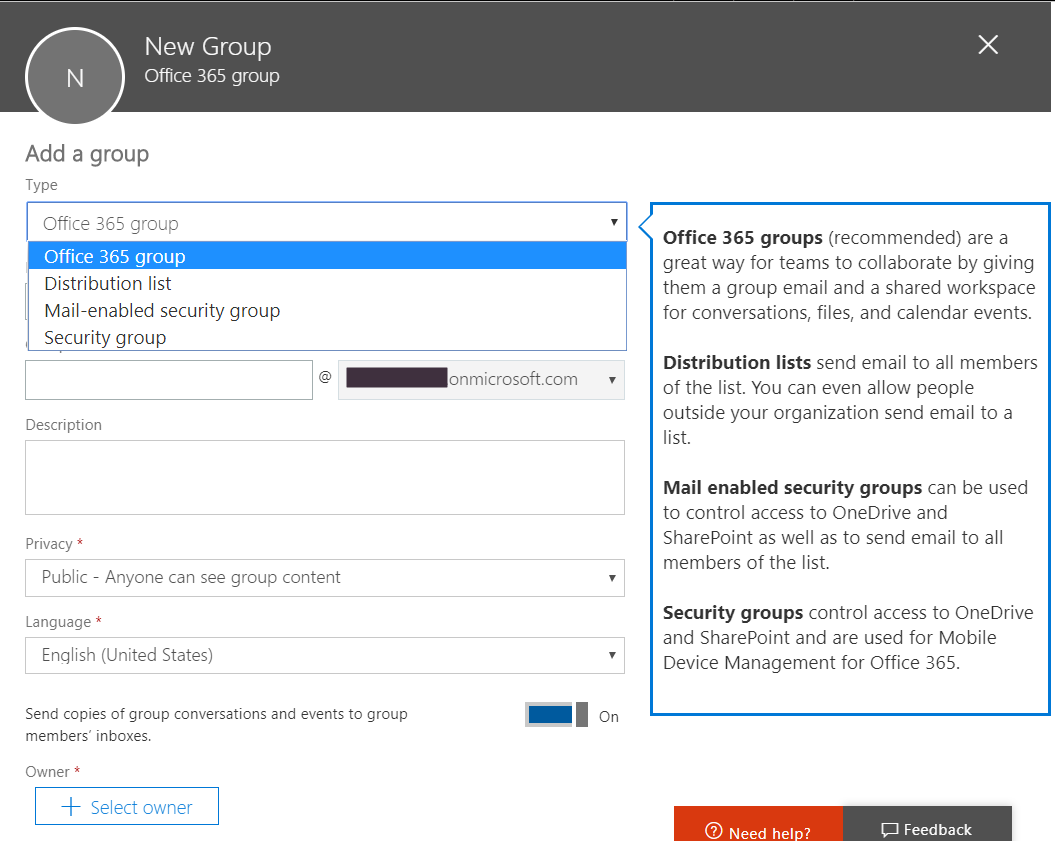
You can create a security group by select +Add a group:
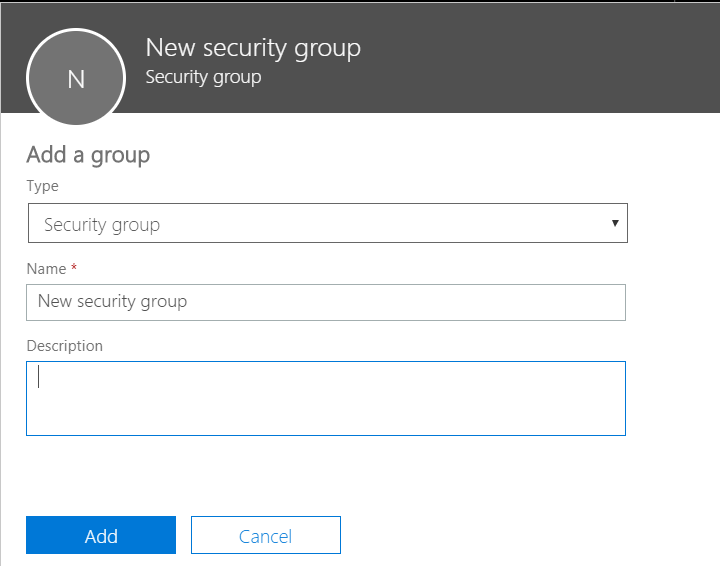
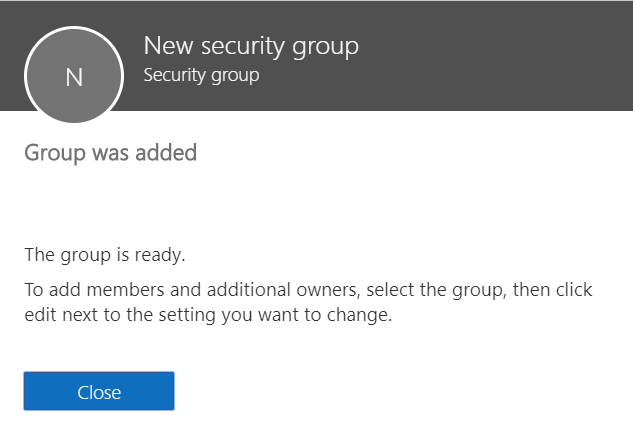
Click Add:
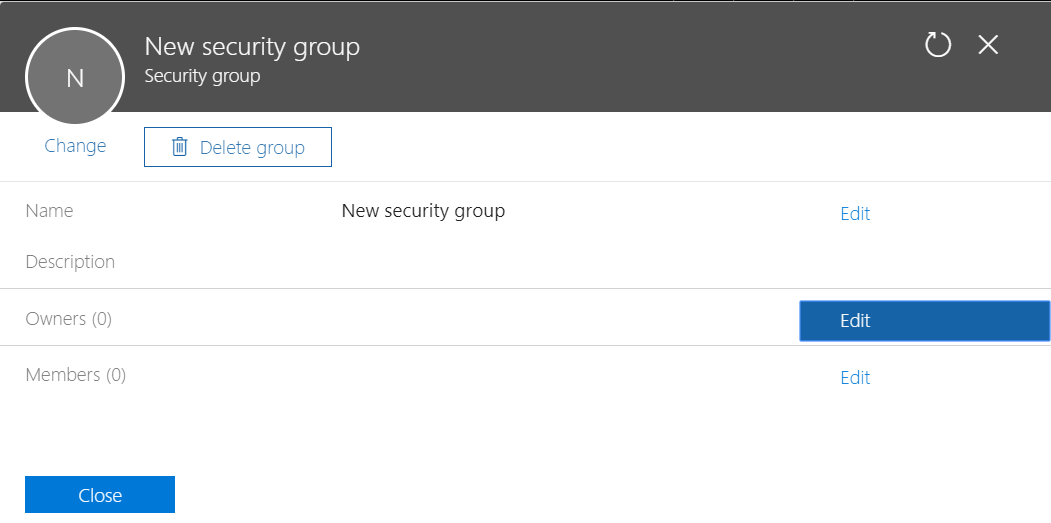
You can then select the group and then Owners and Members:

Keep learning. Keep building.
Explore AI, agents & Microsoft technology.
I share practical ideas, tutorials, and videos about AI, AI agents, Microsoft technologies, and the Power Platform.
Subscribe on YouTube →Carl de Souza Enterprise Architect at Microsoft · AI Technology Expert
