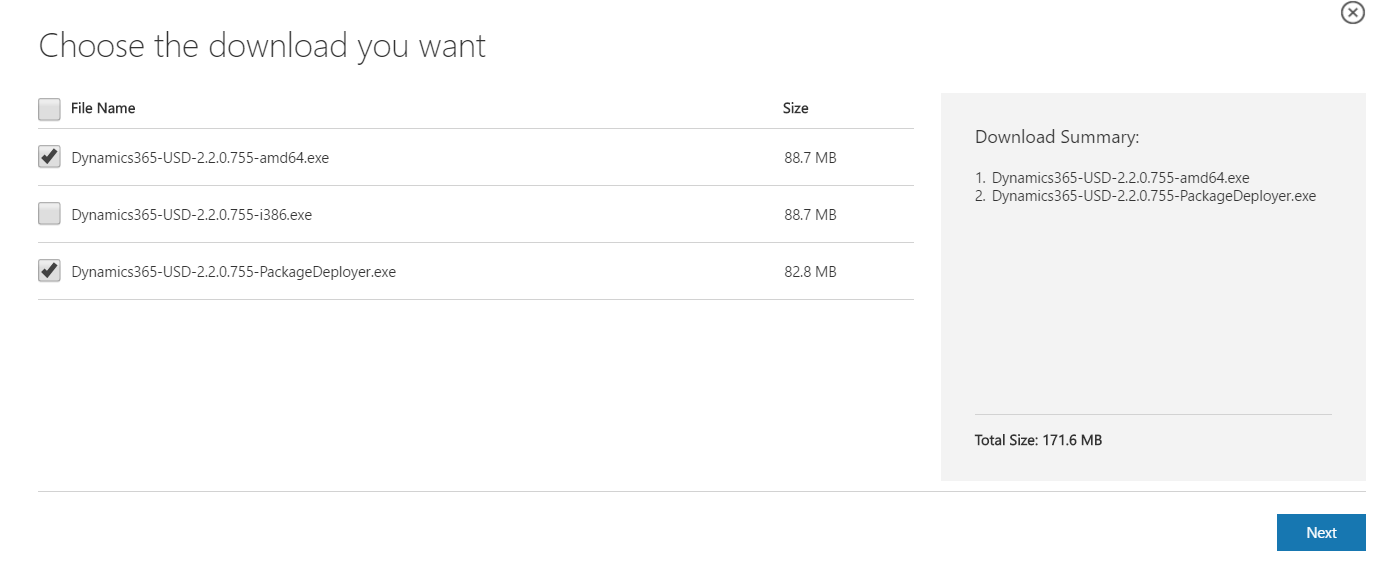
Dynamics CRM Unified Service Desk Install
The following are steps to install the Unified Service Desk (USD). Go to the Microsoft website to download the USD files: https://www.microsoft.com/en-us/download/details.aspx?id=50355 Select…
Read article →The following are steps to install the Unified Service Desk (USD). Go to the Microsoft website to download the USD files: https://www.microsoft.com/en-us/download/details.aspx?id=50355 Select…
Read article →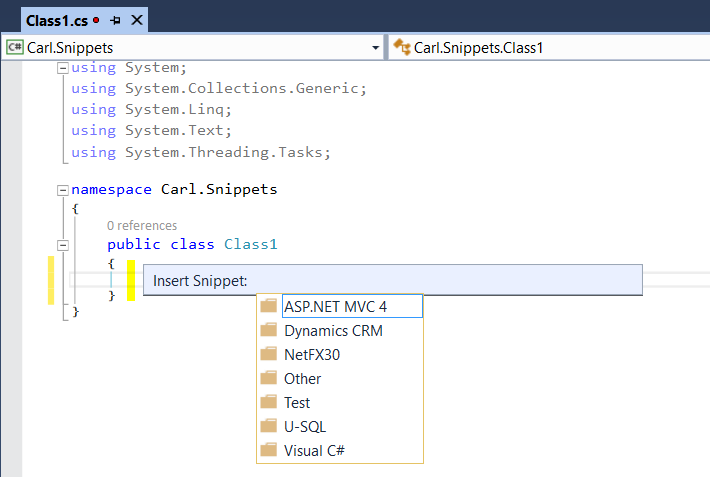
In Visual Studio, code snippets are available to help with development. To use code snippets, open a Visual Studio project. Type CTRL-K…
Read article →
One way a generic SQL error can occur is when dealing with ConditionOperator in QueryExpression. Consider the following code to get all users who’s first…
Read article →
In Dynamics 365, once we have the IOrganizationService object, we can retrieve the user id, organization id and the business unit id: CrmServiceClient conn =…
Read article →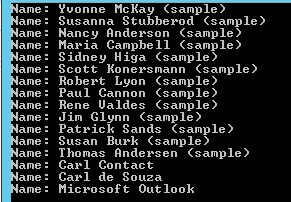
To create a console app that connects to Dynamics CRM 2015, we will use the CrmServiceClient. Create a new Visual Studio project and…
Read article →
To finding the Dynamics CRM OData and Web API URLs for your organization, go to Dynamics CRM and select Settings->Customizations: From there,…
Read article →
Dynamics CRM has quick find functionality, where you can enter text in the search box and it will search specific entity records…
Read article →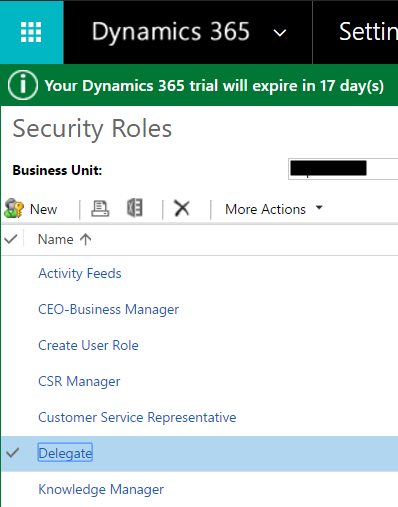
Security roles can be copied in Dynamics 365. To do this, go to Settings->Security and select a role to copy: Select More…
Read article →
PowerShell is an interactive shell and a scripting language for Windows environments. It has several uses including for automation and configuration. It…
Read article →
In our Dynamics 365 forms, there are measures we can take to ensure fields that are being used by JavaScript are not…
Read article →