Installing Dynamics CRM Report Authoring Extensions

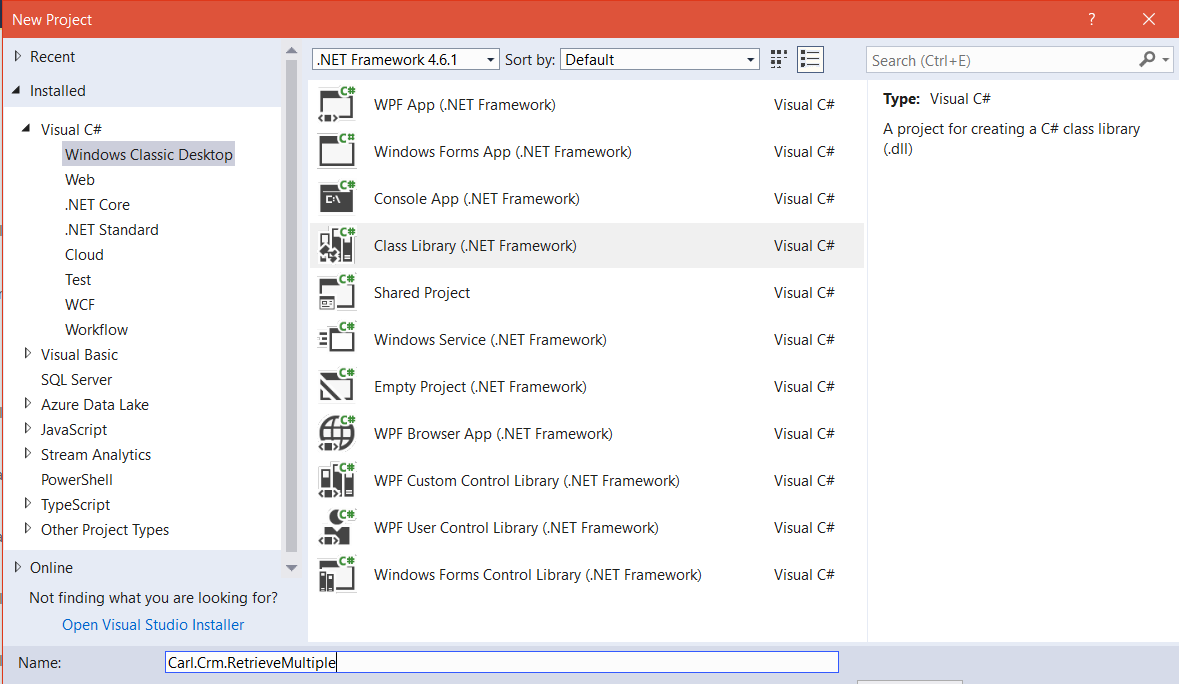
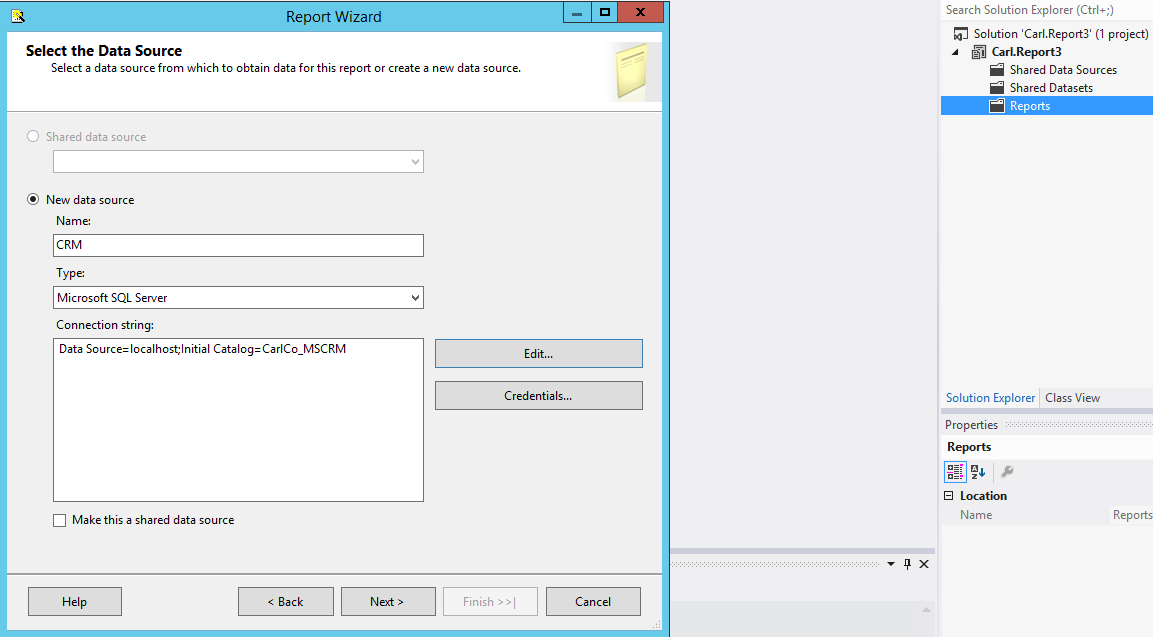
To create reports in SSRS for Dynamics CRM, you need to install the report authoring extension. To do this, download from the link below (Visual Studio 2012, CRM 2015): https://www.microsoft.com/en-us/download/details.aspx?id=45013 Run the EXE to extract the files: The wizard will open: Press Install: Click Next: Now, when you start Visual Studio you will see the option appear:  

JavaScript console.log Hello World

console.log allows for developers to write log events to certain web browsers. Here we will do a Hello World example using Chrome. First, create a new html document, and add the code: [sourcecode language=”javascript”] console.log("Hello World"); [/sourcecode] Open the document in Chrome and select F12 to open the developer tools. Go to the Console tab. You will now see the output: This logging can be useful in troubleshooting code. You … Continue reading JavaScript console.log Hello World

A Guide to Extending Dynamics 365 and Power Apps

Below is a summary of the areas you can extend of Dynamics 365 and Power Apps. Area Purpose Notes Processes General term for allowing an organization to create processes specific to their business. These are created through the Dynamics 365 user interface, and include: Actions, Business Process Flows, Dialogs and Workflows. More details on each type below. Access under Settings->Processes Workflows A type of process created through the Dynamics 365 … Continue reading A Guide to Extending Dynamics 365 and Power Apps

Dynamics CRM Custom Code Validation Tool 2015

To download the tool, go to: https://www.microsoft.com/en-us/download/details.aspx?id=45535 Run the exe. Click Continue: You will see: Now import the tool: Open the solution: You will then see any issues:  

C# Thread()

C# applications are often required to implement multithreaded functionality. Thanks to the .NET Framework, implementing threading is not difficult. In C# there are different ways we can create threads. Here we will look at using Thread. The Thread class is part of System.Threading. It is useful in that you can control many aspects of threads, such as whether to run in the foreground or background, the thread pool etc. We … Continue reading C# Thread()

Run Workflow at Set Time Period in Dynamics 365

In Dynamics 365, workflows can be run based on waiting for a time period to elapse given certain conditions. Here we will create a workflow that will send a reminder email for tasks to their owners when the task is due. Go to Processes and create a new workflow on the Task entity: Set the scope to Organization and the start to Created: Next, insert a new Wait condition step: … Continue reading Run Workflow at Set Time Period in Dynamics 365

Dynamics CRM No Sandbox Hosts are Currently Available

When executing a plugin you may receive the error: “The plug-in execution failed because no Sandbox Hosts are currently available. Please check that you have a Sandbox server configured and that it is running.” If you get this, ensure under Services the Microsoft Dynamics CRM Sandbox Processing Service is running:

Delete a Dynamics CRM Organization

To delete a Dynamics CRM organization through Deployment Manager, first open Deployment Manager: Select the organization, then right click and Disable: The status will change to Disabled: Now right click and select Delete: That’s it. You will still see the organization database in SQL Server. You can delete that separately, or keep it and then reimport it as a CRM Organization:  

Dynamics 365 Calling FetchXML from C#

FetchXML is useful in that you can create queries through the Dynamics 365 user interface, and queries can include aggregates (sum, avg, min, max, count). Here we will go through an example of using FetchXML in C# through a console app. First, create a new console app in Visual Studio: Add assemblies: Microsoft.Xrm.Tooling.Connector Microsoft.Xrm.Sdk In our example, we will retrieve multiple accounts. We will create some FetchXML. Go to Dynamics … Continue reading Dynamics 365 Calling FetchXML from C#

Unified Service Desk (USD) SDK

For Dynamics 365 Unified Service Desk, there is no specific Software Development Kit. There are however 2 components that essentially make up the SDK: UII SDK USD Developer Guide online The UII SDK contains several USD documents and code, including the USD Developer Guide: And sample USD controls: Plus USD Developer Assets: