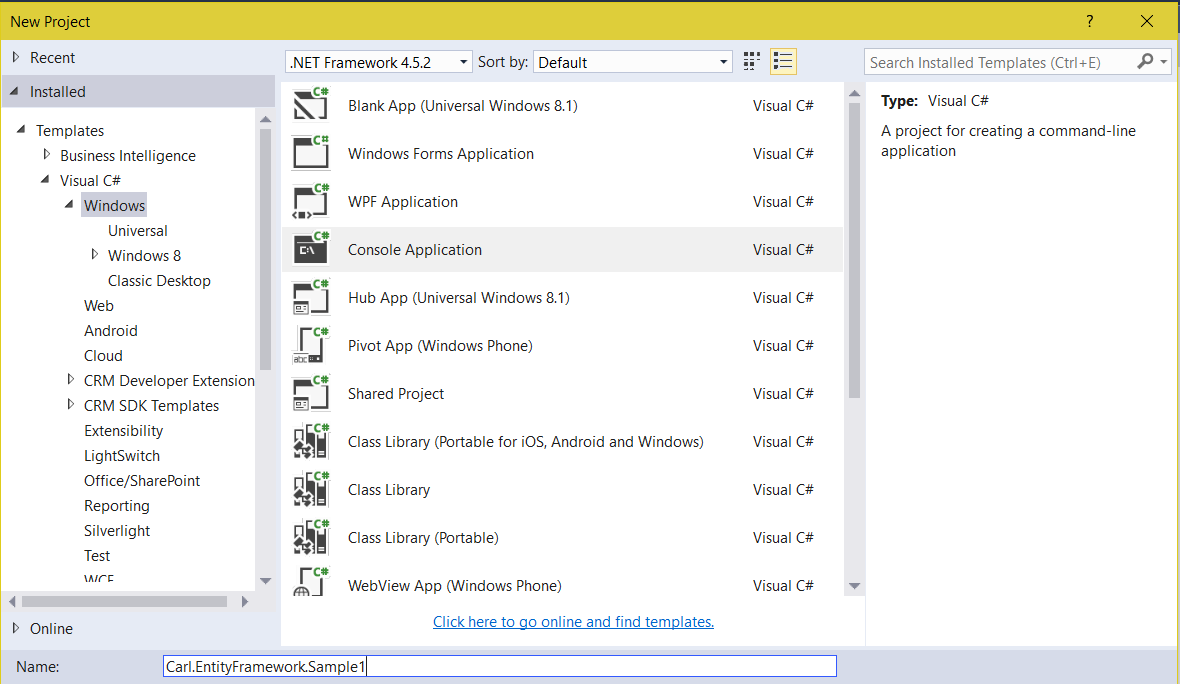
Introduction to Entity Framework
Microsoft’s Entity Framework is an Object Relational Mapping (ORM) framework for ADO.NET. Let’s go through an example of how to use Entity…
Read article →Practical guides, tutorials, and insights on AI, agents, Microsoft technologies, enterprise applications, and communication.
Microsoft’s Entity Framework is an Object Relational Mapping (ORM) framework for ADO.NET. Let’s go through an example of how to use Entity…
Read article →
In USD, the CTI generic adapter port defaults to 5000. So, if you start USD and send a request by putting the…
Read article →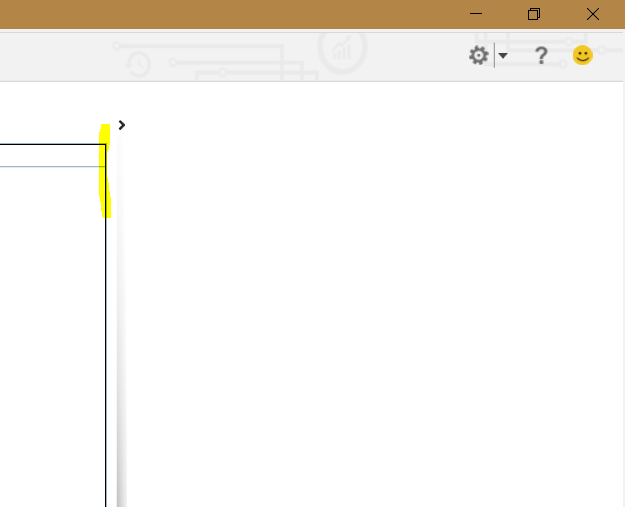
In Unified Service Desk, the out of the box Left and Right panel are not resizable to the USD user. I.e. if…
Read article →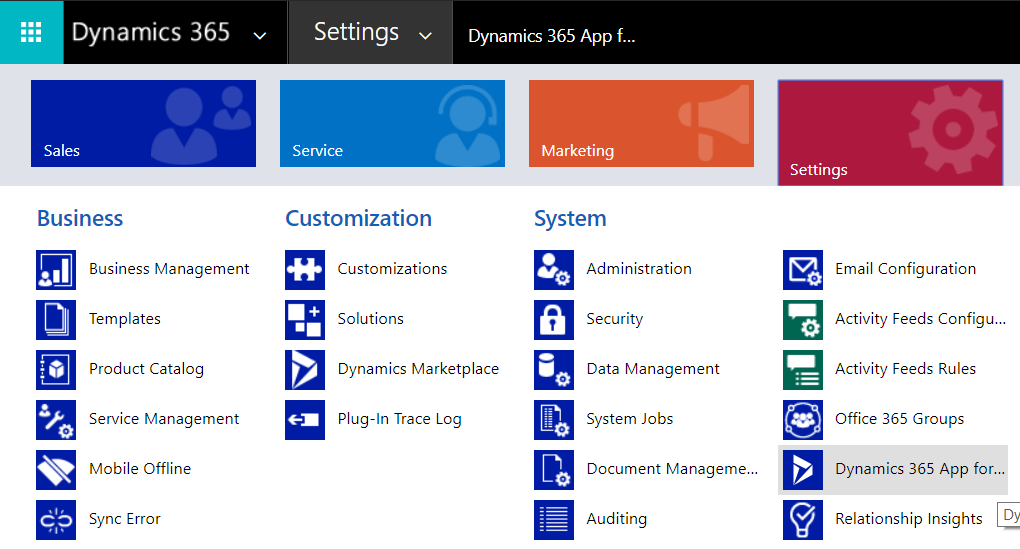
In Dynamics 365, you can easily add which users have the App for Outlook. To do this, go to Settings->Dynamics 365 App…
Read article →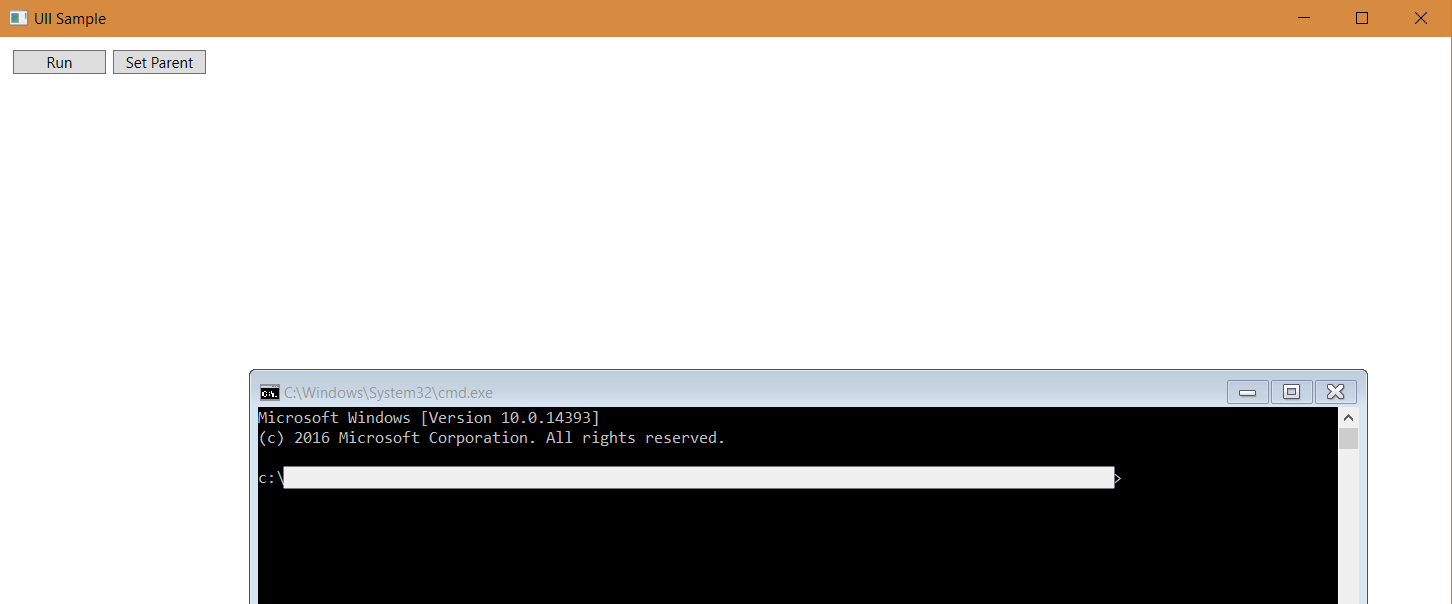
We will continue on from a previous post to show how to use SetWindowPos. In our app, we are embedding a console…
Read article →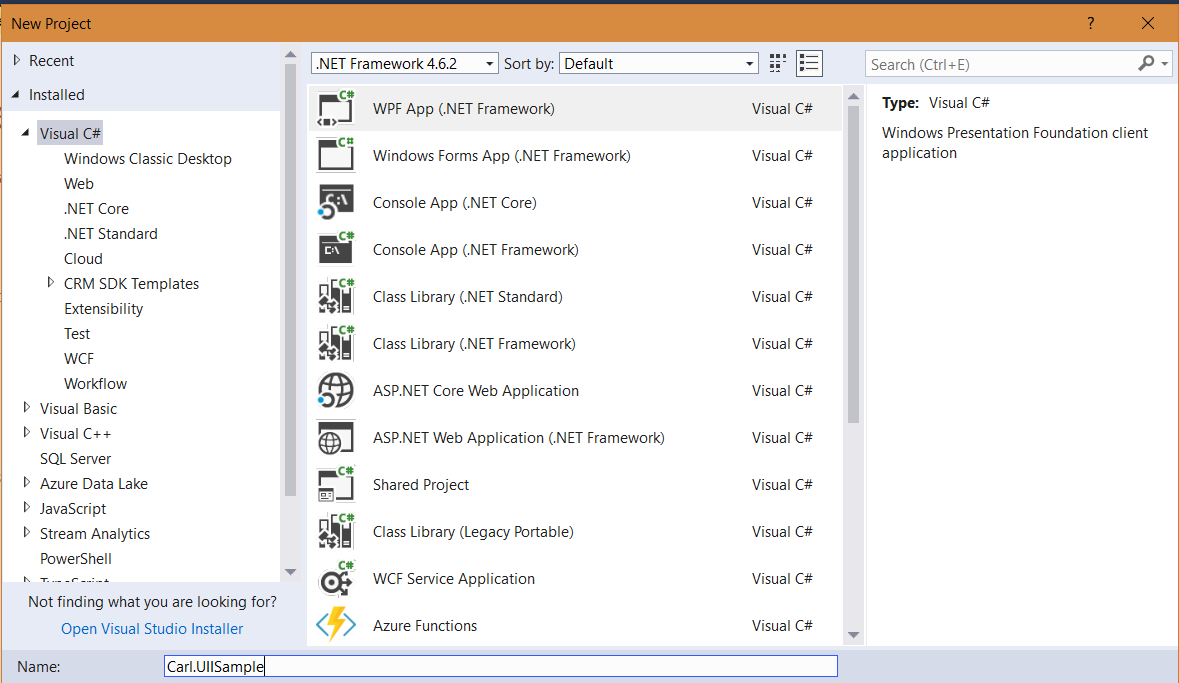
In this post we will look at how to embed a Console App into a WPF application. We will do this utilizing…
Read article →
A quick view form is a way to display more information to the user from another entity selected on a form, e.g.…
Read article →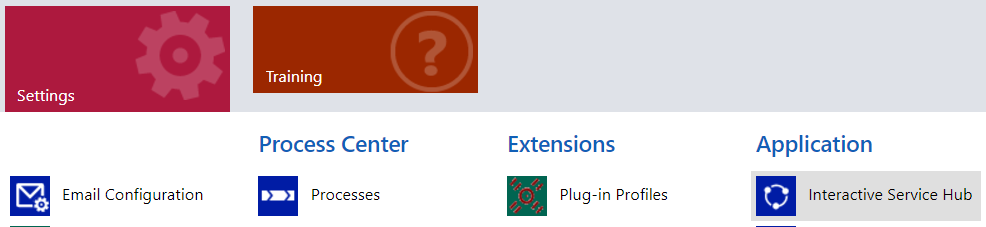
Interactive Service Hub is a feature in Dynamics 365 designed specifically for optimized customer service. Interactive Service Hub can be accessed by…
Read article →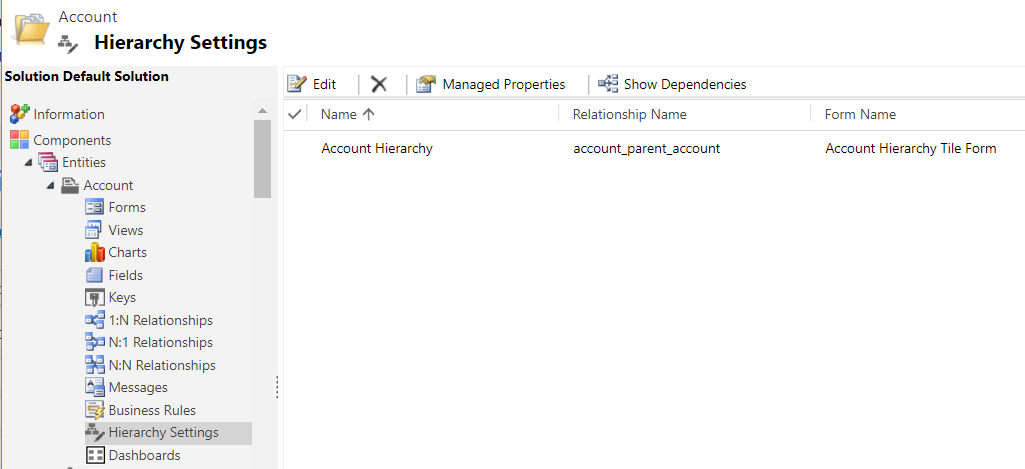
Dynamics 365 has functionality for hierarchies. This is useful when you have records that fall into a parent-child scenario, such as accounts…
Read article →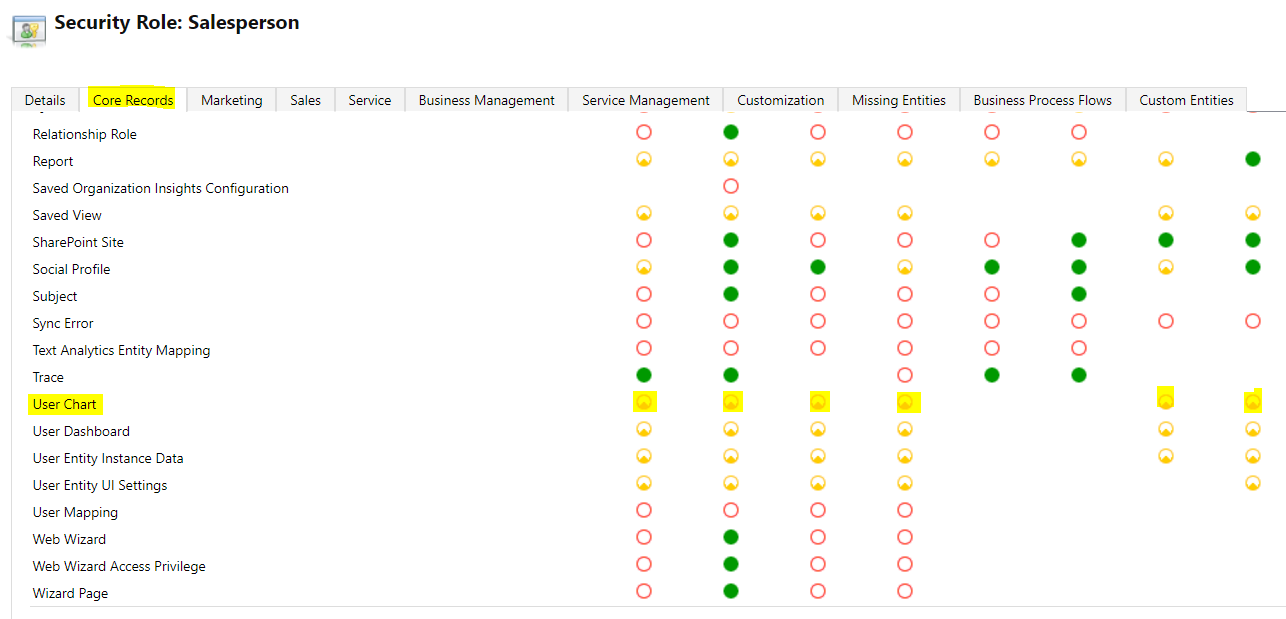
When you create personal charts, you can share them with other users. To do this, first ensure the user is assigned a…
Read article →
To check from JavaScript if Dynamics 365 is being accessed from within the USD application or not within the USD application, use…
Read article →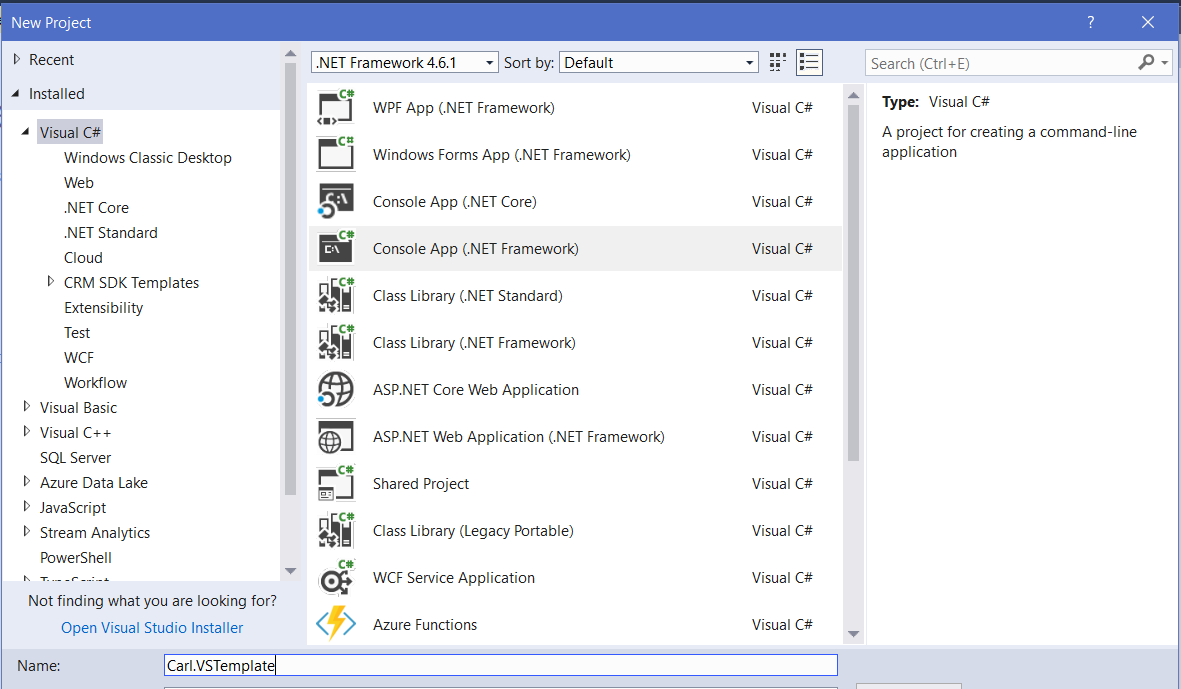
In this post, we will go through creating a project template in Visual Studio. First, open Visual Studio, and create a new…
Read article →