
Dynamics 365 Online Release Cycle
Dynamics 365 releases updates at different frequencies depending on the type of the update. Minor updates may occur during any given month.…
Read article →Practical guides, tutorials, and insights on AI, agents, Microsoft technologies, enterprise applications, and communication.
Dynamics 365 releases updates at different frequencies depending on the type of the update. Minor updates may occur during any given month.…
Read article →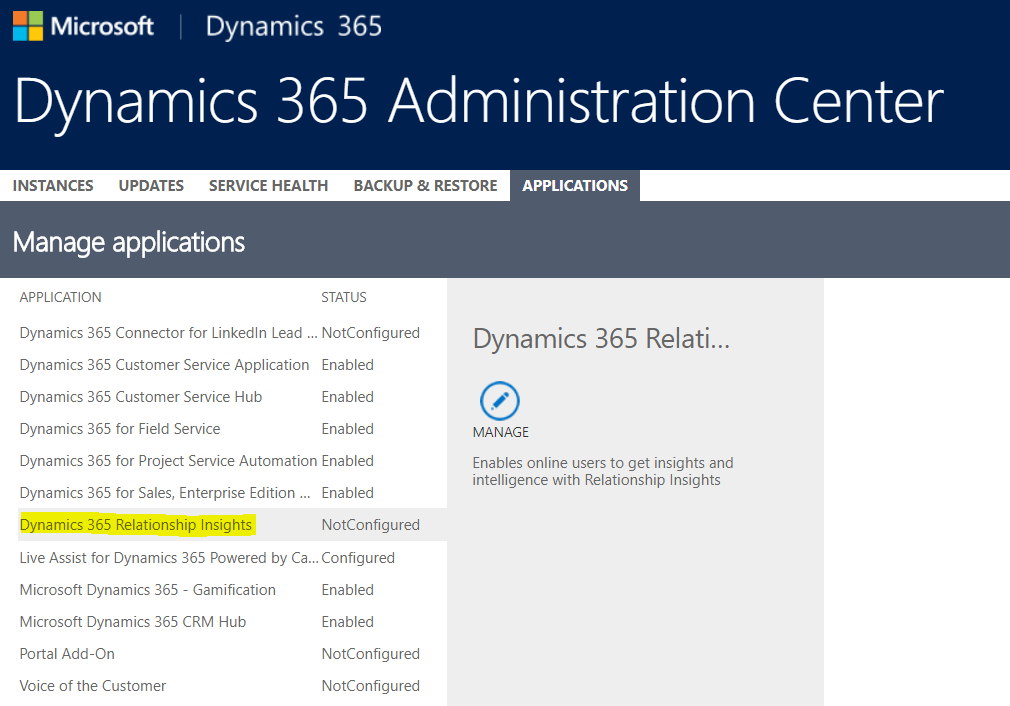
To install Relationship Insights, go to the Dynamics 365 Administration Center. Select Dynamics 365 Relationship Insights and click Manage: You will see…
Read article →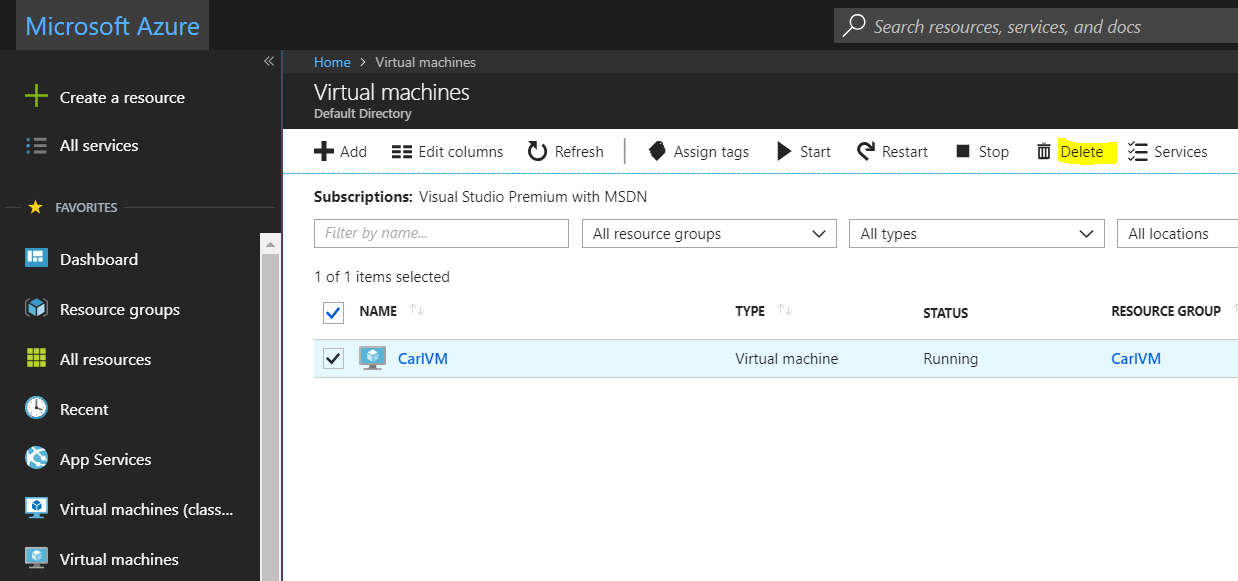
To delete a Virtual Machine in Azure, log into https://portal.azure.com/ and select Virtual Machines. Select the machine to delete and click Delete: You will…
Read article →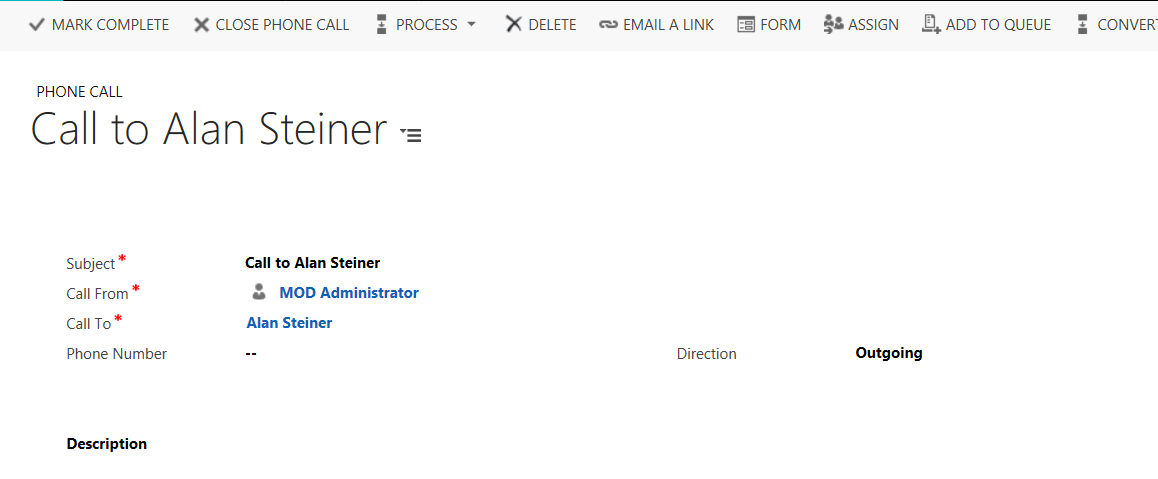
Let’s say you would like to close a Dynamics 365 activity through USD. There is an action in the CRM Global Manager…
Read article →Object-Relational Mapping, or ORM, is a way of allowing you to access data in your database in the form of objects in…
Read article →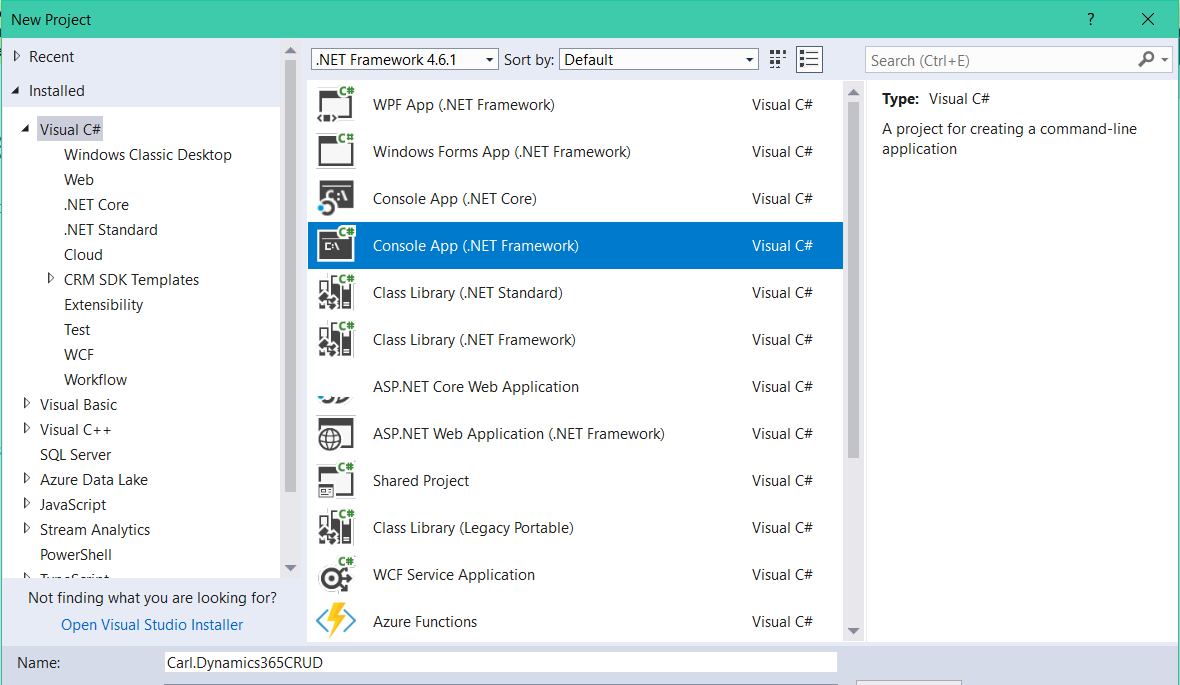
In this post, we will create a console app that performs a CRUD operation on Dynamics 365. In Visual Studio, create a…
Read article →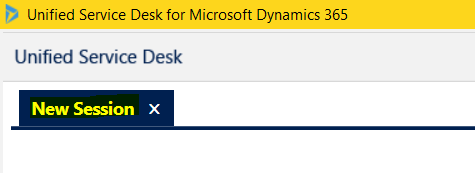
In USD, when a new session is opened, the user by default sees the words “New Session” on the tab: Under our…
Read article →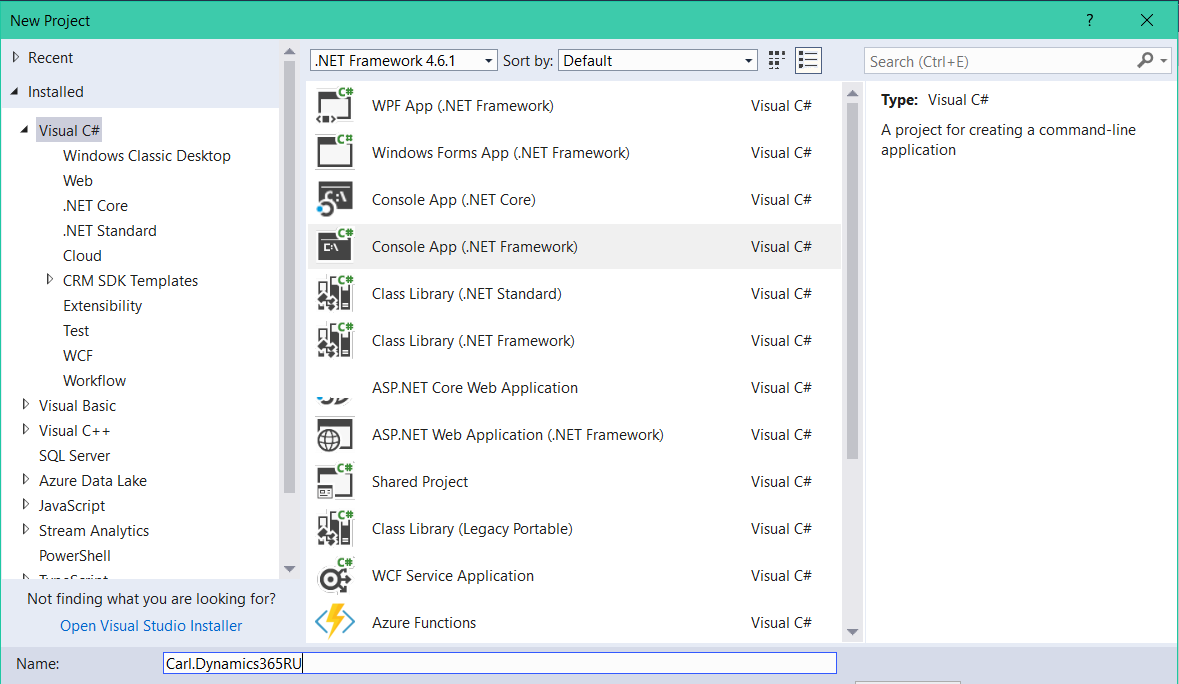
In this post we will look at how to retrieve a record using Retrieve Multiple, then update the record. The example is,…
Read article →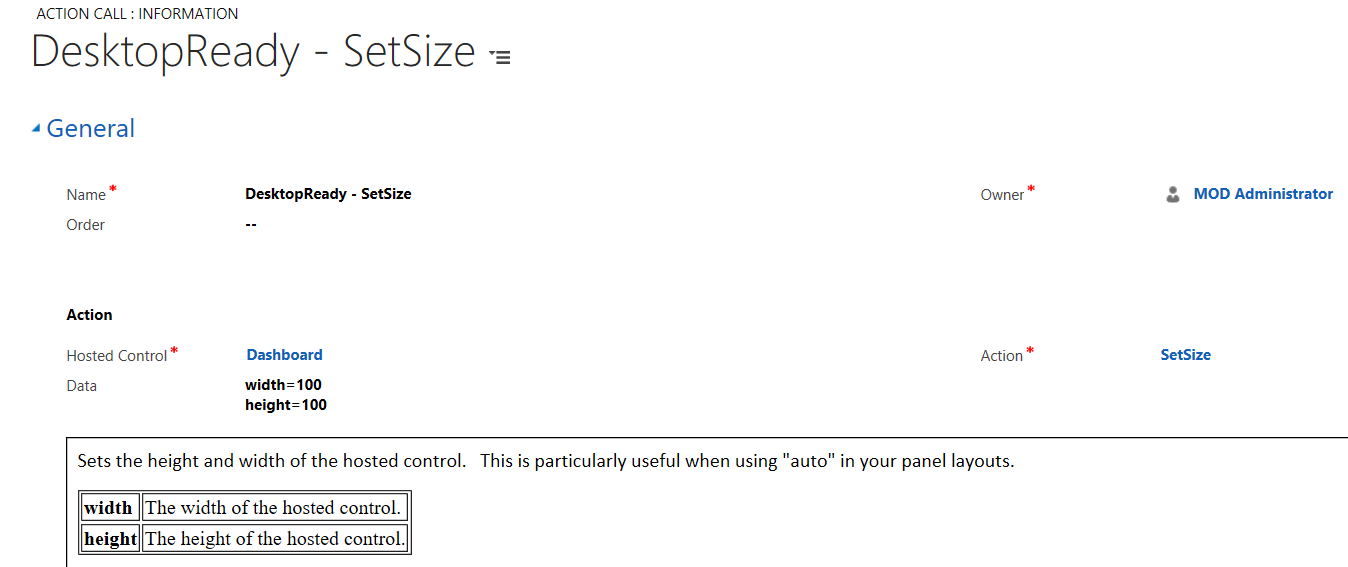
In Unified Service Desk, you can set the size of a hosted control using the SetSize action. To demonstrate this, we will…
Read article →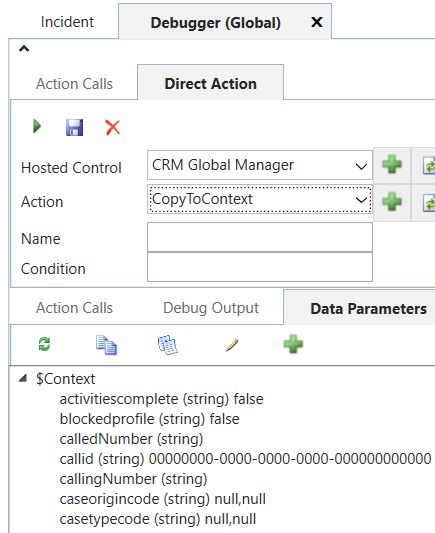
The CopyToContext action in USD allows you to copy data and variables to the context. For example, in the debugger, we can…
Read article →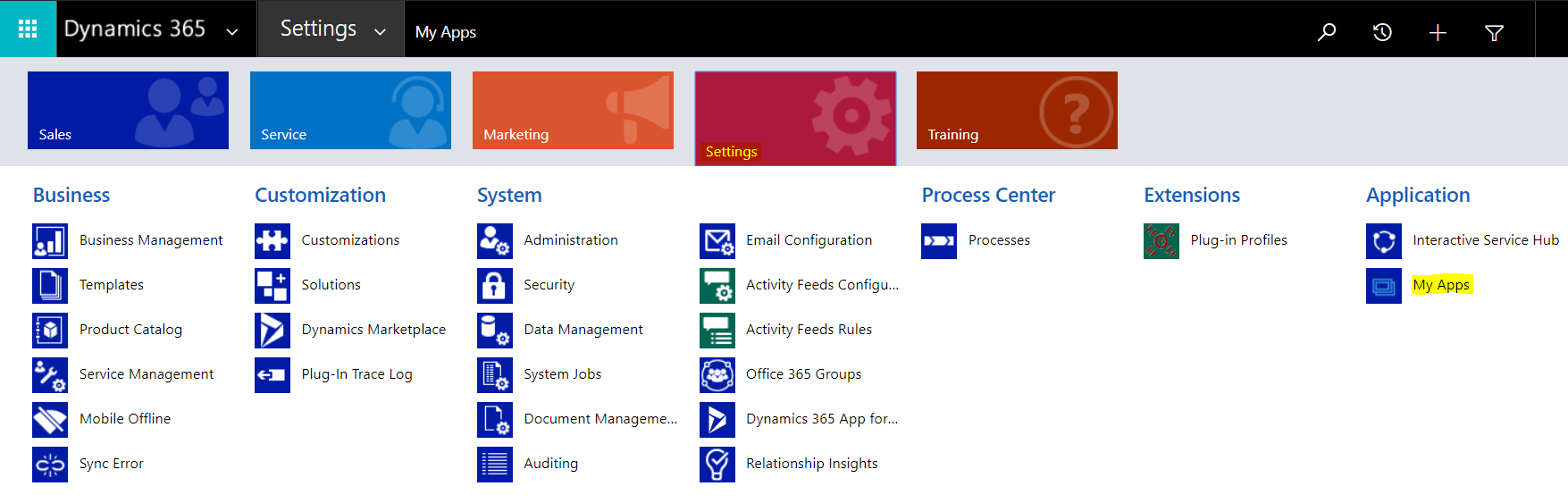
To assign roles to your apps in Dynamics 365, go to Settings->My Apps: Select the ellipse next to your app and you…
Read article →
To use the Dynamics 365 Diagnostics Tool, add /tools/diagnostics/diag.aspx to your environment URL, e.g. This will bring up the page: We can see…
Read article →