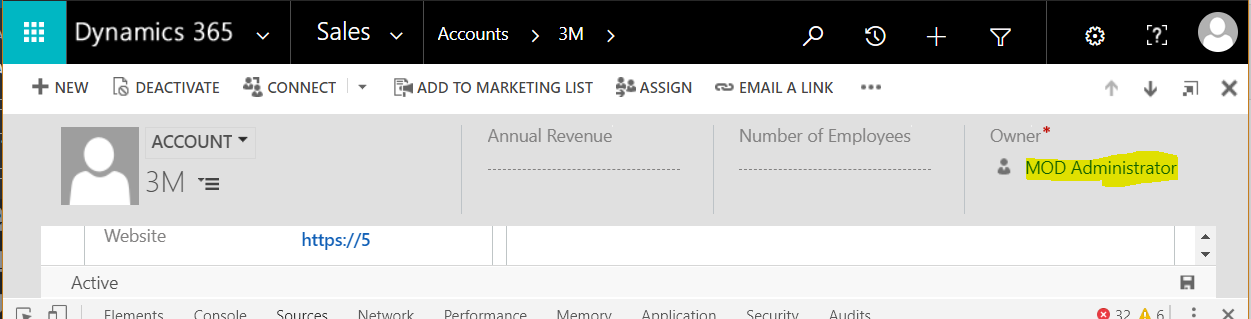
Set and Retrieve a Lookup Id and Value using Xrm.WebApi
We can use JavaScript to connect to Dynamics 365 and set and retrieve a lookup id and value. Let’s say on an…
Read article →Practical guides, tutorials, and insights on AI, agents, Microsoft technologies, enterprise applications, and communication.
We can use JavaScript to connect to Dynamics 365 and set and retrieve a lookup id and value. Let’s say on an…
Read article →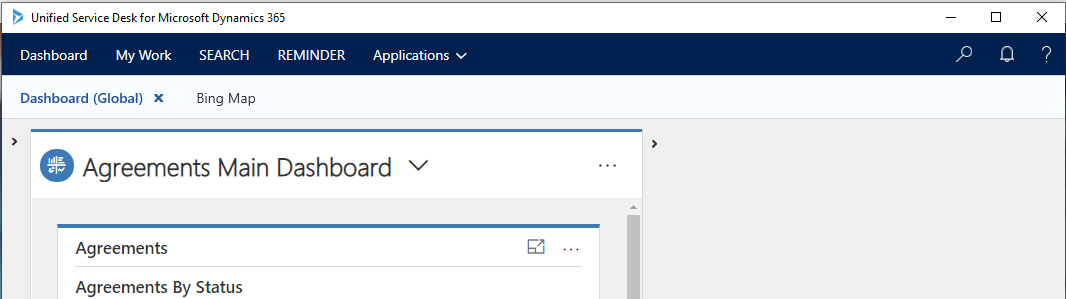
In this post we will look at how to create and add a USD Debugger to a USD installation. We will add it…
Read article →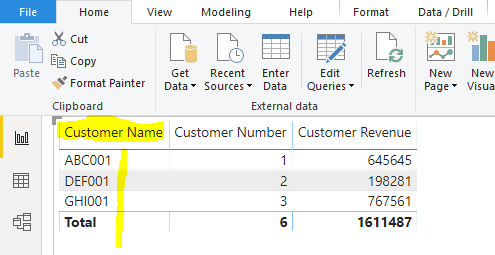
To change the font size of a Power BI report: Select a visualization and on the right go to the Format tab:…
Read article →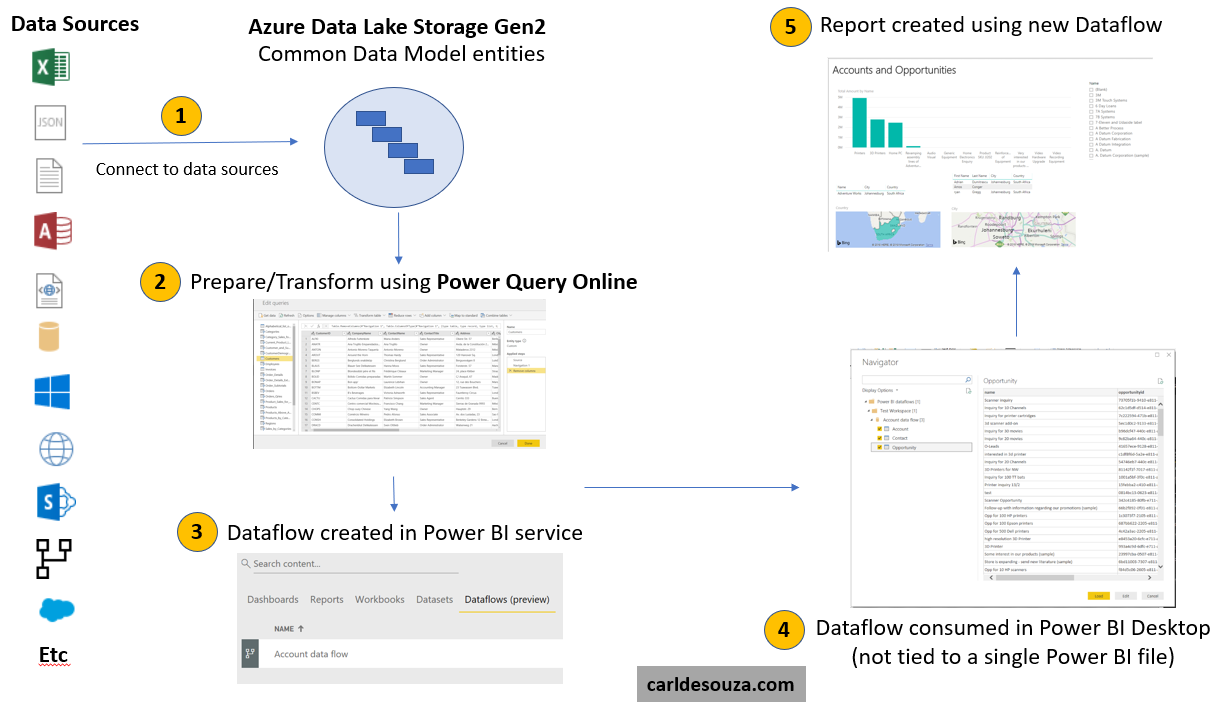
Power BI Dataflows are a feature of Power BI that allows organizations to unify data from various sources, prepare the data for…
Read article →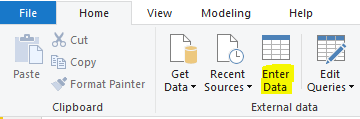
Let’s look at how to hide a field in a Power BI Report. First, let’s create a report and add some data.…
Read article →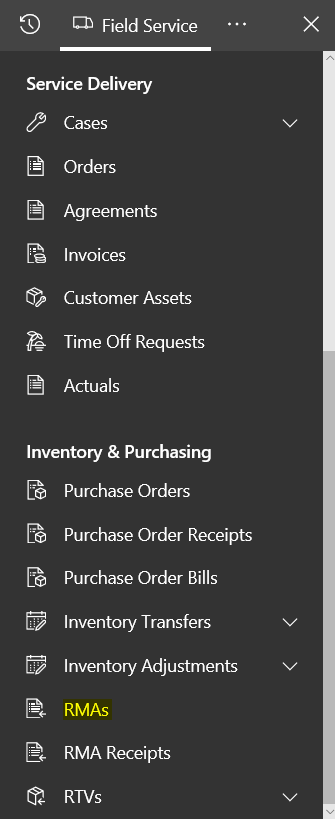
In this post, we will show how to process a return to a warehouse in Dynamics 365 Field Service. We will follow…
Read article →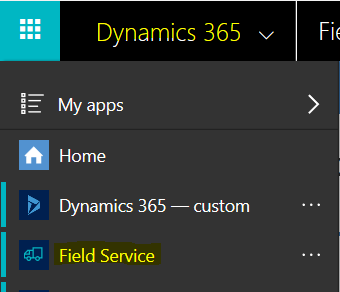
In the Dynamics 365 Field Service app, we can manage product inventory. In this post, we will go through how to manage…
Read article →
In Dynamics 365, you can automatically create records such as cases and leads from incoming emails. To do this, go to Settings->Service…
Read article → To access Dynamics 365 Field Service Settings (Administration), open the Field Service app: You will see: Select “…” and then Field Service…
Read article →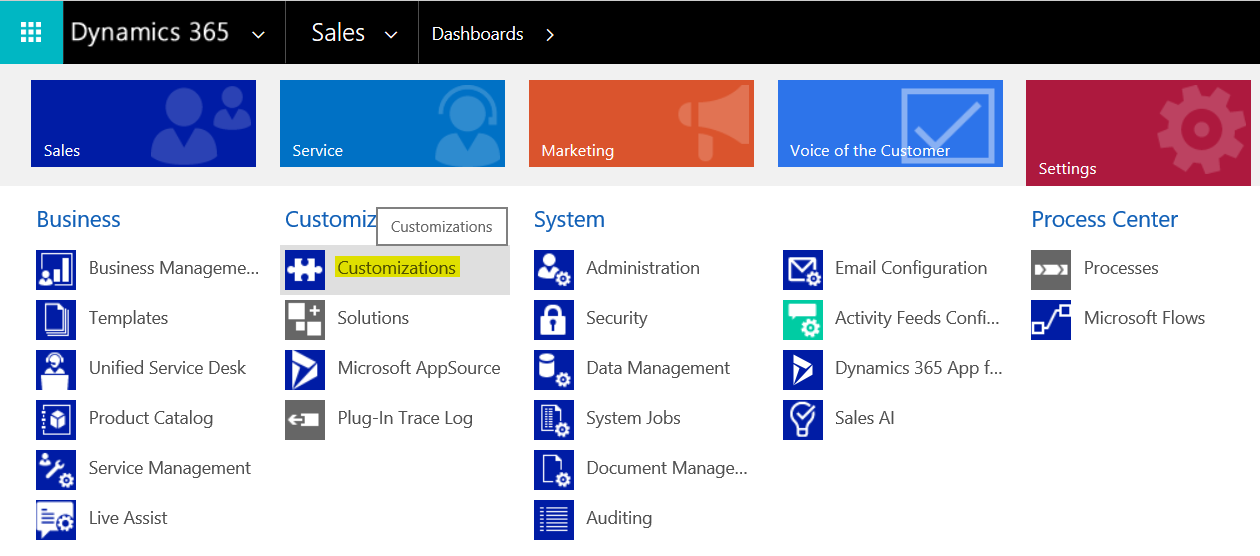
In Dynamics 365, you can set the logo and colors of the organization through “themes”. To access themes, go to Settings->Customizations: Select…
Read article →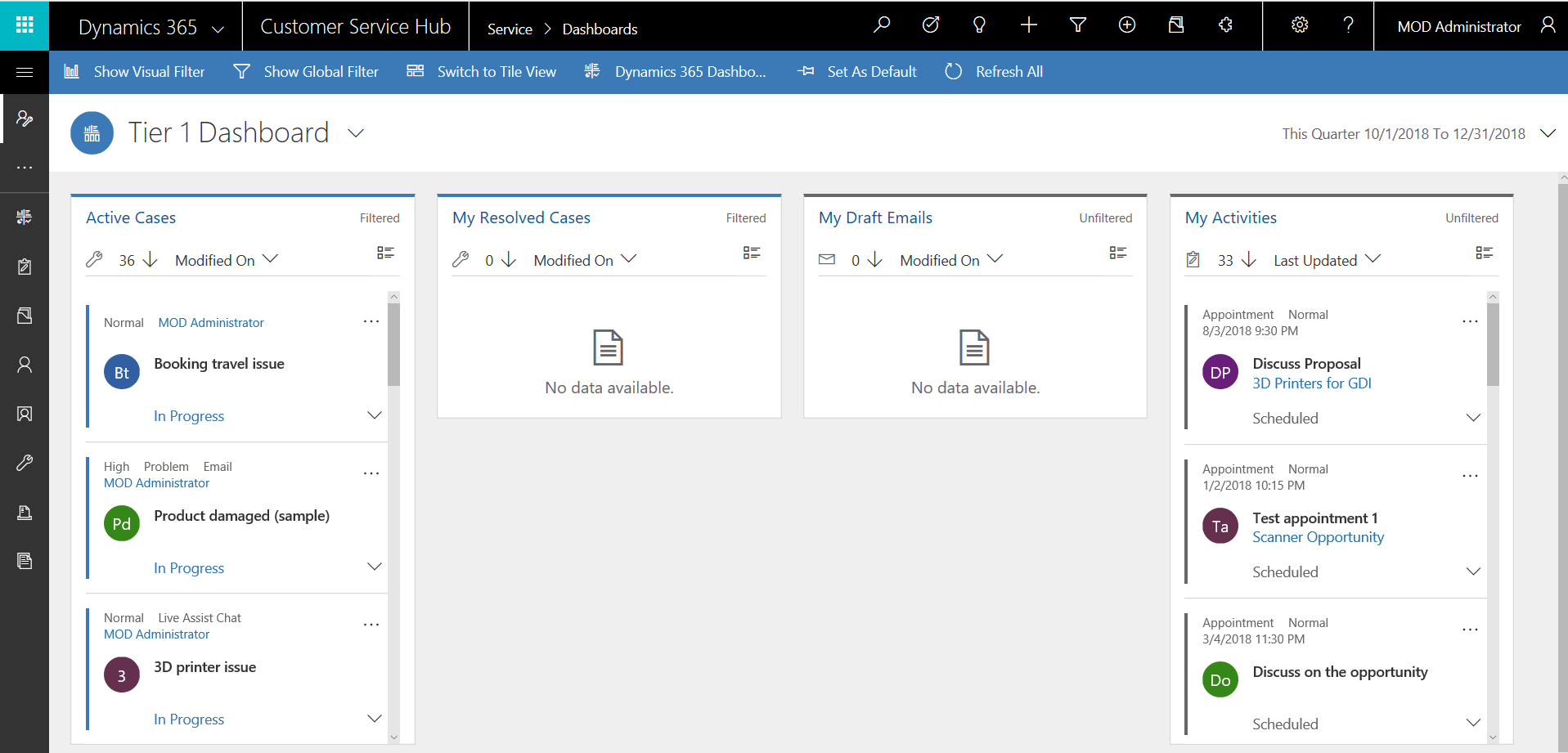
Interactive Experience dashboards in Dynamics 365 are a modern, real-time dashboard experience that allows users to view and act on data quickly…
Read article →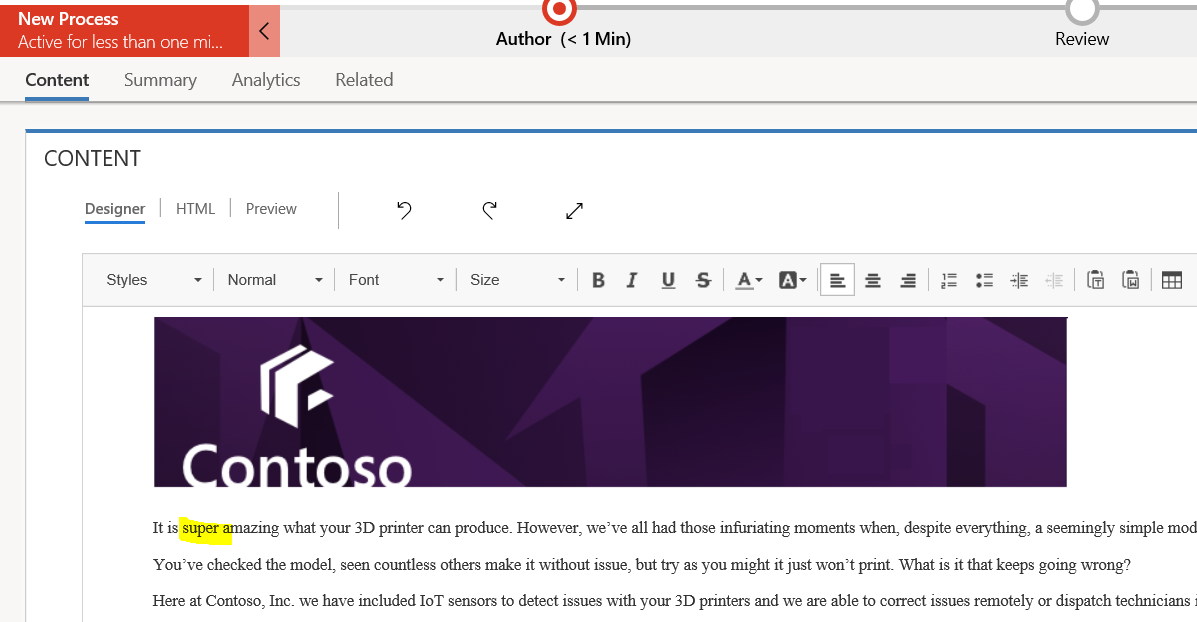
In Dynamics 365, you can schedule the publishing of knowledge articles. Let’s create a new version of an article and update the…
Read article →