You can connect to Dynamics CRM from outside the application using OAuth 2.0 authentication. From there, you can use the Web API to call Dynamics CRM functionality. Here we will go through an example of how to do this. This is based on the sample code located here.
Firstly, we will need to configure an application in Azure to help with the OAuth piece. Configure the app using these instructions.
These samples on microsoft.com that go through CRUD operations using the Web API from a C# console application.
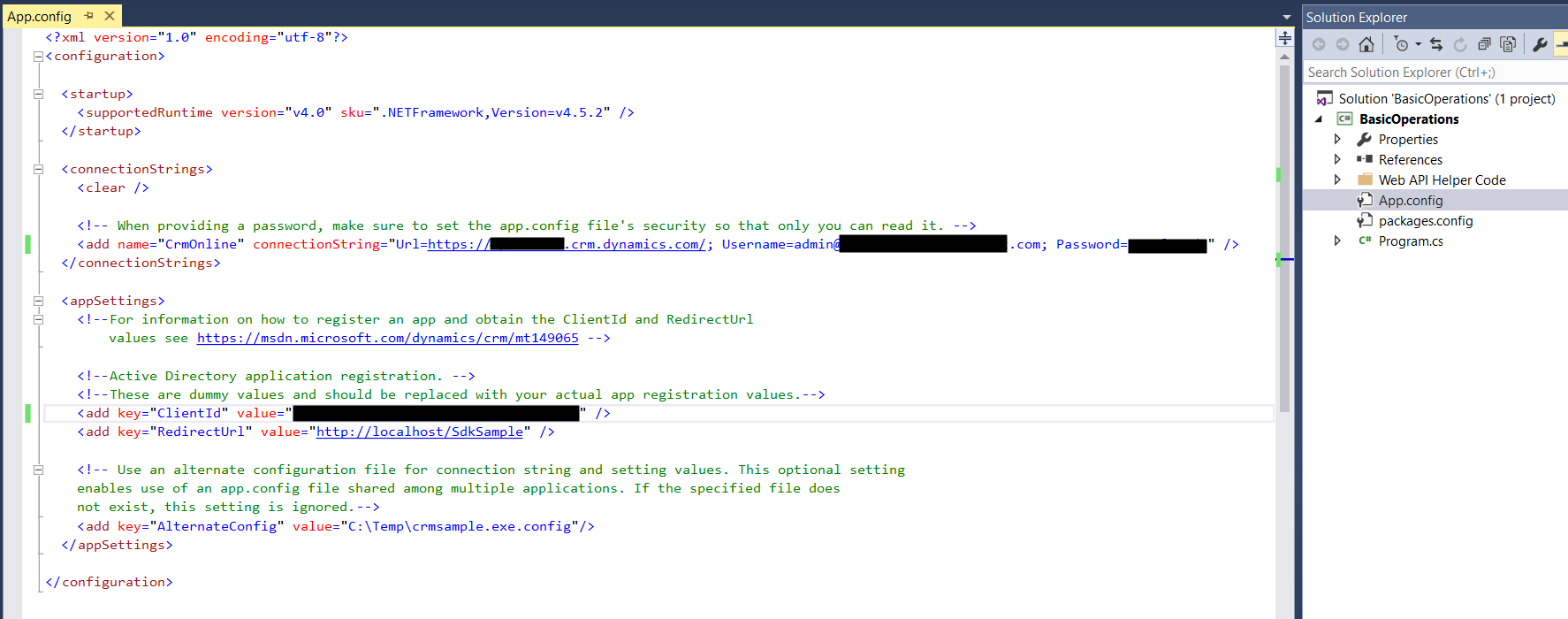
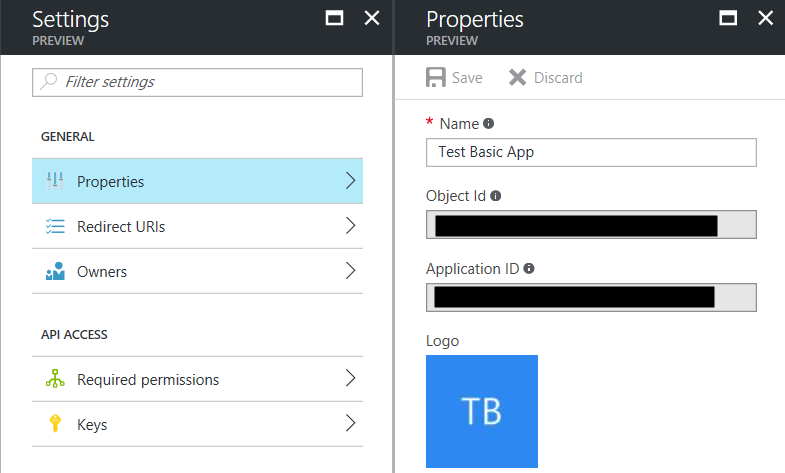
Open the App.config file and enter your connection string information. The ClientId will be the Application Id from the Azure app (not the Object Id):
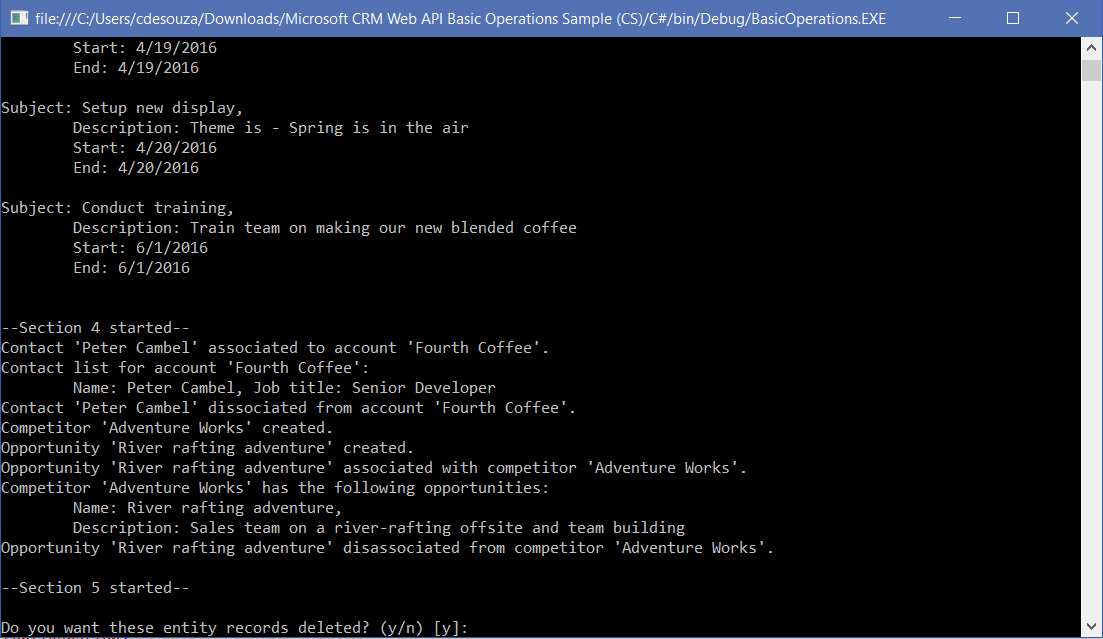
Press F5 to run the application. You will see entities being created:

Explore AI, agents & Microsoft technology.
I share practical ideas, tutorials, and videos about AI, AI agents, Microsoft technologies, and the Power Platform.
Subscribe on YouTube →