Anthropic has several different Claude products and services, and deciding which one to use when can be tricky. In this post, we will look at Claude Code, Claude Console, Claude Managed Agents, and Claude Cowork.
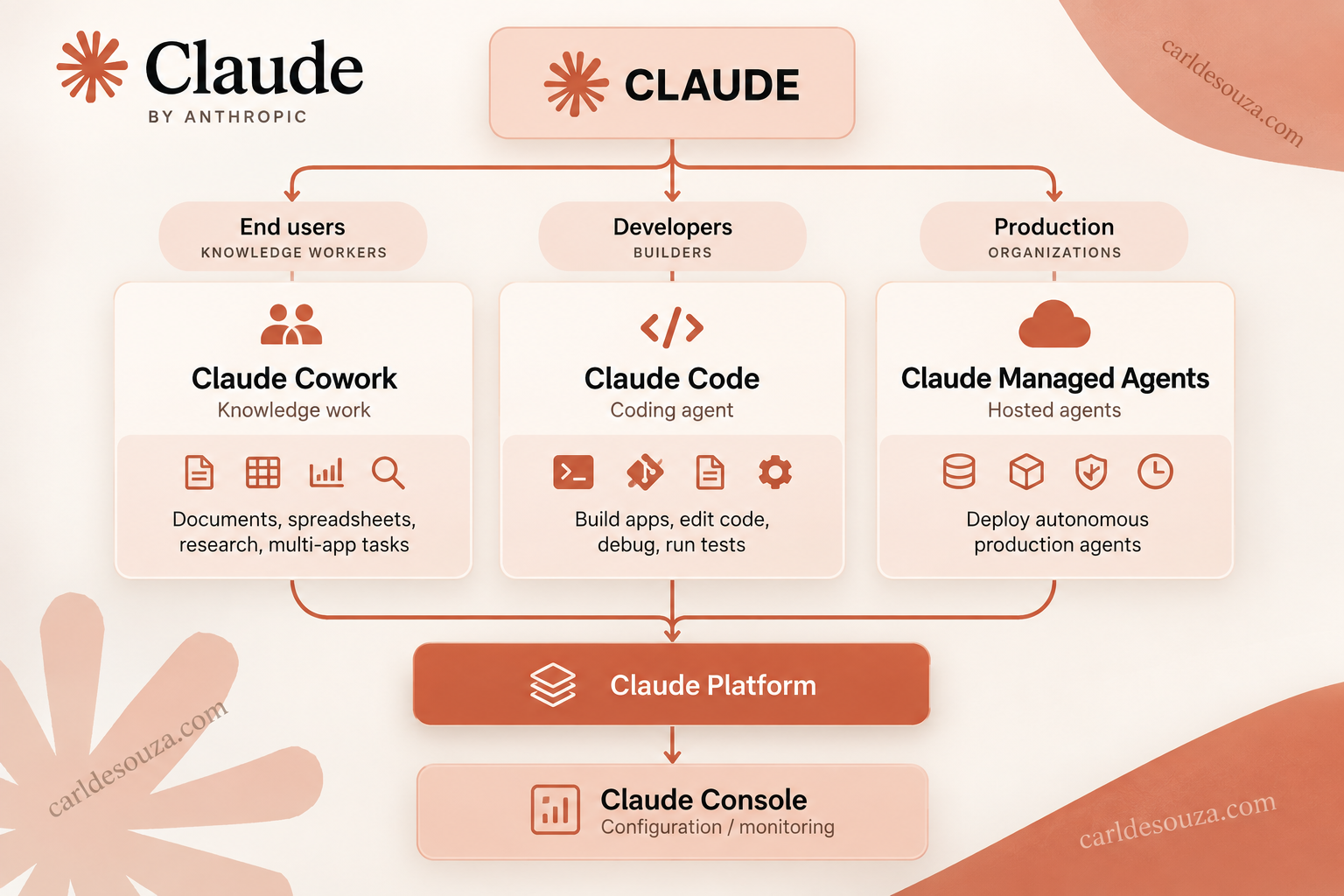
When looking at these services, we can think of them like the following:
- Claude Code is an AI developer working on your computer.
- Claude Console is a web portal for building/managing Claude API applications.
- Claude Managed Agents is an Anthropic-hosted agent runtime for production agents.
- Claude Cowork is an AI knowledge worker working on your computer.
Each of these runs in a different way and is intended for different audiences:
| Product | What it is | Runs where | Primary user | Typical use |
|---|---|---|---|---|
| Claude Code | Agentic coding tool | Your computer / IDE / terminal | Developers | Build apps, edit code, debug, run tests |
| Claude Console | Developer/admin web portal | Anthropic website | Developers/admins | API keys, playground, usage, workspaces, monitoring |
| Claude Managed Agents | Hosted agent platform | Anthropic cloud | Developers/enterprises | Deploy autonomous production agents |
| Claude Cowork | General-purpose work agent | Your desktop | Knowledge workers | Documents, spreadsheets, research, multi-app tasks |
Let’s look at each of these in more detail.
Claude Code
Claude Code is Anthropic’s coding agent. You give it access to a codebase and ask things such as “Build a React Native app that tracks my expenses”.
Claude Code can inspect the repository, create and modify files, run terminal commands, run tests, debug problems, work with Git, and carry out fairly substantial development tasks. Anthropic describes it as an agent capable of searching and reading code, editing files, writing/running tests and using command-line tools. It now operates through a terminal CLI and IDE integrations such as VS Code.
You can think of it as: Claude + coding tools + your filesystem + terminal
Claude Console
Claude Console is not an agent. It’s essentially Anthropic’s equivalent of an AI developer/admin portal. You use it to create API keys, experiment with prompts/models, manage workspaces, monitor API usage/cost, and administer applications using the Claude Platform. Anthropic specifically directs developers to the Console to create API keys and manage workspaces.
The architecture is something like:
Claude Console → configure/manage → Claude API / Managed Agents
For example, in setting up a Claude Agent SDK project, this is where you create the API keys your app uses.
You don’t normally go into Claude Console and say “Build my app.” Instead, you use it to configure the infrastructure that your app uses.
Claude Managed Agents
Managed Agents probably the most interesting one if you’re thinking about building commercial AI agents, which for my work is usually the end game.
Claude Managed Agents is an Anthropic-hosted service for long-running production agents. Rather than you building and operating all of the agent infrastructure yourself, Anthropic manages a lot of it. Anthropic describes this as a hosted service for long-horizon agent work, built around sessions, an agent harness and sandboxed execution environments.
It can provide things such as persistent/stateful agent sessions, hosted tool execution, sandbox environments, scoped tool permissions, credential management and auditing.
Imagine you build an agent:
“Every night, review these 10,000 customer support conversations, identify problems, update our database and create an executive report.”
With a traditional Agent SDK implementation, you may host the application:
Your Server
    ↓
Your Agent Code
    ↓
Claude API
    ↓
Your tools/databases
With Managed Agents, more of the agent runtime moves to Anthropic:
Your Application
      ↓
Claude Managed Agents
      ↓
Long-running Agent
      ↓
Tools / APIs / Sandboxes
Anthropic positions these agents for workloads that may span hours or run on schedules and gives compliance/engineering teams audit visibility through the Claude Console.
Claude Cowork
Cowork takes many of the ideas behind Claude Code and applies them to non-programming work. Anthropic describes the progression as Chat → Code → Cowork.
Claude Code lets developers delegate programming work. Claude Cowork lets essentially anyone delegate “knowledge work”. For example, “Look through these 40 Excel files, combine the financial results, create a PowerPoint presentation and draft an executive summary.”
Cowork can work across files and connected applications and execute multi-step tasks rather than simply answering questions. Anthropic says Cowork runs on the user’s desktop and provides access to a user-selected workspace while isolating its execution environment.
So conceptually:
Claude Code
      ↓
Software engineering
      ↓
.py .js .ts Git terminal tests
versus:
Claude Cowork
      ↓
Knowledge work
      ↓
Excel Word PowerPoint files research apps
That’s why Anthropic describes Cowork as bringing Claude Code’s execution model to a much broader audience.
The relationship between all four
You can visualize the Anthropic ecosystem like this:
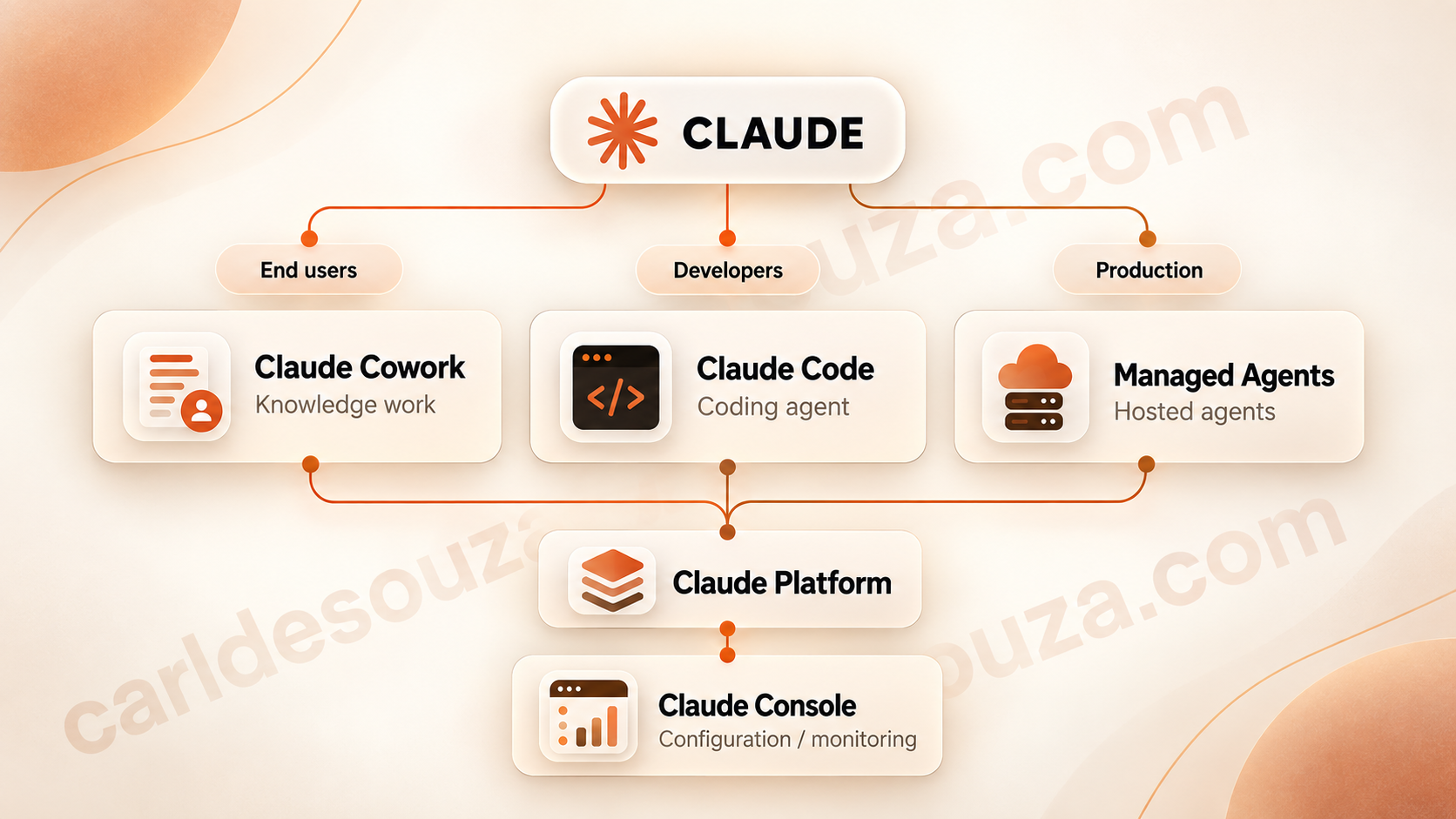
One nuance, Console isn’t really a peer product to the other three. It’s closer to the control panel underneath the developer platform.
And there’s a fifth component particularly relevant to building agents, the Claude Agent SDK. The Agent SDK gives you the building blocks behind Claude Code so you can create your own custom agentic application, essentially the core tools, context management and permissions framework used by Claude Code.
So to review:
Claude Code → Anthropic’s ready-made coding agent
Claude Cowork → Anthropic’s ready-made knowledge-work agent
Claude Agent SDK → build your own agent
Claude Managed Agents → host/run your custom agent at scale
Claude Console → configure and monitor all of this
Installation and Accessing
As of September 2026, you can access all four, but the setup is quite different for each:
| Product | How you access it | Install needed? |
|---|---|---|
| Claude Code | Terminal, IDE, web, or Claude Desktop | Usually yes for local use |
| Claude Console | Browser | No |
| Claude Managed Agents | Console, API, SDK or ant CLI | Optional CLI/SDK |
| Claude Cowork | Claude Desktop, web/mobile on supported plans | Desktop app recommended |
Let’s look at accessing each of these.
1. Claude Code
To install the Claude CLI (Command Line Interface), on Windows, open PowerShell and run:
irm https://claude.ai/install.ps1 | iex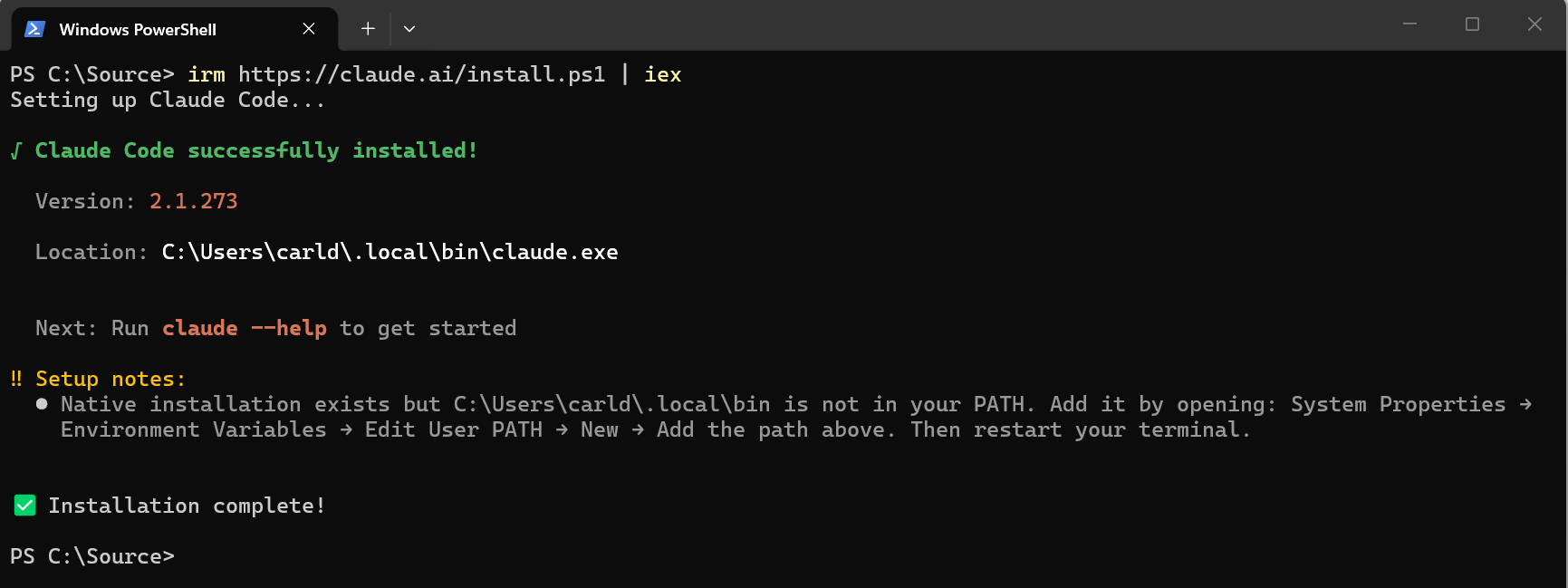
Alternatively, with Windows Package Manager:
winget install Anthropic.ClaudeCodeThen verify:
claude --version
And launch it from the folder containing your project:
cd C:\MyProjects\MyApp
claude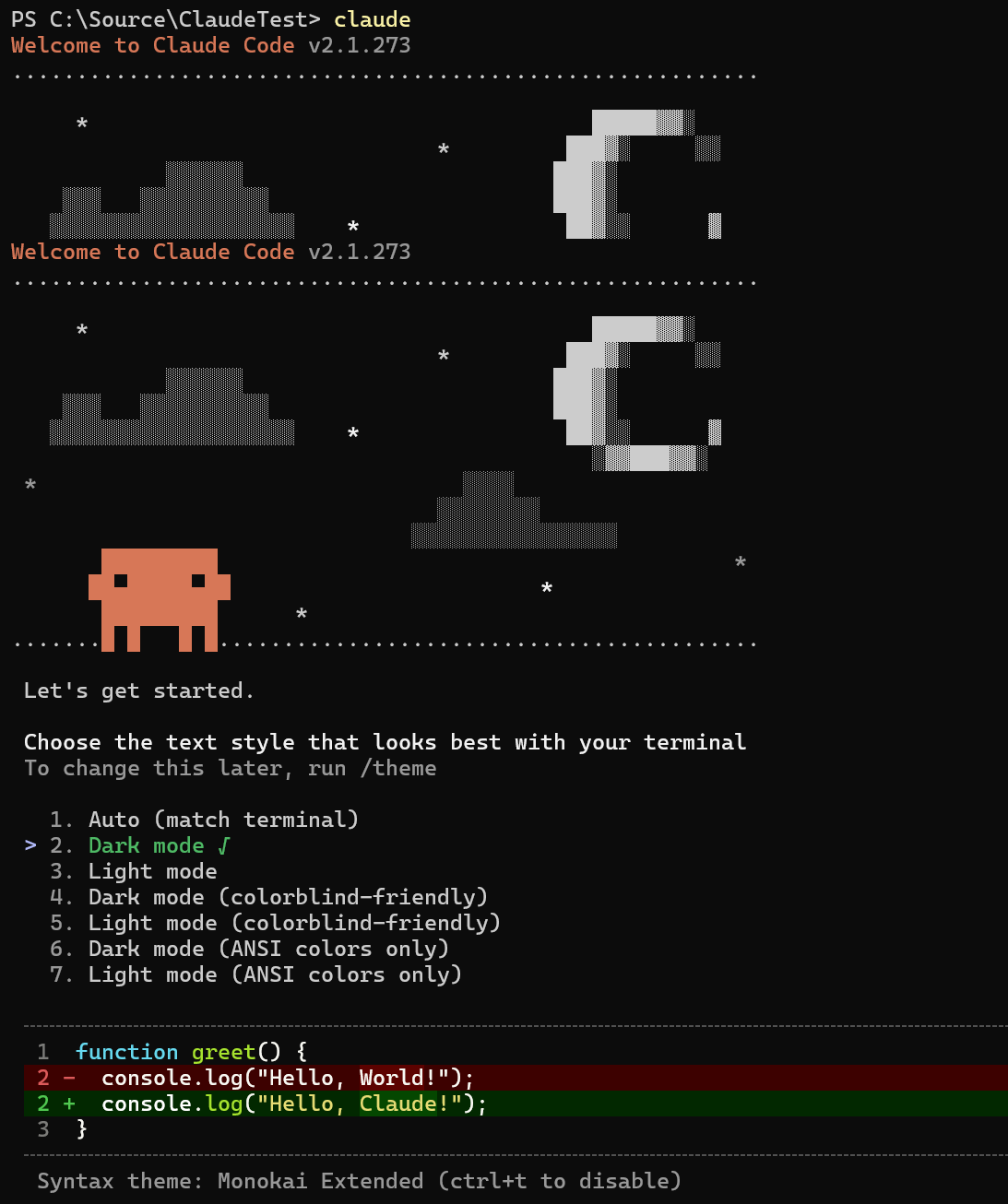
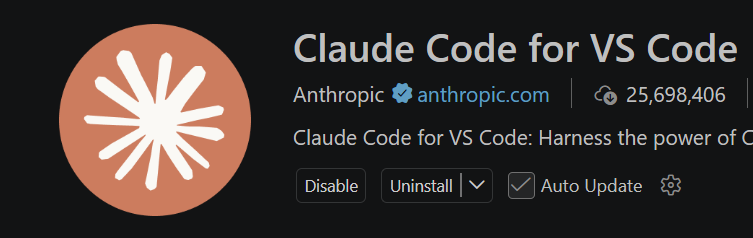
You can also use Claude Code inside VS Code and Cursor, rather than primarily using the command line.
2. Claude Console
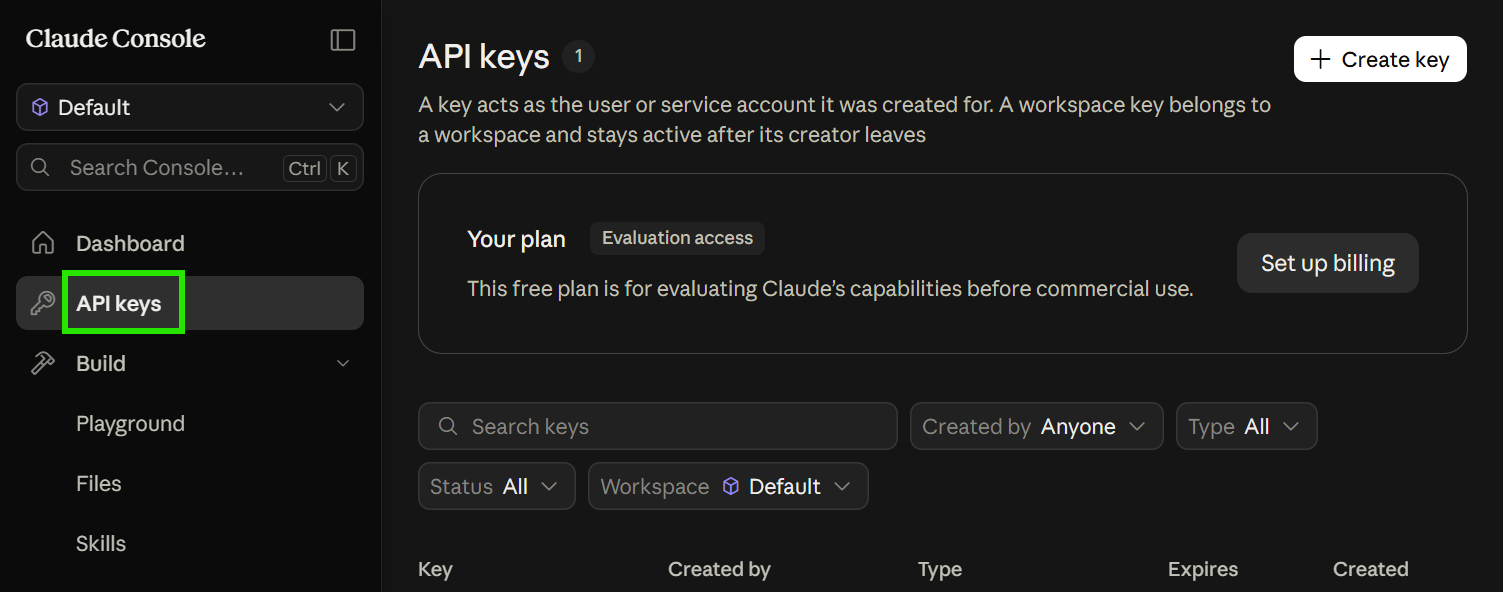
Claude Console is a website, https://platform.claude.com. There’s nothing to install. You create a developer account and then use the Console to manage API-related resources such as API keys.
Once you’re in, for example:
Settings → API Keys → Create key
You can then use that key in say Python.
3. Claude Managed Agents
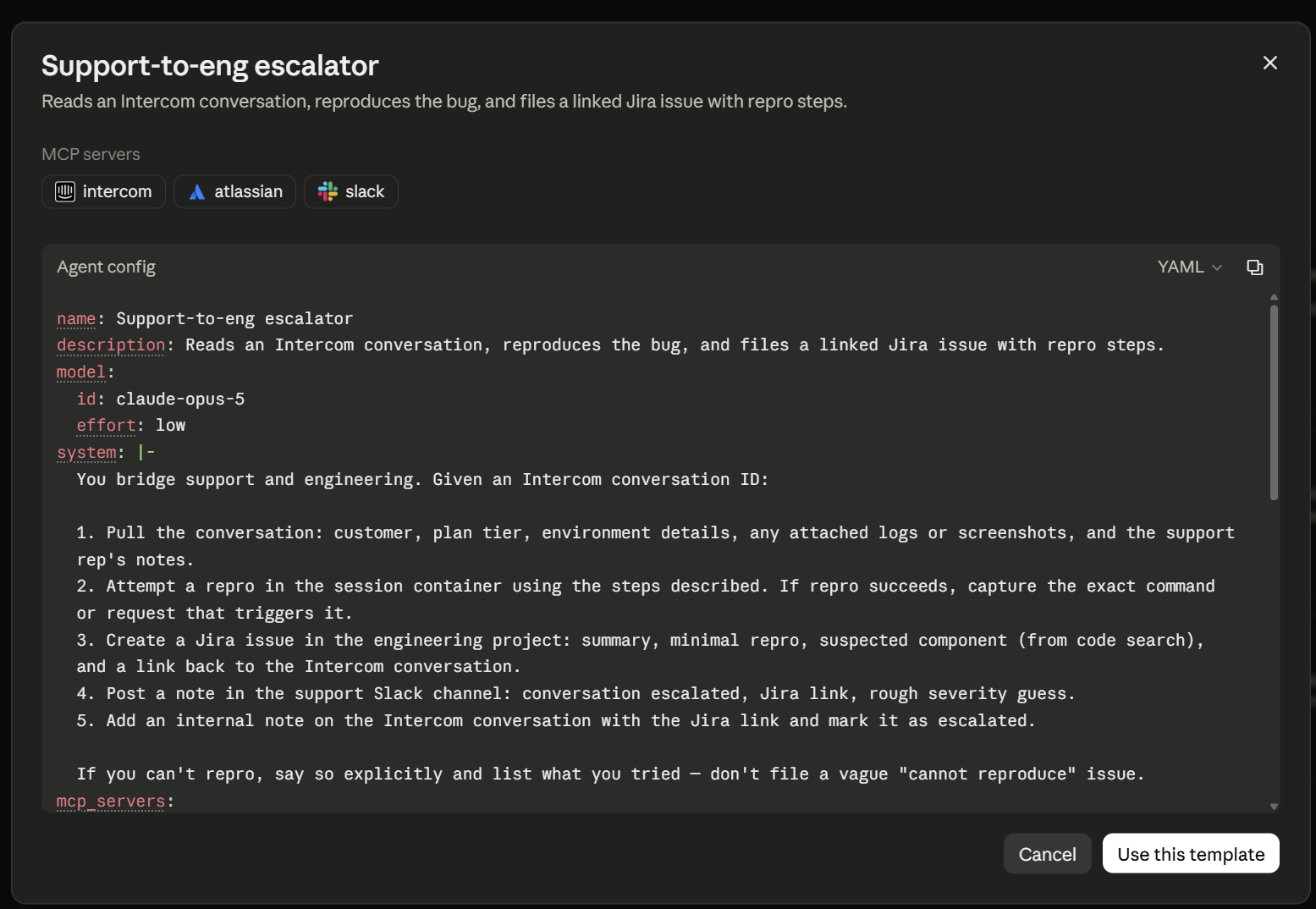
Managed Agents is a cloud service inside the Claude Platform (not an app you install). Anthropic has added a visual interface in Claude Console where you can create an agent, pick its model, define its system prompt, add tools/MCP servers/skills, create an environment and run test sessions.
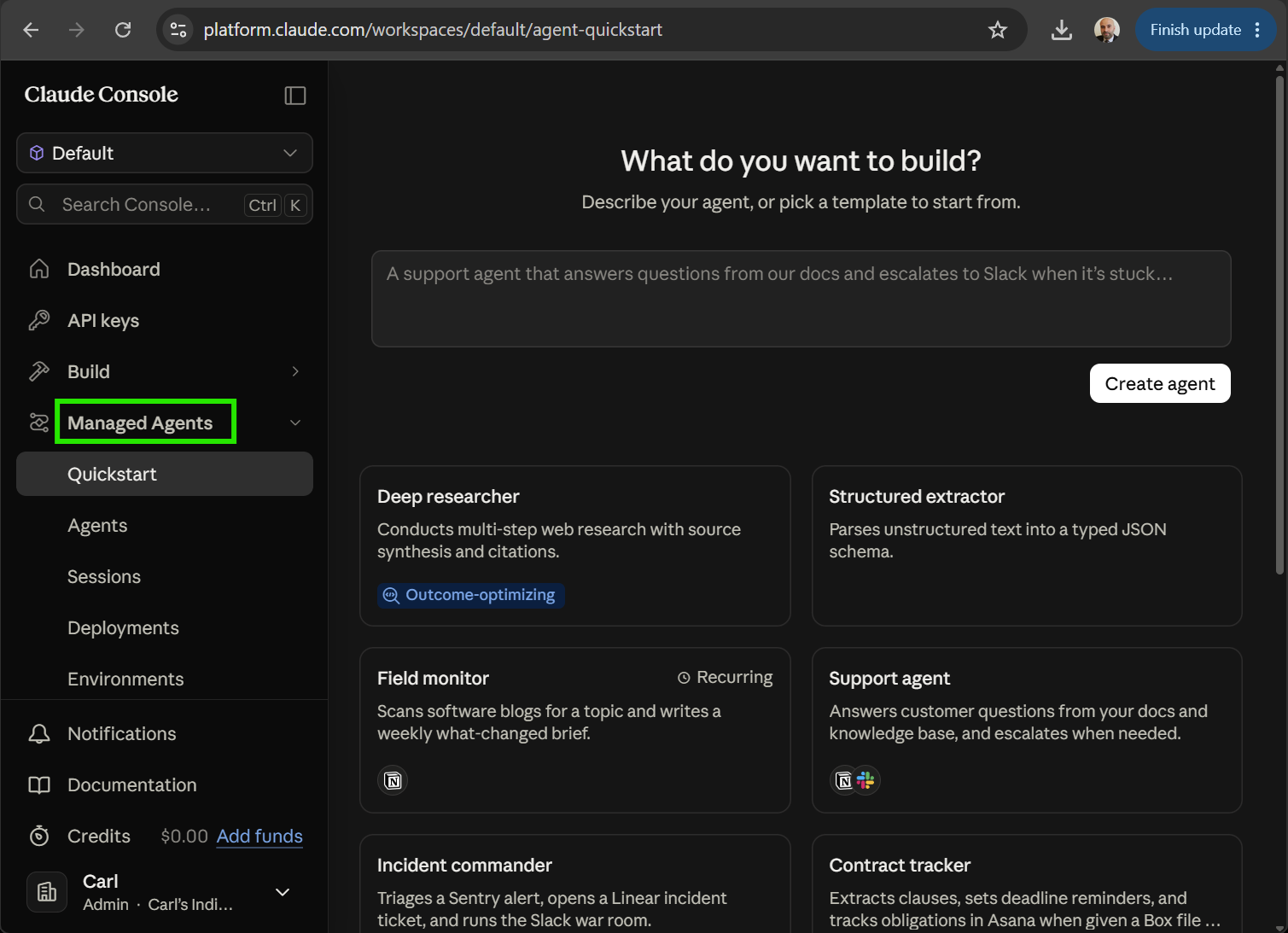
So you can effectively go:
Claude Console
       ↓
Managed Agents
       ↓
Create Agent
       ↓
Choose model
       ↓
Add tools
       ↓
Create environment
       ↓
Run session
If you want to build it from code, install the Anthropic SDK:
pip install anthropicor
py -m pip install anthropicpip install anthropic
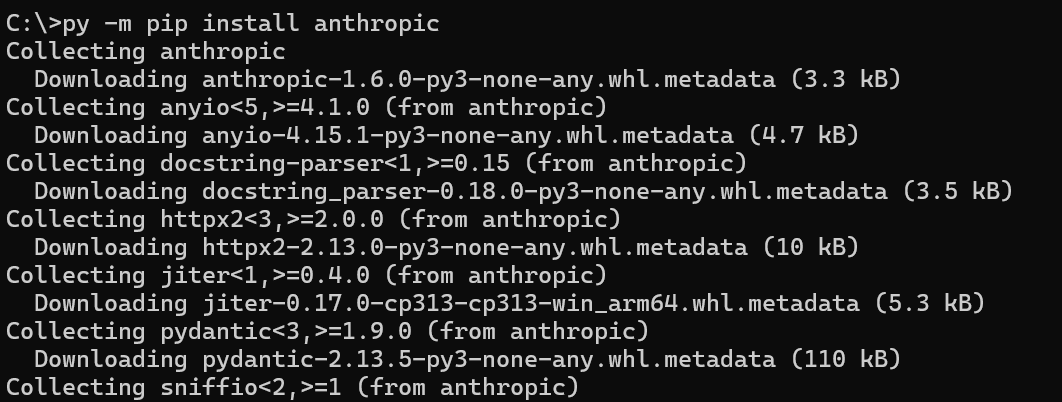
Then you can create programmatically.
4. Claude Cowork
For the full local experience, install Claude Desktop at https://claude.com/download:
On Windows:
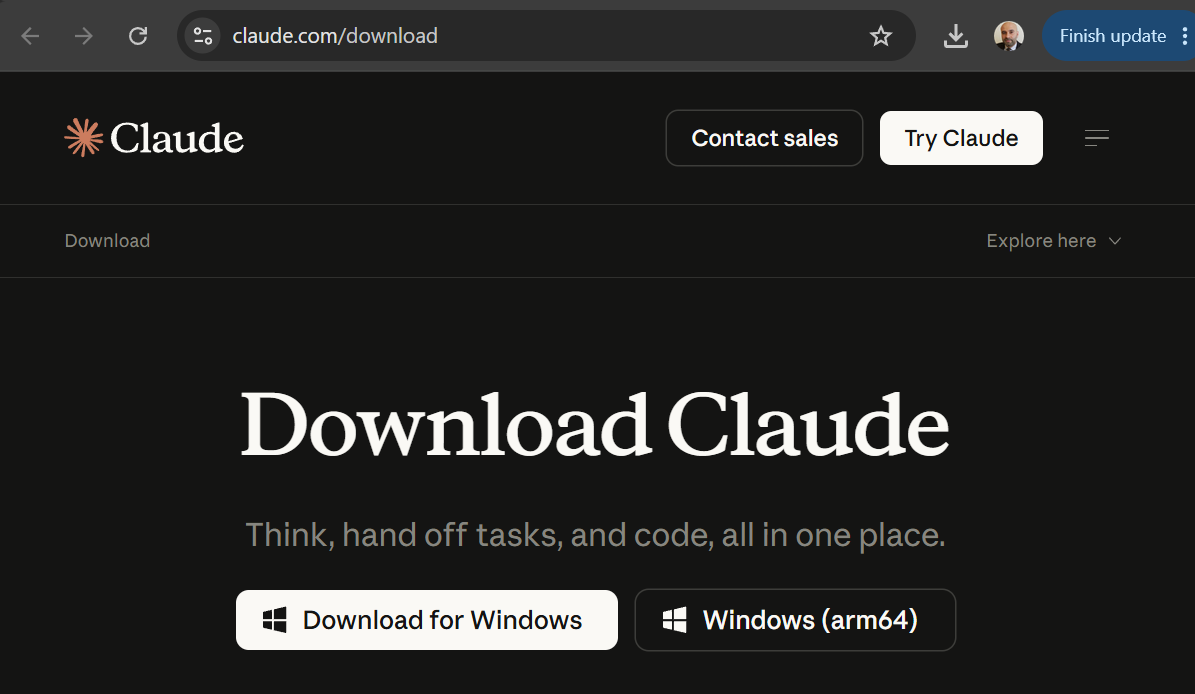
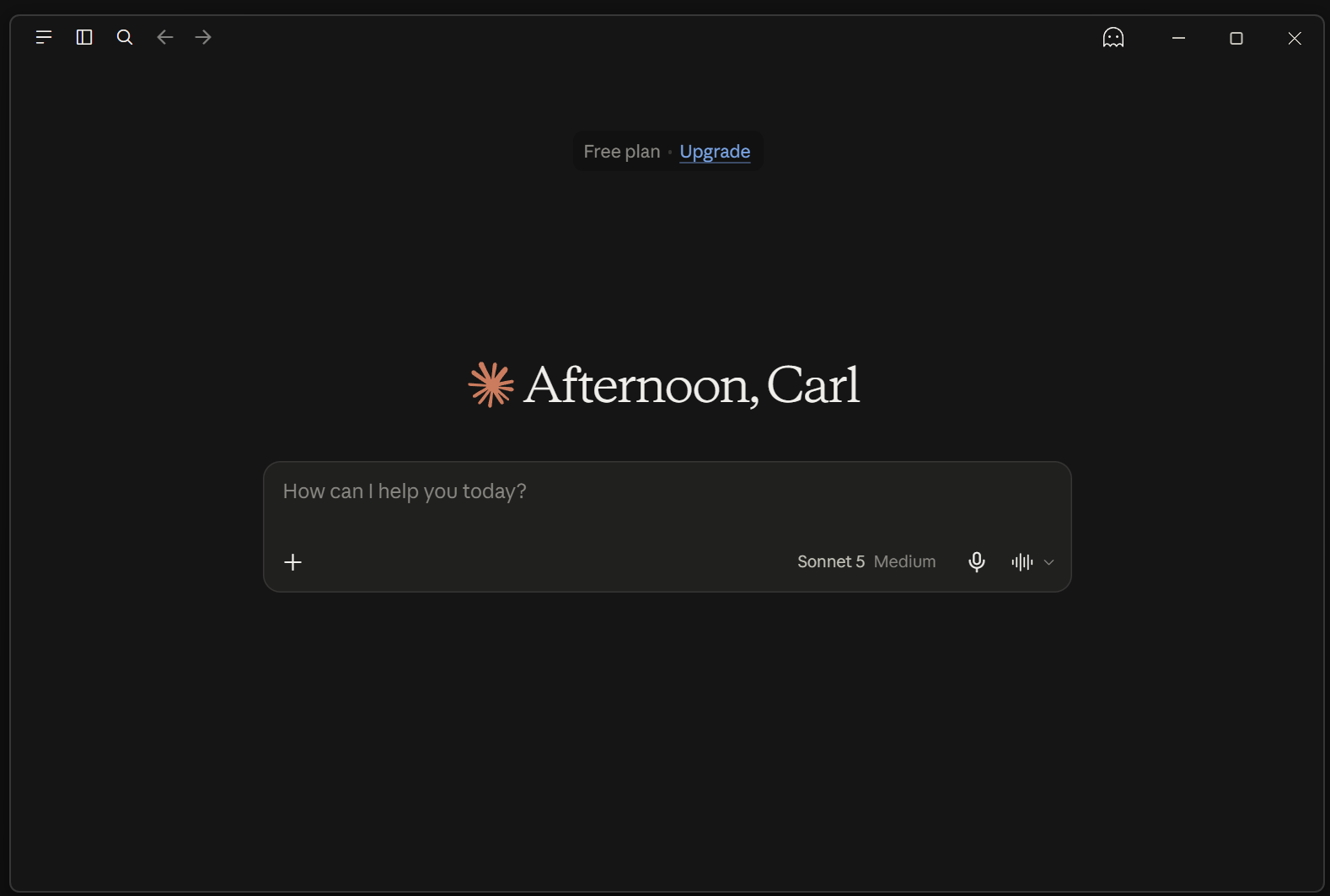
Claude Desktop itself supports Windows 10+, macOS and Linux beta.
Cowork can then work directly with folders you authorize:
Claude Cowork

        ↓

Your working folder
├── Word documents
├── Excel files
├── PDFs
├── PowerPoints
├── Images
└── other files
and perform multi-step tasks such as “Read these 20 documents, research the companies mentioned, create an Excel comparison and produce a PowerPoint summary.”
Conclusion
Anthropic now provides several different ways to work with Claude, and while the names can initially be confusing, each product has a fairly distinct purpose.
Claude Code is designed for developers who want Claude to work directly with code, files, terminals, and development environments. Claude Console is the place where we configure and manage our Claude API usage, including API keys, projects, and developer resources. Claude Managed Agents takes things a step further by providing Anthropic-hosted infrastructure for running longer-running or production AI agents. Finally, Claude Cowork brings many of these agentic capabilities to everyday knowledge work, allowing Claude to work with documents, files, and applications without requiring us to be developers.
A simple way to remember the difference is:
Claude Code = build software
Claude Console = manage Claude development
Claude Managed Agents = run production agents
Claude Cowork = get everyday work done
If we are experimenting with building AI agents ourselves, Claude Console and the Claude Agent SDK are a good place to start. As those agents become more sophisticated and need to run reliably in production, Managed Agents becomes particularly interesting. And if we simply want Claude to help us complete work on our computer, Claude Code and Cowork provide ready-made agent experiences for developers and knowledge workers respectively.
Together, these products show how Claude is evolving from simply being a chatbot into a broader platform where AI can not only answer questions, but also take actions and complete real work.

Explore AI, agents & Microsoft technology.
I share practical ideas, tutorials, and videos about AI, AI agents, Microsoft technologies, and the Power Platform.
Subscribe on YouTube →