In Dynamics 365, you can publish client customizations that can also be used by users on mobile devices. One issue with this, is the first user to use a new customization may experience performance issues, as the metadata package downloads.
In order to get around this, Dynamics 365 has an option to “Prepare Client Customizations” once customizations are ready.
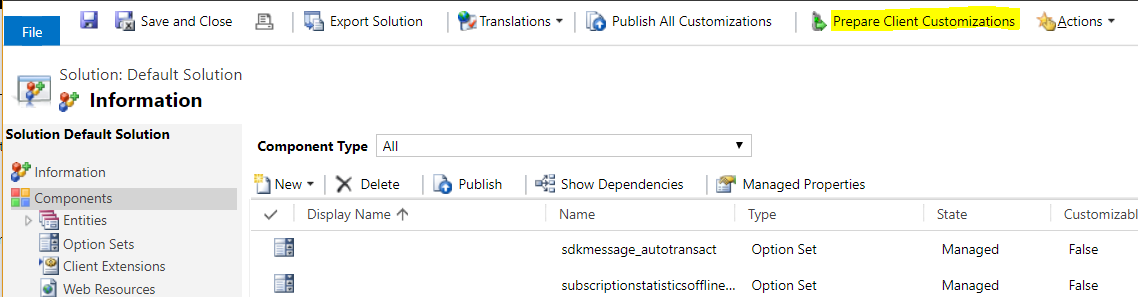
To use it, create a customization as you normally would. Then, publish the customization. At this point, we can tell the system to prepare the client customizations. To do this, go to the solution or customization and select the link:
You will then see this message:
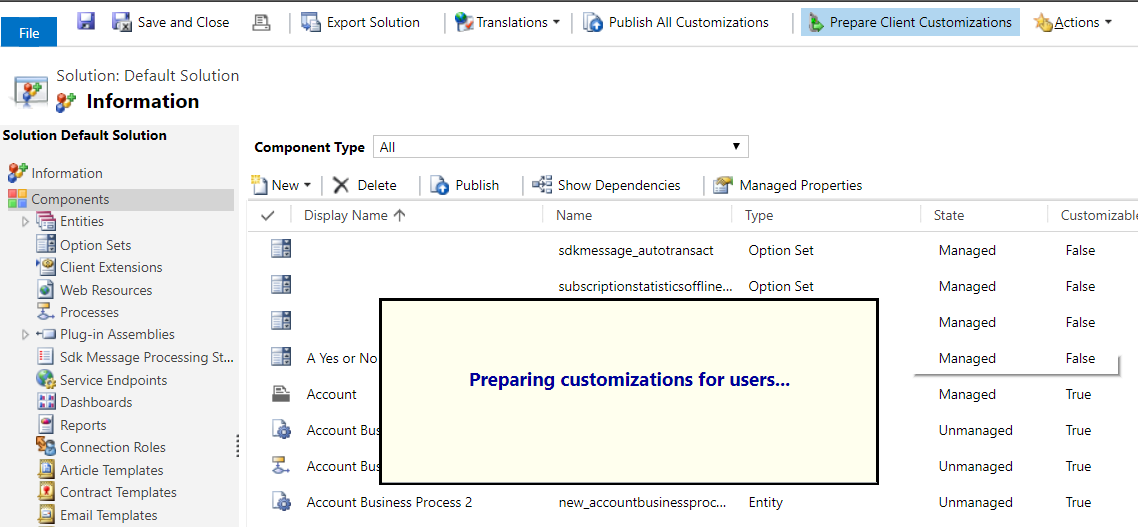
Once complete, users who use the mobile app will note need to download the metadata, which will improve performance and their experience.
Note this also applies to users of Interactive Service Hub.

Explore AI, agents & Microsoft technology.
I share practical ideas, tutorials, and videos about AI, AI agents, Microsoft technologies, and the Power Platform.
Subscribe on YouTube →