To create a schedule, go to Settings->North52 Schedule:
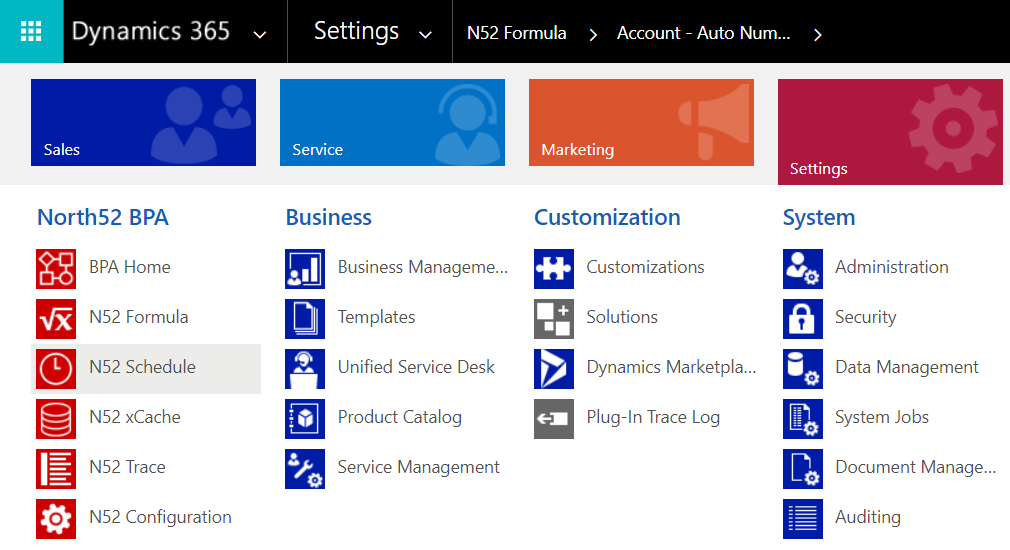
If you go through the Home menu, you will see the following options:

We will schedule a workflow we have previously built that sends reminder emails if the due date of a task is met.
Click on Workflow and then New. You will see the different frequencies that can be set:
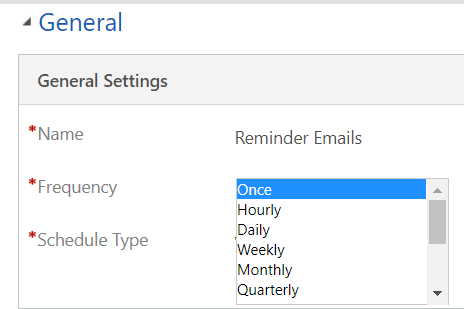
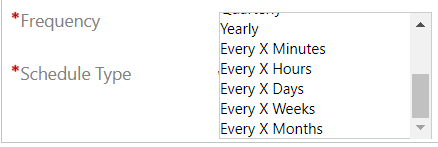

For the purpose of the demo, I will set the workflow to run every 5 minutes:
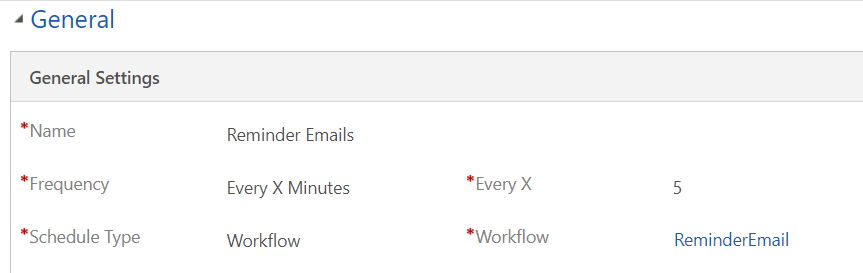
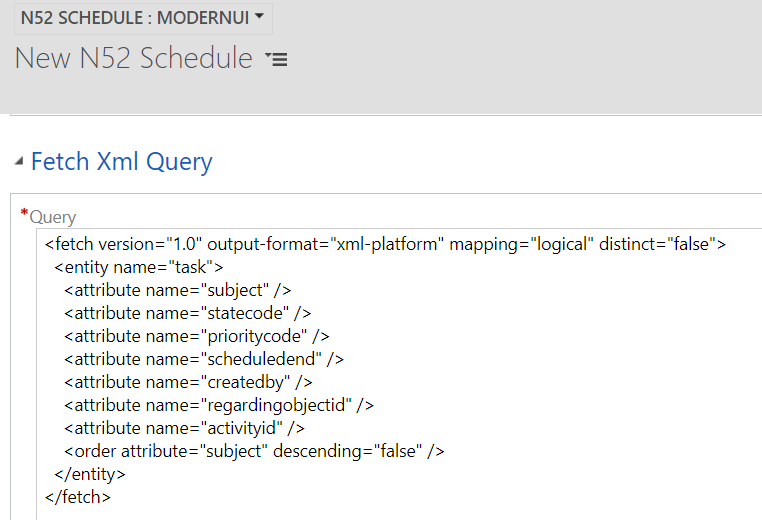
Now enter the FetchXML that will contain the records this workflow will run on. We can get this from Advanced Find:
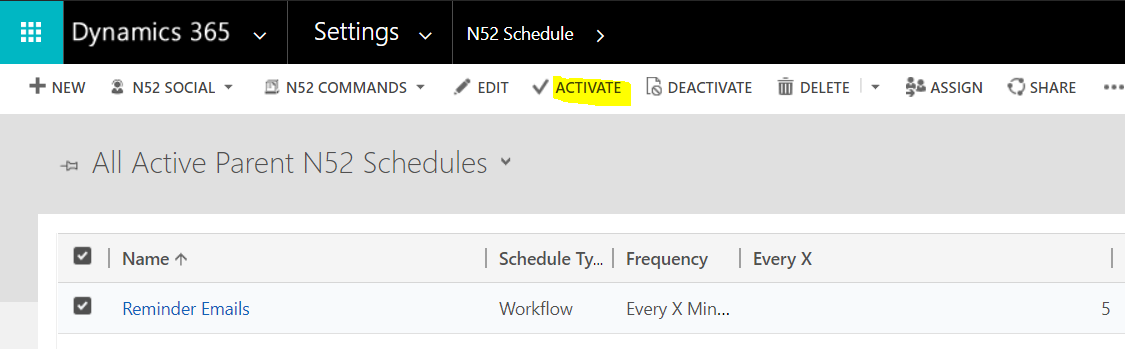
Now, activate the schedule:
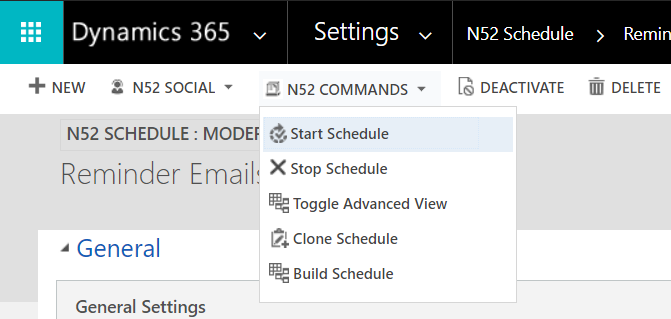
And finally, start the schedule:
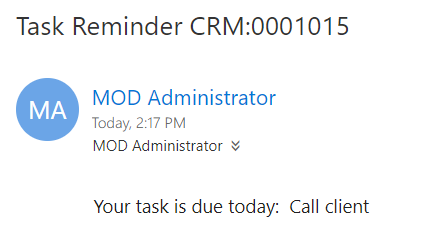
The workflow will then run and send emails:

Keep learning. Keep building.
Explore AI, agents & Microsoft technology.
I share practical ideas, tutorials, and videos about AI, AI agents, Microsoft technologies, and the Power Platform.
Subscribe on YouTube →Carl de Souza Enterprise Architect at Microsoft · AI Technology Expert

great work, helps alot