Here we will go through installing Dynamics CRM 2016 On Premise.
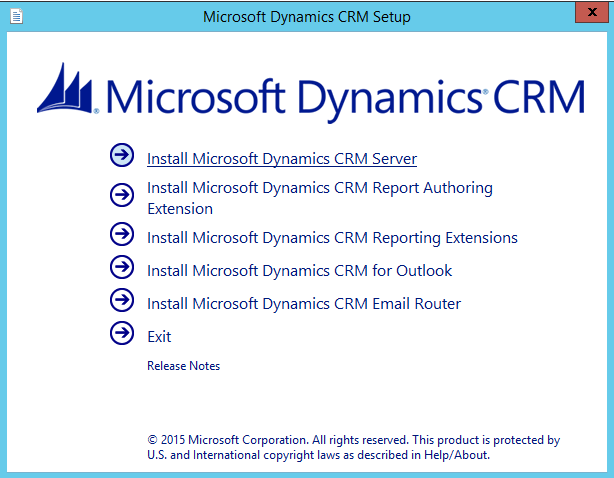
First, run the installation media. Select Install Dynamics CRM Server:
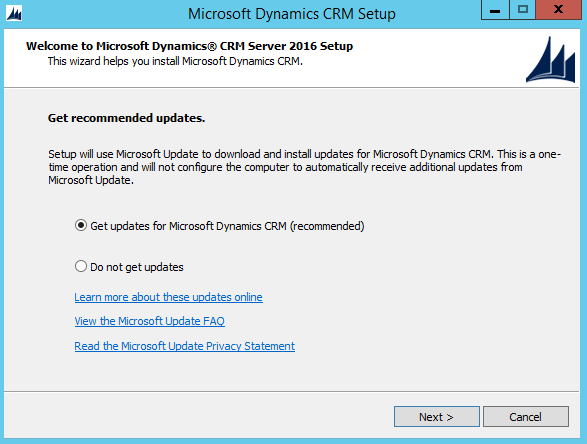
Check one of the options:
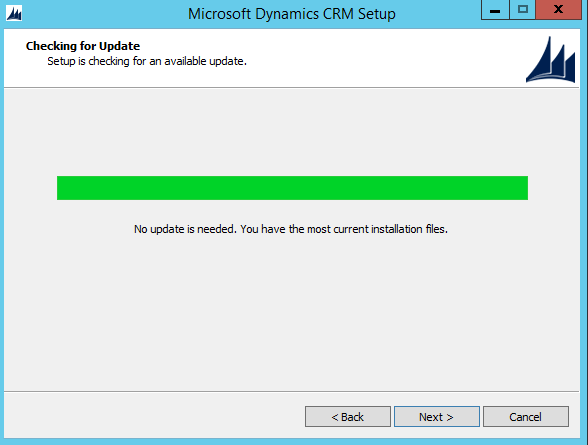
Click Next:
Enter a product key:

Click Accept:

Click Install:
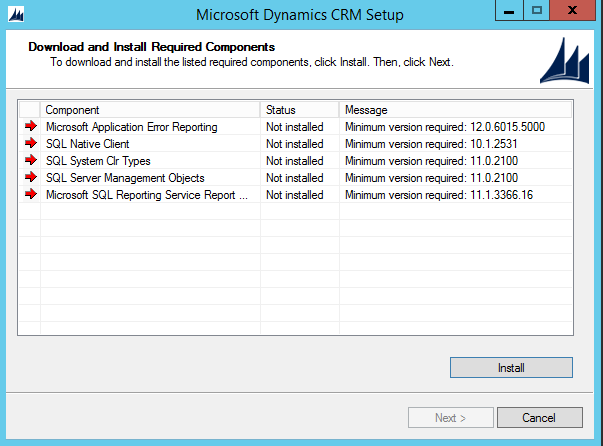
Click Yes:
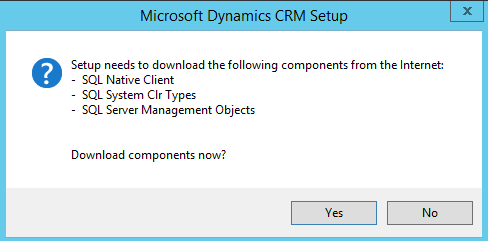
Click Next:
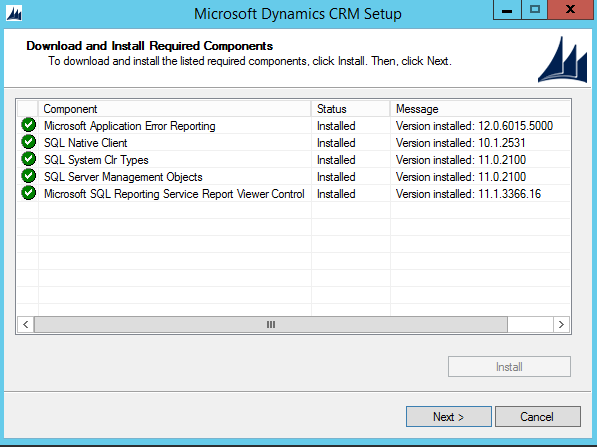
Click Next:
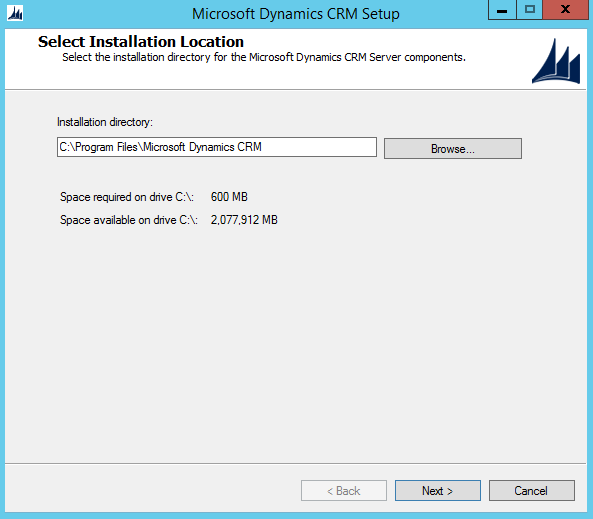
Click Next:
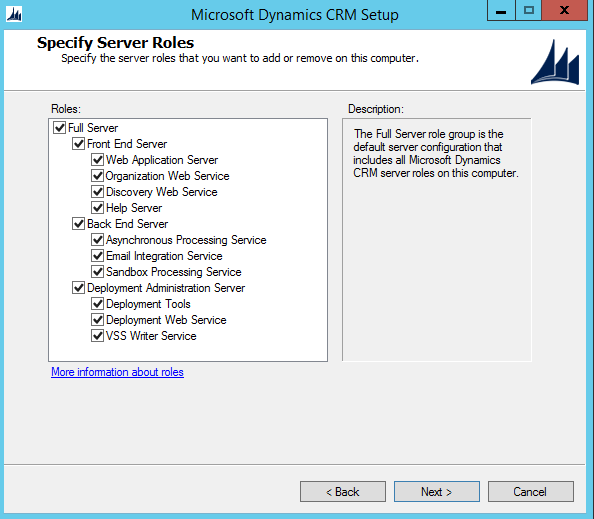
If you don’t see the servername, type it:
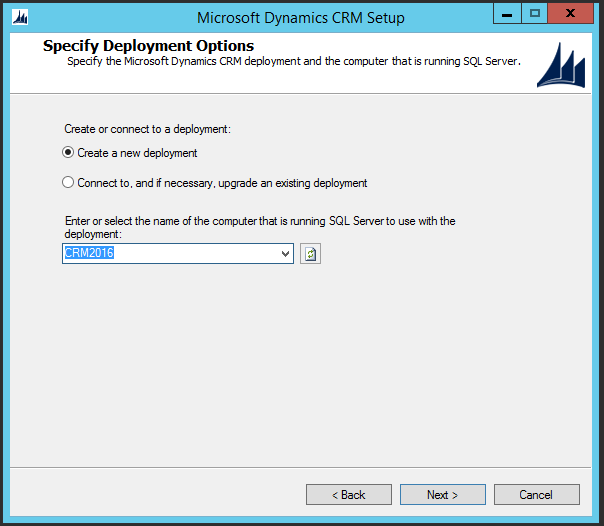
Click Browse. Note – ensure you are part of the Administrators group in the local machine:
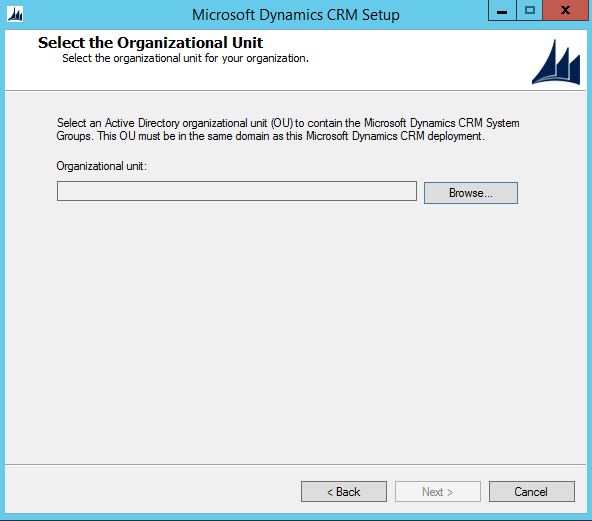
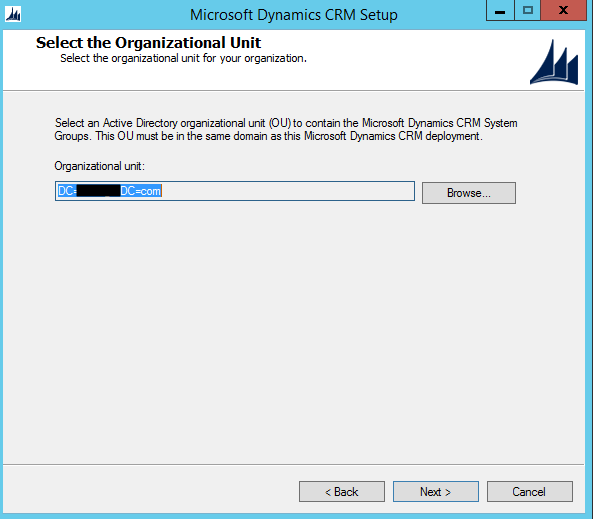
Select the top level:

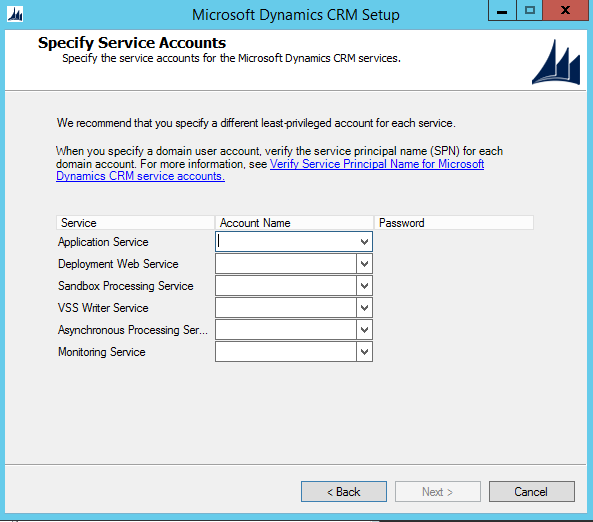
Specify service accounts:
Select the website:
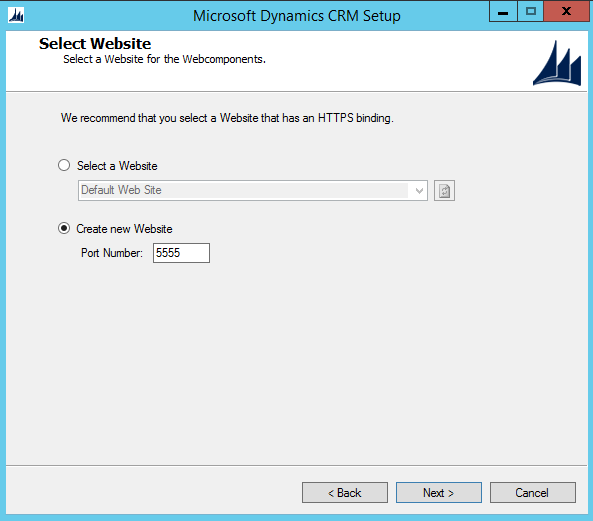
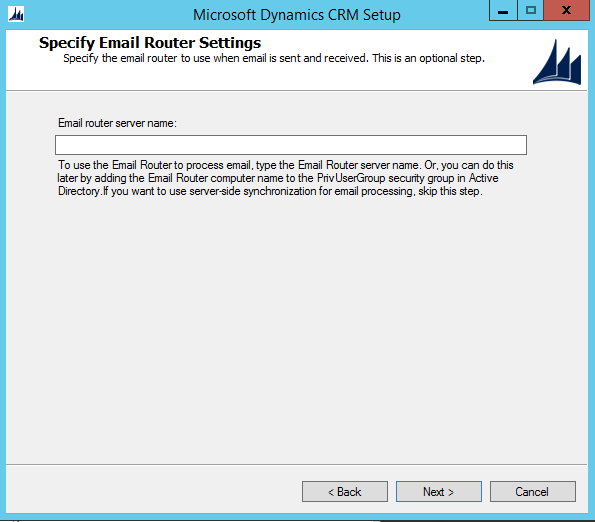
Enter settings:
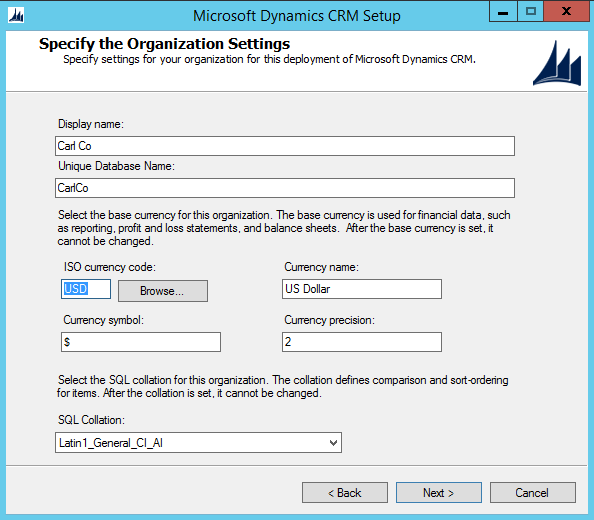
Click Next:
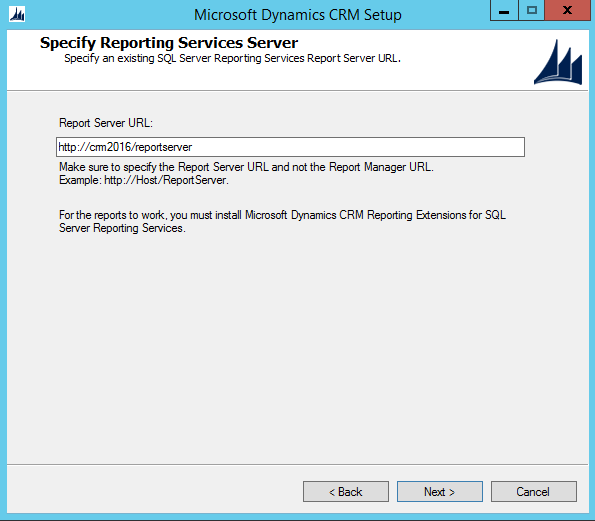
Click Next:
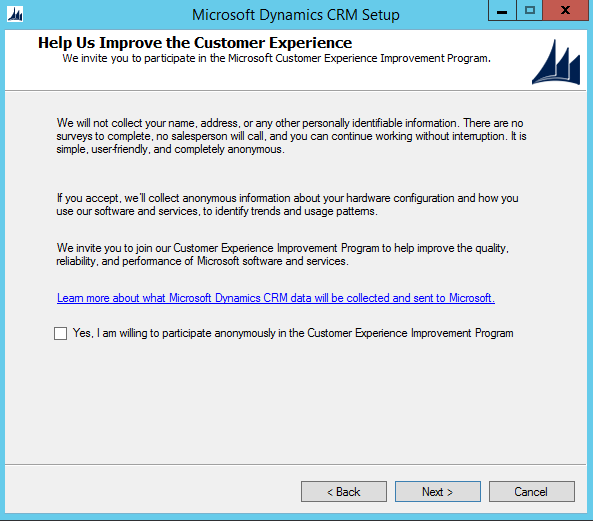
Click Next:
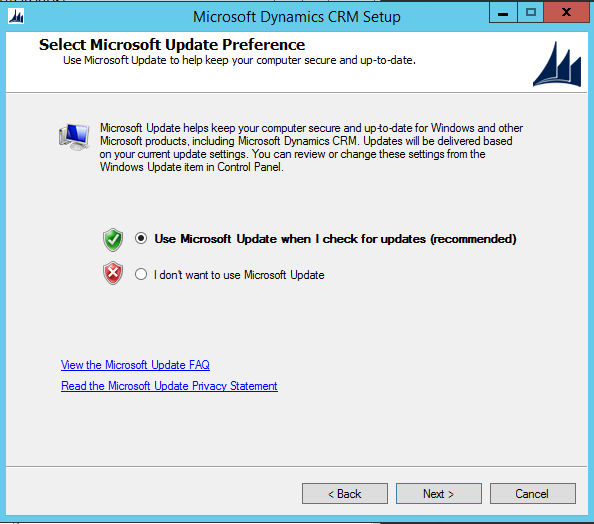
Click Next:
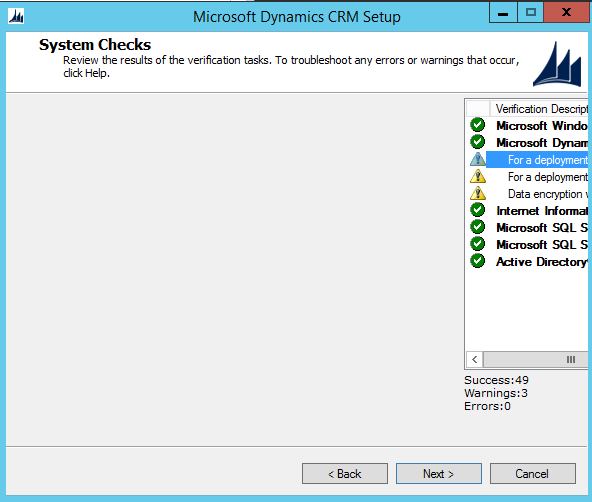
Click Next:
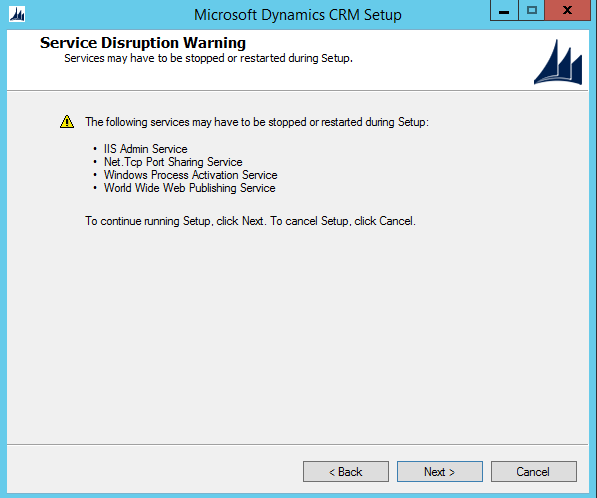
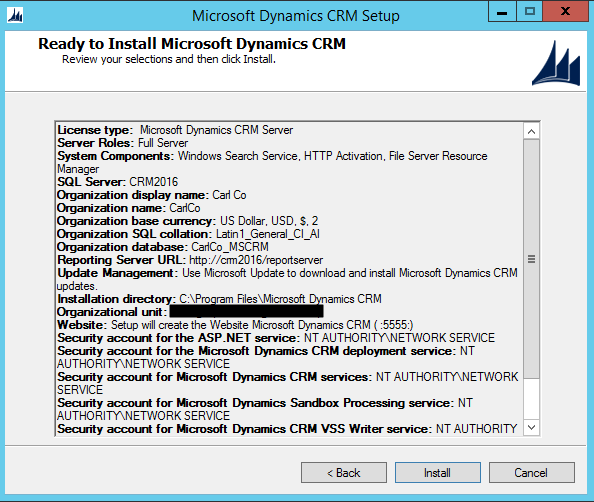
Click Install:
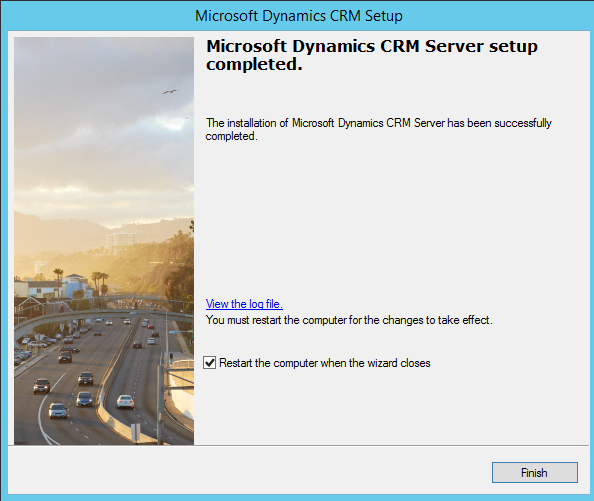
The installation will finish:
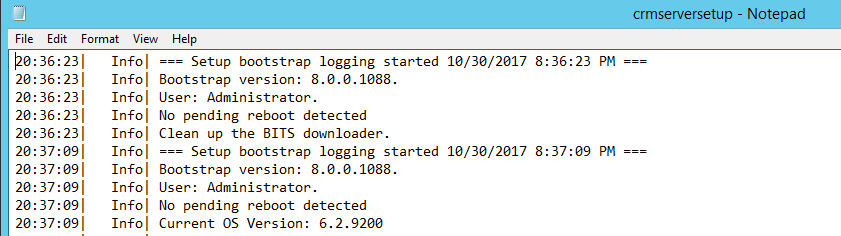
Log file:
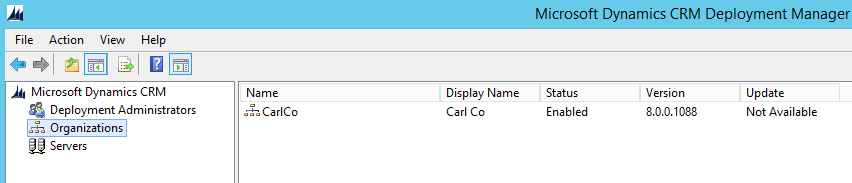
After restarting, you will see the new Org in the deployment manager:
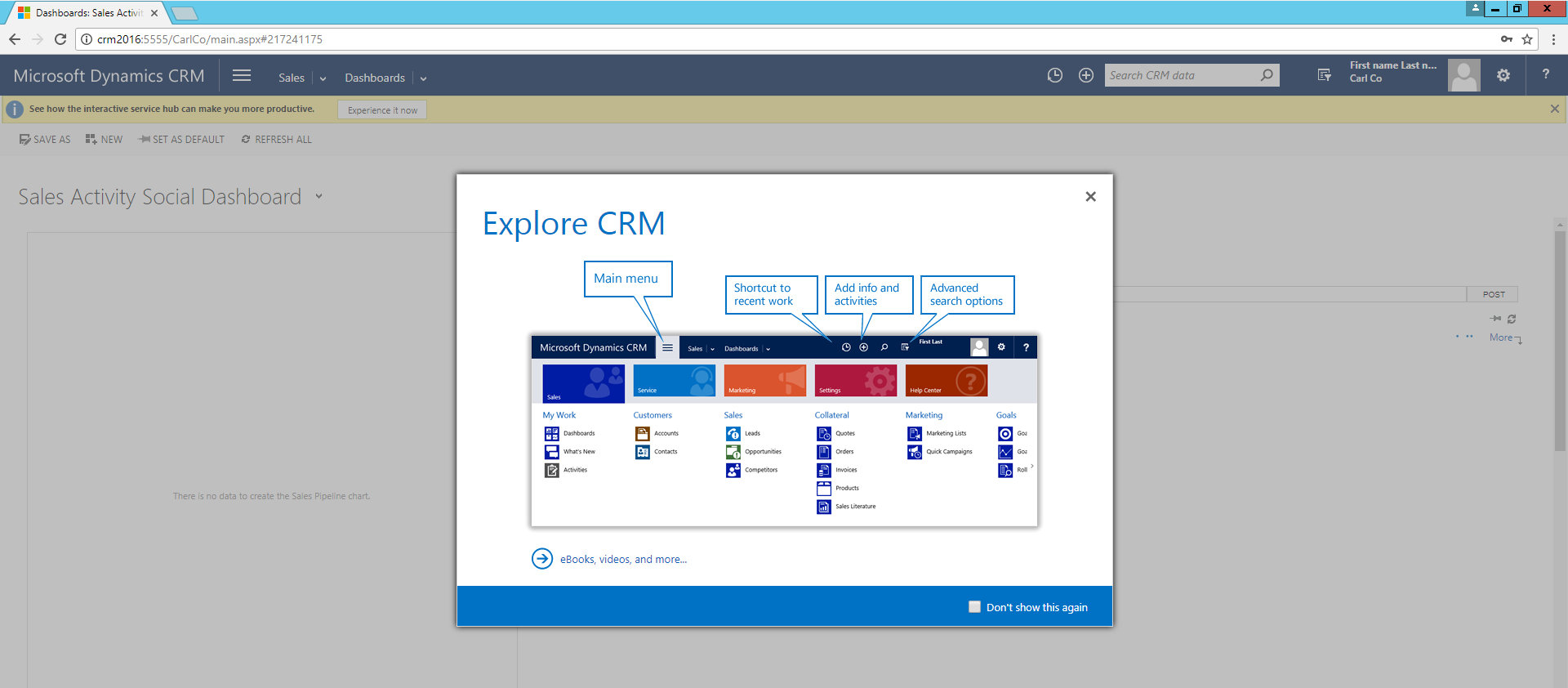
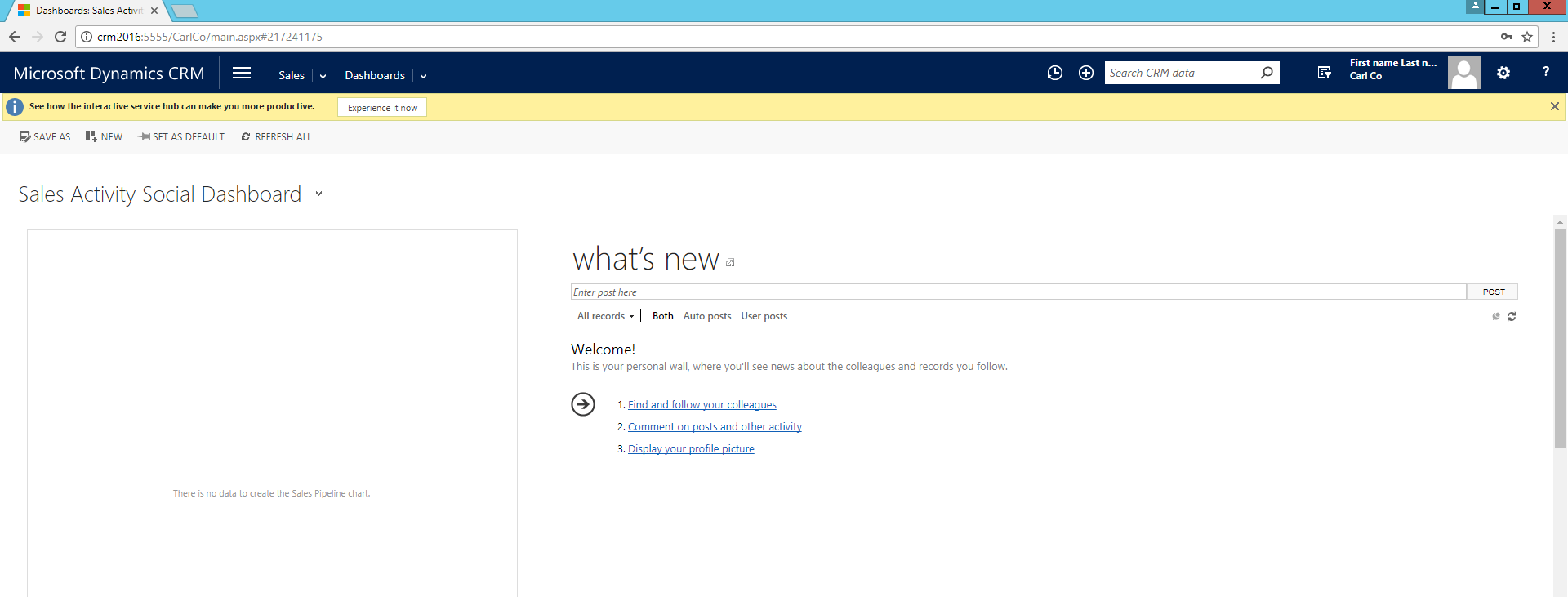
And you will be able to navigate to CRM:

Explore AI, agents & Microsoft technology.
I share practical ideas, tutorials, and videos about AI, AI agents, Microsoft technologies, and the Power Platform.
Subscribe on YouTube →