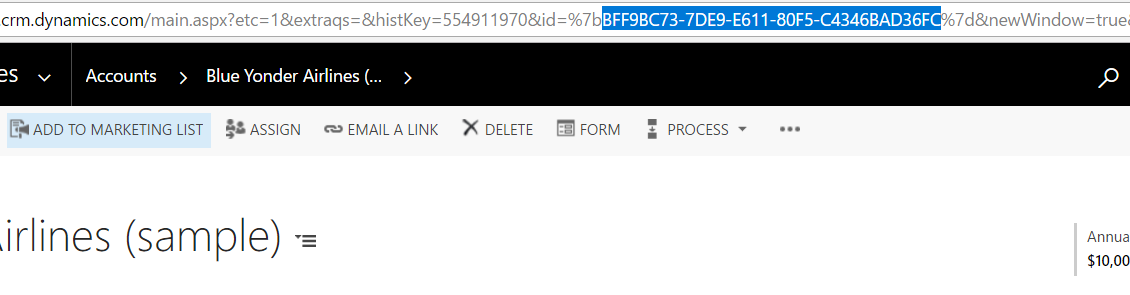
You can get the GUID of a record by clicking on “Email a Link”:

This will open the record in your email client. Between the %7b and %7d you will see the Id:

You can also pop out the record to see the Id the same way:


Keep learning. Keep building.
Explore AI, agents & Microsoft technology.
I share practical ideas, tutorials, and videos about AI, AI agents, Microsoft technologies, and the Power Platform.
Subscribe on YouTube →Carl de Souza Enterprise Architect at Microsoft · AI Technology Expert
