Dynamics 365 Solution Templates Install – Sales Management

To install the Sales Management for Dynamics 365 Solution Template, go through the following steps. Go to https://powerbi.microsoft.com/en-us/solution-templates/dynamics-crm/ Click Install Now: Select the instance of Dynamics 365, on premise or online and click next: Click Connect: Click Accept: If you do not have an Azure account, you will see this message: Sign up and click Connect again. Select the organization and the subscription: Pricing calculator: https://azure.microsoft.com/en-us/pricing/calculator/ Estimated costs (link not working but … Continue reading Dynamics 365 Solution Templates Install – Sales Management

Azure Service Bus Sample

Azure Service Bus is an enterprise cloud messaging service for offline and online applications and services. Let’s go through an example of how to use this. Log into the Azure Portal at  https://portal.azure.com. Select + Enterprise Integration->Service Bus: Enter details and click Create: Select the Namespace created and then Shared Access Properties->RootManagerSharedAccessKey: Copy the connection string primary key: Also copy the primary key and paste this somewhere for later, e.g. … Continue reading Azure Service Bus Sample

Dynamics 365 PowerShell – Microsoft.Xrm.Data.Powershell

The Microsoft.Xrm.Data.Powershell module for PowerShell provides data operations such as CRUD. The module is available for download at: https://github.com/seanmcne/Microsoft.Xrm.Data.PowerShell/releases/ Download the ZIP file and unblock it by right clicking. If you do not unblock it you will get errors relating to could not load file or assembly with the Microsoft.Crm.Sdk.Proxy.dll. Next extract the zip. There is one folder: With multiple files: Copy the folder to the C:\Windows\System32\WindowsPowerShell\v1.0\Modules folder: Check the PowerShell version. This module … Continue reading Dynamics 365 PowerShell – Microsoft.Xrm.Data.Powershell

Power BI and Local Excel Data Refresh

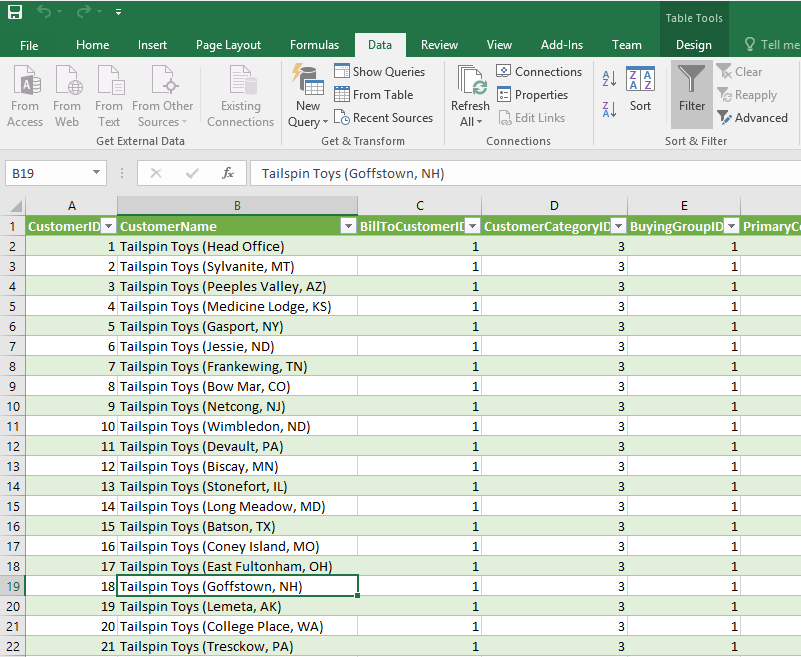
Here we will cover the scenario where there is a local spreadsheet file on a user’s desktop, and we have a Power BI desktop file that connects to the spreadsheet. We want that data to be automatically updated in the Power BI service. To do this, first create a new Power BI desktop file and connect to the spreadsheet. Here is our excel file: In Power BI Desktop, go to Get Data->Excel: Create … Continue reading Power BI and Local Excel Data Refresh

Write to Text File in C#

First, create a new console app: Next, add: using System.IO; Now add code: using (StreamWriter writer = new StreamWriter(“filename.txt”)) { writer.Write(“1”); writer.WriteLine(“2”); writer.WriteLine(“3”); writer.Write(“4”); } Now go to the directory you ran the code from. You will see the filename.txt file created: This code can also be written as: StreamWriter writer = new StreamWriter(“filename.txt”); writer.Write(“1”); writer.WriteLine(“2”); writer.WriteLine(“3”); writer.Write(“4”); writer.Flush(); writer.Close();  

Common Data Model and Common Data Service

Microsoft has released the Common Data Model currently as part of its PowerApps suite. The Common Data Model and Common Data Service are a “Microsoft Azure–based business application model and storage mechanism for the Microsoft business application platform”. It allows for the creation of entities to store your data, and then plugs into the PowerApps suite. To use the common data model, log into PowerApps at https://powerapps.microsoft.com/. You will find the … Continue reading Common Data Model and Common Data Service

Currency Setup in Dynamics 365

To set up a new currency in the system, go to Settings->Business Management and select Currencies: Click New: Use the currency code lookup to select a currency: Set the conversion rate: Now, on the Account record, you can set the account’s currency: Now, go to Settings->Product Catalog and select Price Lists: Create a new price list. Set the currency to Euro: Add a price list: Save the price list to … Continue reading Currency Setup in Dynamics 365

Resolve Issues Faster in Unified Service Desk with Google Search

There are times in a help desk or call center scenario where the agent may need to search Google in order to find the answer to something. We’re all human! In this post, I will show you how to configure Unified Service Desk (USD) so when a case is opened, the agent will get details from Google search returned into the USD application. First, in the USD configuration in Dynamics 365, create … Continue reading Resolve Issues Faster in Unified Service Desk with Google Search

Dynamics 365 Sales Literature

Sales Literature is an area in Dynamics 365 where you can save your brochures, manuals, price sheets etc. To access Sales Literature, go to Sales->Sales Literature: This will display all sales literature: Click New to create a new record: Note the options for the subject, and the Type: Save the record. Click to add Sales Attachments: Here you can add documents: Complete the record by adding products and competitors:  

Dynamics 365 Excel Templates

Excel templates in Dynamics 365 are a way to easy create custom Excel reports you can run when needed. To create an Excel template, go to Settings->Templates: You will see the page. Select Document Templates: Here you will see the available templates view: With the option to change the view: Select New. You will have the option to select Excel Template and Word Template. You can also access this screen … Continue reading Dynamics 365 Excel Templates