Workflows in Dynamics 365 can run under specific scopes.
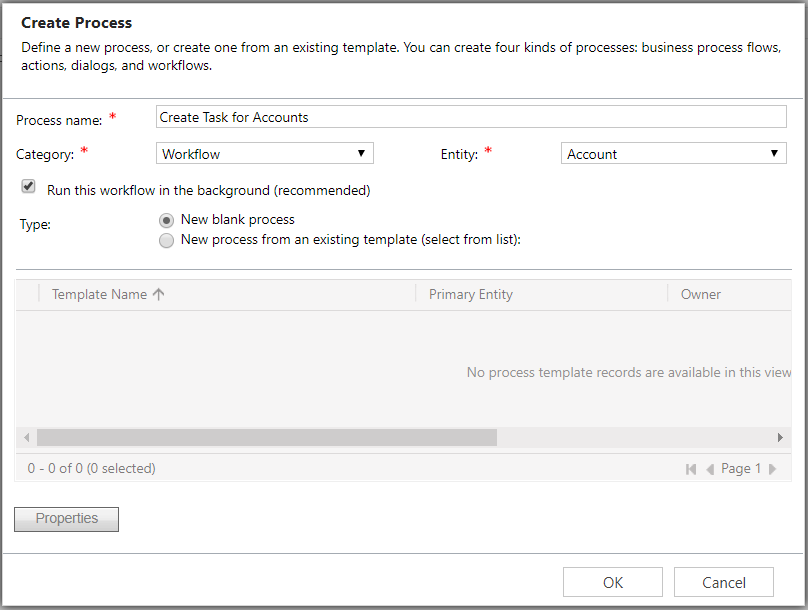
We will go through an example of creating a workflow that will create a task for specific accounts. First, go to Processes and create a new workflow:
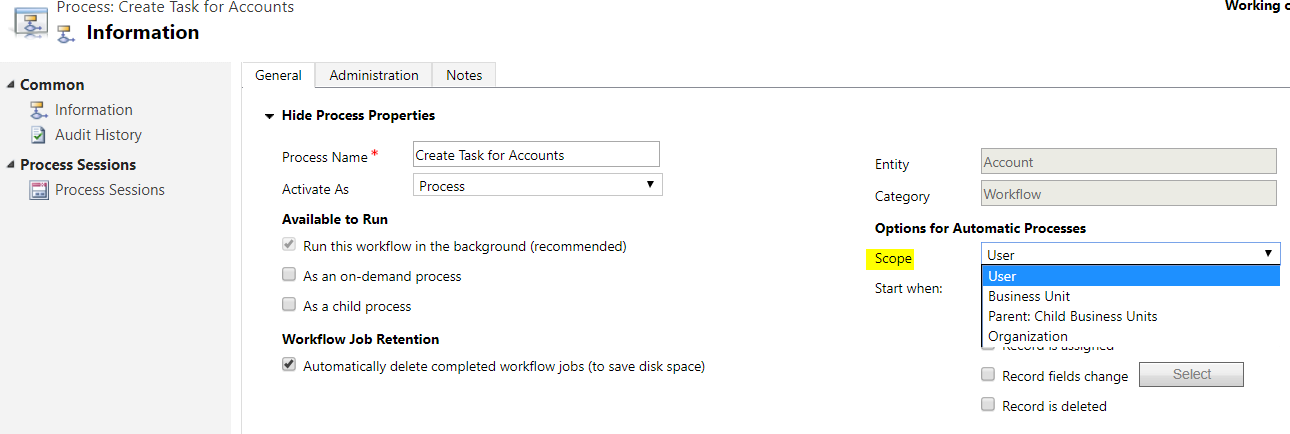
Note the scope that the workflow can run under. We will select User, with the other options being Business Unit, Parent: Child Business Units and Organization:
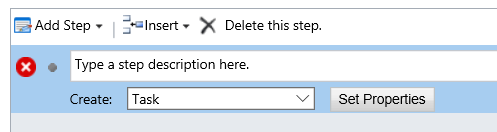
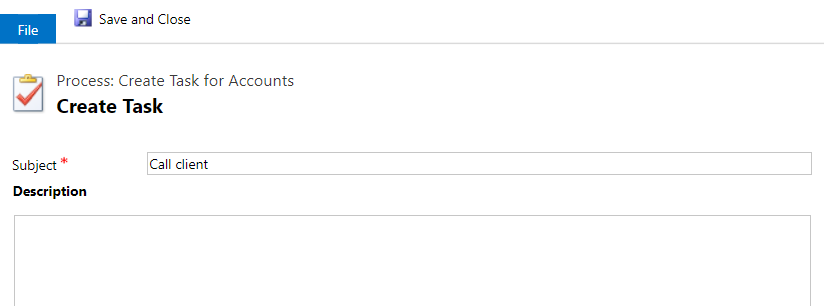
Next, create a task record to “call the client”:
Activate the workflow.

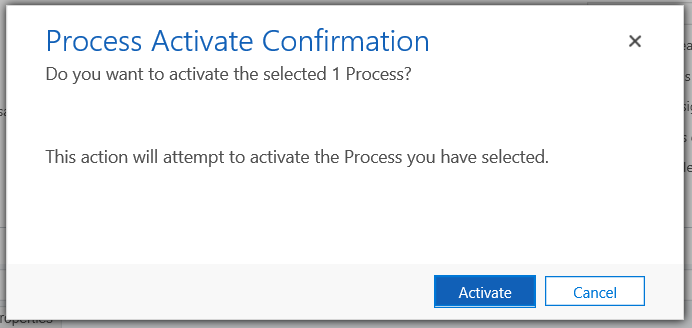
We can now test it.
Create a new account record. The workflow will automatically run, with a task record being created against the account.
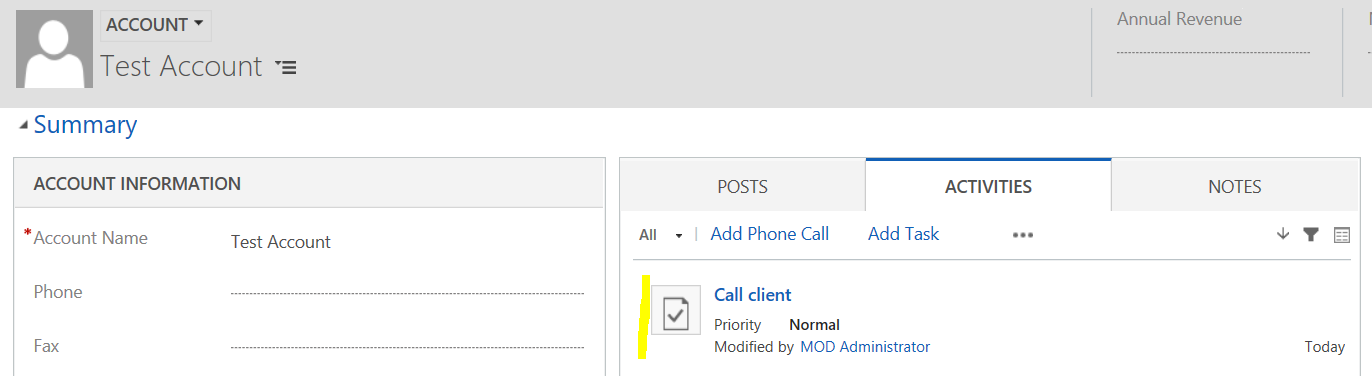
Now, ask a different user to create an account. In this case the workflow will not run.

Explore AI, agents & Microsoft technology.
I share practical ideas, tutorials, and videos about AI, AI agents, Microsoft technologies, and the Power Platform.
Subscribe on YouTube →