
Dynamics CRM Connections
Connections are a way in Dynamics CRM to link entities. You may want to link an opportunity to a contact if the contact was…
Read article →Practical guides, tutorials, and insights on AI, agents, Microsoft technologies, enterprise applications, and communication.
Connections are a way in Dynamics CRM to link entities. You may want to link an opportunity to a contact if the contact was…
Read article →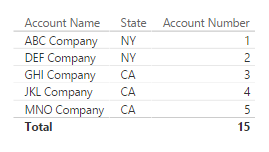
In Power BI you have the ability to implement row-level role-based security. What this means, is you can restrict data to certain…
Read article →
The Dynamics CRM SDK has a login control that you can use in your client applications. Let’s go through an example of…
Read article →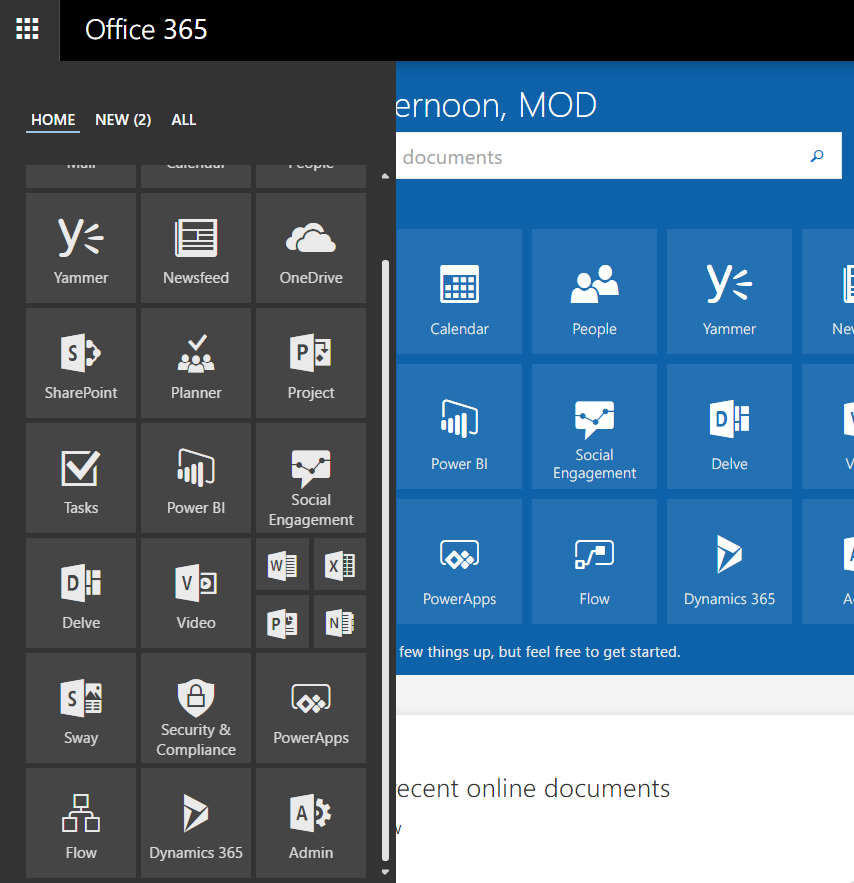
Go to https://portal.office.com. Then, select Admin from the options: Select Dynamics 365: You can then set the name below:
Read article →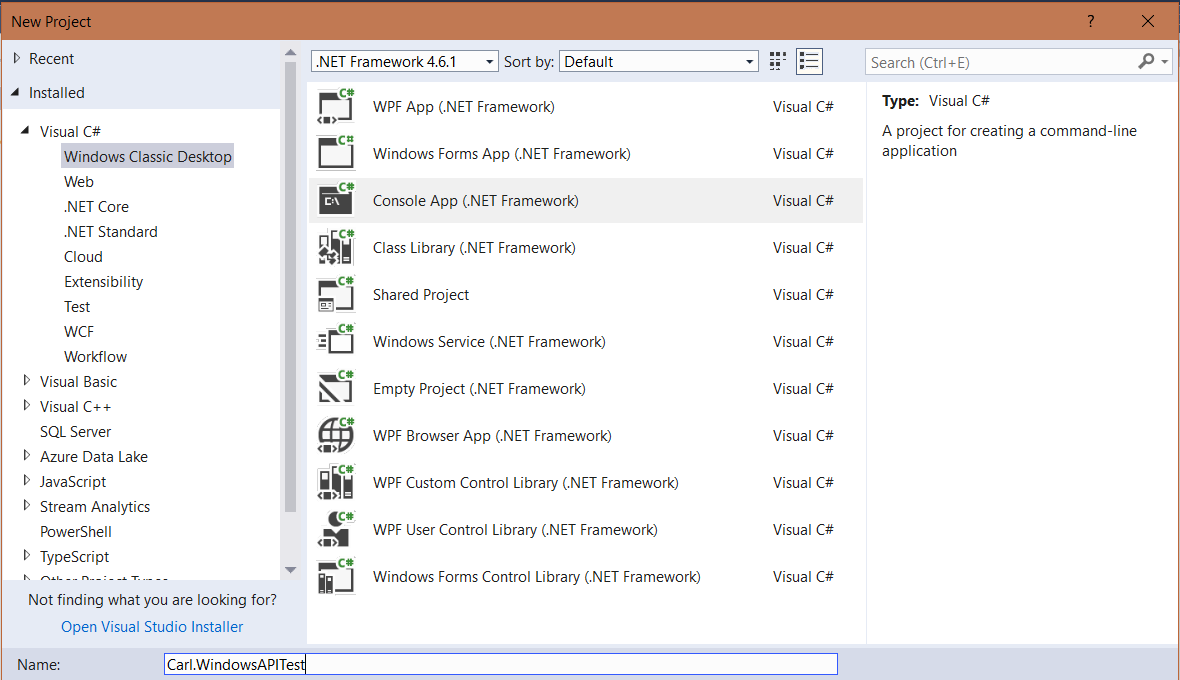
In this post, we will look at how to use the Windows API to get and set windows in the Windows operating…
Read article →
There may be a requirement to open an HTML page from a button. In this example, we will use the Ribbon Workbench…
Read article →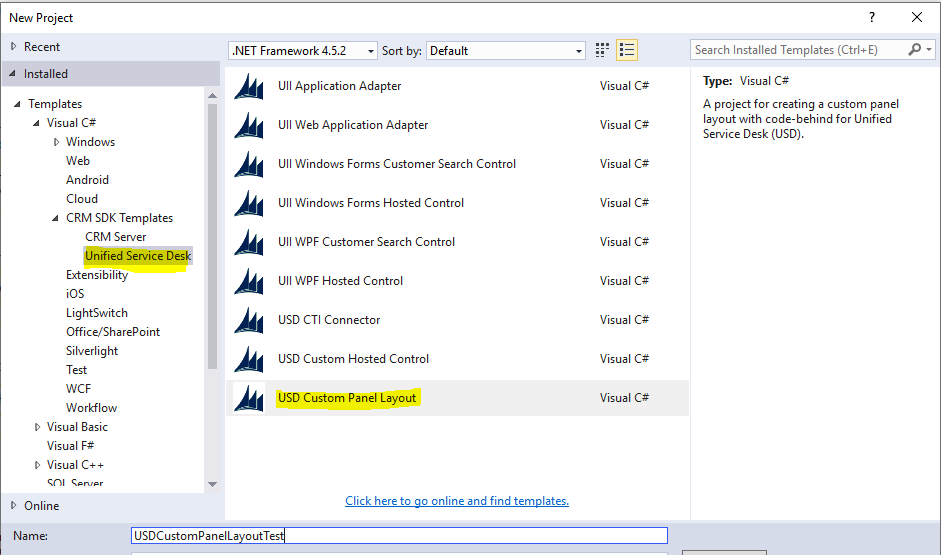
Unified Service Desk can use custom layouts, so organizations can specify the layout of the USD application. Let’s look at how to…
Read article →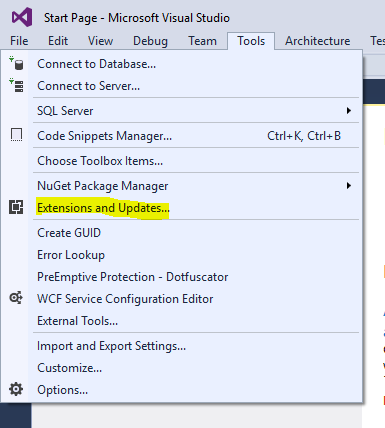
The Dynamics CRM SDK Templates are used for creating Visual Studio projects for Dynamics 365 and Unified Service Desk. To install the Dynamics CRM…
Read article →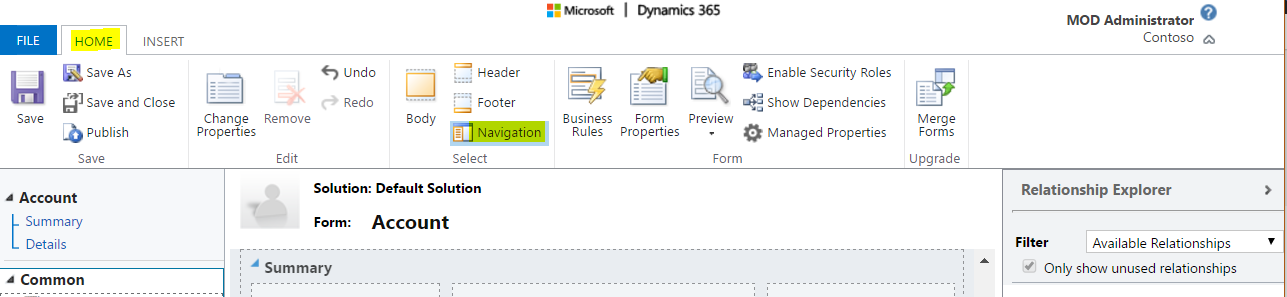
To add a navigation link to a form, go through the following steps. Edit the form you want to add the link.…
Read article →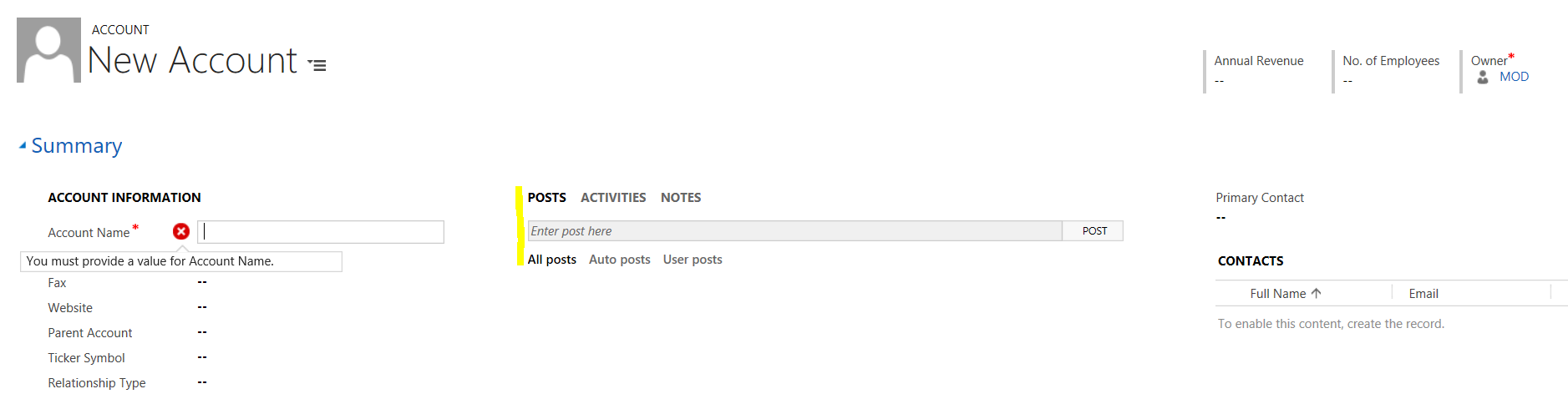
In Dynamics 365, you can modify the layout of existing form sections. For example, let’s say you want to change the Summary…
Read article →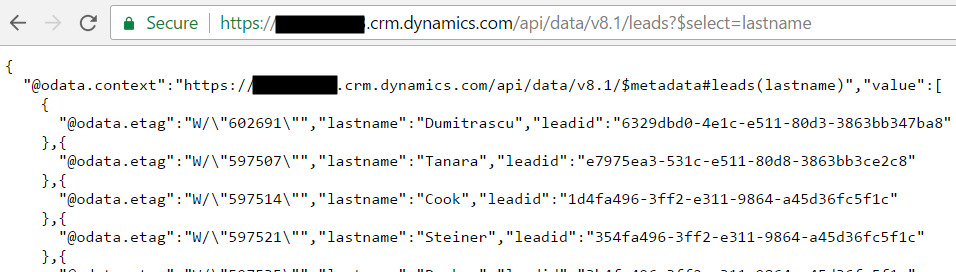
Following on from Querying Dynamics CRM through JavaScript using the OrganizationService, we will now go through an example using the new Web…
Read article →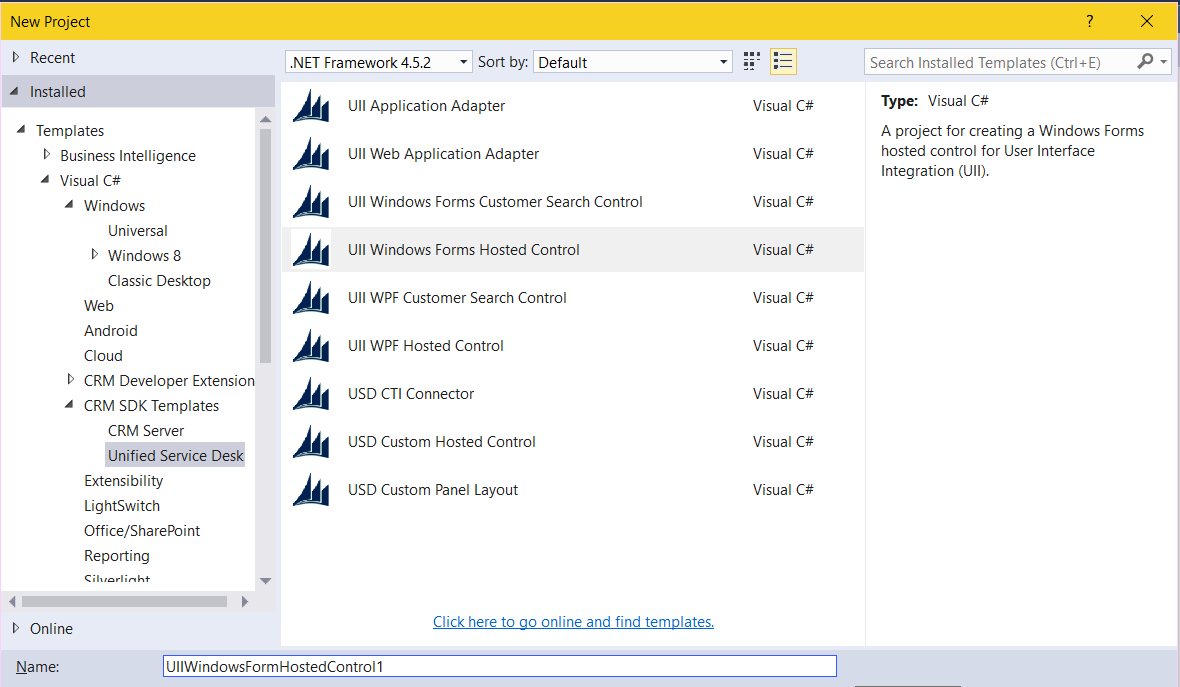
In this topic, we will go through how to integrate Unified Service Desk with a Windows Forms UII Hosted Application. For example, you…
Read article →