Home › Dynamics 365 Customer Engagement (CRM) › Set Dynamics 365 Instance Name
Dynamics 365 Customer Engagement (CRM) · Nov 20, 2016 · 1 MIN READ

Set Dynamics 365 Instance Name

Go to https://portal.office.com.

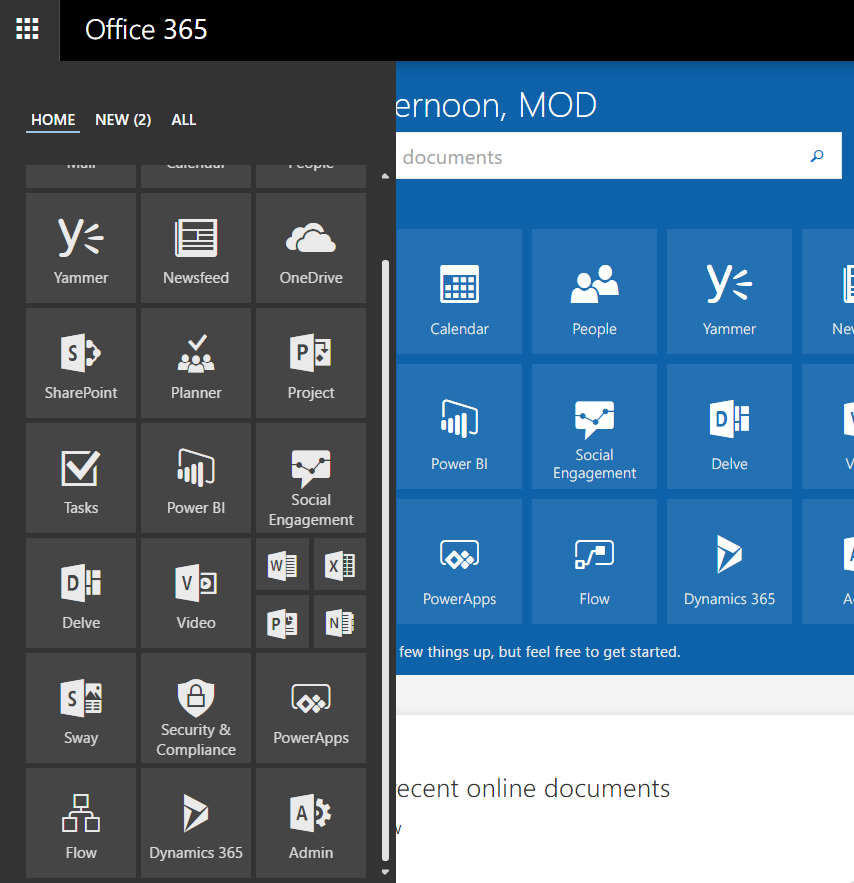
Then, select Admin from the options:
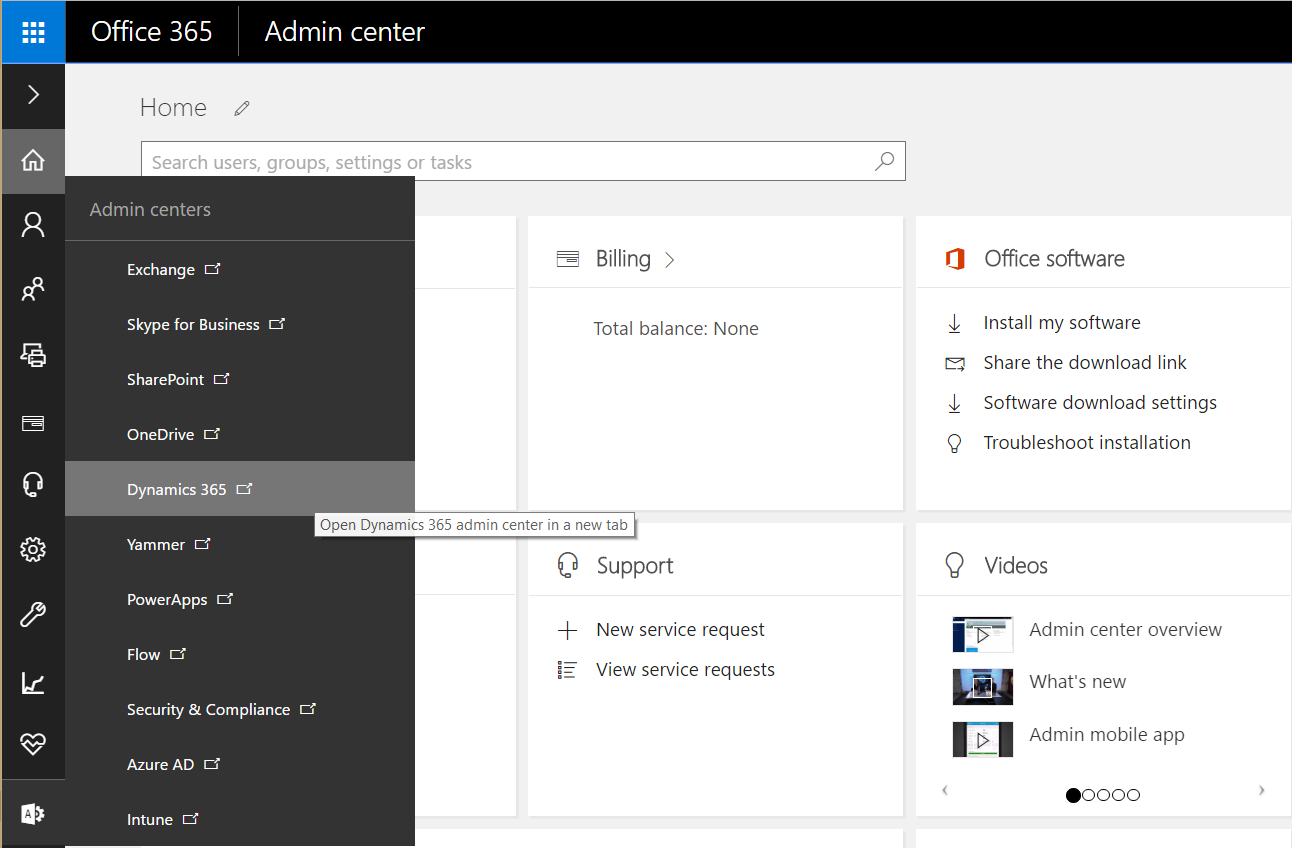
Select Dynamics 365:
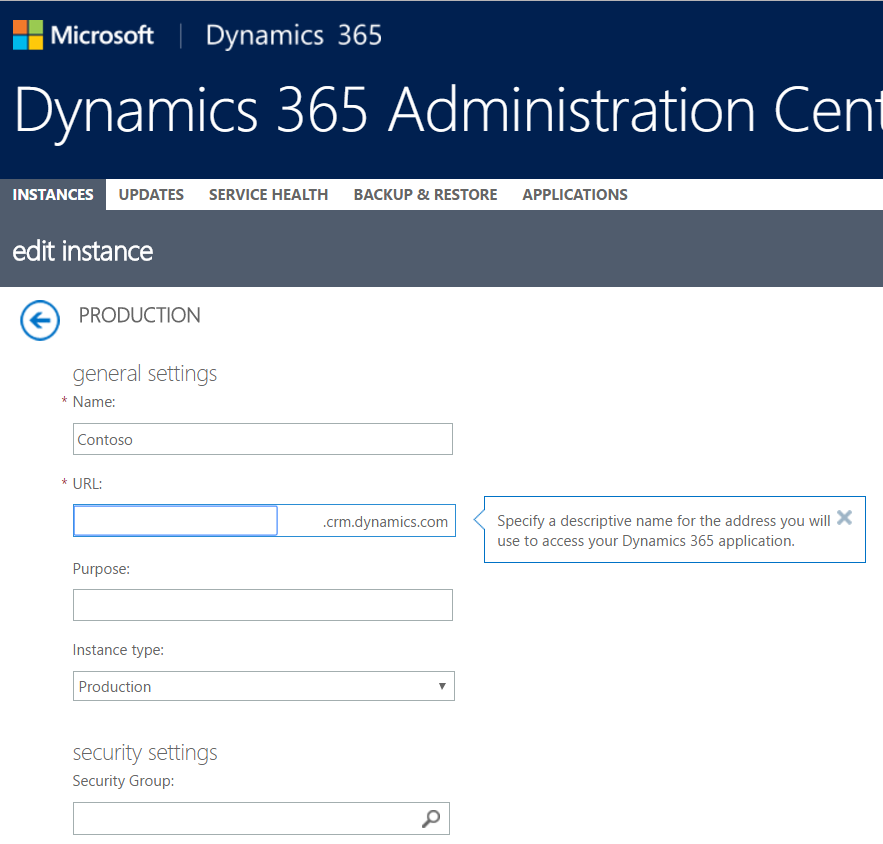
You can then set the name below:
 

Carl de Souza
Keep learning. Keep building.

Explore AI, agents & Microsoft technology.

I share practical ideas, tutorials, and videos about AI, AI agents, Microsoft technologies, and the Power Platform.

Subscribe on YouTube →
Carl de Souza Enterprise Architect at Microsoft · AI Technology Expert

Leave a Reply

Your email address will not be published. Required fields are marked *

Carl de Souza
KEEP LEARNING. KEEP BUILDING.

Explore AI, agents & Microsoft technology.

I share practical ideas, tutorials, and videos about AI, AI agents, Microsoft technologies, and the Power Platform.
