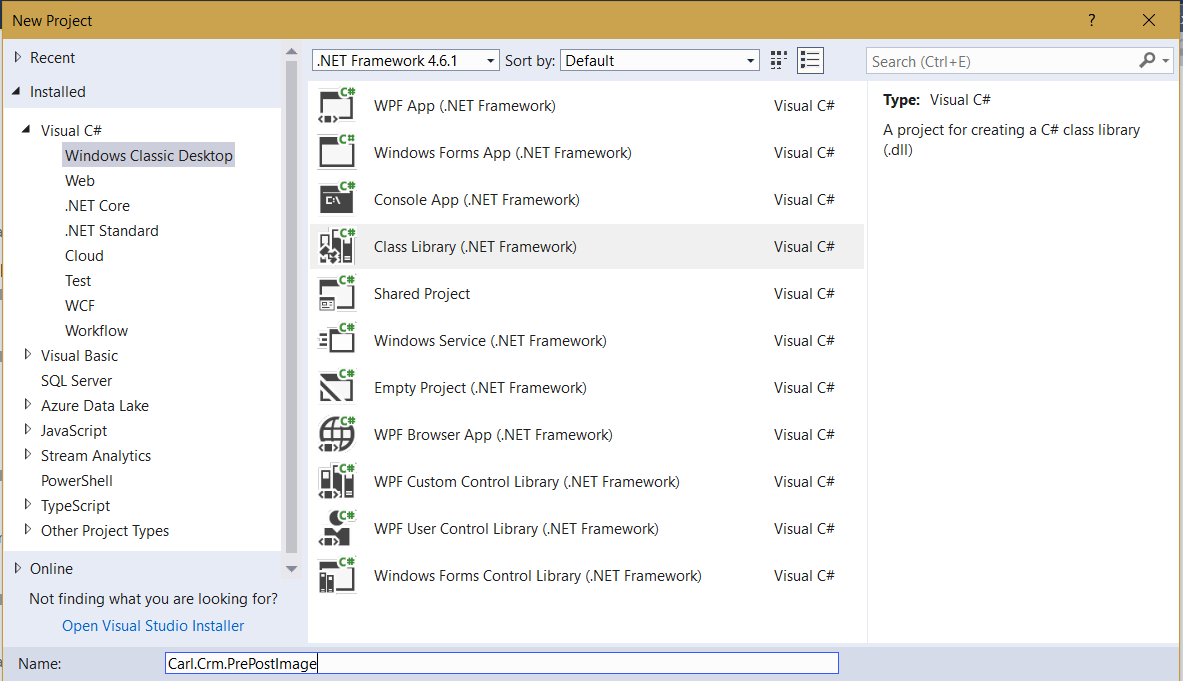
Dynamics 365 Plugins – Pre and Post Images
When using Dynamics 365 Plugins, we have the ability to view the record data before and after changes have been made. Here…
Read article →Practical guides, tutorials, and insights on AI, agents, Microsoft technologies, enterprise applications, and communication.
When using Dynamics 365 Plugins, we have the ability to view the record data before and after changes have been made. Here…
Read article →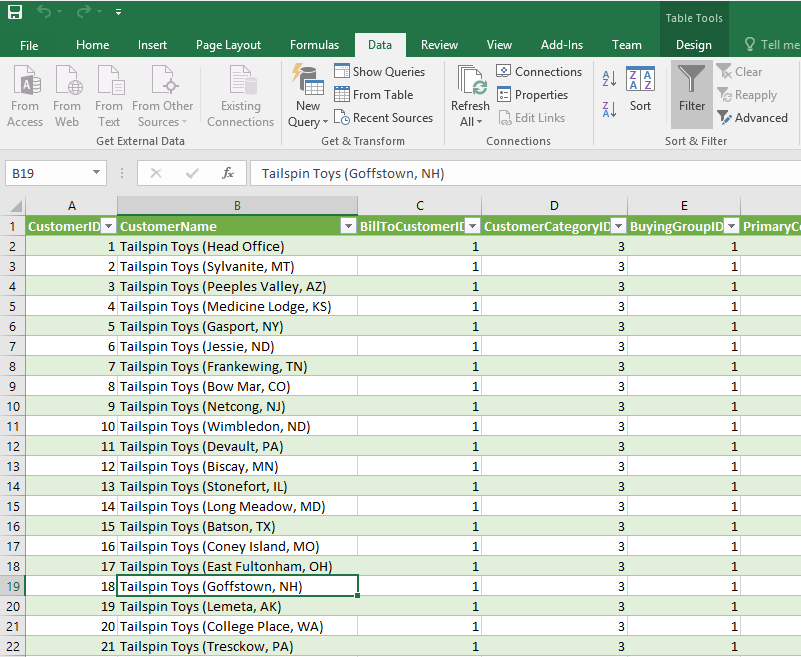
You can publish from within Excel 2016 to Power BI. To do this, go through the following steps. In Excel 2016, create a new…
Read article →
Dynamics 365 has an auto-save configuration option. After records are initially saved in Dynamics 365, if a user updates a record, the system…
Read article →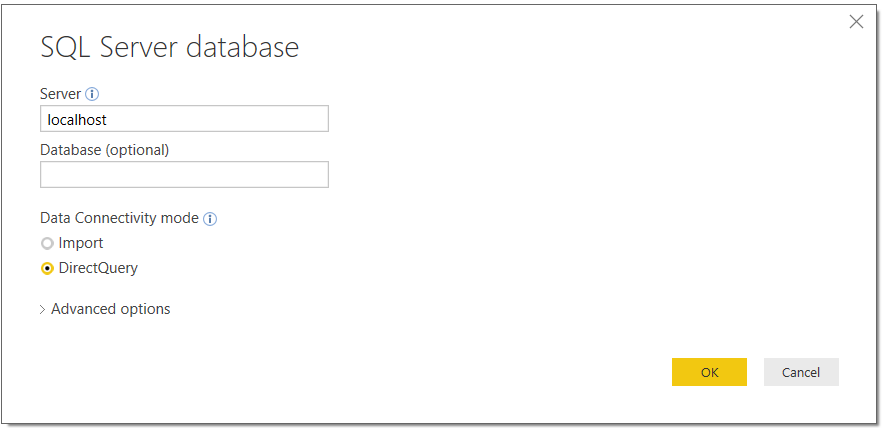
To use direct query mode, select your supported data source and then DirectQuery: Click OK and you will then be able to…
Read article →
Excel 2016 has built in BI capabilities. To get data from an external data source, go to the Data tab: Under Get and…
Read article →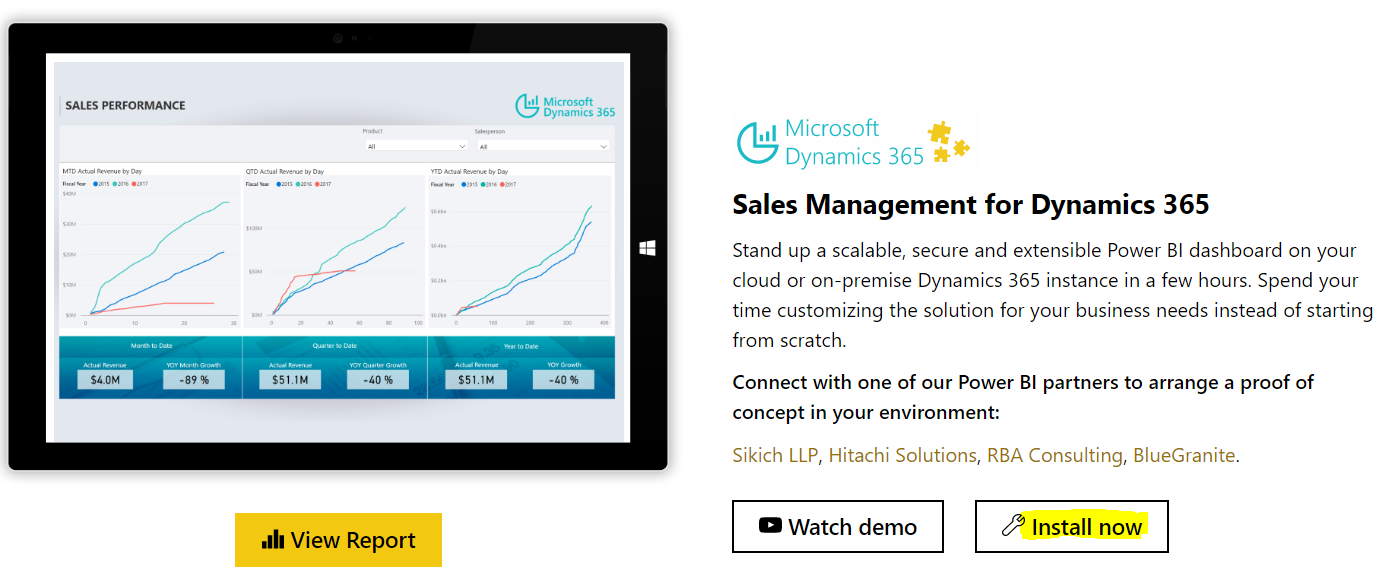
To install the Sales Management for Dynamics 365 Solution Template, go through the following steps. Go to https://powerbi.microsoft.com/en-us/solution-templates/dynamics-crm/ Click Install Now: Select the…
Read article →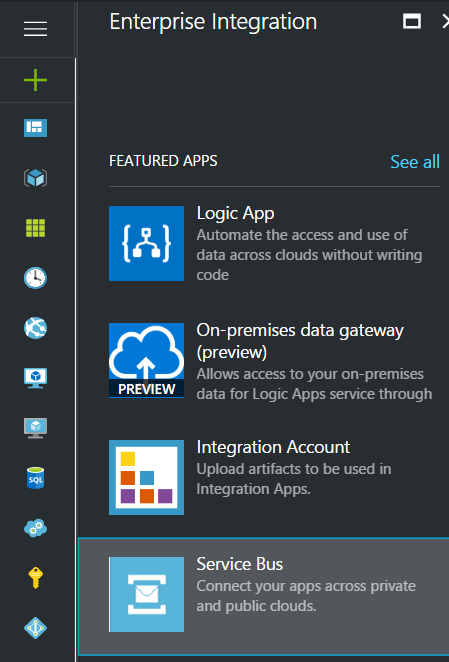
Azure Service Bus is an enterprise cloud messaging service for offline and online applications and services. Let’s go through an example of…
Read article →
The Microsoft.Xrm.Data.Powershell module for PowerShell provides data operations such as CRUD. The module is available for download at: https://github.com/seanmcne/Microsoft.Xrm.Data.PowerShell/releases/ Download the ZIP file and…
Read article →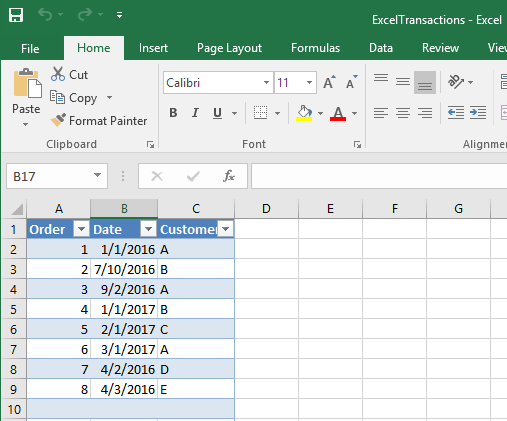
Here we will cover the scenario where there is a local spreadsheet file on a user’s desktop, and we have a Power BI desktop…
Read article →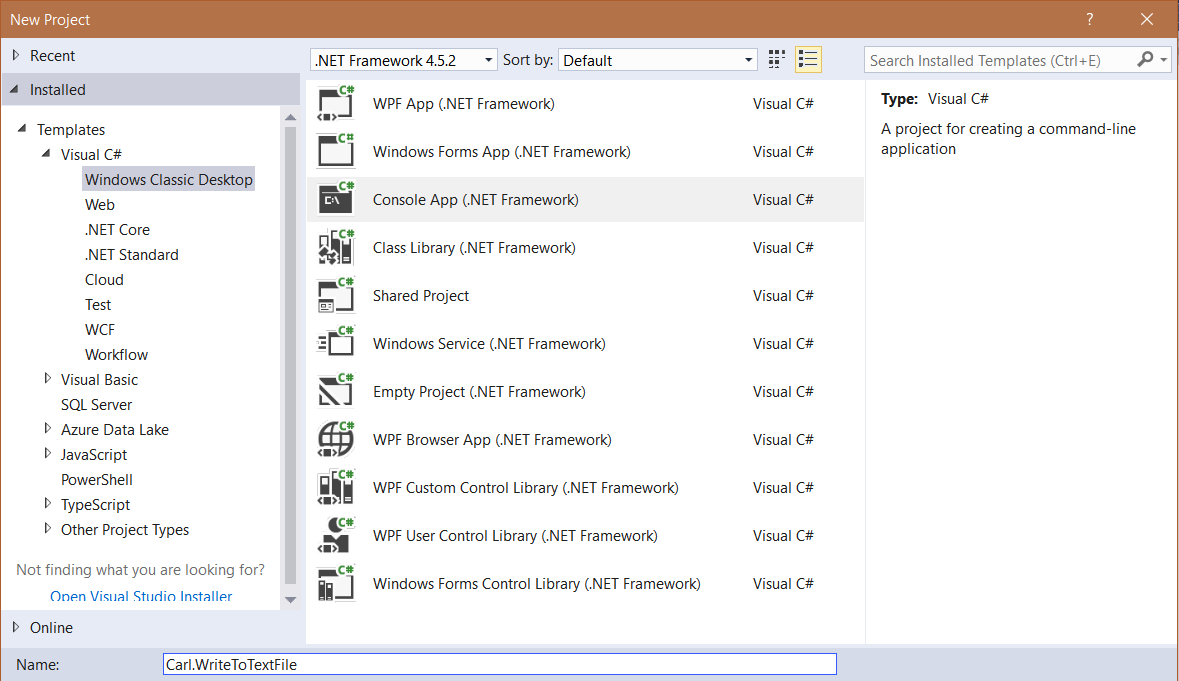
First, create a new console app: Next, add: using System.IO; Now add code: using (StreamWriter writer = new StreamWriter("filename.txt")) { writer.Write("1"); writer.WriteLine("2");…
Read article →
Microsoft has released the Common Data Model currently as part of its PowerApps suite. The Common Data Model and Common Data Service…
Read article →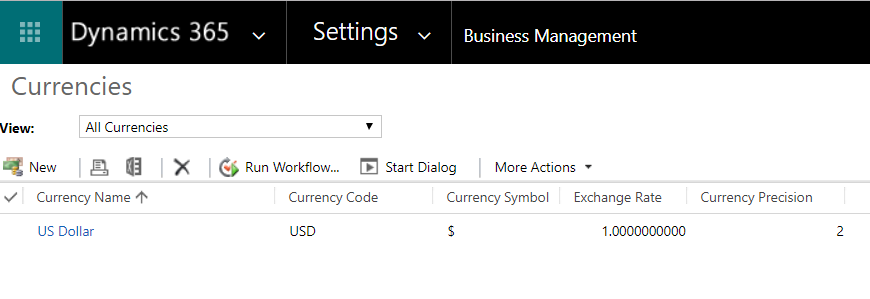
To set up a new currency in the system, go to Settings->Business Management and select Currencies: Click New: Use the currency code…
Read article →