Here we will cover the scenario where there is a local spreadsheet file on a user’s desktop, and we have a Power BI desktop file that connects to the spreadsheet. We want that data to be automatically updated in the Power BI service.
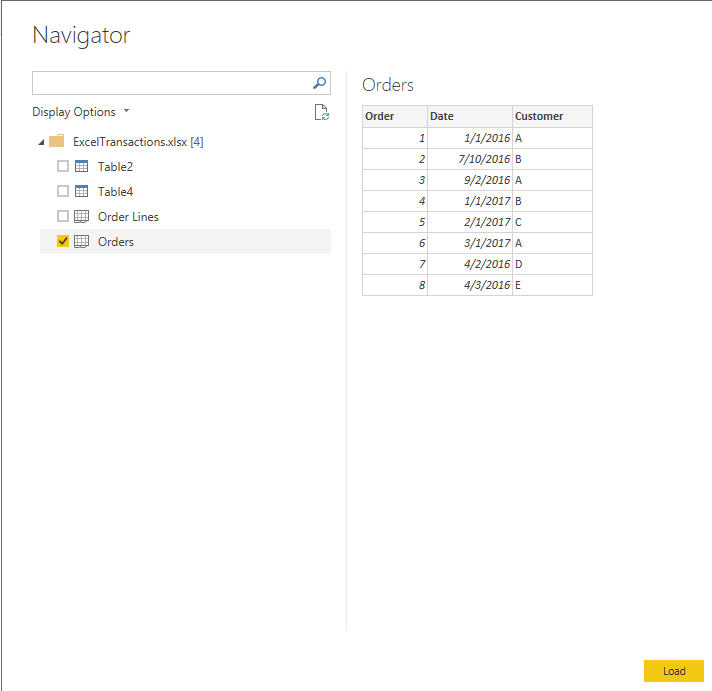
To do this, first create a new Power BI desktop file and connect to the spreadsheet.
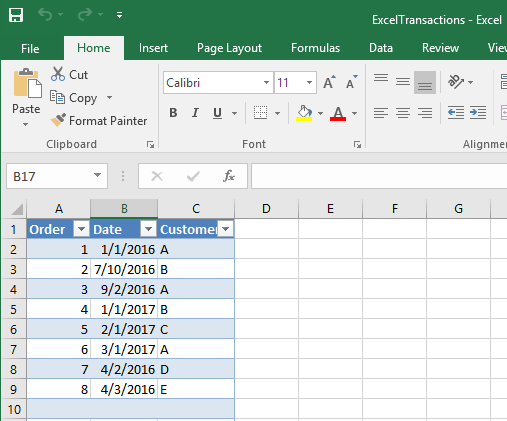
Here is our excel file:
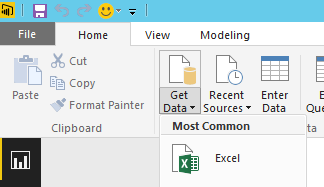
In Power BI Desktop, go to Get Data->Excel:
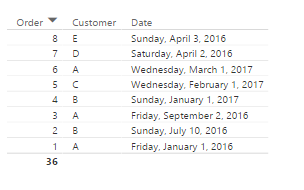
Create a simple visualization, save and publish to powerbi.com:
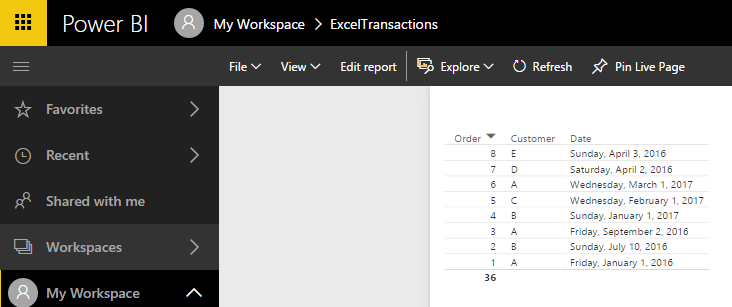
If we add a new row to the data and refresh, we will see it cannot refresh:
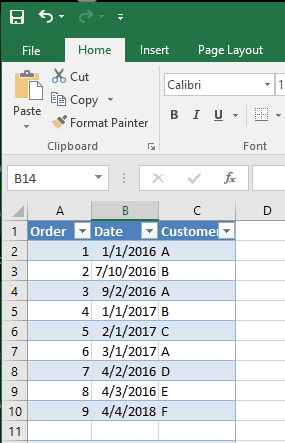
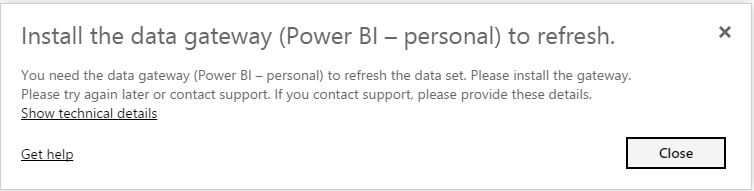
Try refreshing:
Add a Gateway connection:
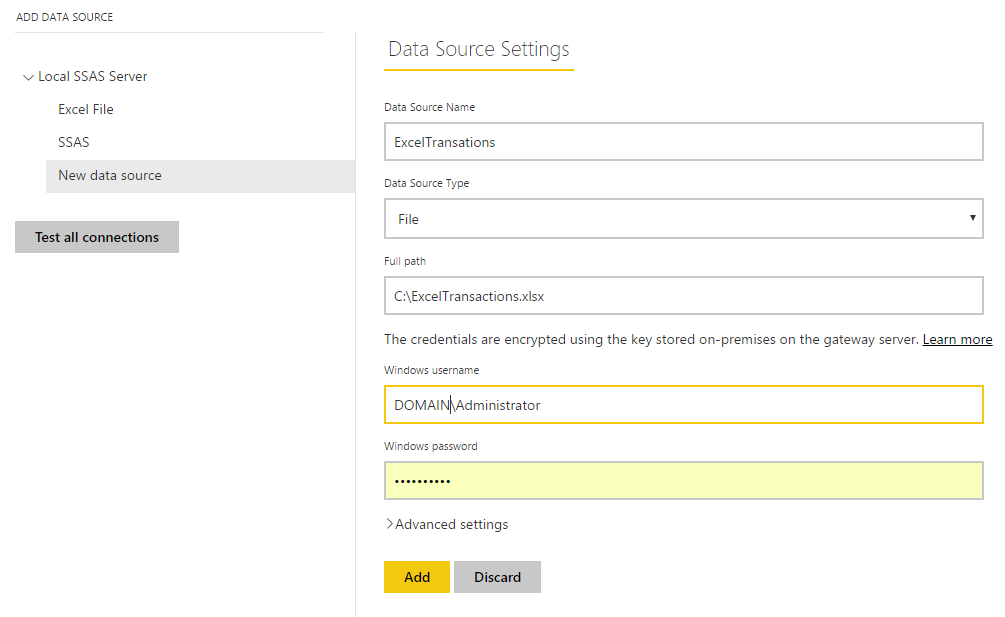

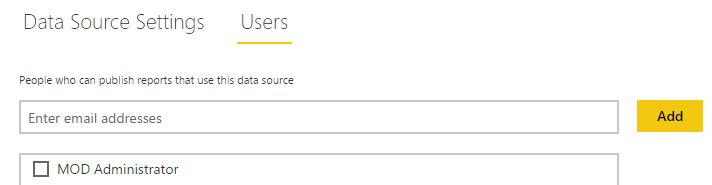
Go to the data source and Schedule Refresh. Select the Gateway:
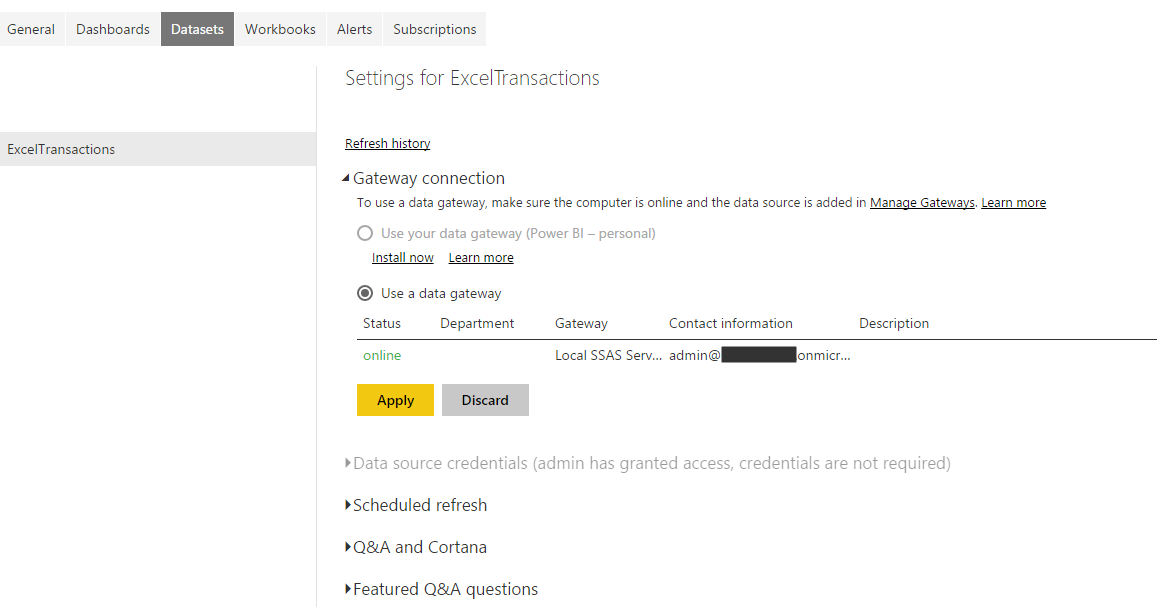
Now when you refresh the dataset, the data is updated:


Explore AI, agents & Microsoft technology.
I share practical ideas, tutorials, and videos about AI, AI agents, Microsoft technologies, and the Power Platform.
Subscribe on YouTube →
Hi Carl
I am working on my reports via Power BI and Excel which will be updated monthly.
Can I do it without uploading it on powerbi.com?