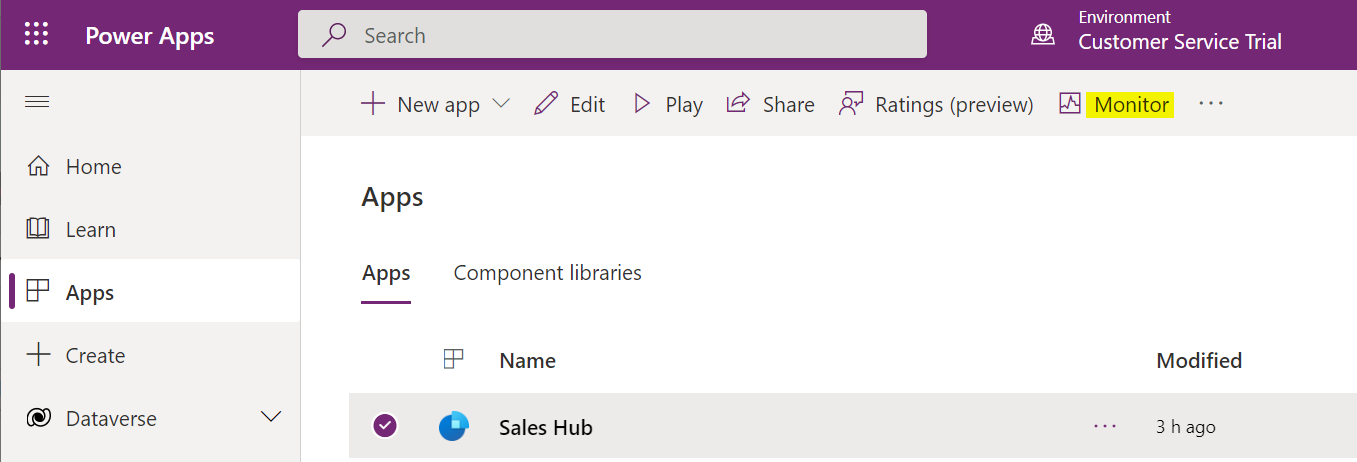
Using Power Apps Monitor for Troubleshooting
The Monitor tool in Power Apps helps with troubleshooting and diagnostics for your application. Monitor provides great features, such as performance (slow…
Read article →Practical guides, tutorials, and insights on AI, agents, Microsoft technologies, enterprise applications, and communication.
The Monitor tool in Power Apps helps with troubleshooting and diagnostics for your application. Monitor provides great features, such as performance (slow…
Read article →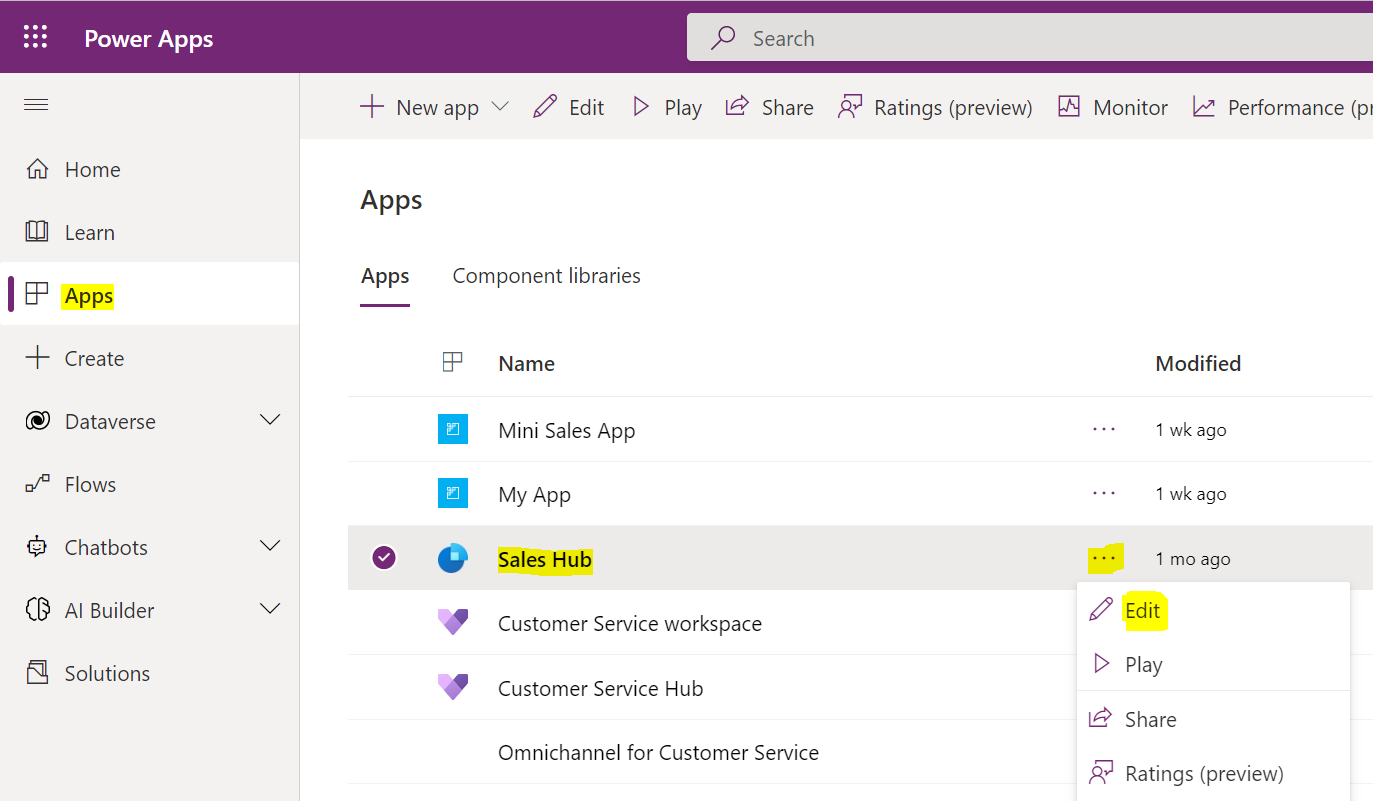
In this post, we will look at how to use Power Fx in a model-driven app button. First, let’s go over to…
Read article →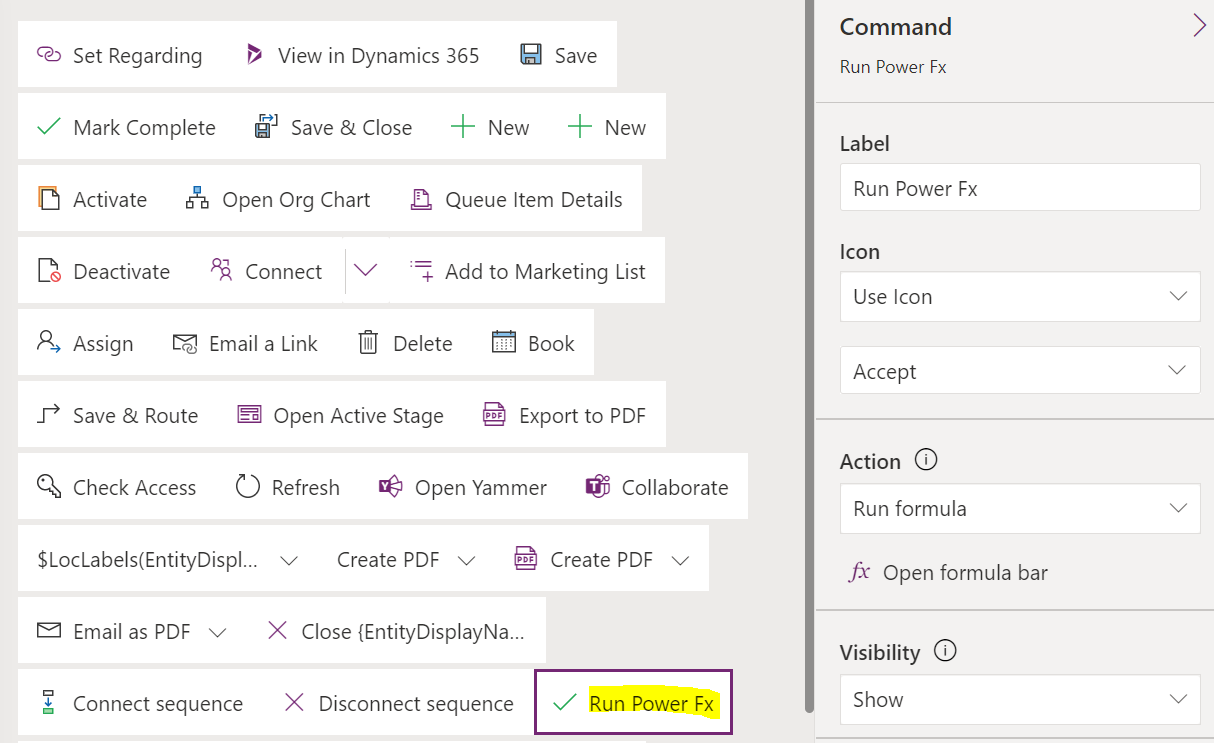
In this post, we will look at how to navigate to a custom page using Power Fx, rather than using JavaScript to…
Read article →
In this post, we will look at how to use the Power Platform CLI with Power Pages. First, you will need to…
Read article →In this video, I take a first look at the newly announced Microsoft Power Pages. This new additional to the Power Platform…
Read article →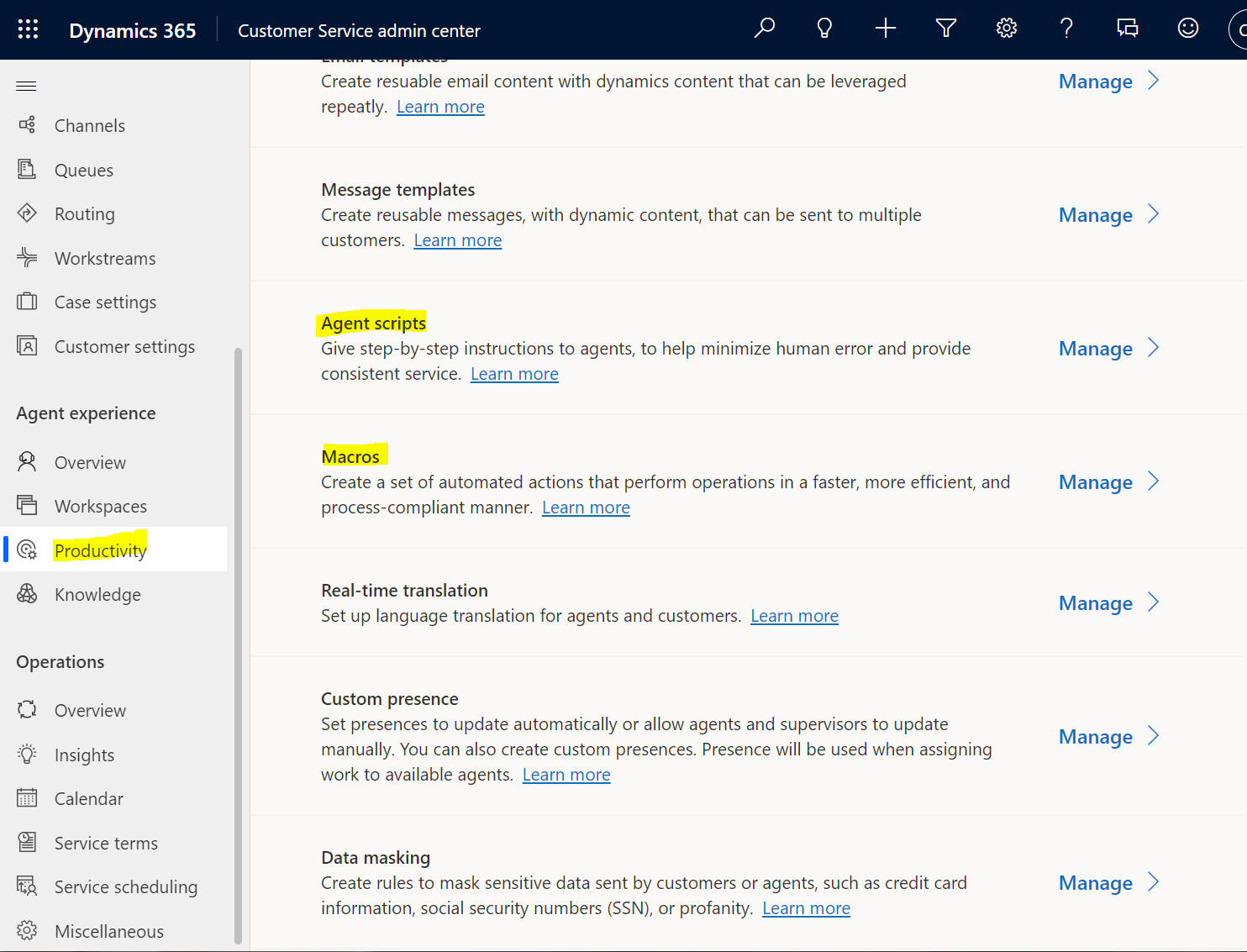
In Omnichannel, Agent Scripts are step-by-step instructions that agents can follow to ensure interactions with customers are handled systematically and properly. Macros…
Read article →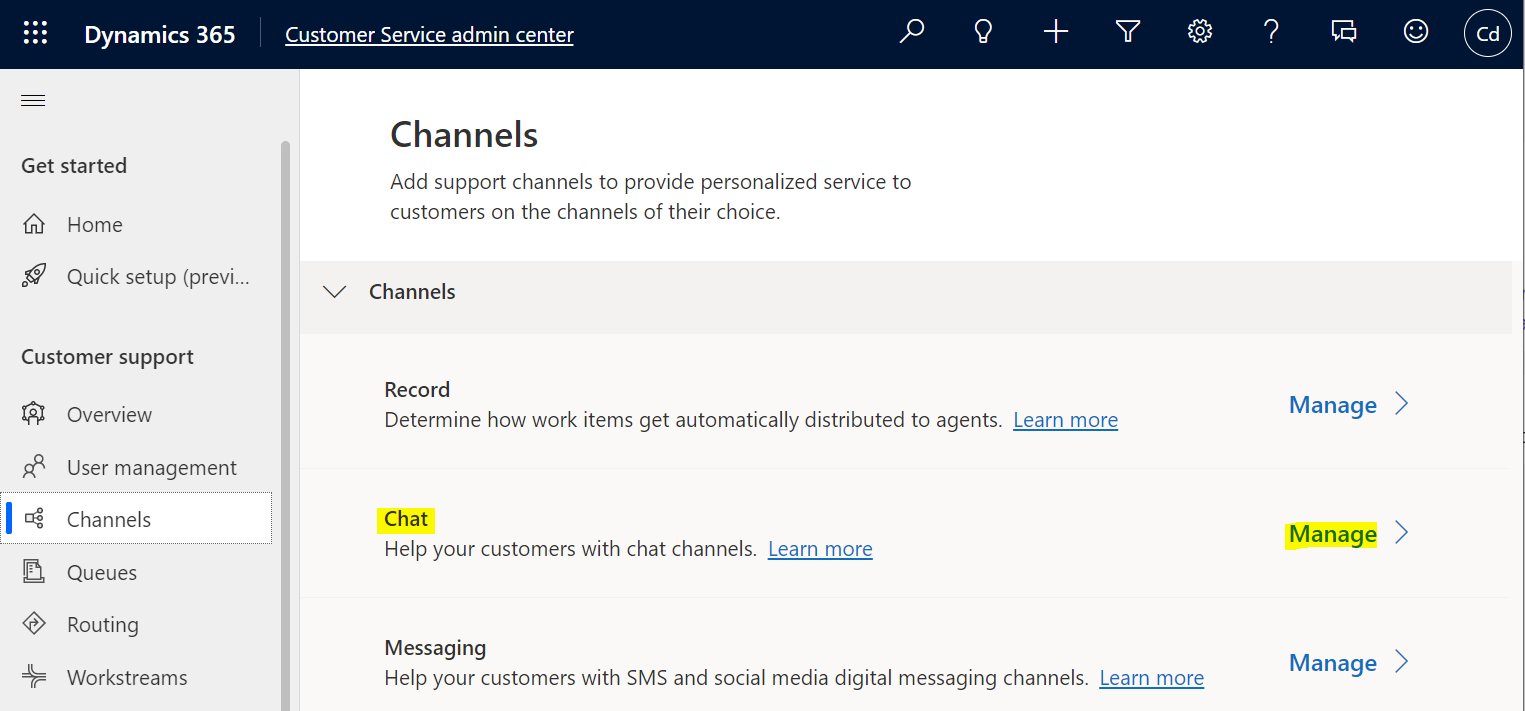
In this post, we will look at how to change the Omnichannel Chat widget location. First, let’s create a new chat. Log…
Read article →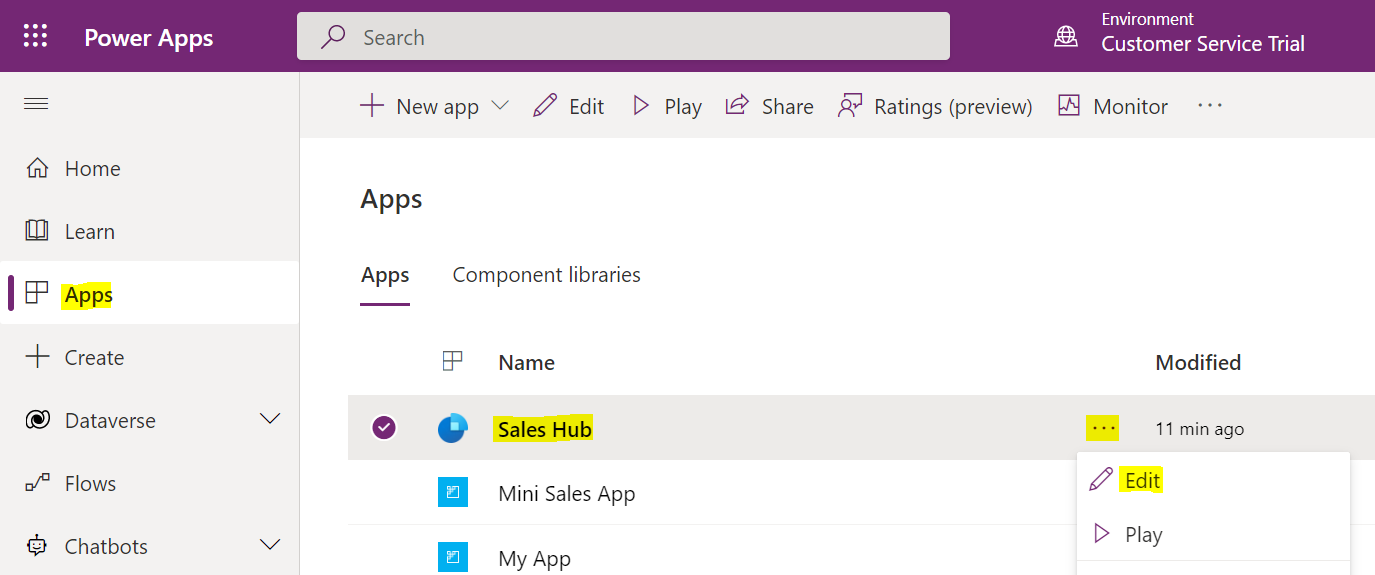
In this post, we will look at how to create simple Custom Pages in Model-Driven Power Apps. We will build on this…
Read article →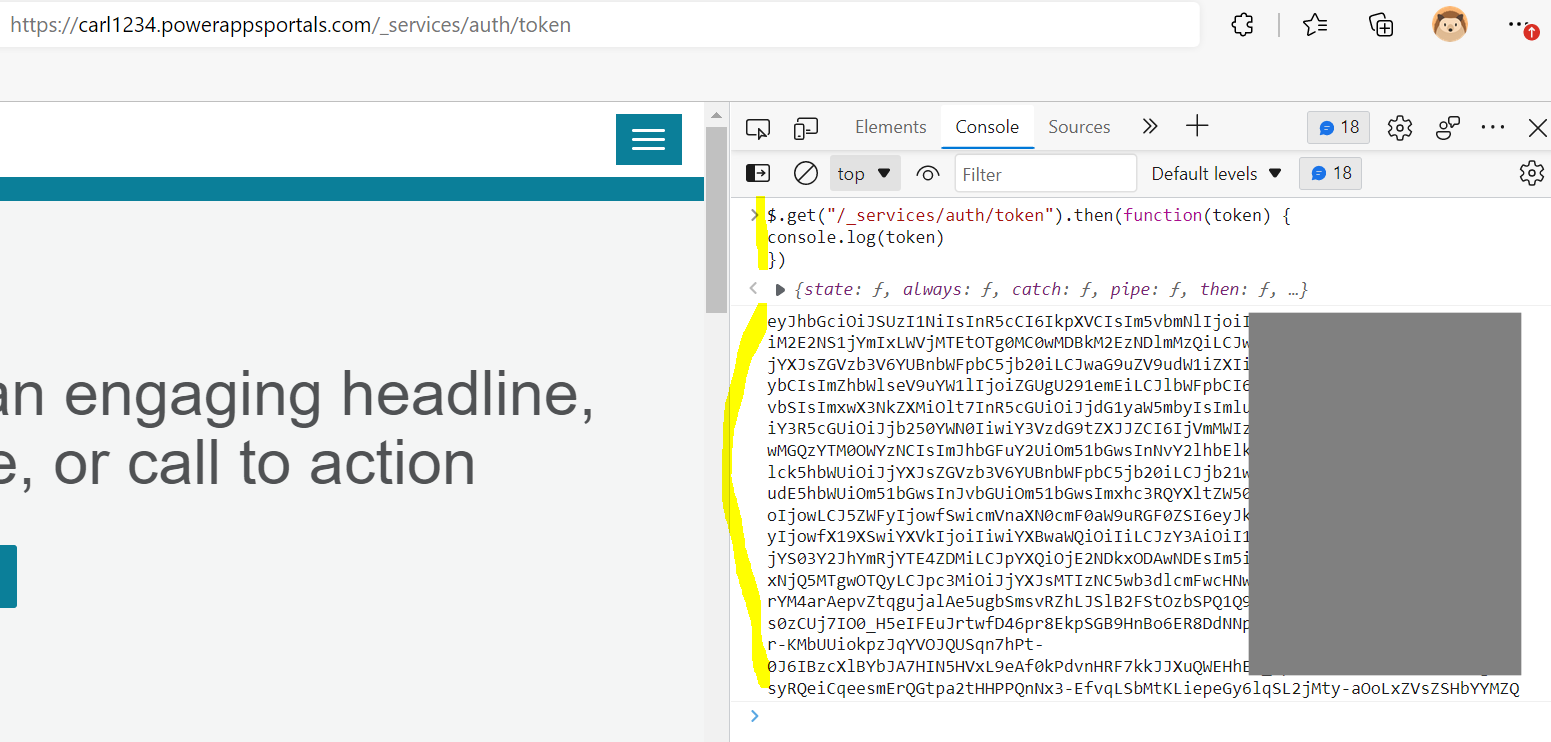
In this post, we will look at using JWT, or JSON Web Tokens, with Power Apps Portals to implement a single sign-on…
Read article →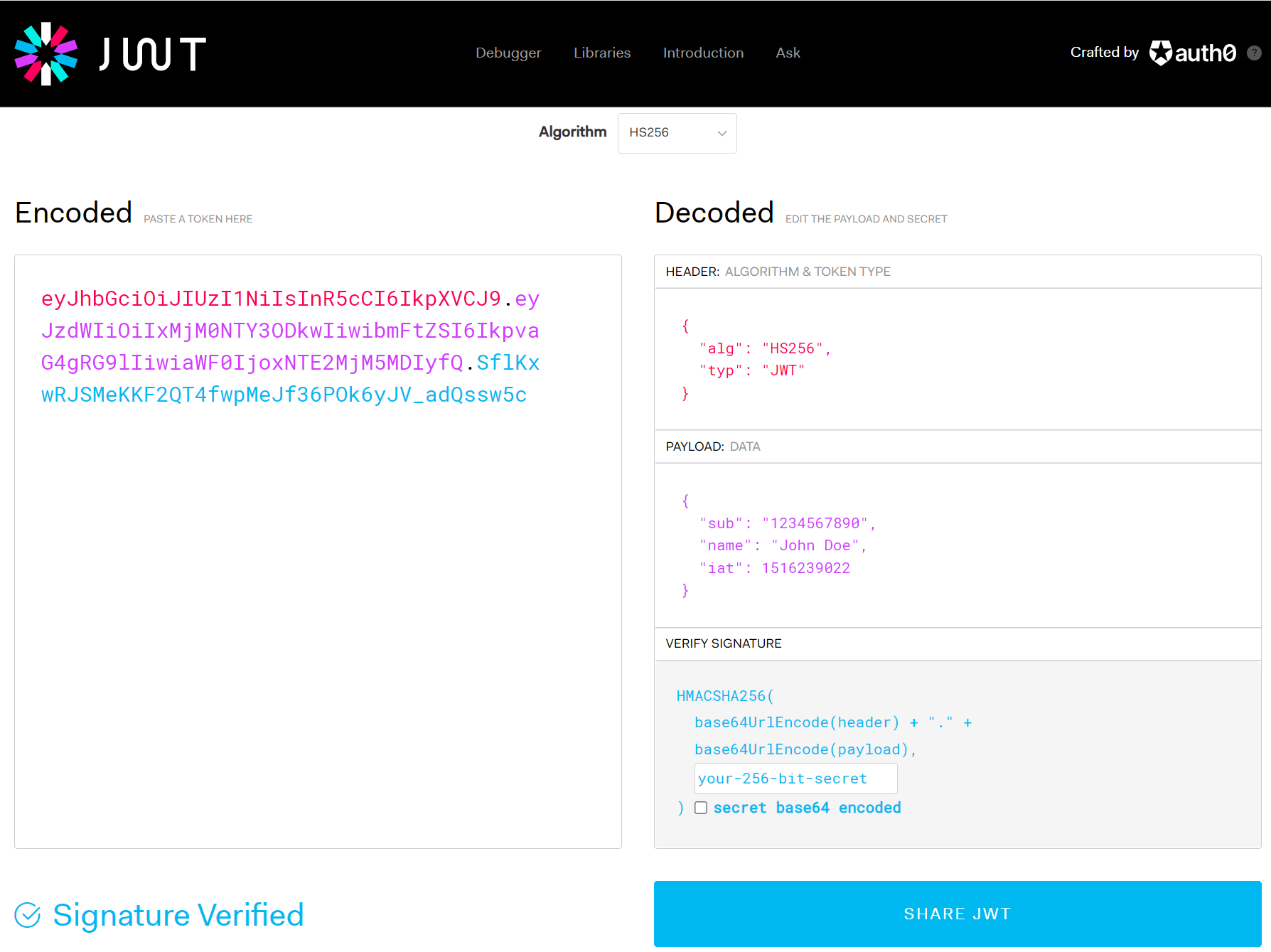
In this post, we will do a brief introduction to what is JWT, or JSON Web Tokens. According to open standard RFC 7519,…
Read article →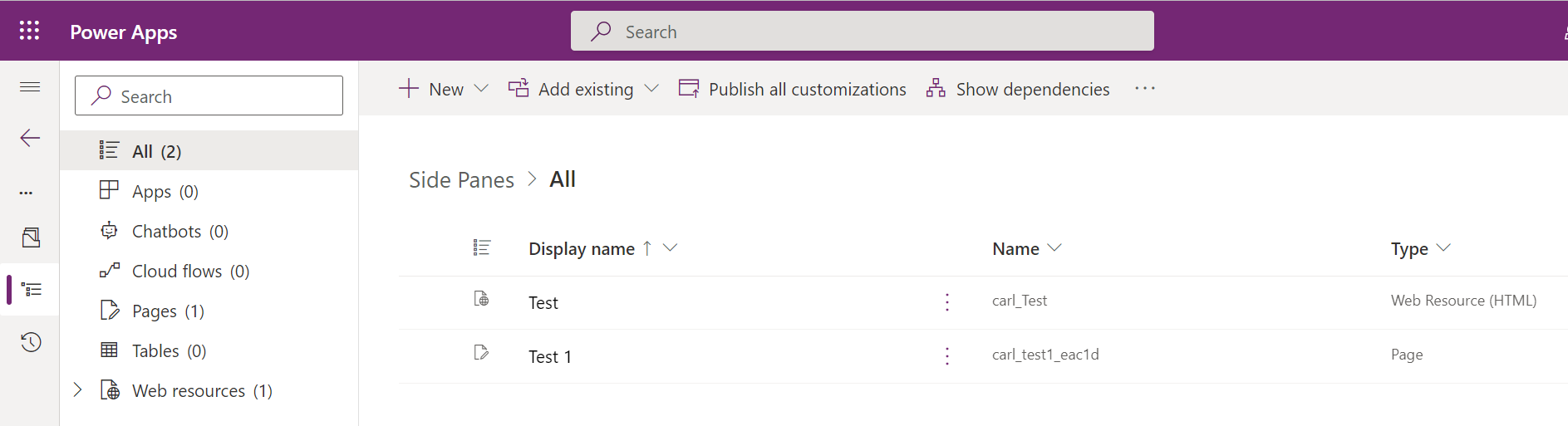
In this post, we will look at App Side Panes in Model-Driven Apps, a useful feature that gives users a side pane…
Read article →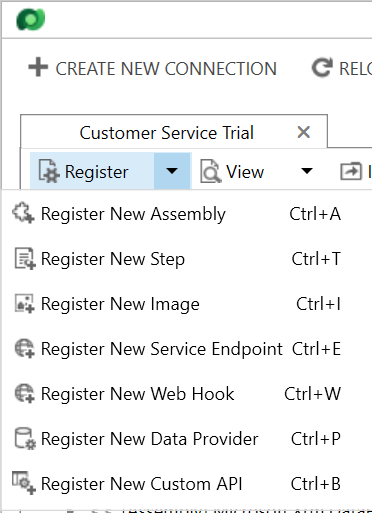
In this post, we will look at using Dynamics 365 Web Hooks, or webhooks, in the Plugin Registration Tool. We will call…
Read article →