WCF Specify Names of Contracts
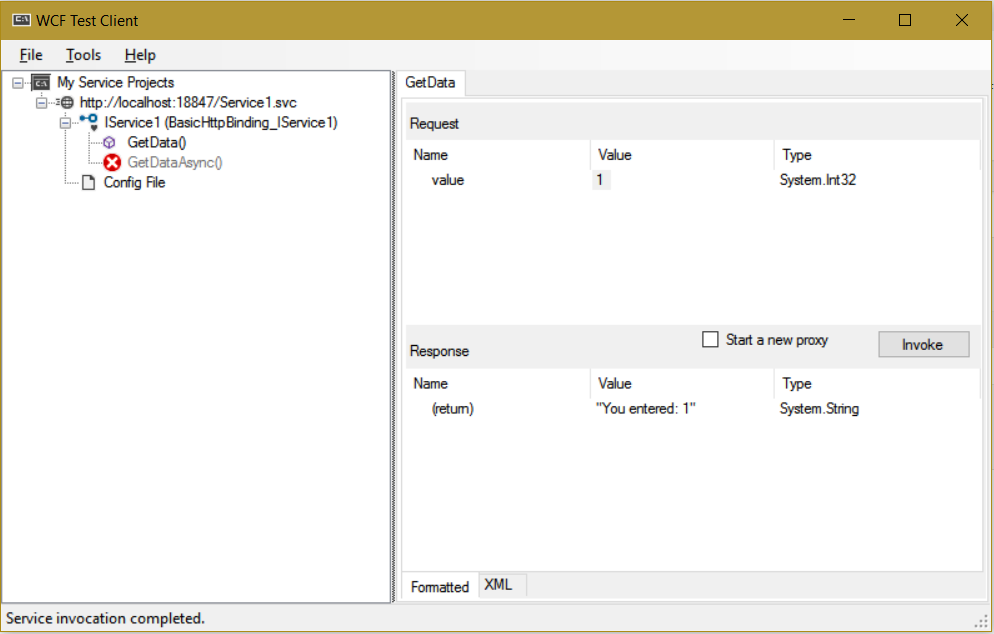
Consider a WCF service that returns some text that you entered. The service has a contract called IService1 and an operation called…
Read article →Practical guides, tutorials, and insights on AI, agents, Microsoft technologies, enterprise applications, and communication.
Consider a WCF service that returns some text that you entered. The service has a contract called IService1 and an operation called…
Read article →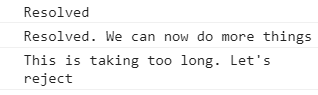
JavaScript promises are a way in JavaScript to write asynchronous code in a synchronous way. They are asynchronous callbacks, but in terms of…
Read article →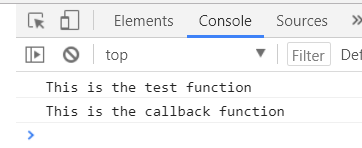
A callback function in JavaScript is a function passed to another function that is then called after an event has occurred. This…
Read article →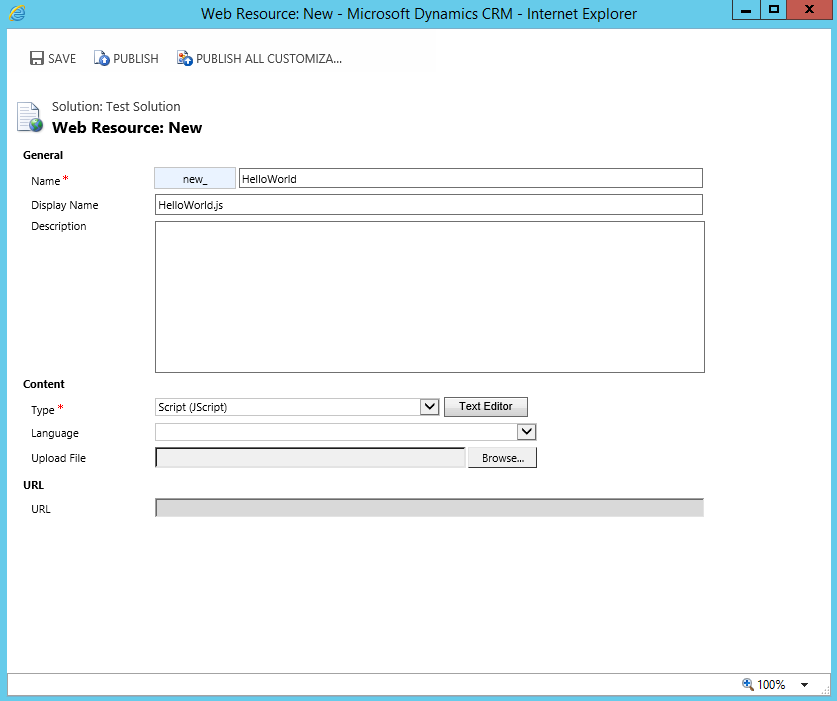
The Dynamics CRM developer toolkit allows you to manipulate JScript resources as well as other artifacts. In Dynamics CRM, create a new…
Read article →
Namespaces are used to help organize code into logical groups. An example of a namespace is MyCo.ERP.Customers, which may contain code regarding…
Read article →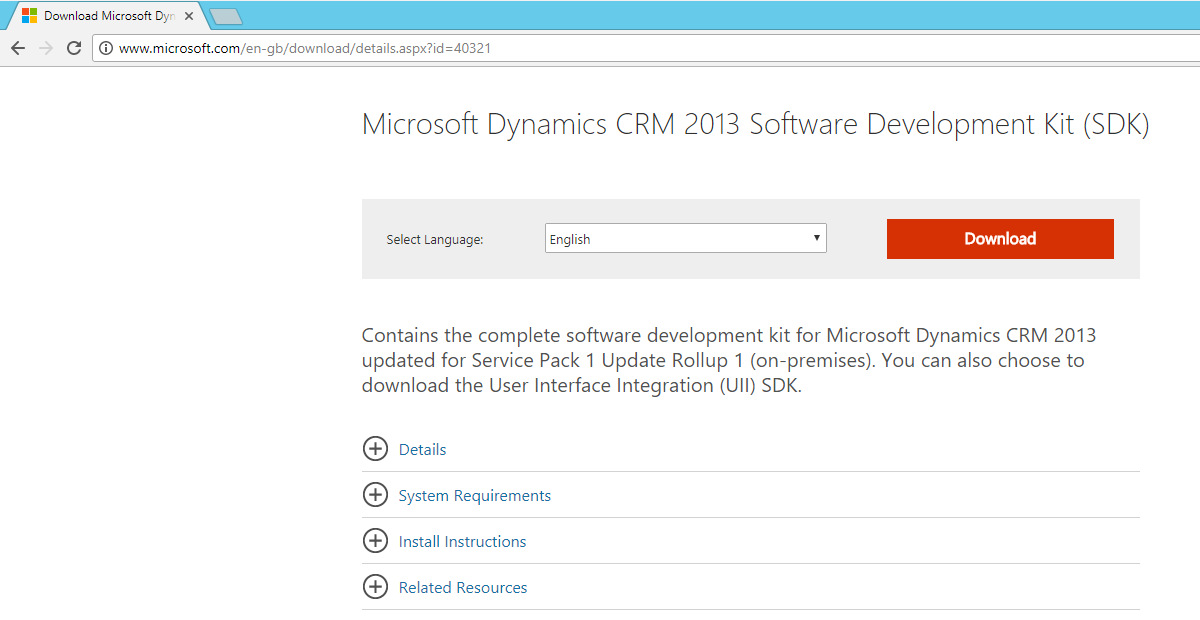
To install the Dynamics CRM SDK, go through these steps. First, download the relevant SDK version. Here we will install for Dynamics…
Read article →The triple equals sign in JavaScript means “equality without type coersion”. That means, the type and values must both be equal. Take…
Read article →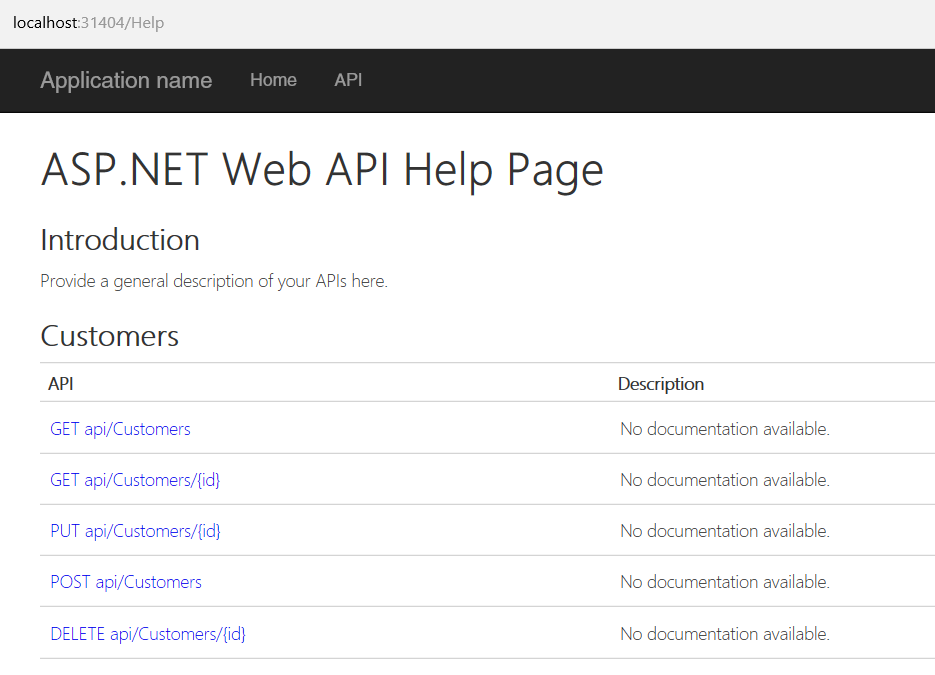
In this post, we will examine using Fiddler to send requests and receive responses from an ASP.NET Web API. I have a…
Read article →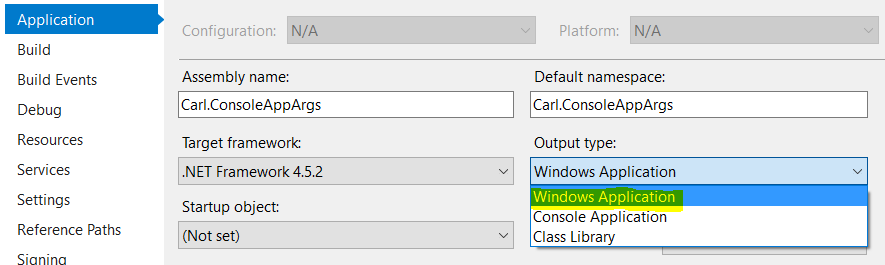
In .NET, you may need to run your console app in silent mode. To do this, create a new console app. Our…
Read article →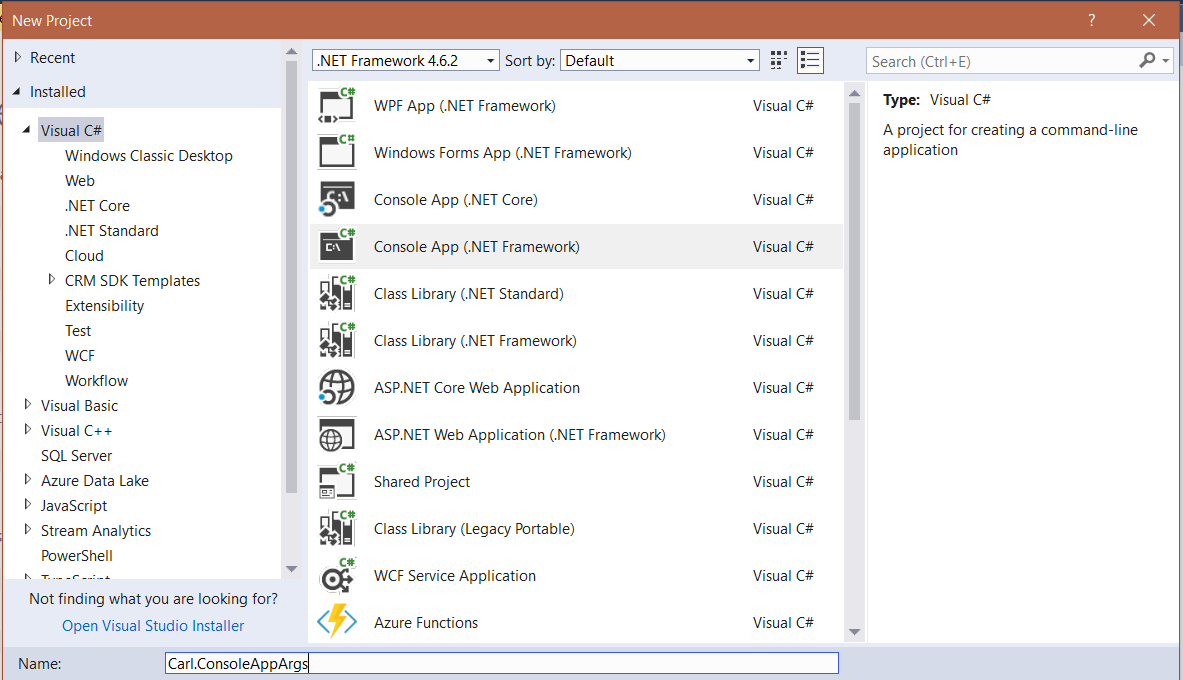
In this post, we will create a console app that accepts arguments or switches. In Visual Studio, create a new console app:…
Read article →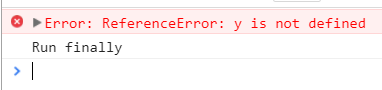
JavaScript contains different ways to handle errors. One way is using try/catch/finally. In the example below, variable y does not exist. try…
Read article →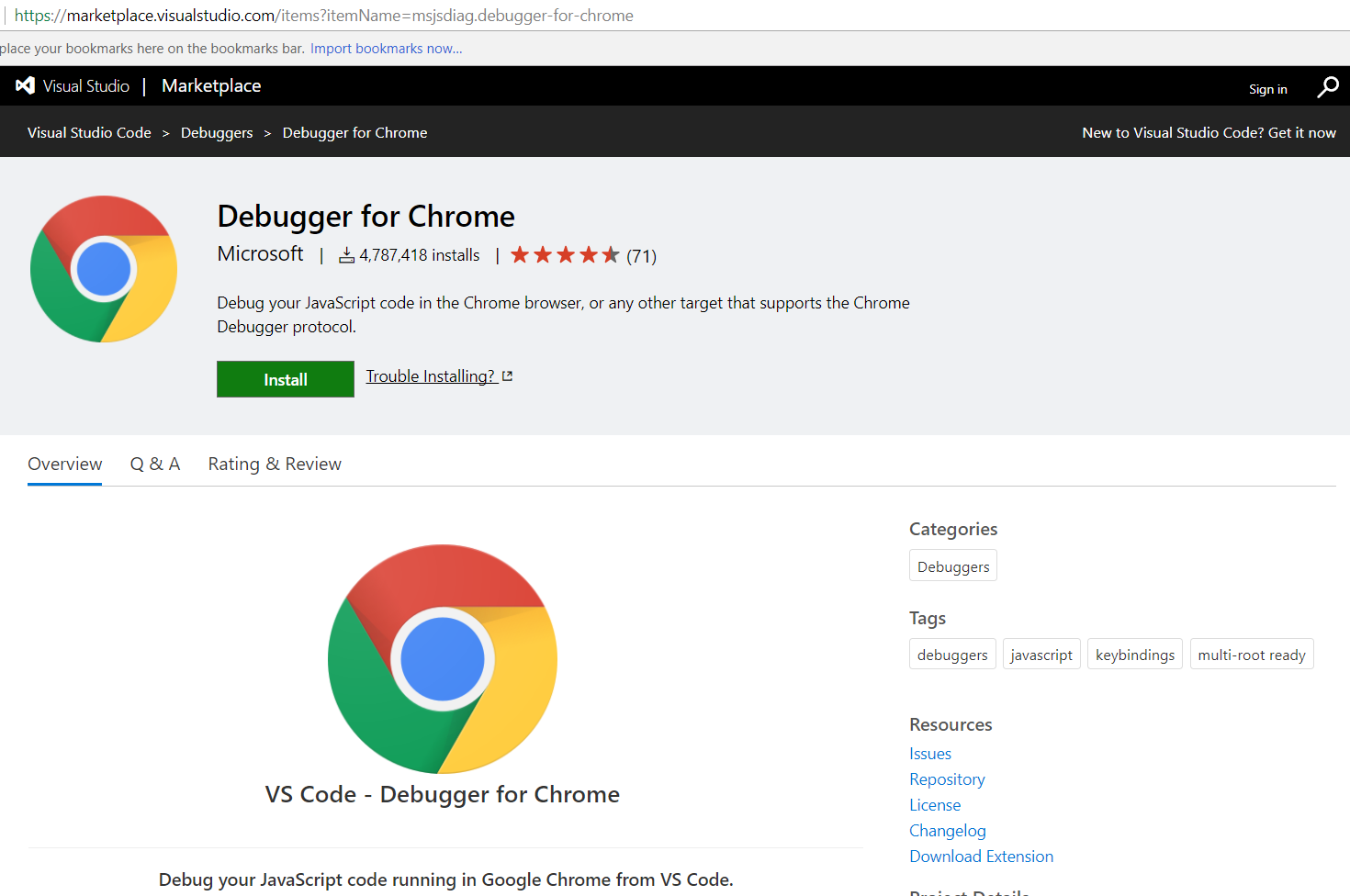
To debug TypeScript using Visual Studio Code, install the Debugger for Chrome, located at: https://marketplace.visualstudio.com/items?itemName=msjsdiag.debugger-for-chrome: You will see the message: The debugger will…
Read article →