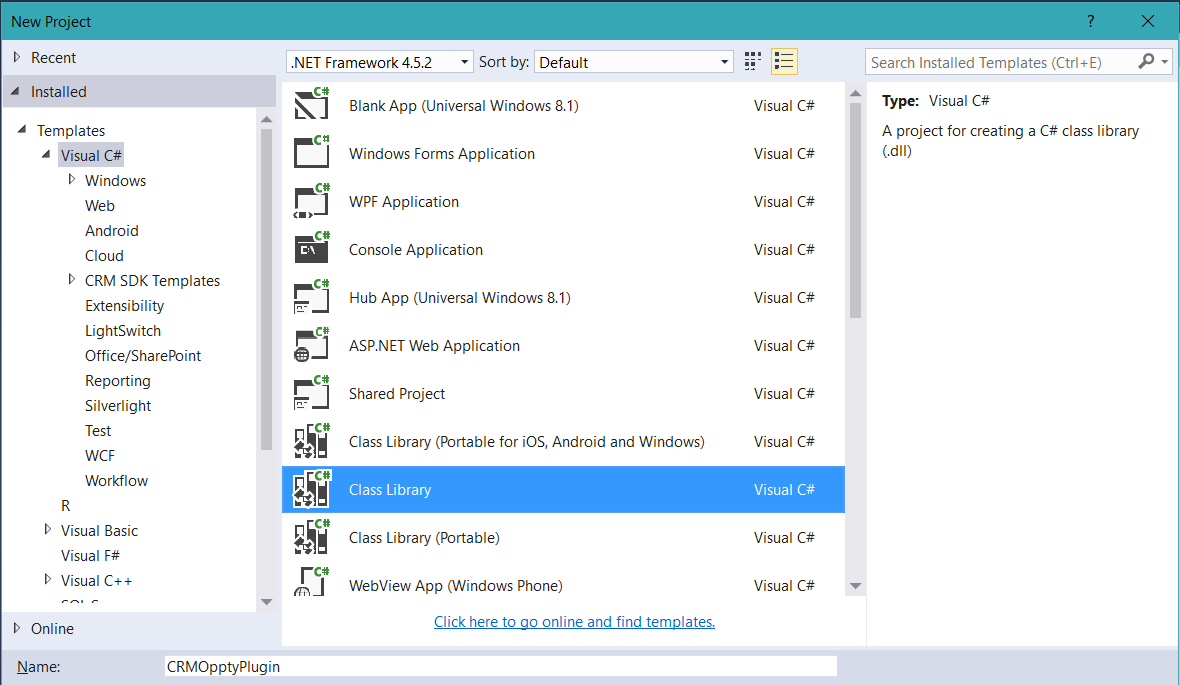
Creating a Dynamics CRM Plugin from Scratch
Here I will go through an example of creating a Dynamics CRM plugin. In this example, I will create a plugin to…
Read article →Practical guides, tutorials, and insights on AI, agents, Microsoft technologies, enterprise applications, and communication.
Here I will go through an example of creating a Dynamics CRM plugin. In this example, I will create a plugin to…
Read article →
To show a field only on the first page of a report, go to the field properties and select <Expression…>: Then enter the…
Read article →
Power BI Desktop (formerly Power BI Designer) is the tool that allows us to create Power BI visualizations. It is a stand-alone…
Read article →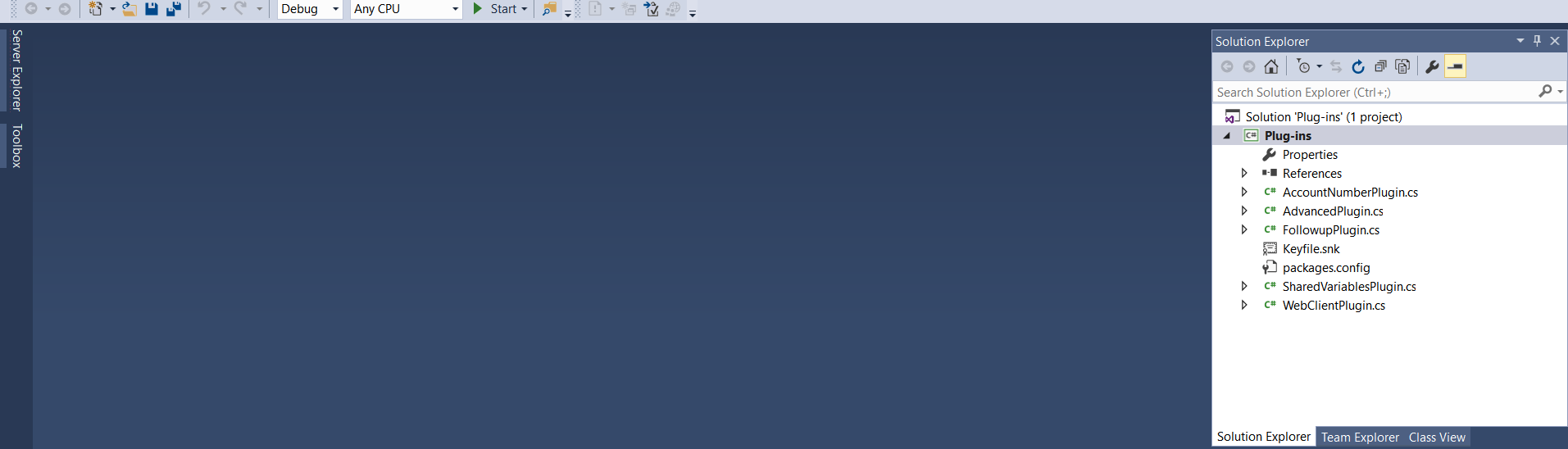
The Dynamics CRM 2016 SDK contains a plugin sample. The code is located here: SDK\SampleCode\CS\Plug-ins\AccountNumberPlugin.cs I’m going to go through step by step…
Read article →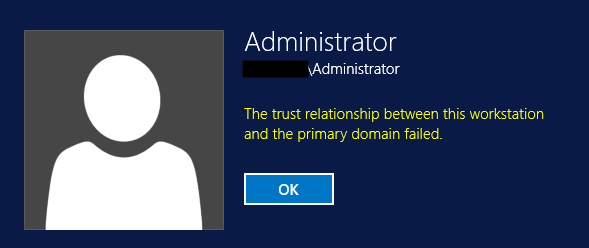
You may come across this error when a server or workstation gets out of sync with the domain controller: “The trust relationship…
Read article →
Here we will go throgh the steps to upgrade your Node server. First, open PowerShell as Administrator. We will check the version…
Read article →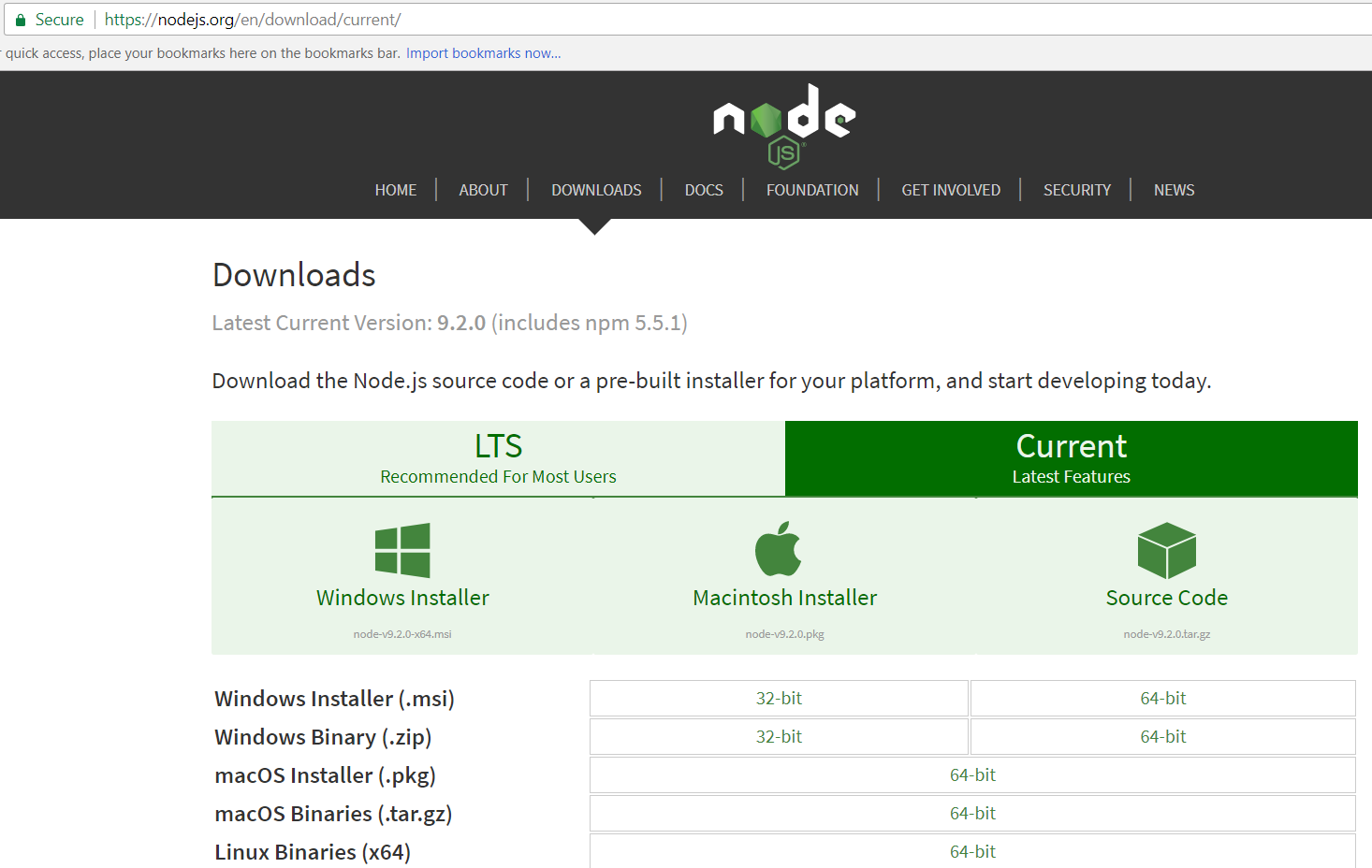
To install Node on Windows, first go to the Node website and select the version to download. We will install Windows 64…
Read article →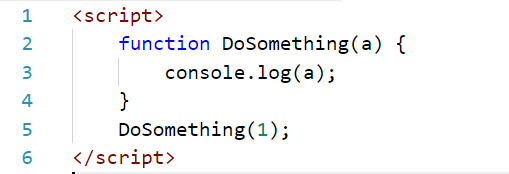
Function Overloading is the ability to define two or more functions with the same name that have a different signature, i.e. a…
Read article →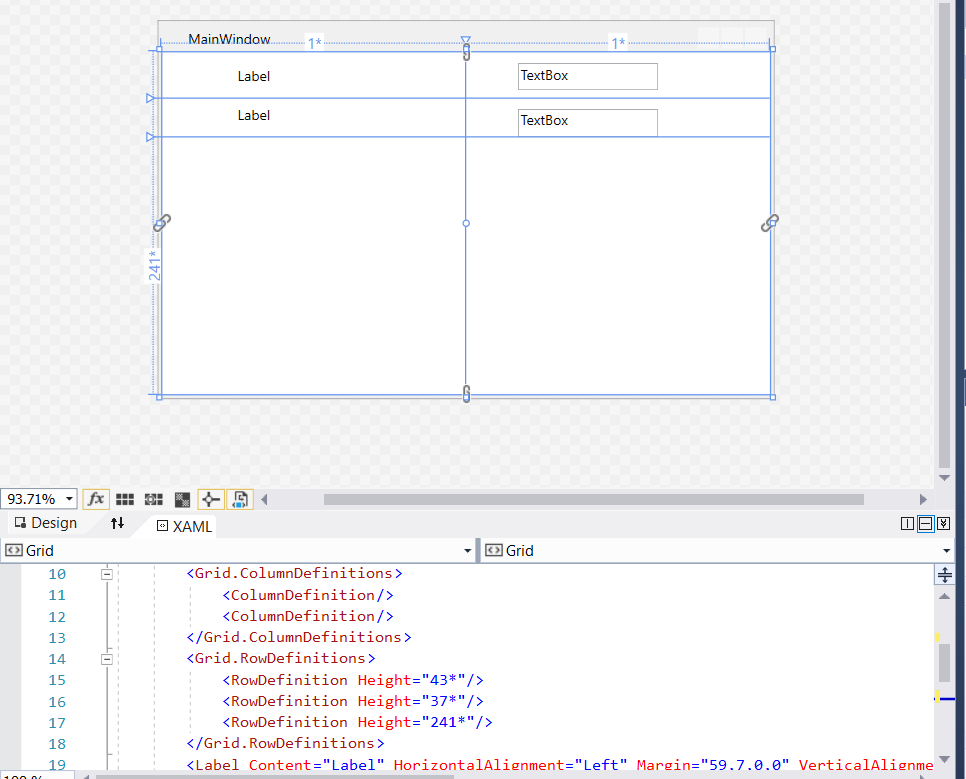
Let’s say we have the following WPF form that has 3 rows and 2 columns: If we wanted to give the user…
Read article →
In a WPF grid, we can define columns and rows. To do this, create a new WPF app in Visual Studio: You…
Read article →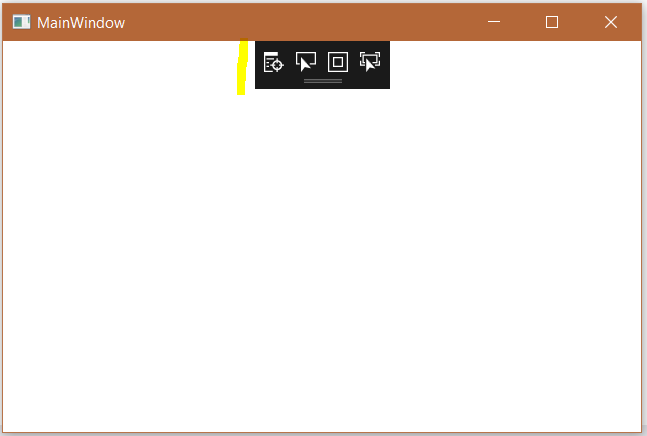
When you create WPF apps in Visual Studio, you will see an extra toolbar on your WPF forms: This is the UI…
Read article →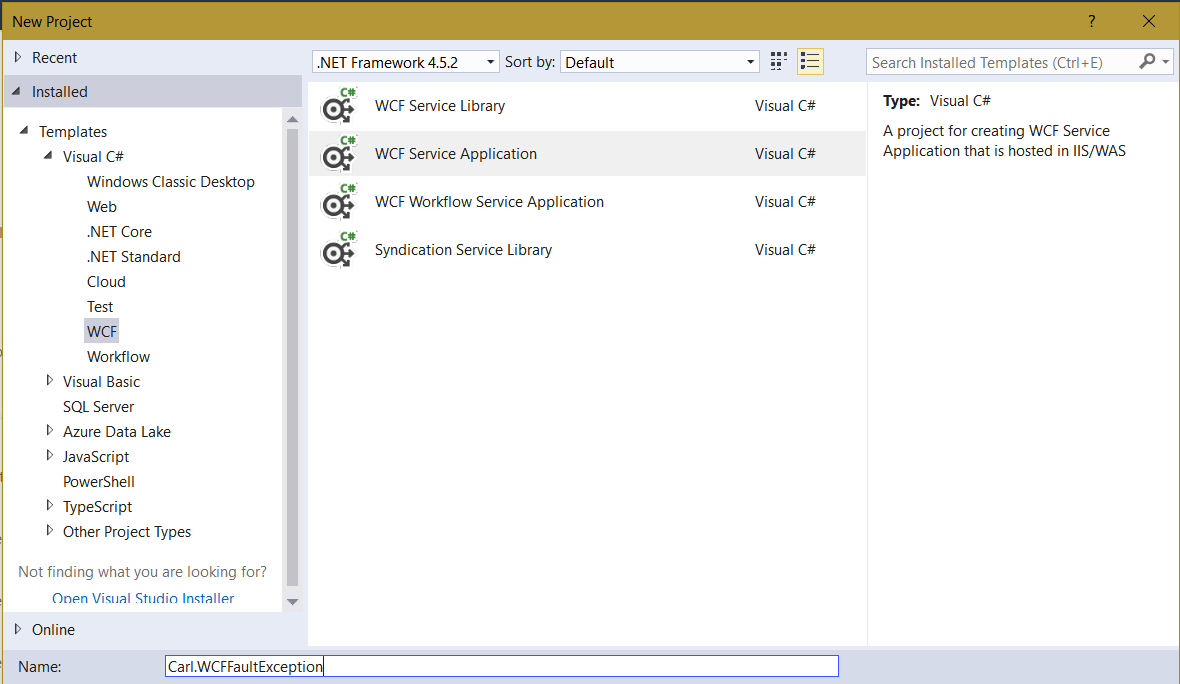
In this example, we will show how to use the FaultException when catching errors in a WCF service. First, create a new…
Read article →