To the Outlook web client for Office 365 you can go to this address to access your email: https://outlook.office365.com
To connect the Outlook desktop client with Office 365, go through the following steps.
First, start Outlook. If you have not set up a profile you will get the message:
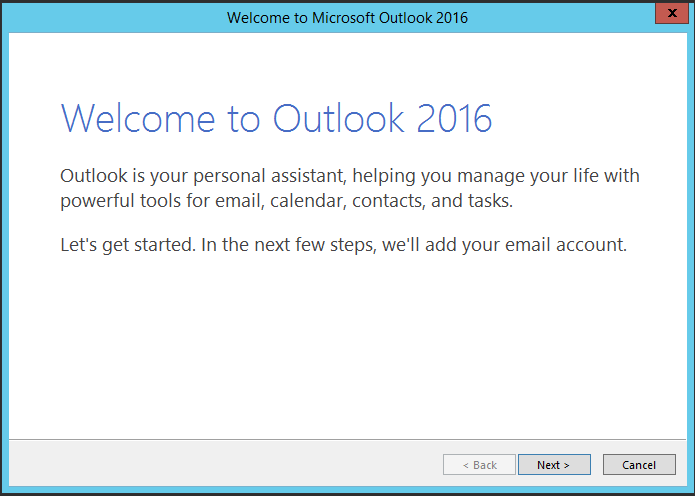
Select Yes:
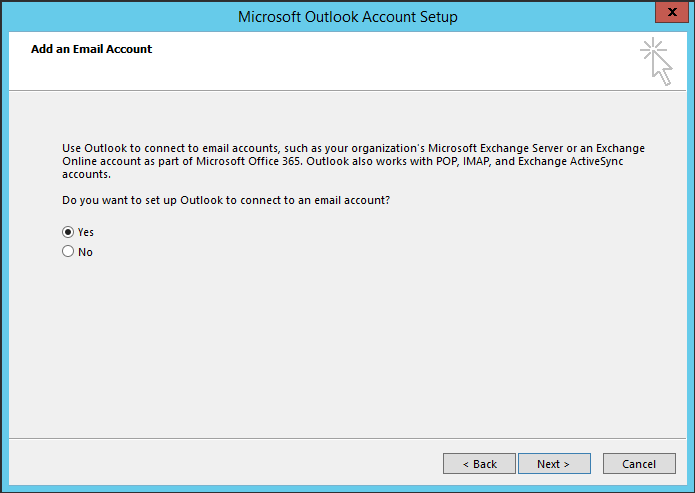
You will see the screen below.
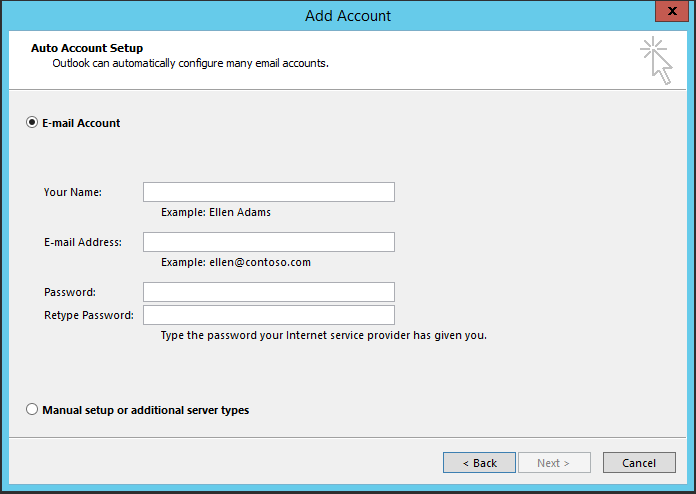
Enter the details below:
- Name: E.g.
- Email: E.g. christag@onmicrosoft.com
- Your Password
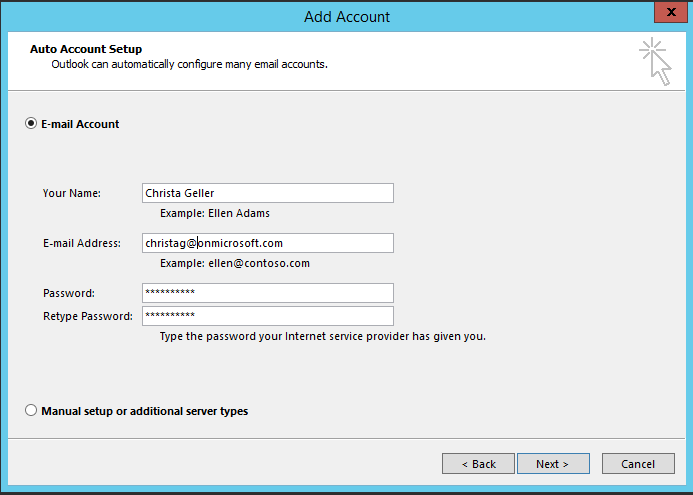
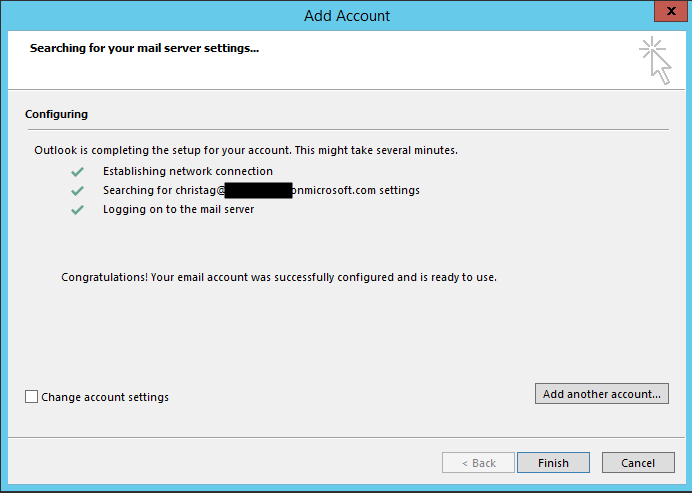
On the next screen, you may be prompted to enter your credentials again. Outlook will then connect to Office 365. Click Finish:
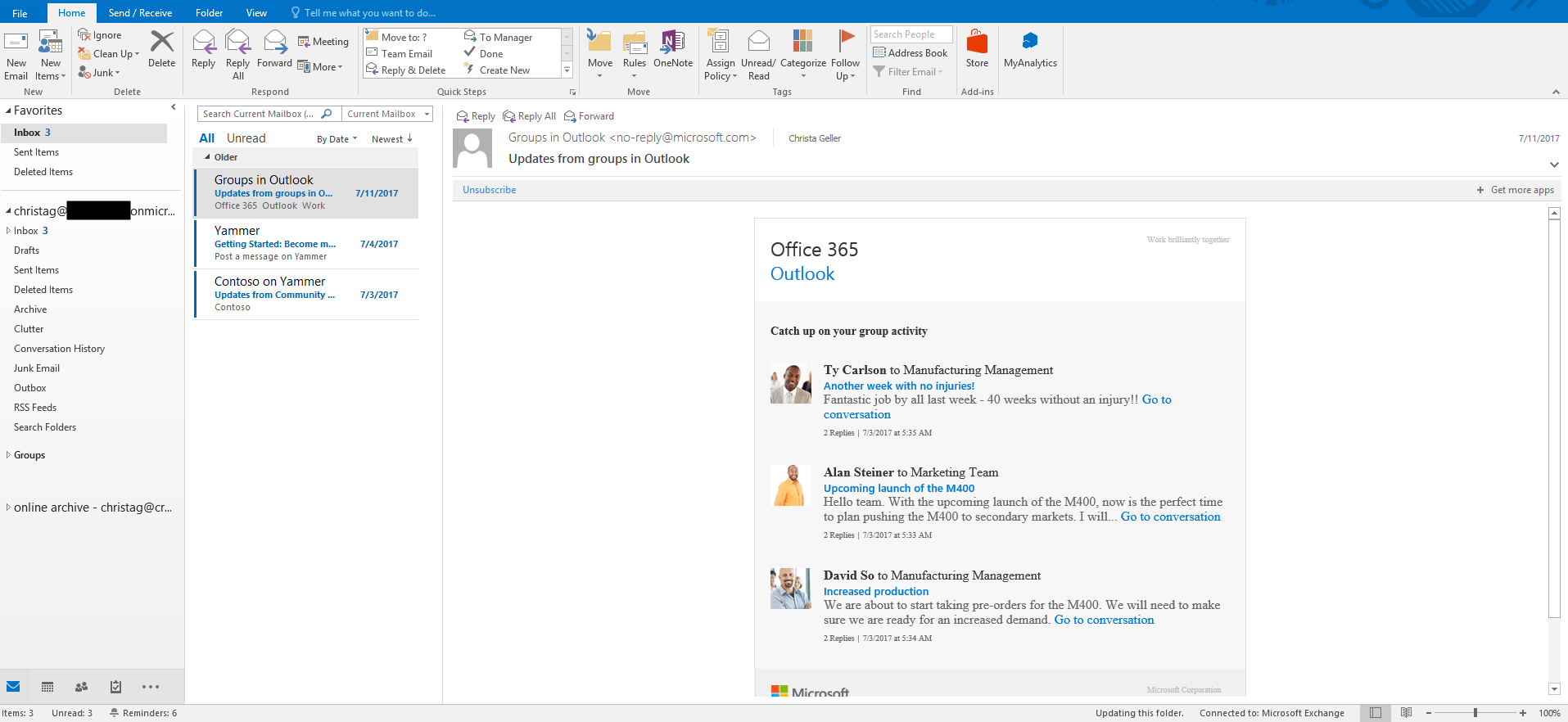
Outlook will add any addins and open.

Keep learning. Keep building.
Explore AI, agents & Microsoft technology.
I share practical ideas, tutorials, and videos about AI, AI agents, Microsoft technologies, and the Power Platform.
Subscribe on YouTube →Carl de Souza Enterprise Architect at Microsoft · AI Technology Expert
