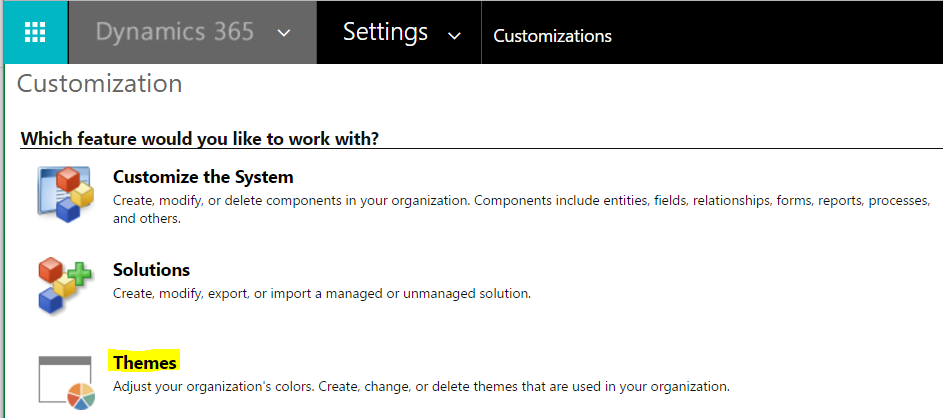
To change the theme of a Dynamics 365 installation is easy. Go to Customizations->Themes:
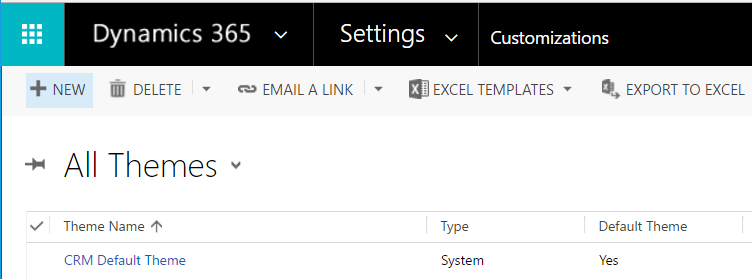
Here you will see the default theme:
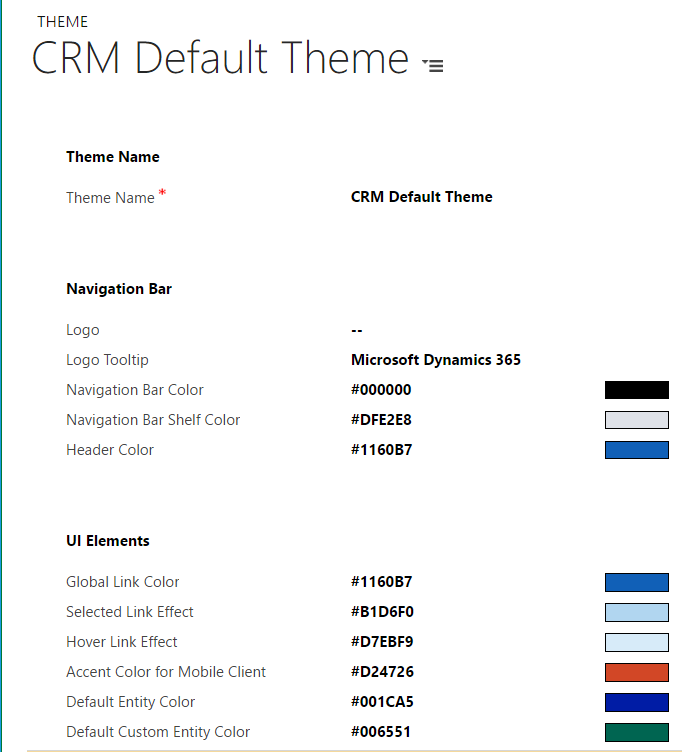
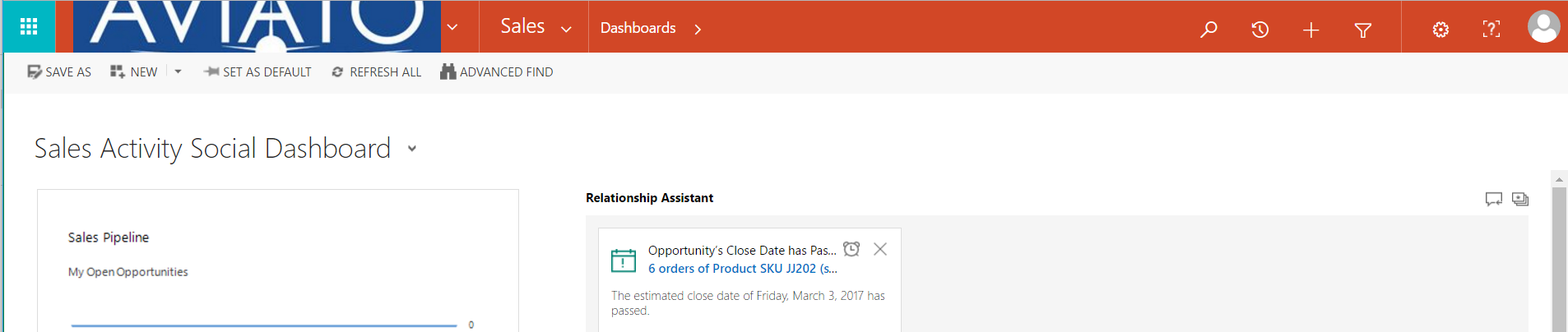
Click Clone to copy the theme. We will change the color of the nav bar. We can also add a new logo:
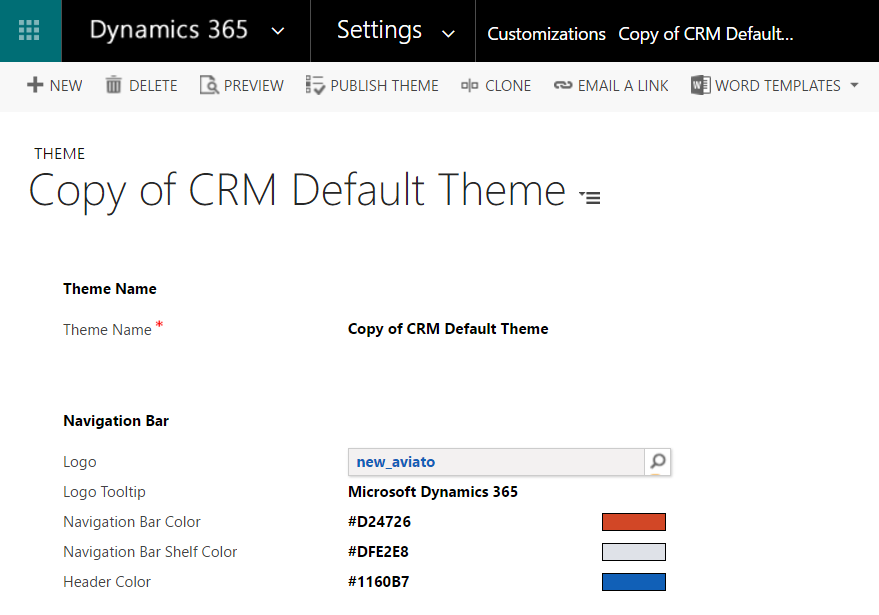
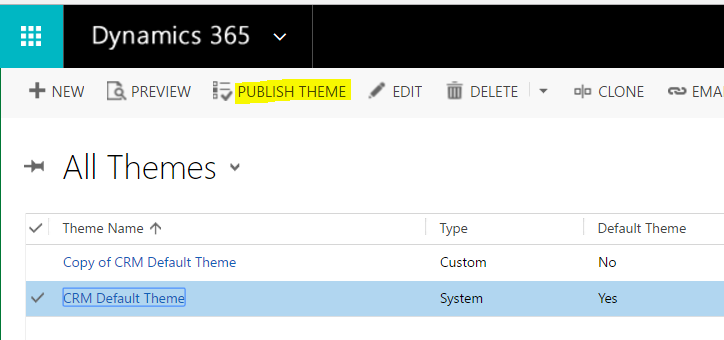
Publish the new these to see your changes:
To change back to an existing theme, select the theme and publish:

Keep learning. Keep building.
Explore AI, agents & Microsoft technology.
I share practical ideas, tutorials, and videos about AI, AI agents, Microsoft technologies, and the Power Platform.
Subscribe on YouTube →Carl de Souza Enterprise Architect at Microsoft · AI Technology Expert
