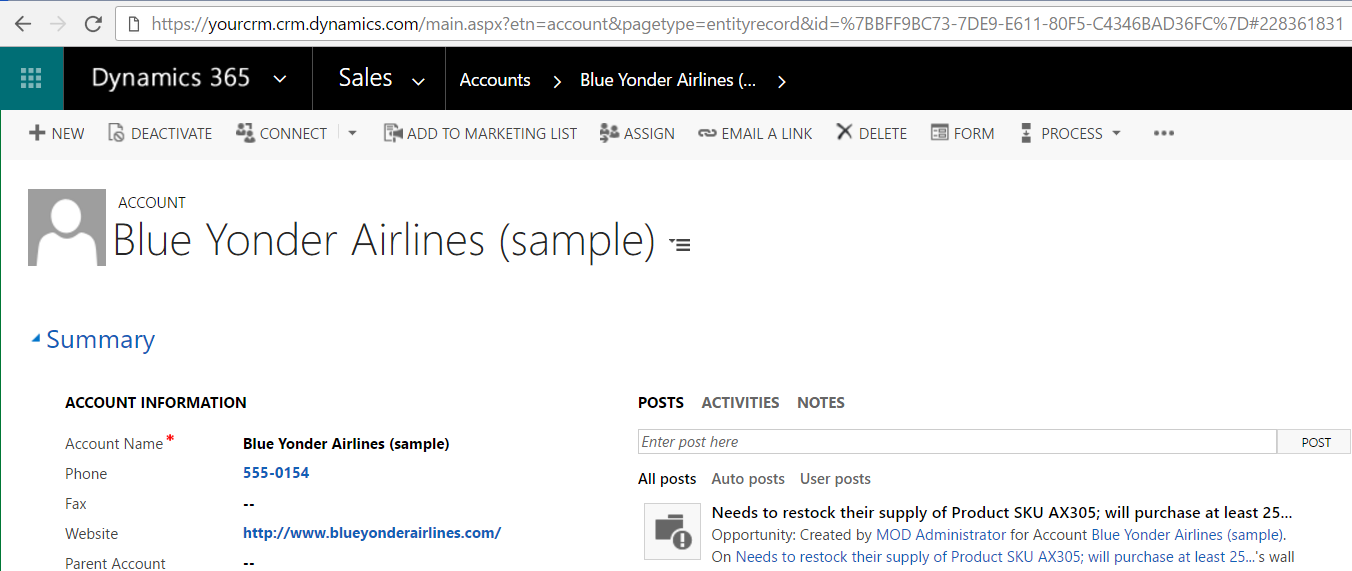
You can open a CRM record or create a new record directly through the URL. Let’s look at an example with the Accounts entity.
First, you will need to know the GUID of the record, which you can get through code or this way.
To open a record, the link should be in the format below, replacing words in bold:
http://yourcrm.crm.dynamics.com/main.aspx?etn=account&pagetype=entityrecord&id=%7BBFF9BC73-7DE9-E611-80F5-C4346BAD36FC%7D
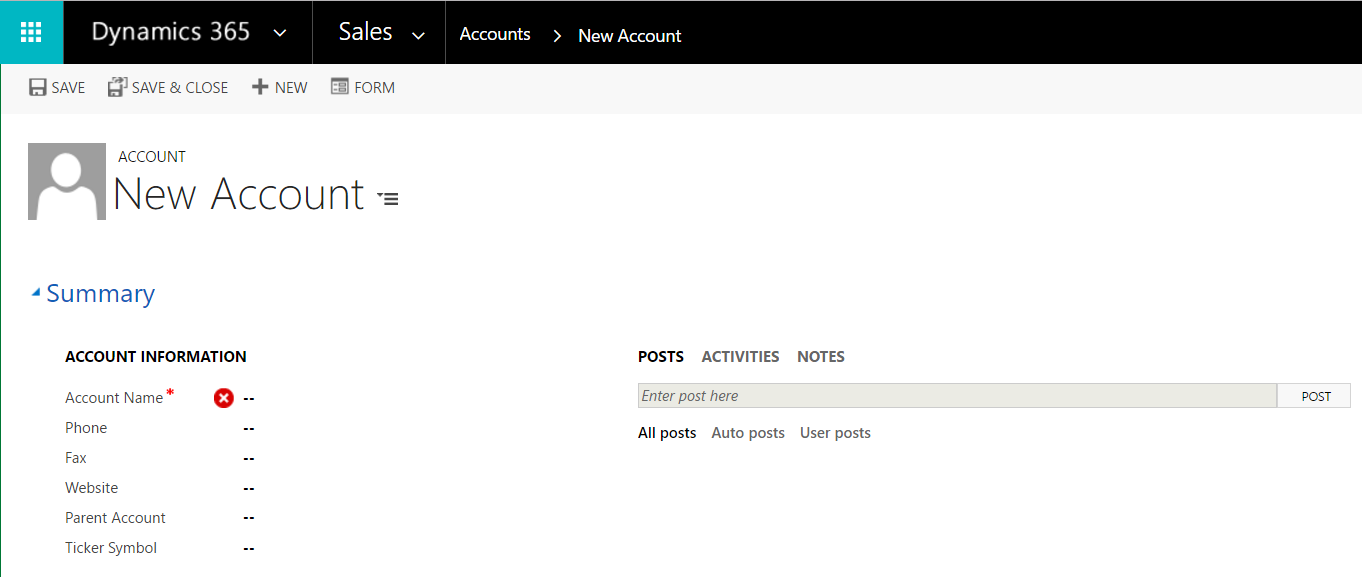
To create a new CRM record:
https://yourcrm.crm.dynamics.com/main.aspx?etn=account&pagetype=entityrecord
If using the Unified Interface (UI) / Unified Client Interface (UCI), the link to a record is:
https://yourorg.crm.dynamics.com/main.aspx?appid=<appidguid>&pagetype=entityrecord&etn=account&id=<recordid>

Explore AI, agents & Microsoft technology.
I share practical ideas, tutorials, and videos about AI, AI agents, Microsoft technologies, and the Power Platform.
Subscribe on YouTube →
How could I replace Guid with telephone number?