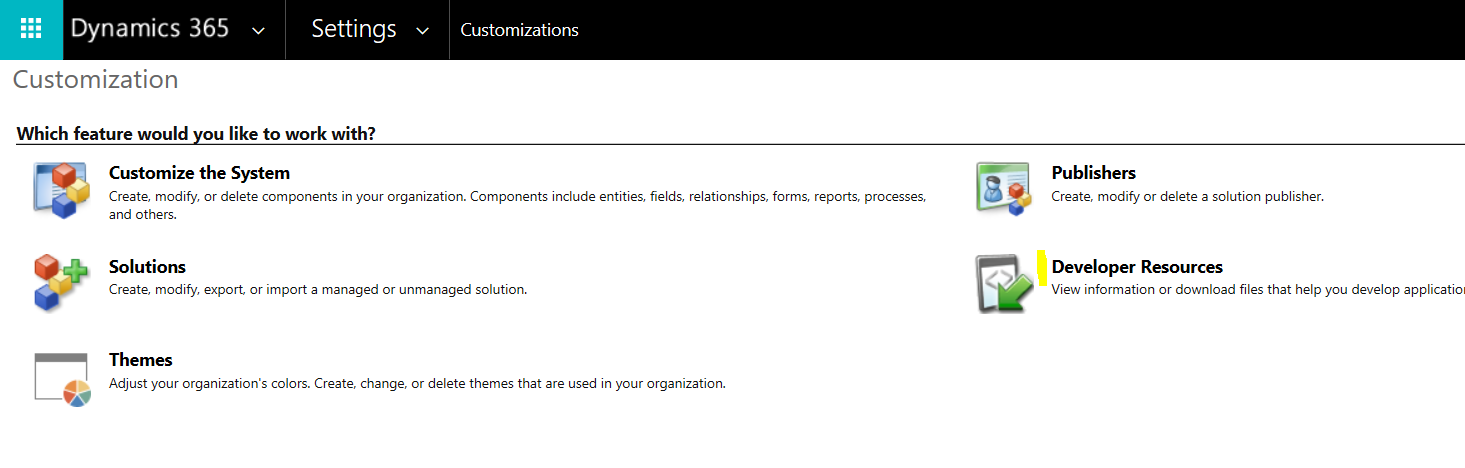
To view the Dynamics 365 metadata through a URL, go to the Settings->Customizations and select Developer Resources:
Copy the Service Root URL:
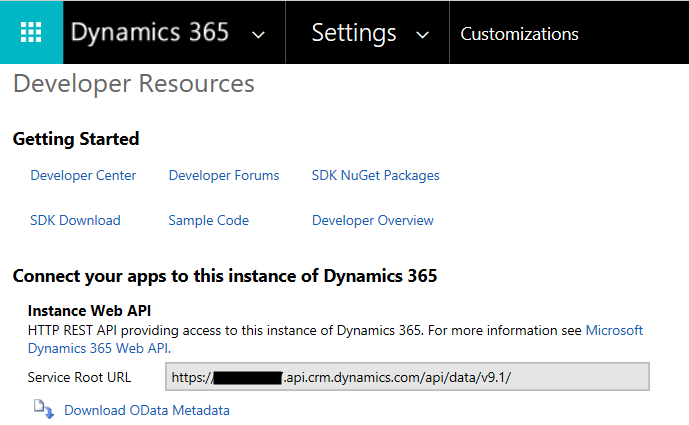
Paste this into a browser and add $metadata to the URL, so it should be:
https://yourorg.api.crm.dynamics.com/api/data/v9.1/$metadata
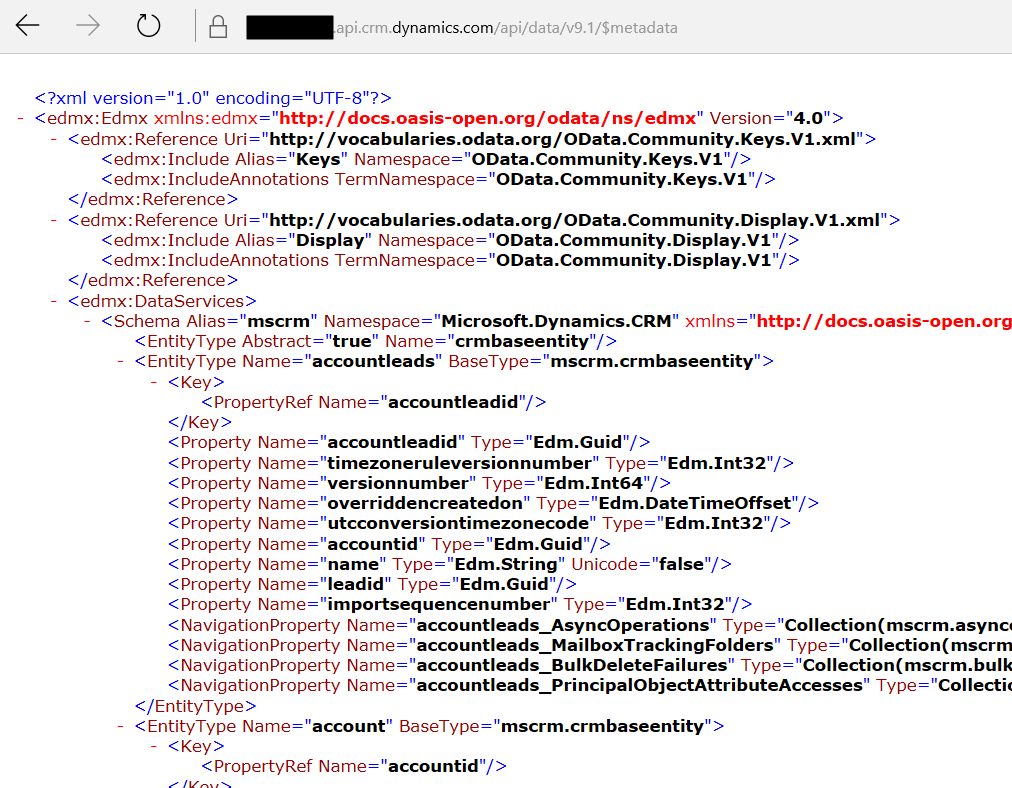
You will see the metadata for this organization:

Keep learning. Keep building.
Explore AI, agents & Microsoft technology.
I share practical ideas, tutorials, and videos about AI, AI agents, Microsoft technologies, and the Power Platform.
Subscribe on YouTube →Carl de Souza Enterprise Architect at Microsoft · AI Technology Expert
