In this post, we will create a USD Custom Hosted Control using Visual Studio 2019. This control will be used to receive Actions from USD, and can then be used to do things when the action is involved. There is no UI for this control, consider it is a “lite” control.
We will run this on USD 4.1.
First, open Visual Studio and create a new Class Library of .NET Framework version 4.6.2:
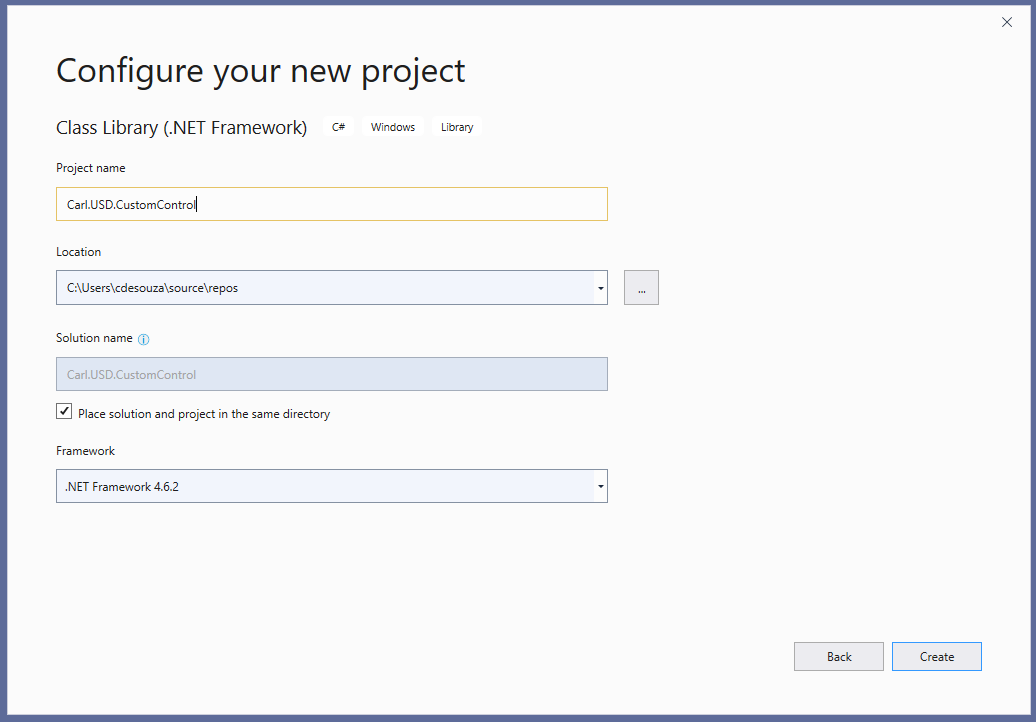
We see:
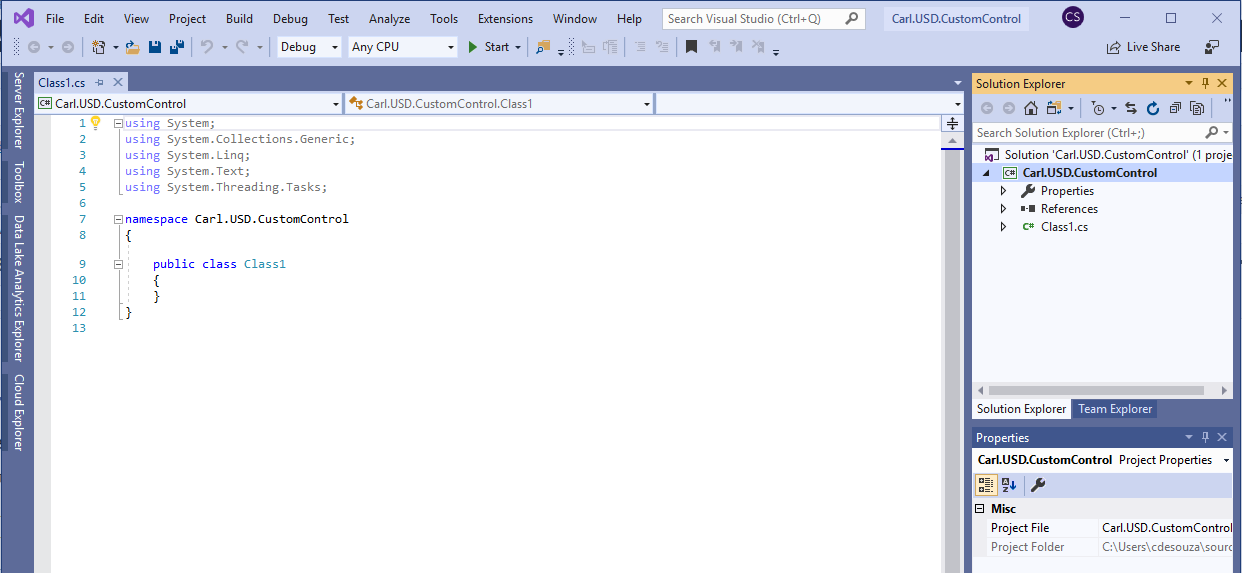
Let’s add a reference to Microsoft.CrmSdk.USD.CoreAssemblies through NuGet:
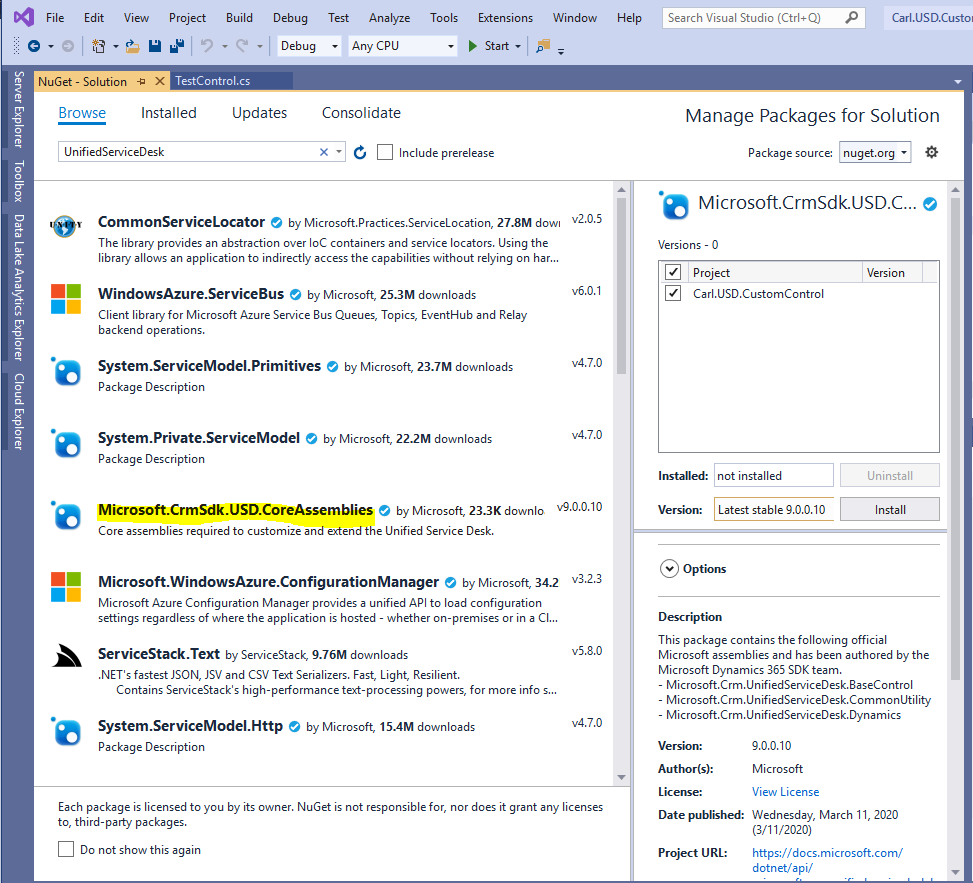
We see:
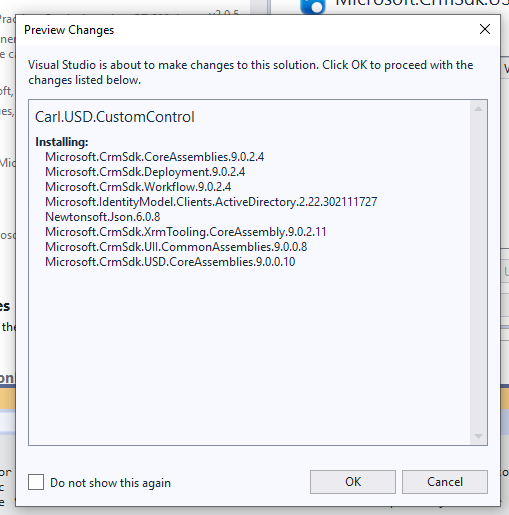
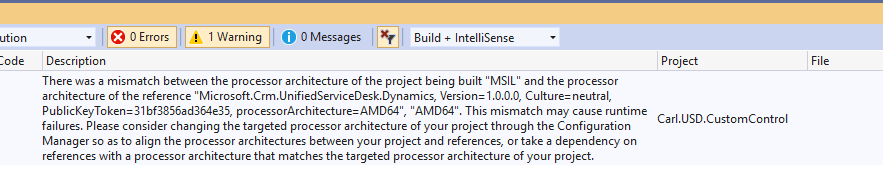
We get the warning “There was a mismatch between the processor architecture of the project being built” below. We can ignore this:
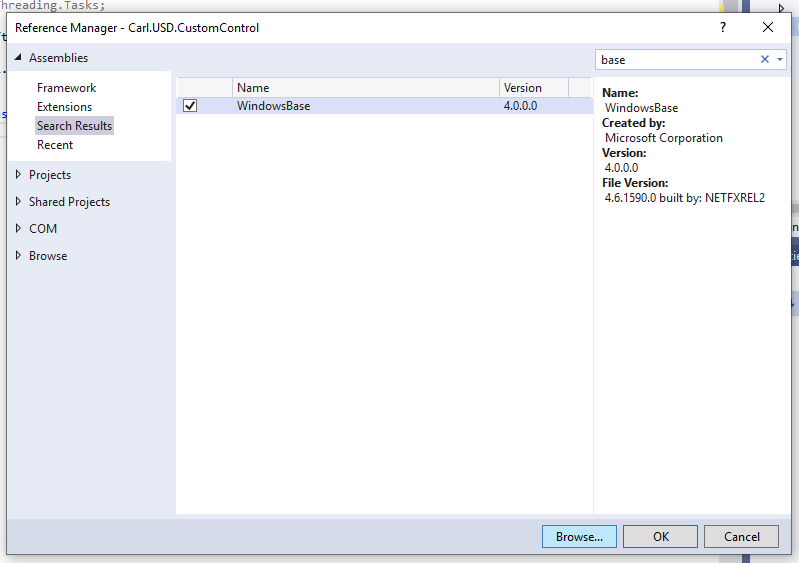
Let’s add a reference to WindowsBase:
Now let’s add a using statement for:
using Microsoft.Crm.UnifiedServiceDesk.Dynamics;
Rename the class TestControl.
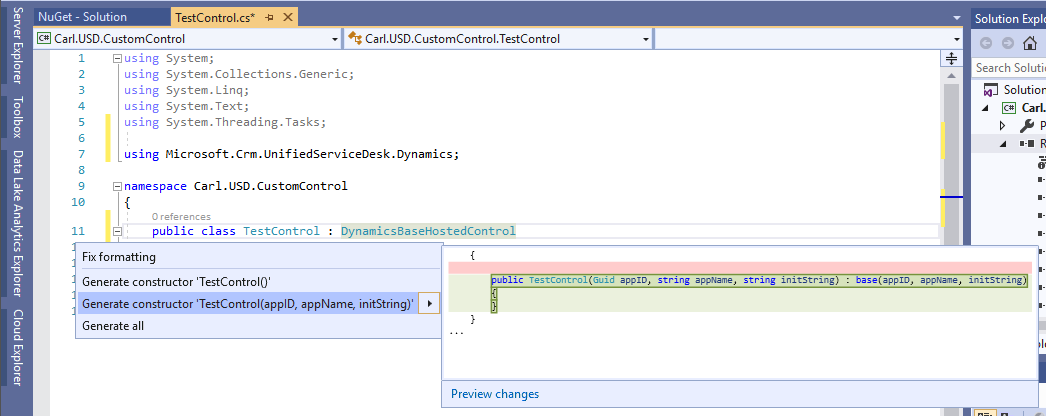
And we will implement DynamicsBaseHostedControl. Press CTRL + “.” to generate the method TestControl:
Let’s override the DoAction method:
protected override void DoAction(Microsoft.Uii.Csr.RequestActionEventArgs args)
{
if (args.Action.Equals("DoSomething", StringComparison.OrdinalIgnoreCase))
{

}
}
Now, compile the assembly and copy it to the folder where you run USD.
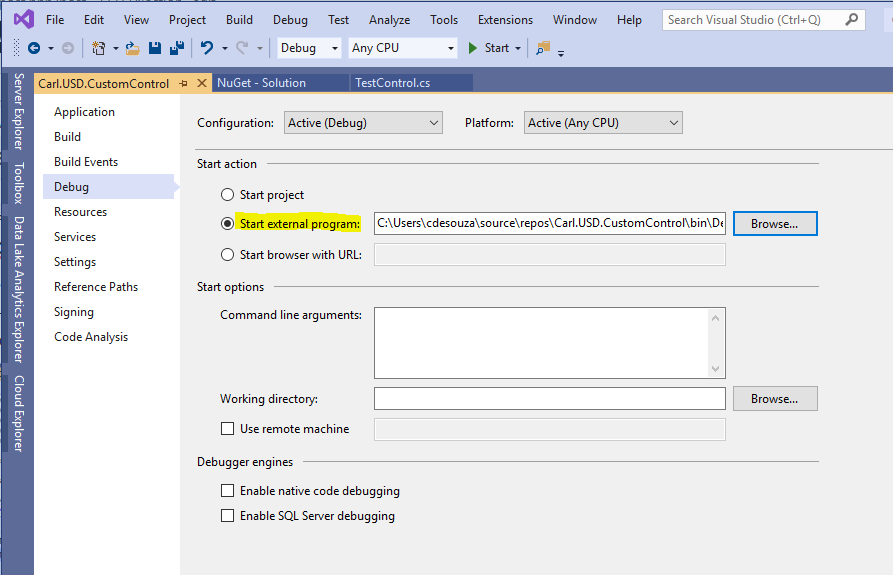
In Debug, set the External Program to the USD executable:
Add breakpoints in the code:
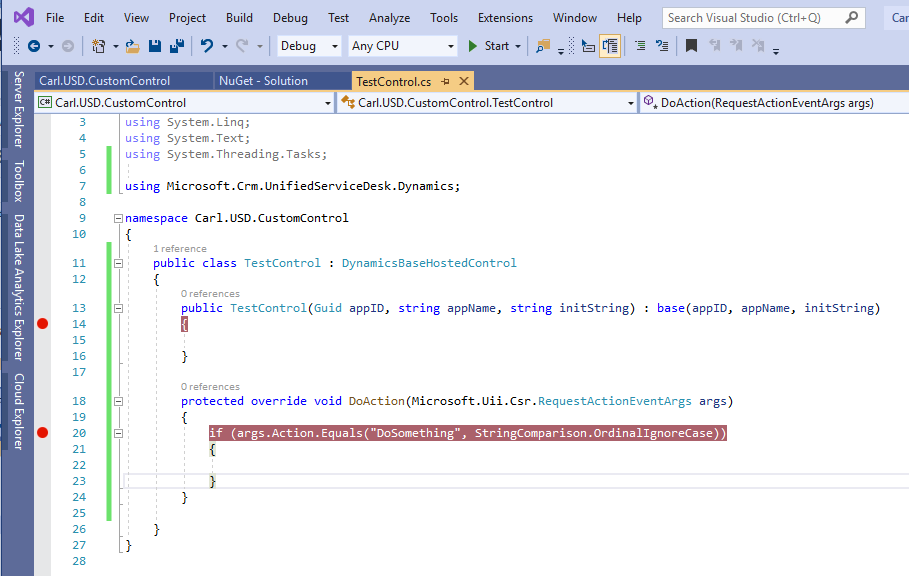
In the USD configuration:
- Create a hosted control
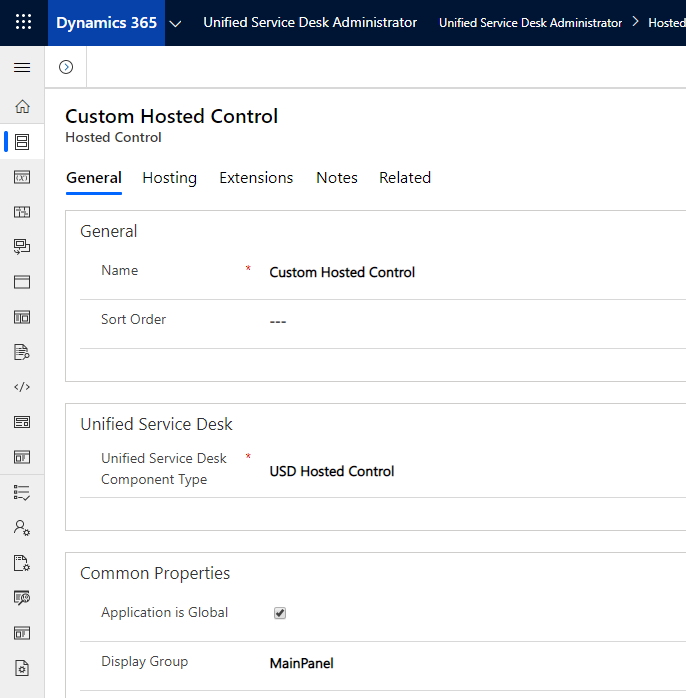
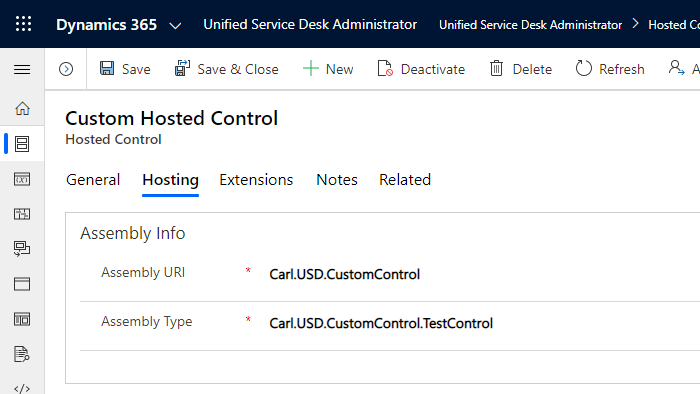
- Create an action called DoSomething
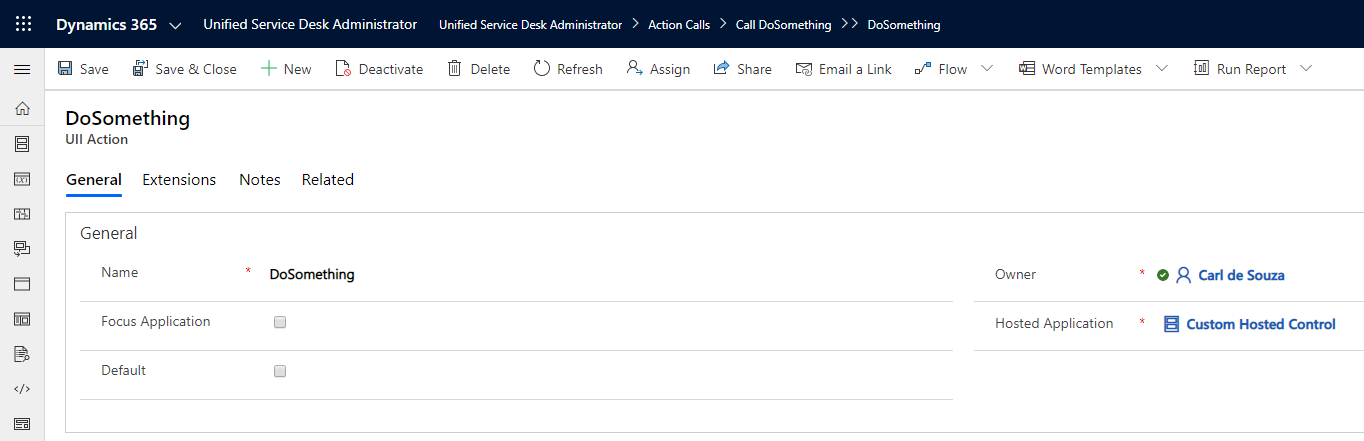
- Create an action call to call DoSomething
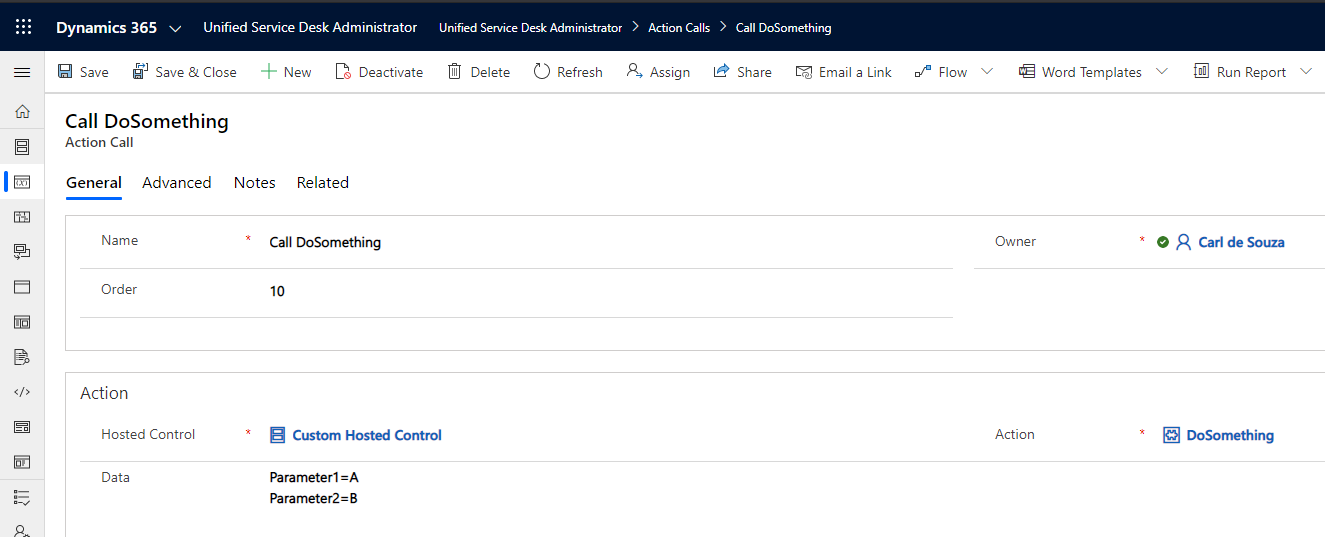
- Call the action call. We will do this on a routing rule:
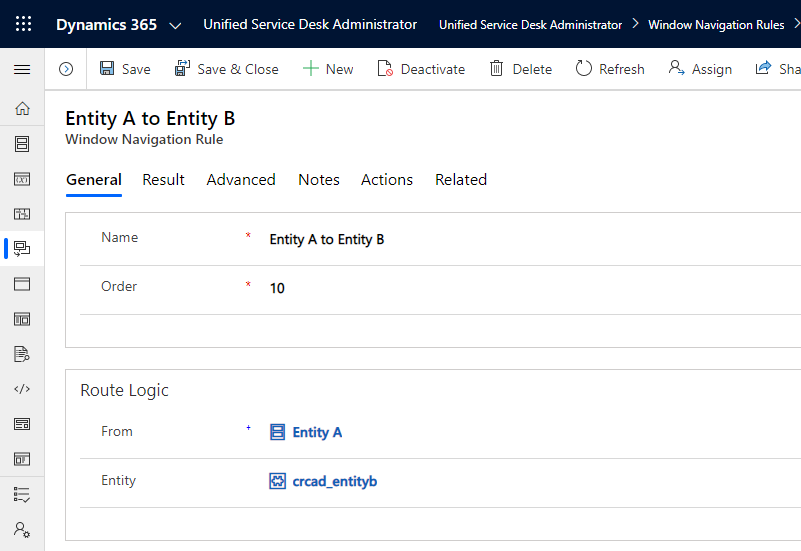
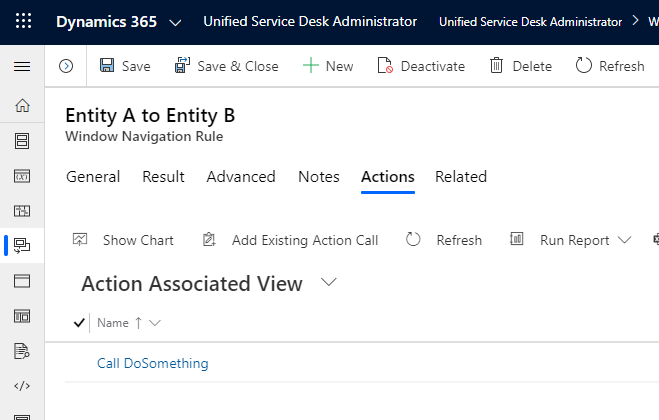
Click Start. This will open USD.
When USD loads, the first breakpoint is hit:
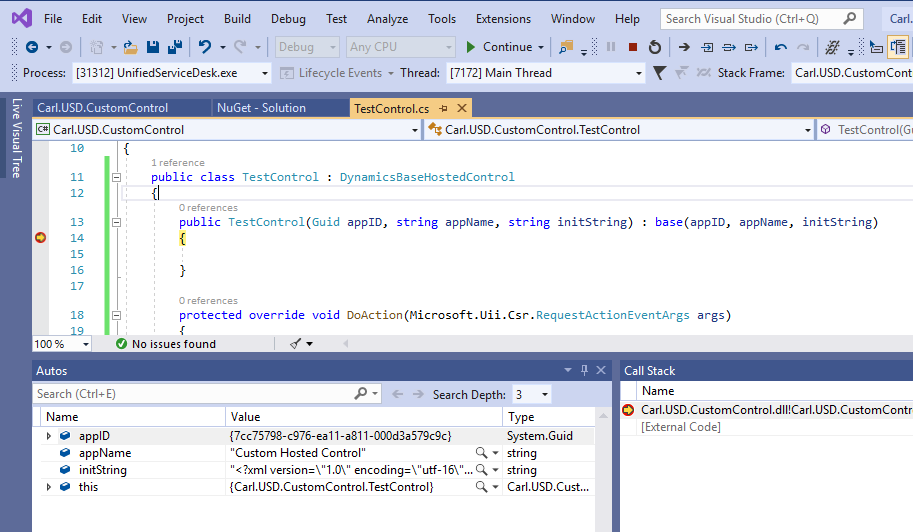
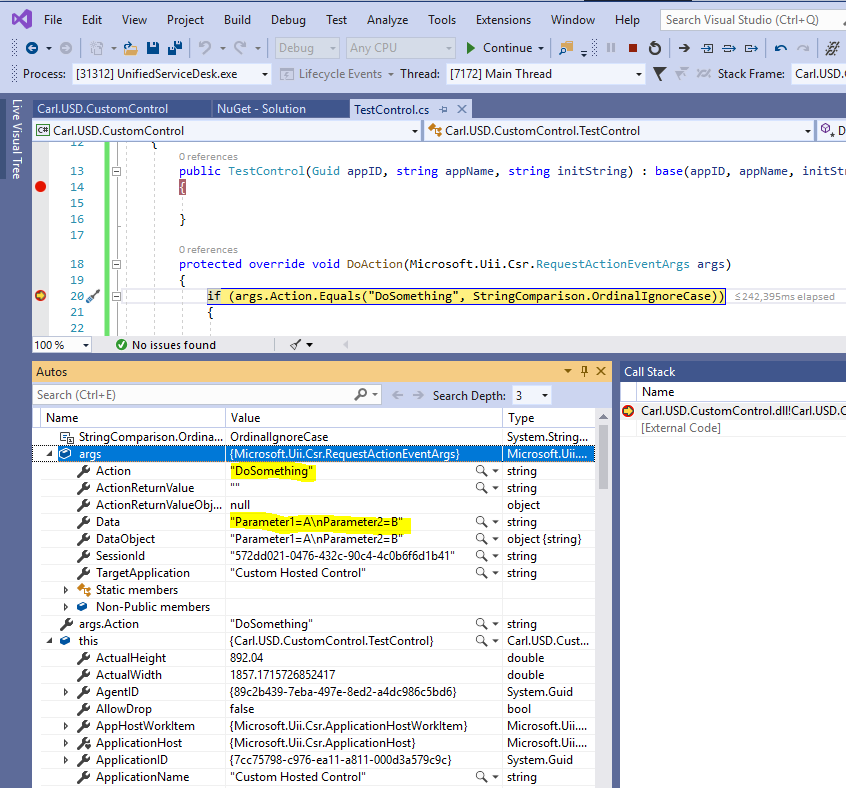
Now invoke the action by running the routing rule. The breakpoint is hit:

Explore AI, agents & Microsoft technology.
I share practical ideas, tutorials, and videos about AI, AI agents, Microsoft technologies, and the Power Platform.
Subscribe on YouTube →