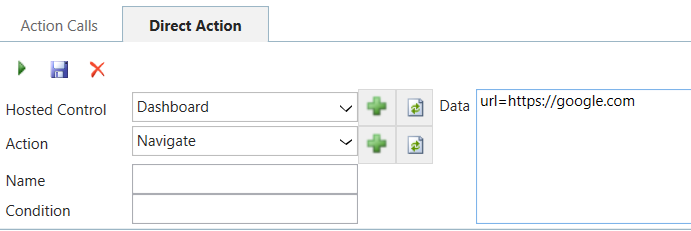
In Unified Service Desk, we can use the Navigate action to navigate in our controls. For example, let’s say we have a control that displays a CRM Page, called Dashboard:
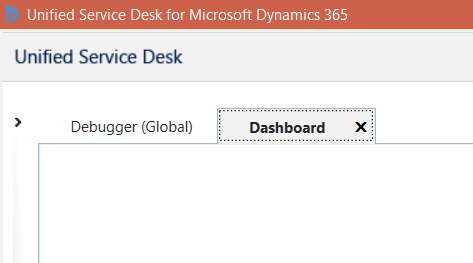
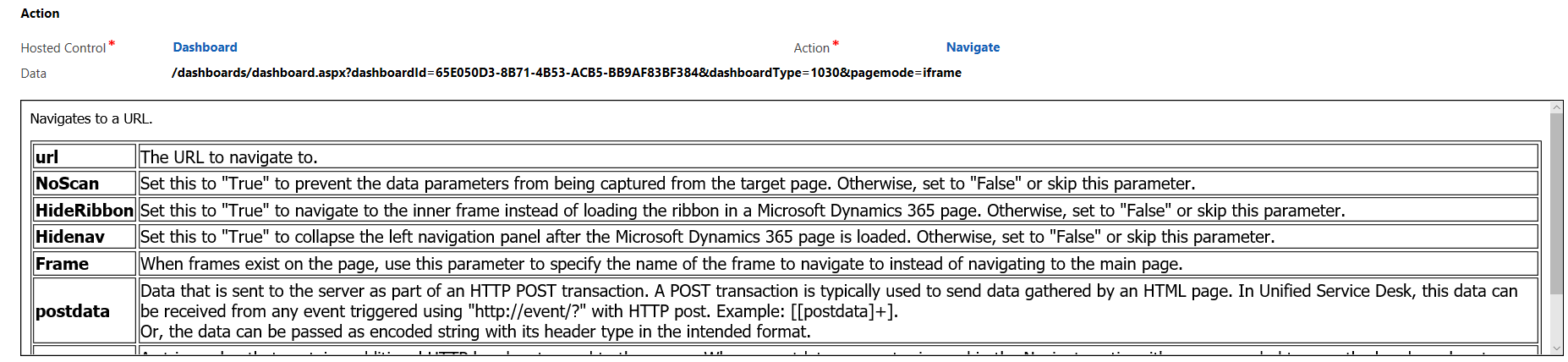
The control shows as empty as we have not specified the page to load. The Navigate action specifies the URL to navigate to:
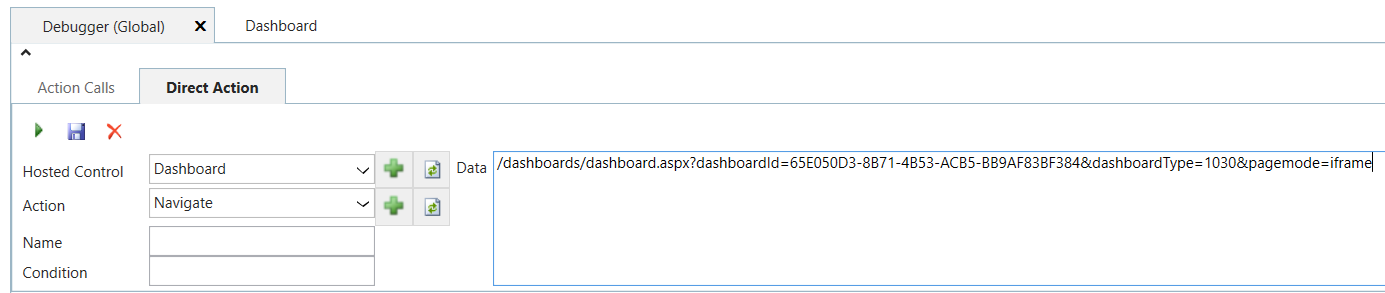
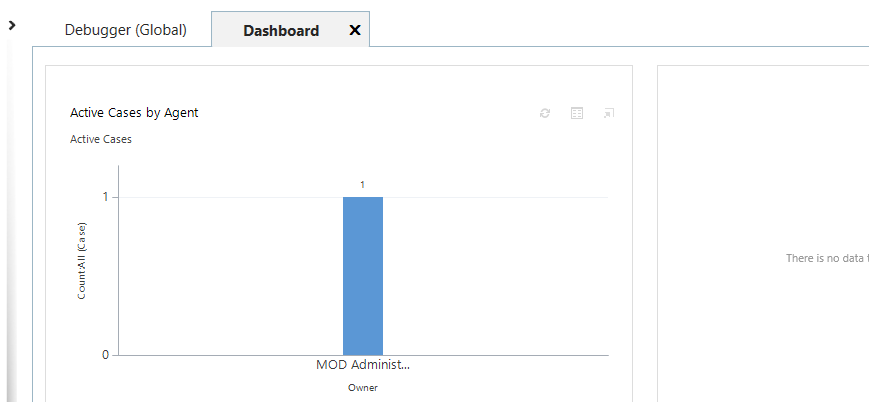
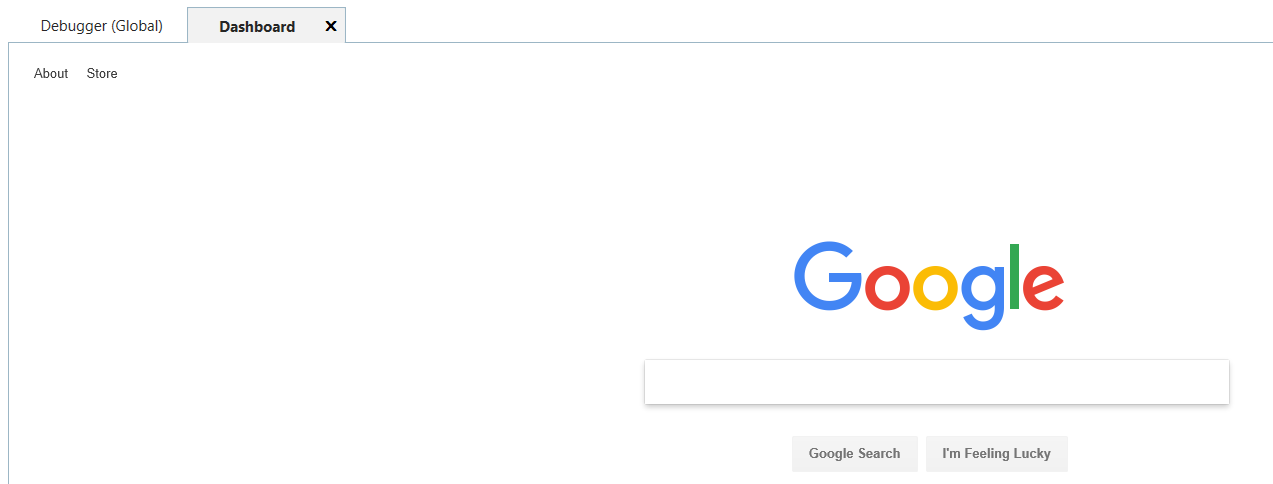
Or to a webpage:

Keep learning. Keep building.
Explore AI, agents & Microsoft technology.
I share practical ideas, tutorials, and videos about AI, AI agents, Microsoft technologies, and the Power Platform.
Subscribe on YouTube →Carl de Souza Enterprise Architect at Microsoft · AI Technology Expert
