Ever used a Dynamics 365 product and thought of an idea that would make the product that much better? Microsoft encourages individuals to submit ideas that would help improve their products, and the place to submit and find these ideas for Dynamics 365 is at https://experience.dynamics.com/ideas/.
When you go to the site, you will see something like below:
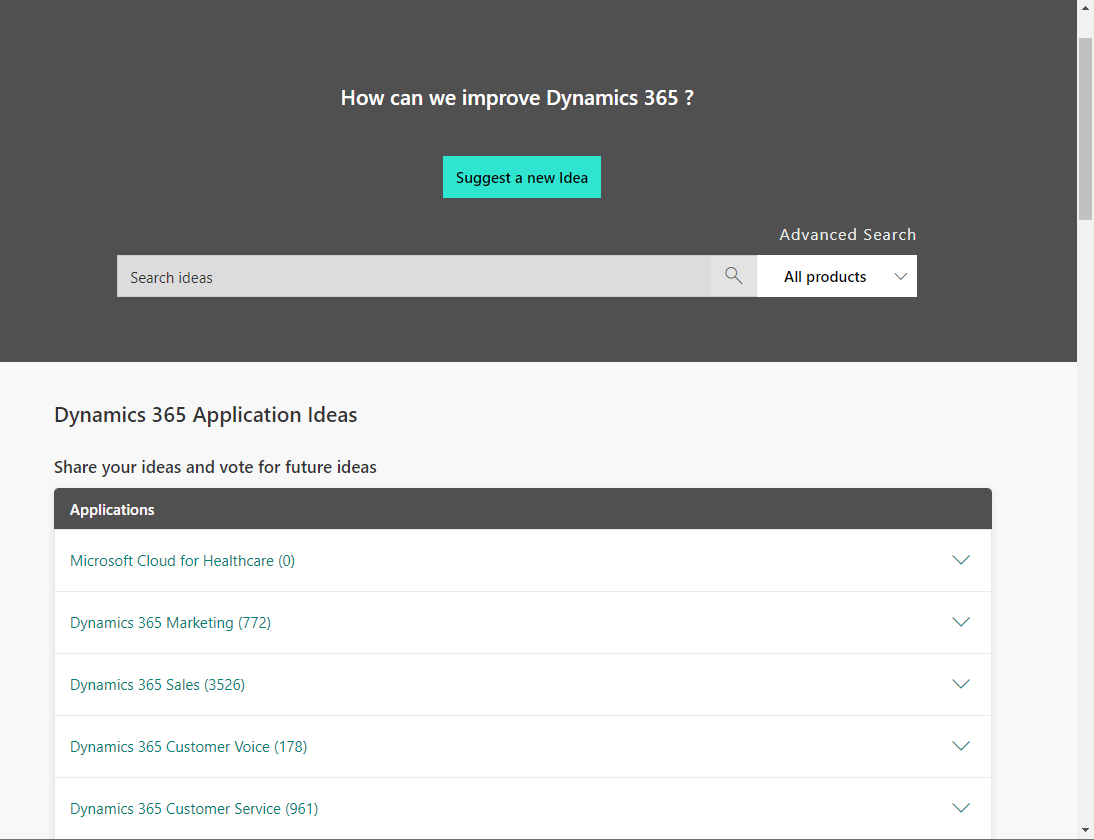
From here, you can select an idea category. Expanding an idea section will reveal sub-sections, e.g. under Dynamics 365 Customer Service, there is Unified Service Desk:
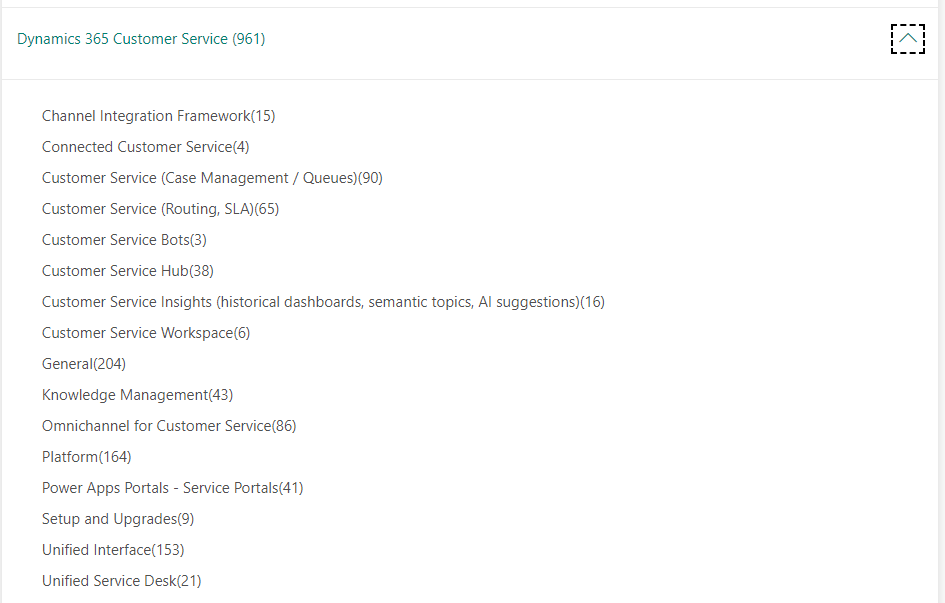
And from here, you can view the submitted ideas, and get to vote on the idea as well:
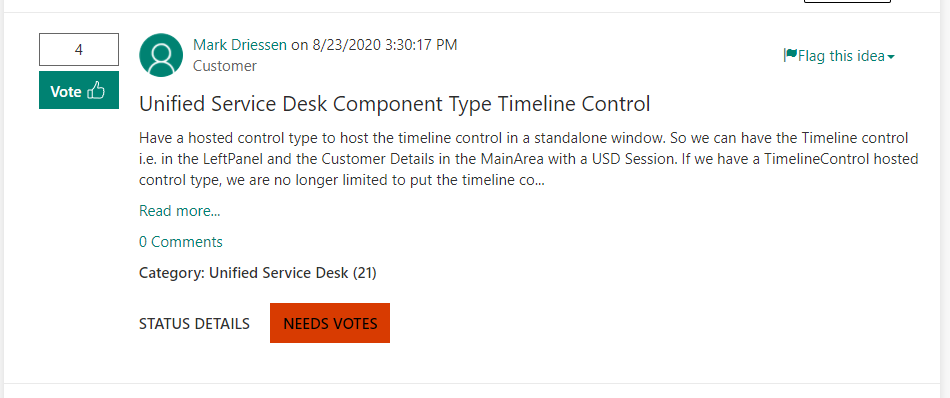
Status details of ideas include Needs Votes, Under Review, Declined, Planned, and Completed. Users can post comments to ideas as well.
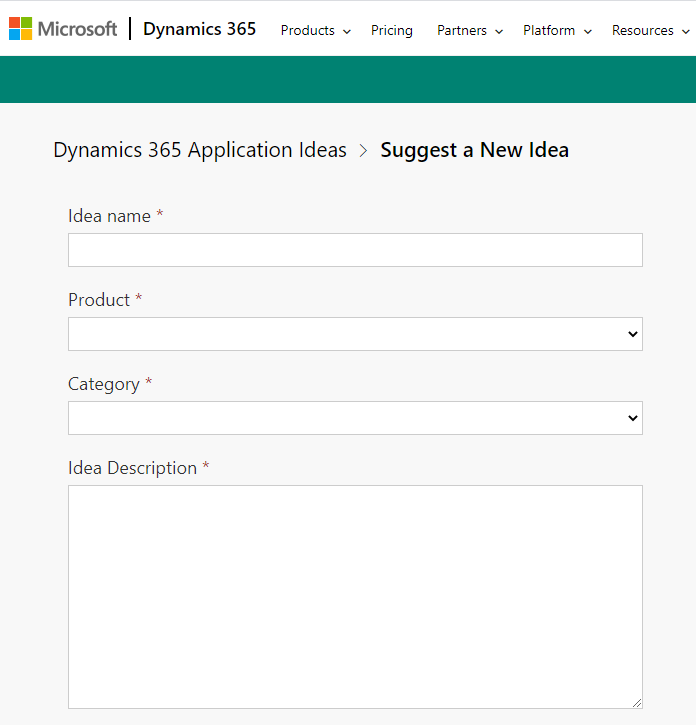
If you don’t see an idea that you had, you can submit a new idea:
Reviewing and submitting ideas is a way to be a little more engaged in the product if it’s something on your radar.

Explore AI, agents & Microsoft technology.
I share practical ideas, tutorials, and videos about AI, AI agents, Microsoft technologies, and the Power Platform.
Subscribe on YouTube →