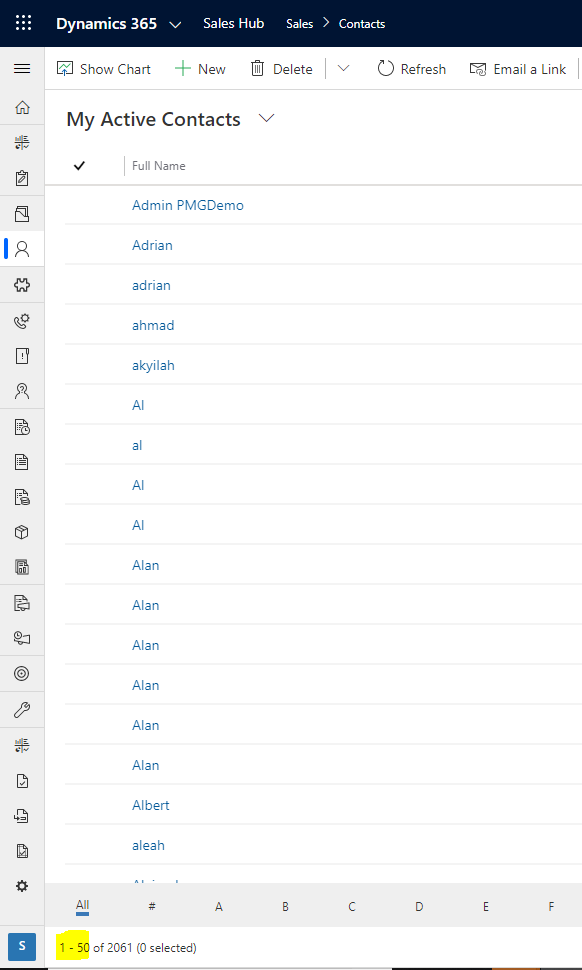
In Dynamics 365, when viewing lists we see the number of records returned by default is 50:
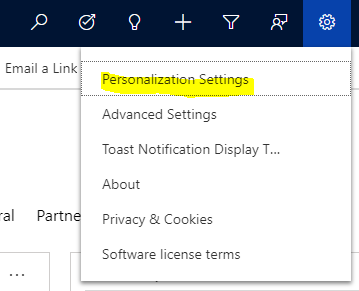
Let’s say we want to display more records. Go to Personalization Settings:
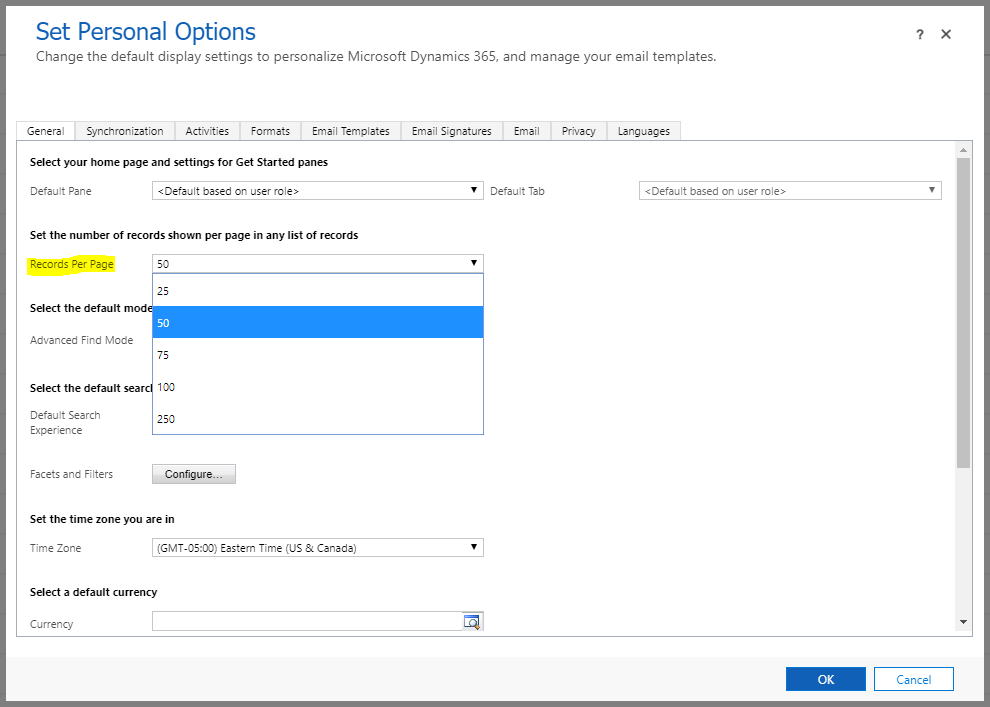
The options are 25, 50, 75, 100, 250:
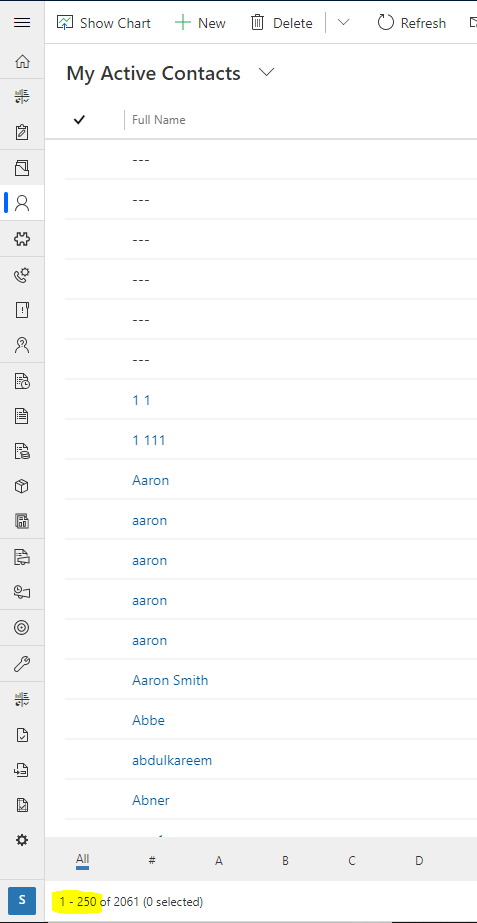
In changing it to 250, the view now shows 250 records:

Keep learning. Keep building.
Explore AI, agents & Microsoft technology.
I share practical ideas, tutorials, and videos about AI, AI agents, Microsoft technologies, and the Power Platform.
Subscribe on YouTube →Carl de Souza Enterprise Architect at Microsoft · AI Technology Expert
Thanks you, it helps.
What if I want to set to 1000 or more, can I do?
Hi Vikas,
I have a requirement to display more than 250 records per page.
Do you know how to achieve it ?