Sales territories can be configured in Dynamics 365. To do this, go to Settings->Business Management:
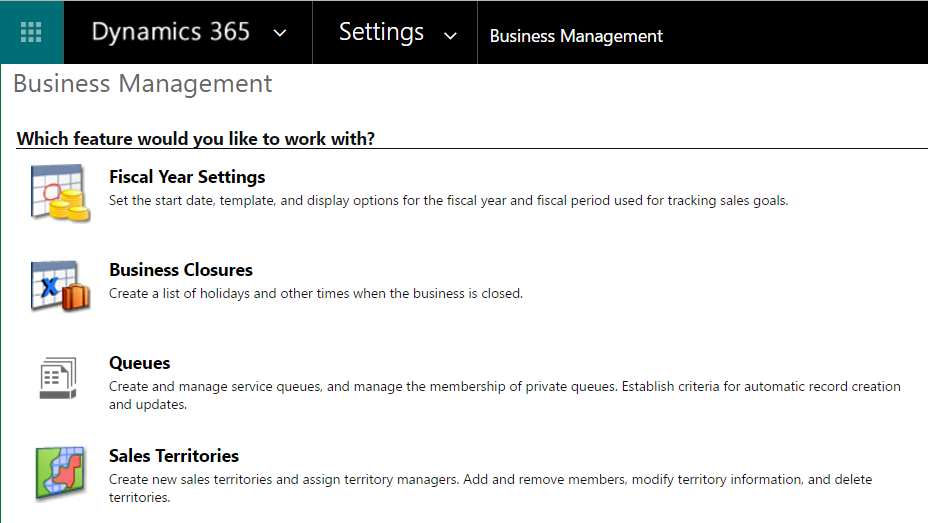
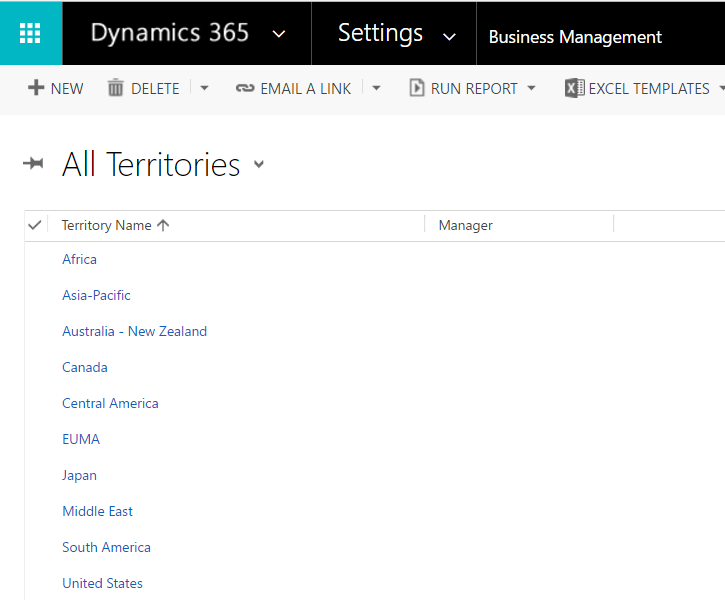
Select Sales Territories:
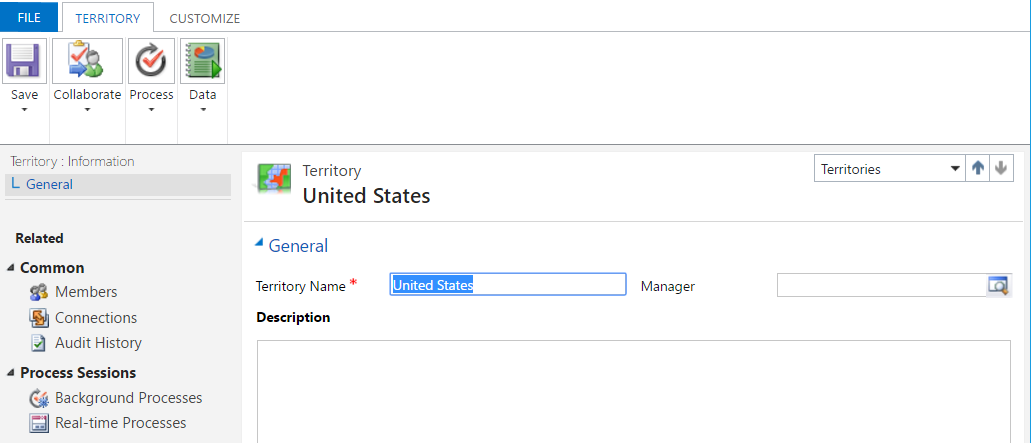
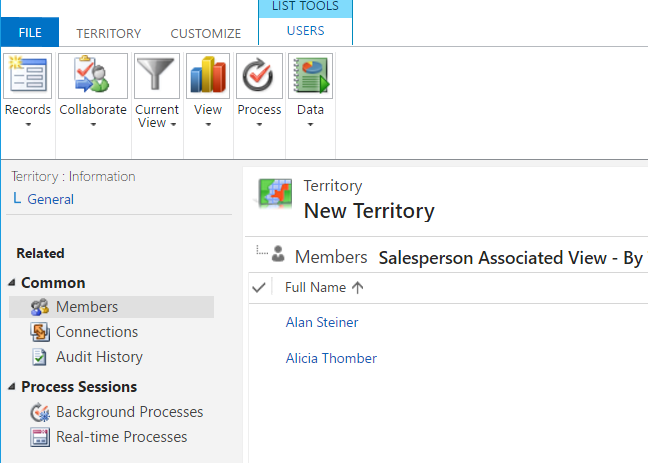
Selecting a Sales Territory, we can see the name and members:
Let’s create a new territory:
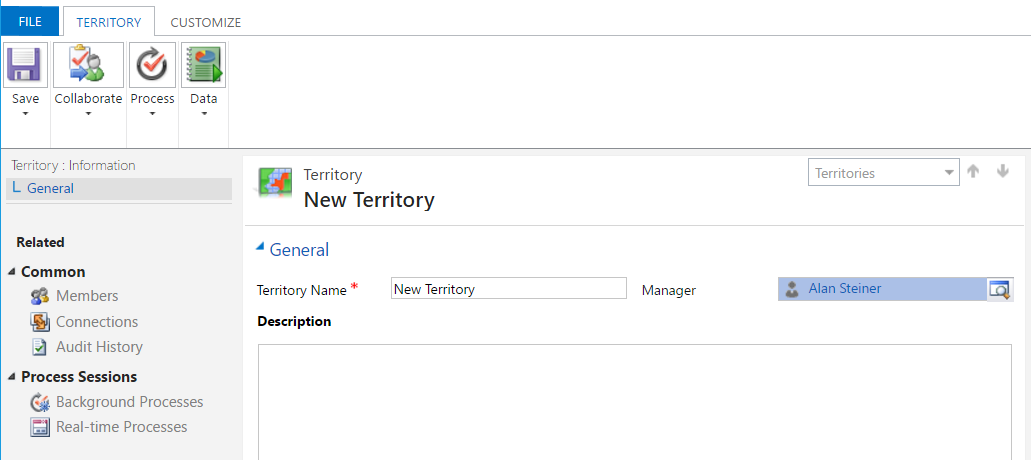
And add members:
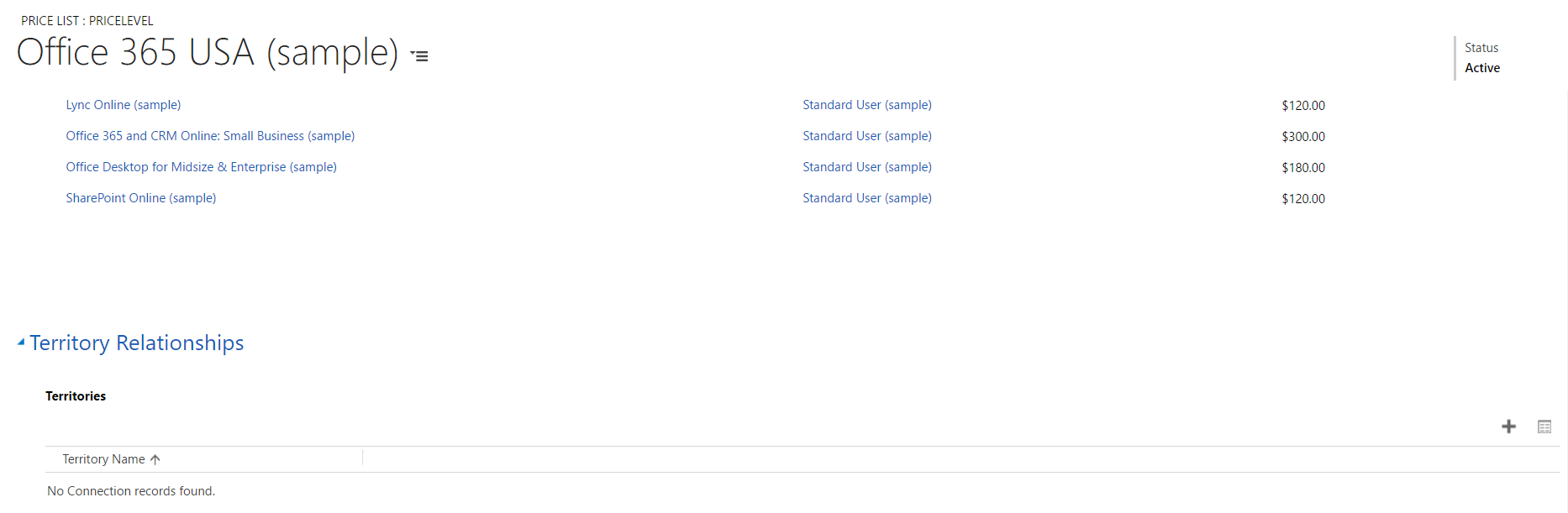
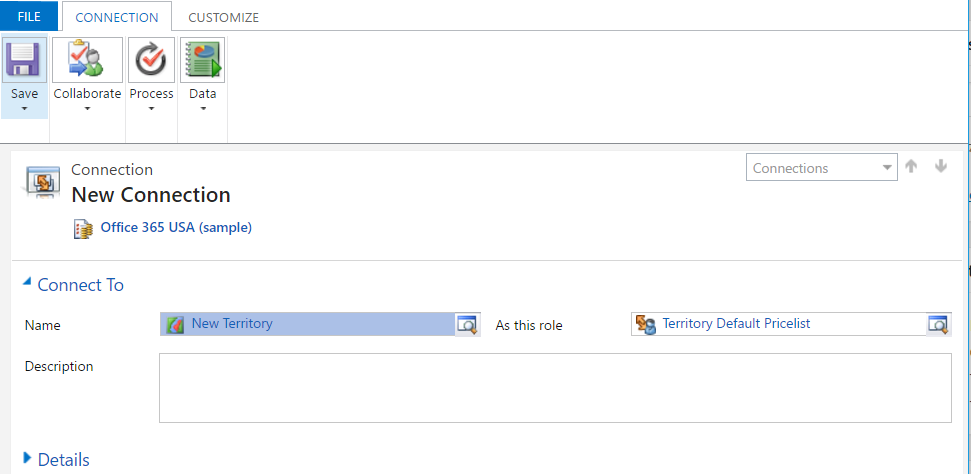
Territories can be assigned to price lists:
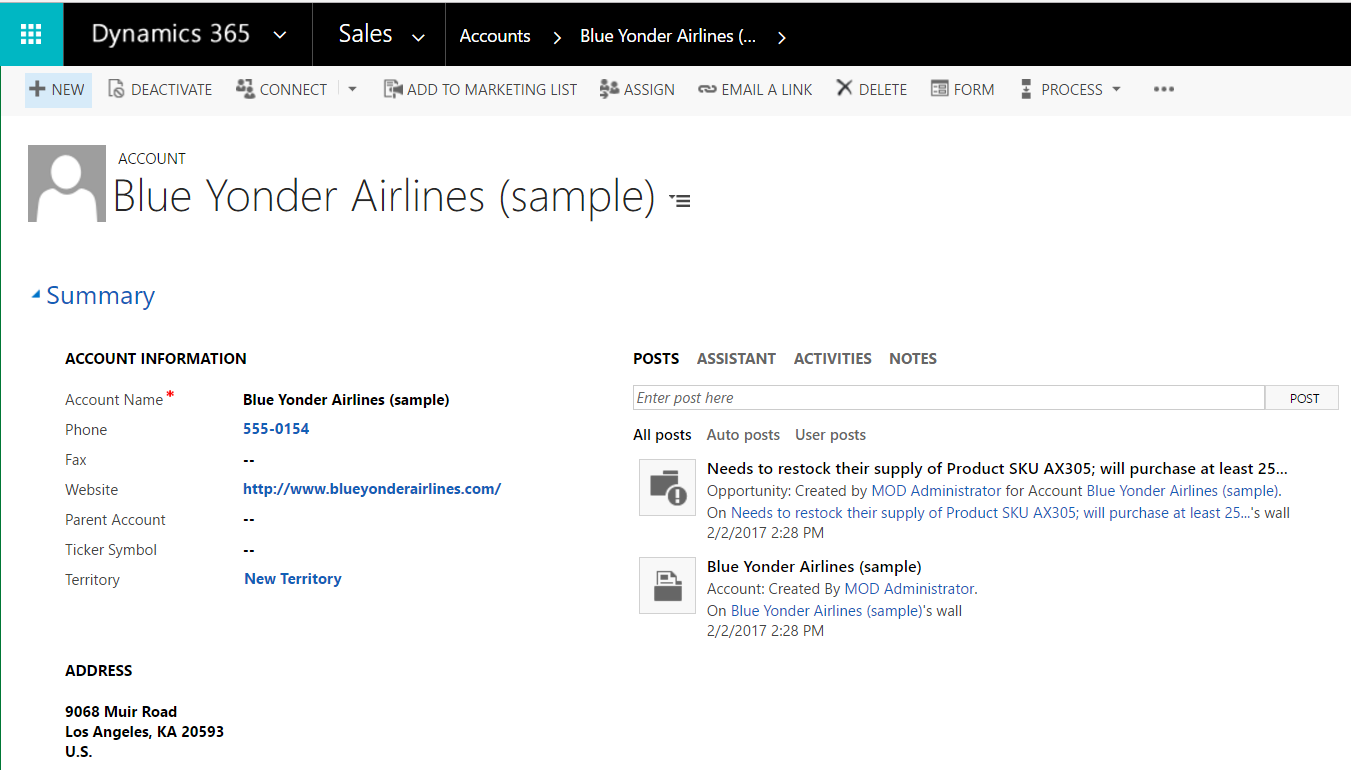
And Accounts (drag field onto the form):

Keep learning. Keep building.
Explore AI, agents & Microsoft technology.
I share practical ideas, tutorials, and videos about AI, AI agents, Microsoft technologies, and the Power Platform.
Subscribe on YouTube →Carl de Souza Enterprise Architect at Microsoft · AI Technology Expert
