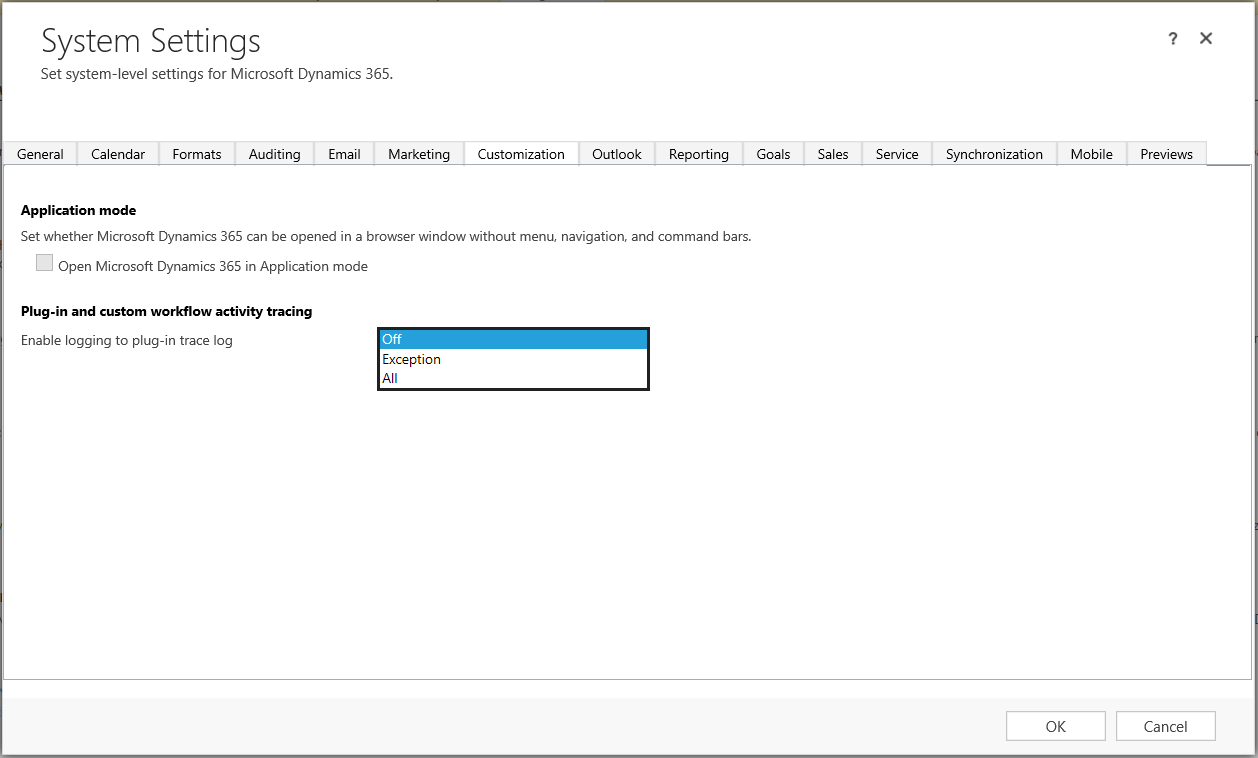
The Dynamics 365 Plugin Trace Log settings are located in Settings->Administration->System Settings:
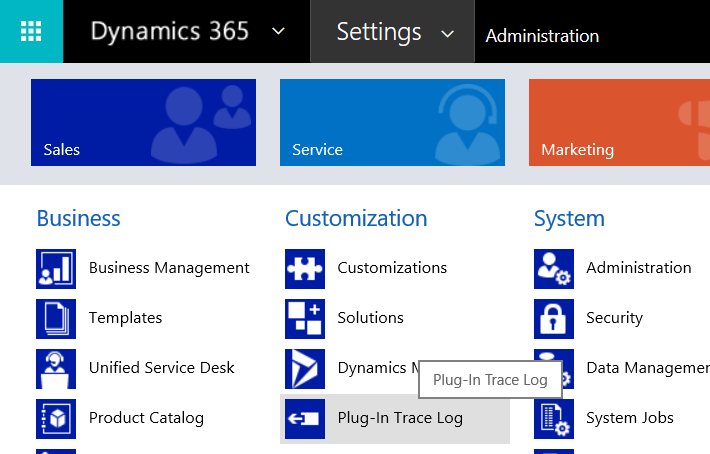
And then accessed under the Settings->Customization menu:
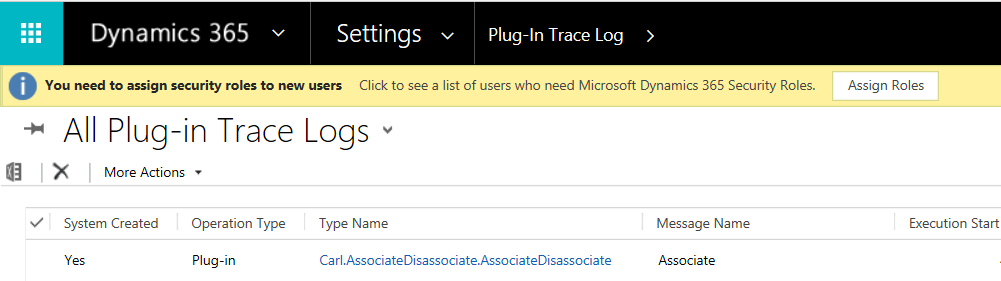
Records will be created here:
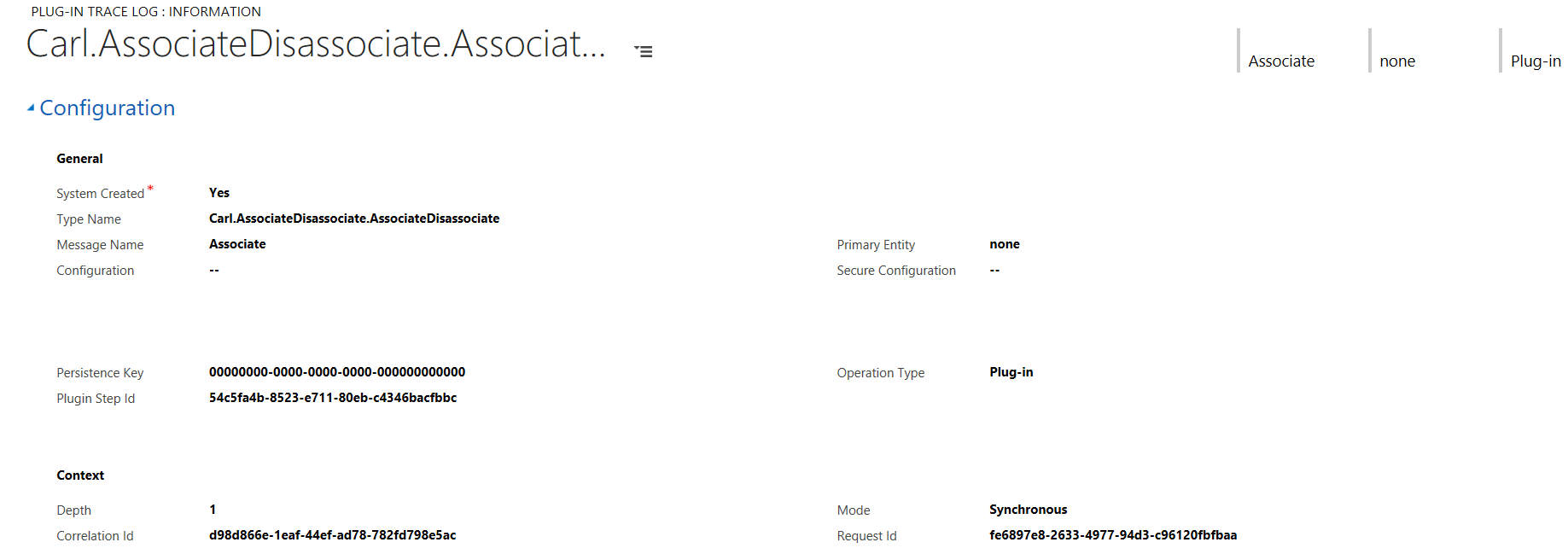
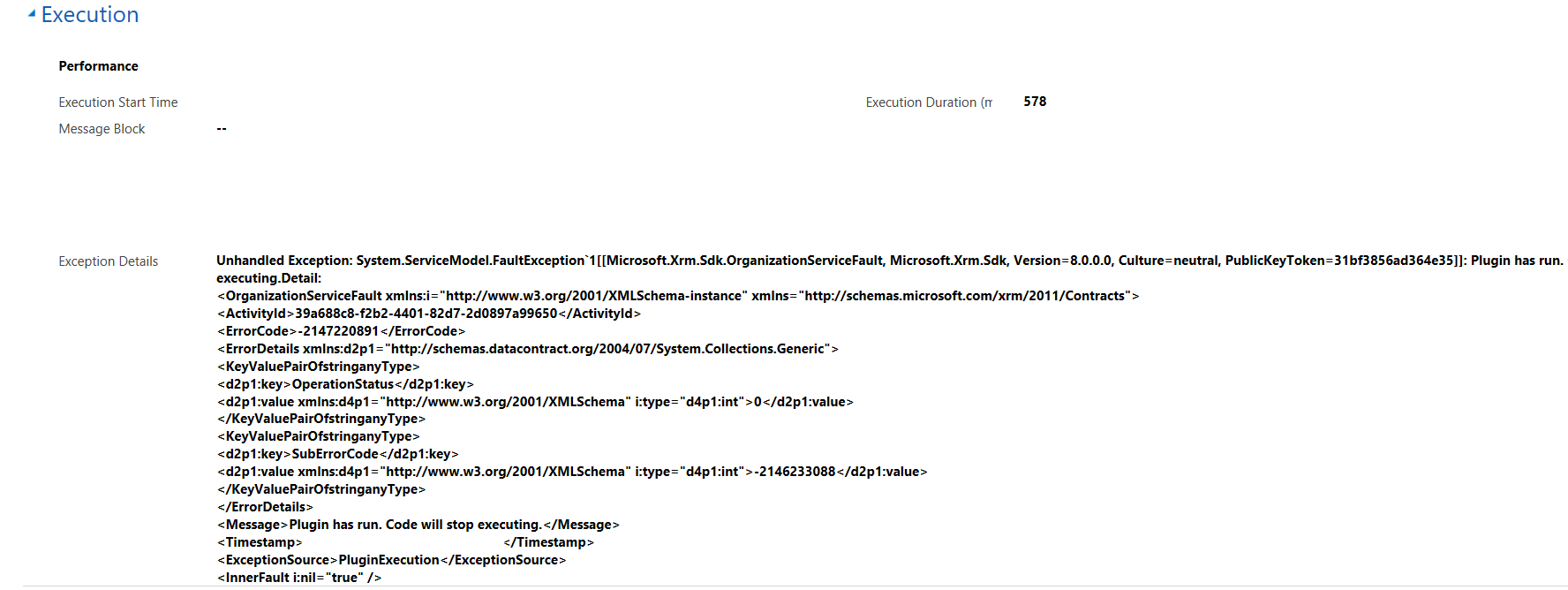
And you can drill into each record for more details:
Click here to learn how to write to the Plugin Trace Log from your plugins.

Keep learning. Keep building.
Explore AI, agents & Microsoft technology.
I share practical ideas, tutorials, and videos about AI, AI agents, Microsoft technologies, and the Power Platform.
Subscribe on YouTube →Carl de Souza Enterprise Architect at Microsoft · AI Technology Expert
