Dynamics 365 Performance Center is a tool available to troubleshoot performance. To use it, go to your Dynamics 365 instance in Internet Explorer.
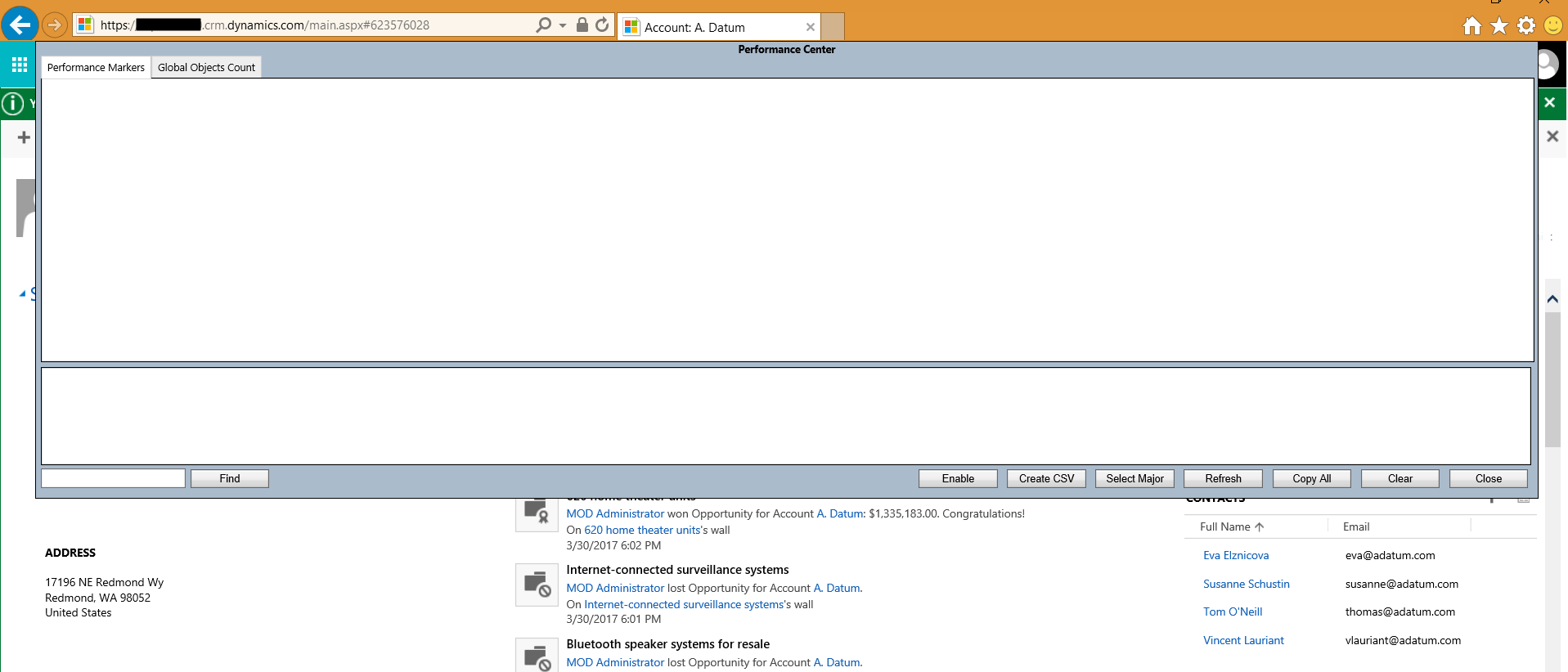
Then press CTRL-SHIFT-Q. The window below will open. Press Enable:
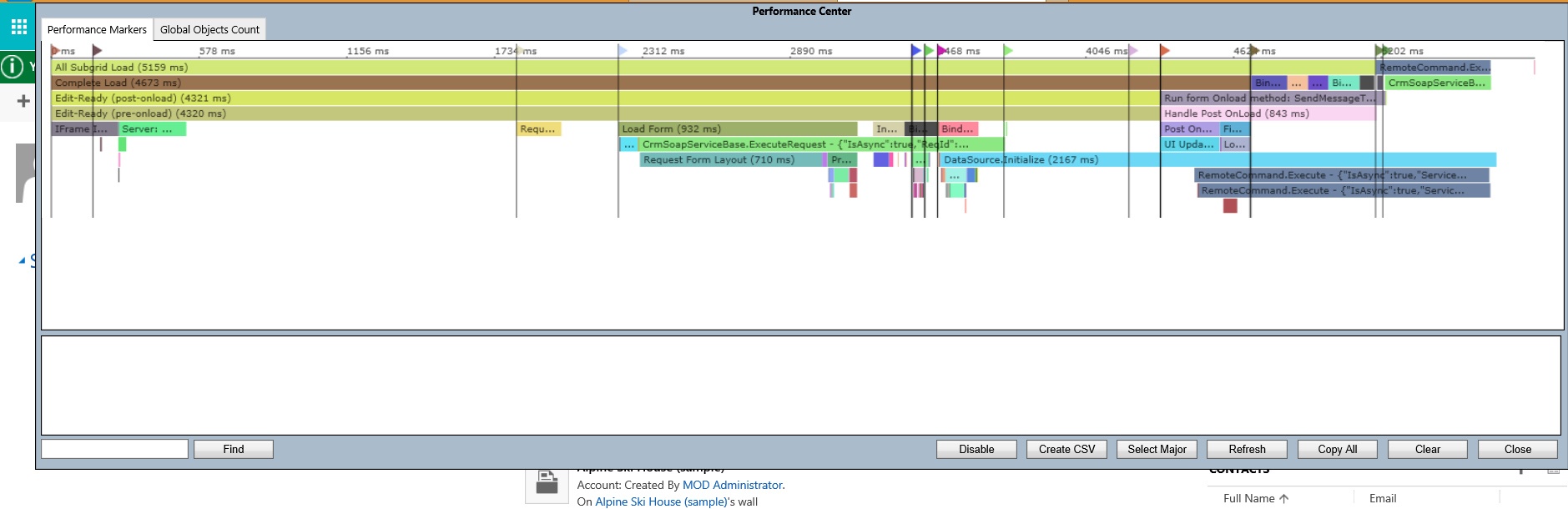
Now, in another tab, select a record, e.g. an Account record. Press CTRL-SHIFT-Q again. You will see details on the load speed of the form:
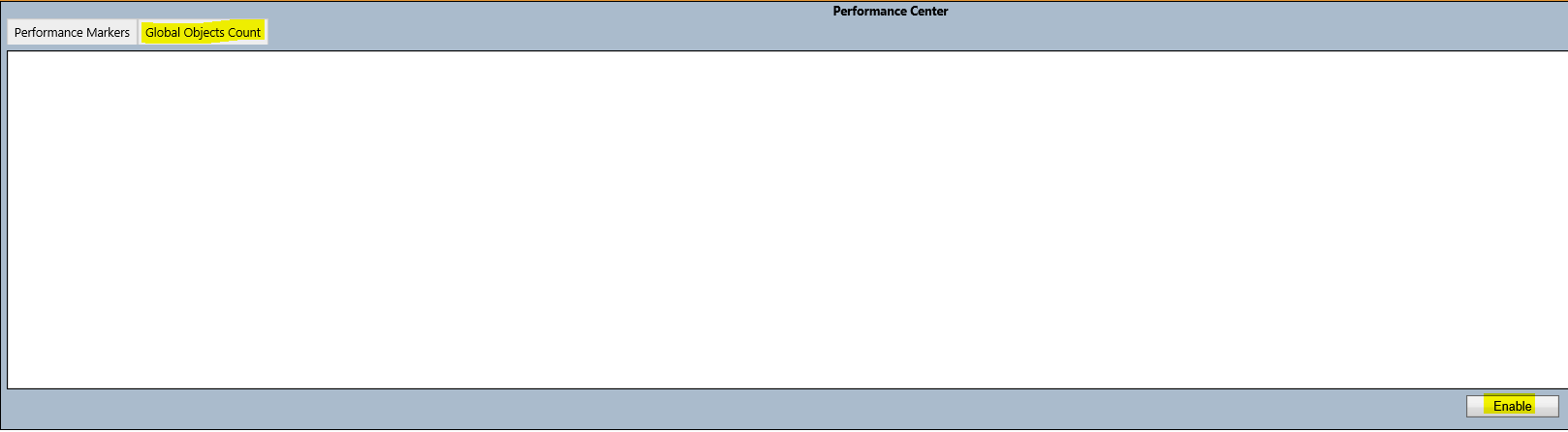
Go to the Global Objects Count tab and Enable:
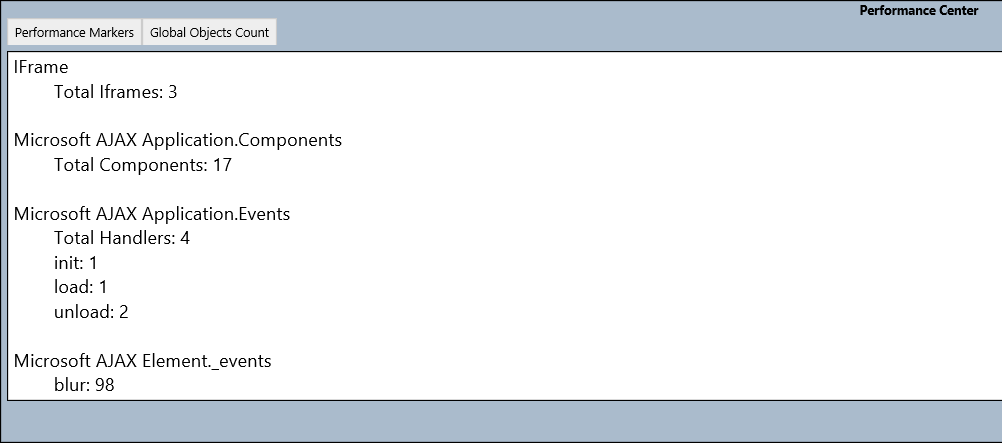
Reload the page and press CTRL-SHIFT-Q again. You will see details on the global objects:

Keep learning. Keep building.
Explore AI, agents & Microsoft technology.
I share practical ideas, tutorials, and videos about AI, AI agents, Microsoft technologies, and the Power Platform.
Subscribe on YouTube →Carl de Souza Enterprise Architect at Microsoft · AI Technology Expert

Hi Carl,
Thank you for your contributions to D365 / power platform community.
Is this Performance Center available in latest v9.2 also? I’m not getting such details as like before.
Thanks,
Praveen.