JavaScript – Use Strict
“use strict” is a feature of JavaScript that tells the compiler to use a strict context. For example, consider the code below.…
Read article →“use strict” is a feature of JavaScript that tells the compiler to use a strict context. For example, consider the code below.…
Read article →Libraries Angular React Node Vue Redux jQuery Ember Meteor Visualizations GoJS D3 Leaflet
Read article →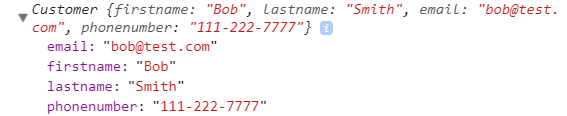
In JavaScript, there are different ways to define properties to objects. For example, if we have a Customer class, we can define…
Read article →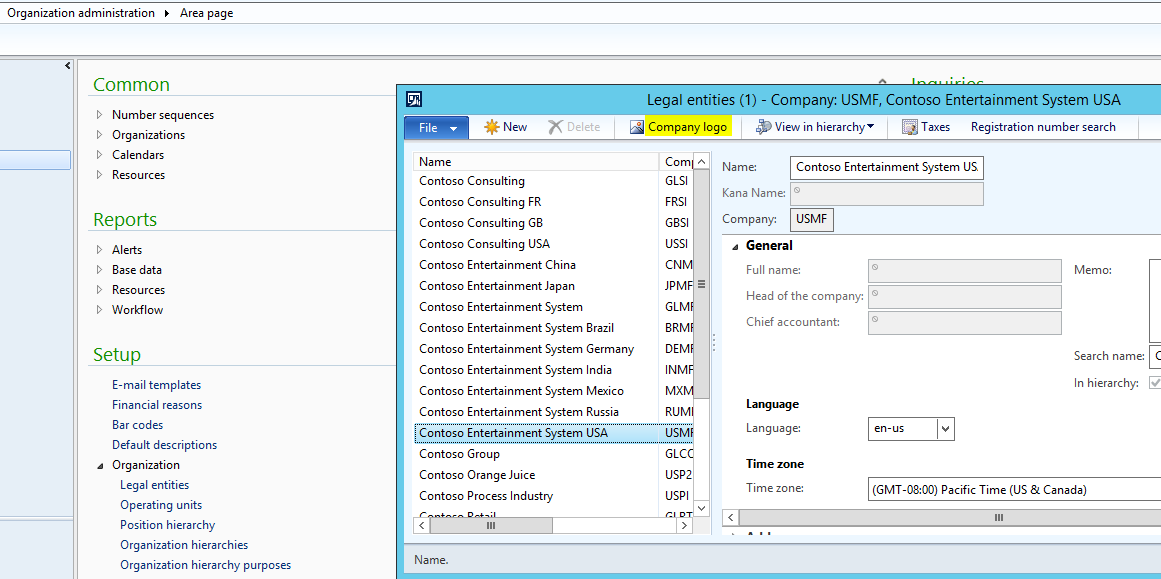
The company logo in Dynamics AX is used in different areas such as reporting. To change the company logo, go to the…
Read article →
Microsoft provides sample SQL Server databases called AdventureWorks. You can download the files from the CodePlex website for your relevant SQL Server version here…
Read article →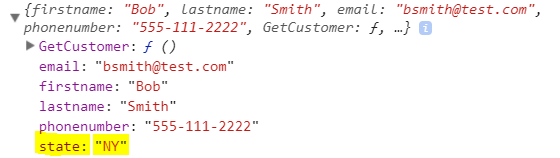
Object literals are a way to define objects in JavaScript using comma-separated name-value pairs of properties and methods. For example, we can…
Read article →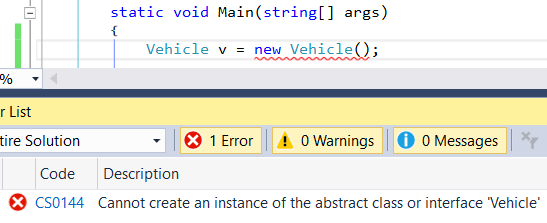
Carrying on from our previous transport post, we currently have a car class that has some properties. However, a car is a type of vehicle.…
Read article →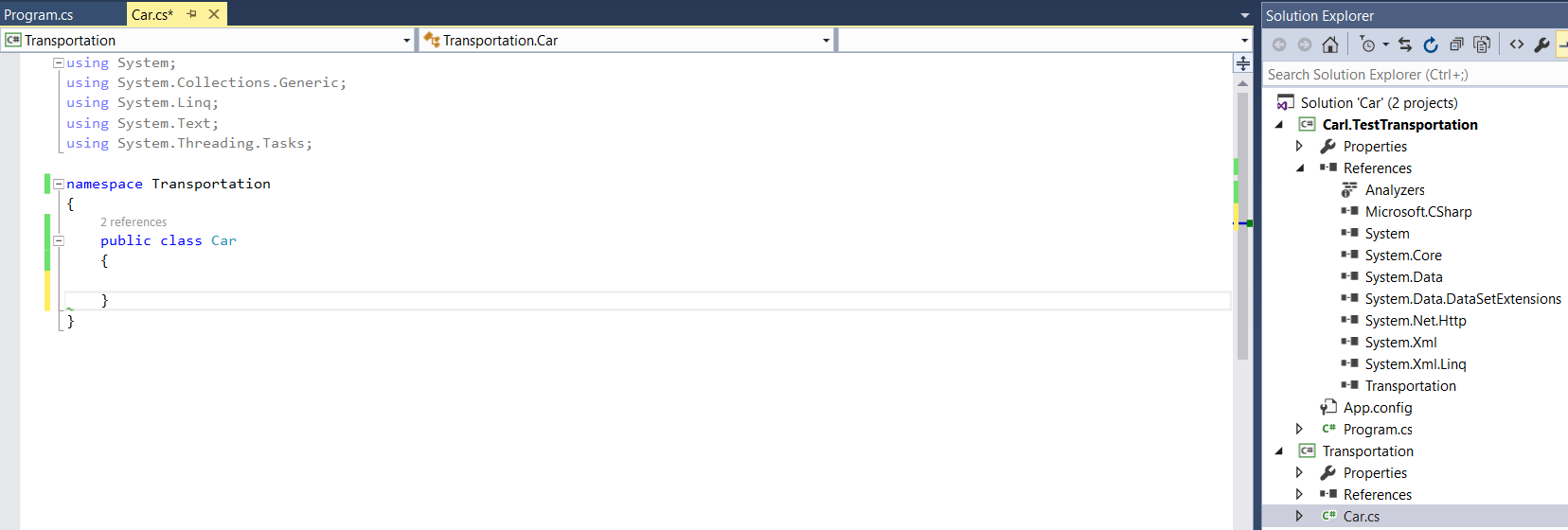
In this example and series of examples, I will go through some object oriented and C# concepts. We will use an example…
Read article →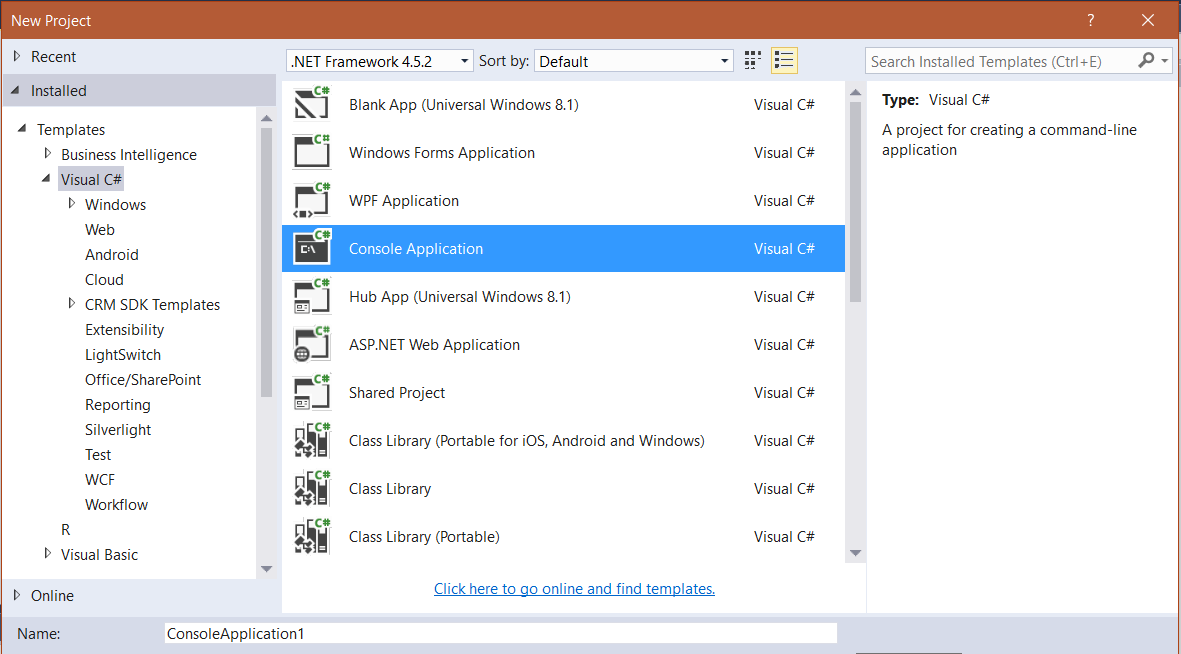
Creating a console application in C# is really easy. Let’s go through a Hello World example. First, create a new project in…
Read article →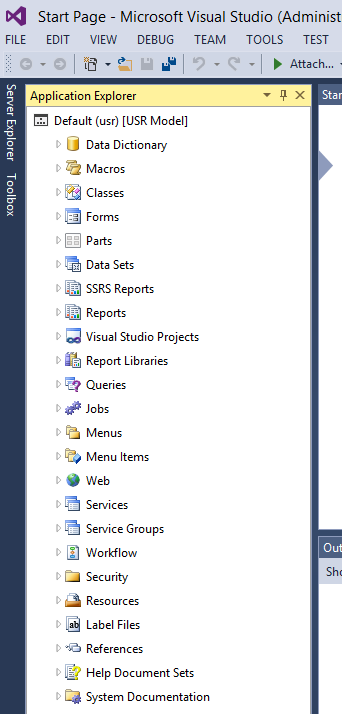
In this post I will show how to build SSRS reports in Dynamics AX 2012 R3. Let’s modify the Purchase Order Report.…
Read article →