
Silicon Valley Tech Tour
Last weekend I did a little tech tour around Silicon Valley. If you have a car and some spare time, and happen…
Read article →Last weekend I did a little tech tour around Silicon Valley. If you have a car and some spare time, and happen…
Read article →Social ERP is a concept in which ERP systems use social media. In this video, I show a demo I created where…
Read article →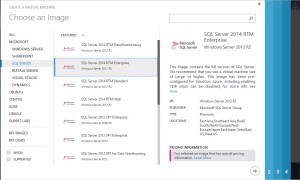
Dynamics GP is ready to run on the Microsoft Cloud, Azure. This presents great opportunities for present Dynamics GP customers, and also…
Read article →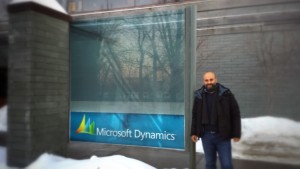
In February (2014), I spent 3 cold weeks in Fargo, North Dakota, learning Dynamics AX. Most people have one reaction when I…
Read article →Introduction Web Services are defined as a machine to machine interaction that takes place over the world wide web. Applications and servers expose…
Read article →Welcome to the Power Football League! Here is the date, weather and zip code of all 2015 regular season games for the…
Read article →Updated: January 2016 You can get more up to date information on the Dynamics 365 versions here. Microsoft Dynamics is a family…
Read article →For the year of 1996, I worked in house at Microsoft’s Research Institute. The project involved working alongside the Research Unit Head…
Read article →The European Retail Application Developer (RAD) Awards is a yearly competition that recognizes application developers in Europe, Middle East and Africa (EMEA)…
Read article →In 2002 Microsoft ran a competition, the “Microsoft Global Solutions Challenge”, where participants from around the world were required to showcase a…
Read article →