
Using DAX YEAR
DAX has various date functions we can use to help us visualize data. Let’s go through an example. In our dataset, we…
Read article →Practical guides, tutorials, and insights on AI, agents, Microsoft technologies, enterprise applications, and communication.
DAX has various date functions we can use to help us visualize data. Let’s go through an example. In our dataset, we…
Read article →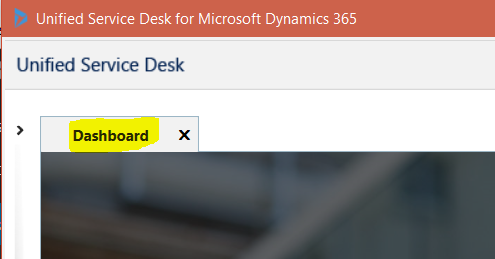
In Unified Service Desk, one of the actions associated with a hosted control is the Close action. This action is useful if…
Read article →
We will connect to Dynamics 365 from a console app using the Organization Service Proxy. To do this, create a new console…
Read article →Below are some links that may be useful: Dynamics CRM Forums at Microsoft Web API Entity Reference at Microsoft Dynamics 365 Team…
Read article →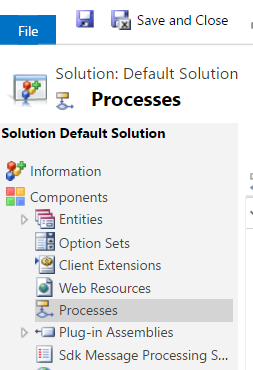
In Dynamics 365 and Power Apps, Workflows, Plugins and Actions are used to automate business processes.They allow businesses to hook onto events that…
Read article →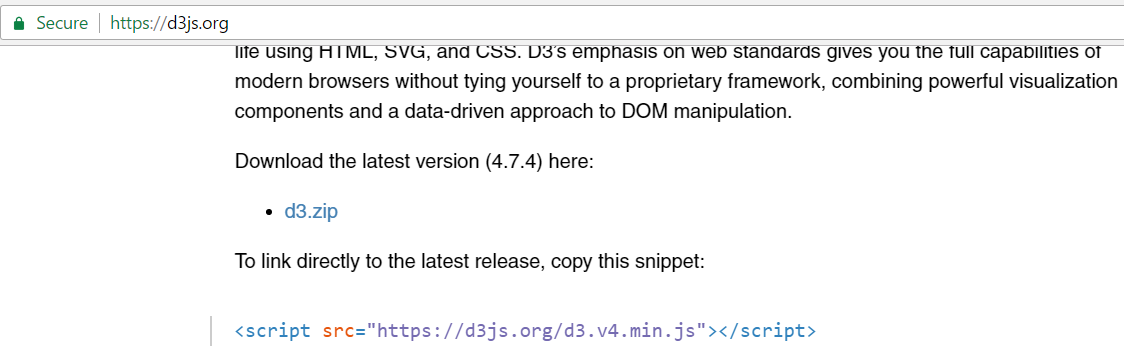
To create a D3 “Hello World”, do the following. Go to the d3js.org website and find the latest D3 version: Copy the…
Read article →Dictionaries are used in C# to define key value pairs. They are part of System.Collections.Generic. The format is: Dictionary<key,value> To define…
Read article →
In Power BI, select Manage Gateways: Select Add data sources to use the gateway: Give the name as Excel Spreadsheet and the…
Read article →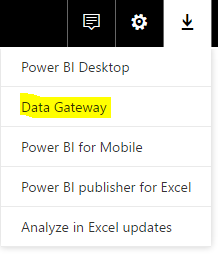
To use the Power BI Gateway, run the executable after downloading from Power BI: You will see this window below: Click Next: Enter email…
Read article →To get the Id of the current record: var id = Xrm.Page.data.entity.getId(); To get the entity name: var entityName = Xrm.Page.data.entity.getEntityName(); For…
Read article →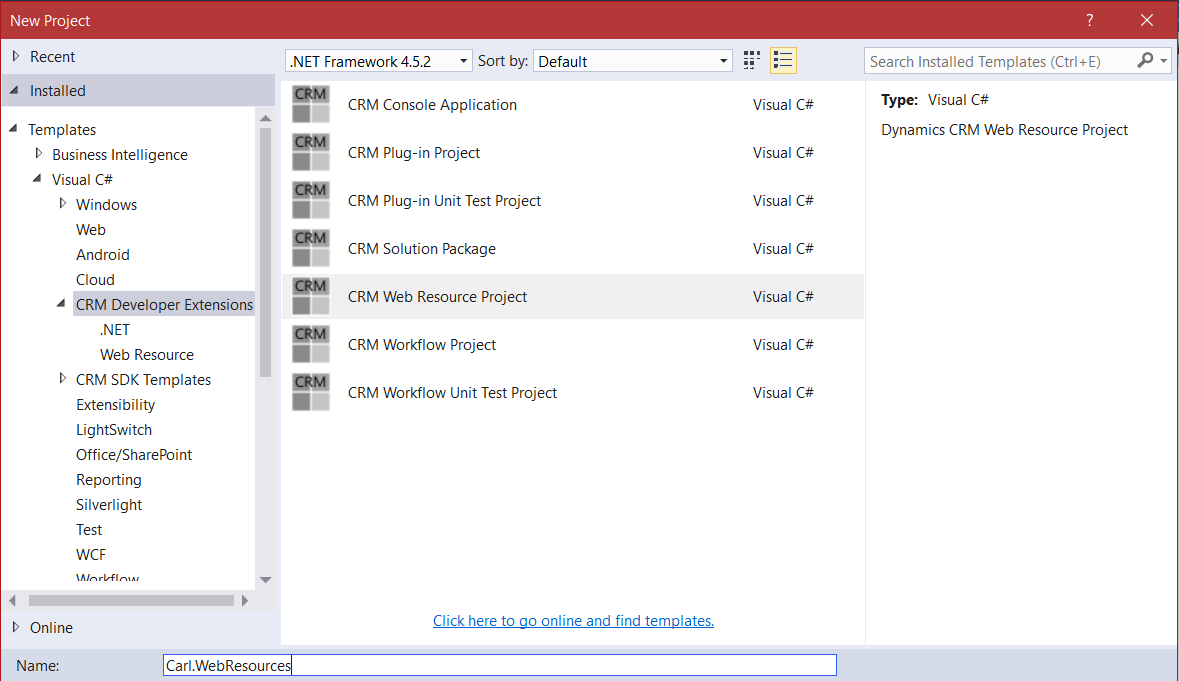
Using the Developer Extensions 3rd Party project for Dynamics 365, you can set up a Web Resource project to help you deploy…
Read article →
In this post I will show you how to install Dynamics GP SSRS Reports. Firstly, ensure SSRS is installed on your SQL…
Read article →