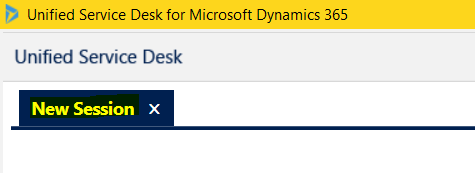
In USD, when a new session is opened, the user by default sees the words “New Session” on the tab:
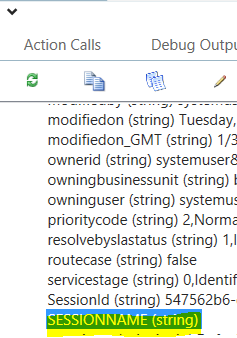
Under our Context parameters, we can see there is a SESSIONNAME parameter, which is blank:
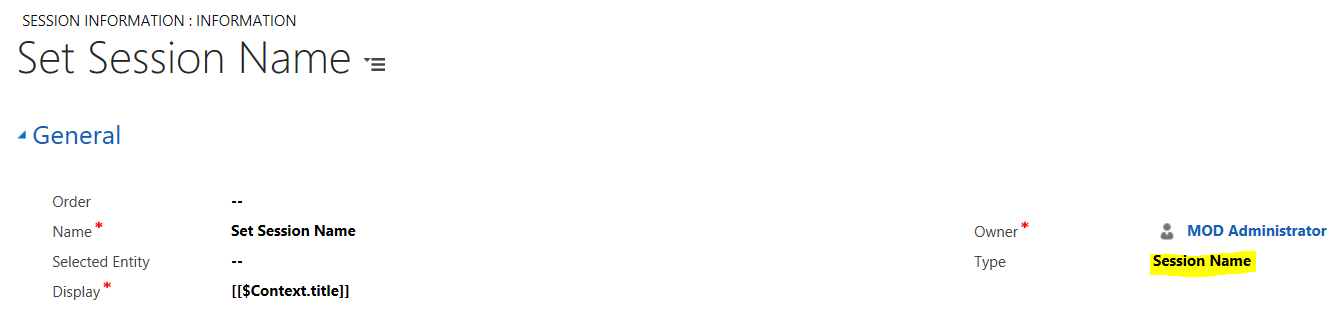
We can set this parameter when a session opens by creating a new Session Line of type Session Name. Here we are setting the title to be the title of the case that is loaded in the session:
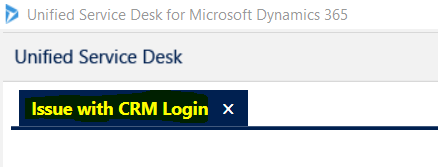
Now when a session loads, it will display the case title:

Keep learning. Keep building.
Explore AI, agents & Microsoft technology.
I share practical ideas, tutorials, and videos about AI, AI agents, Microsoft technologies, and the Power Platform.
Subscribe on YouTube →Carl de Souza Enterprise Architect at Microsoft · AI Technology Expert
